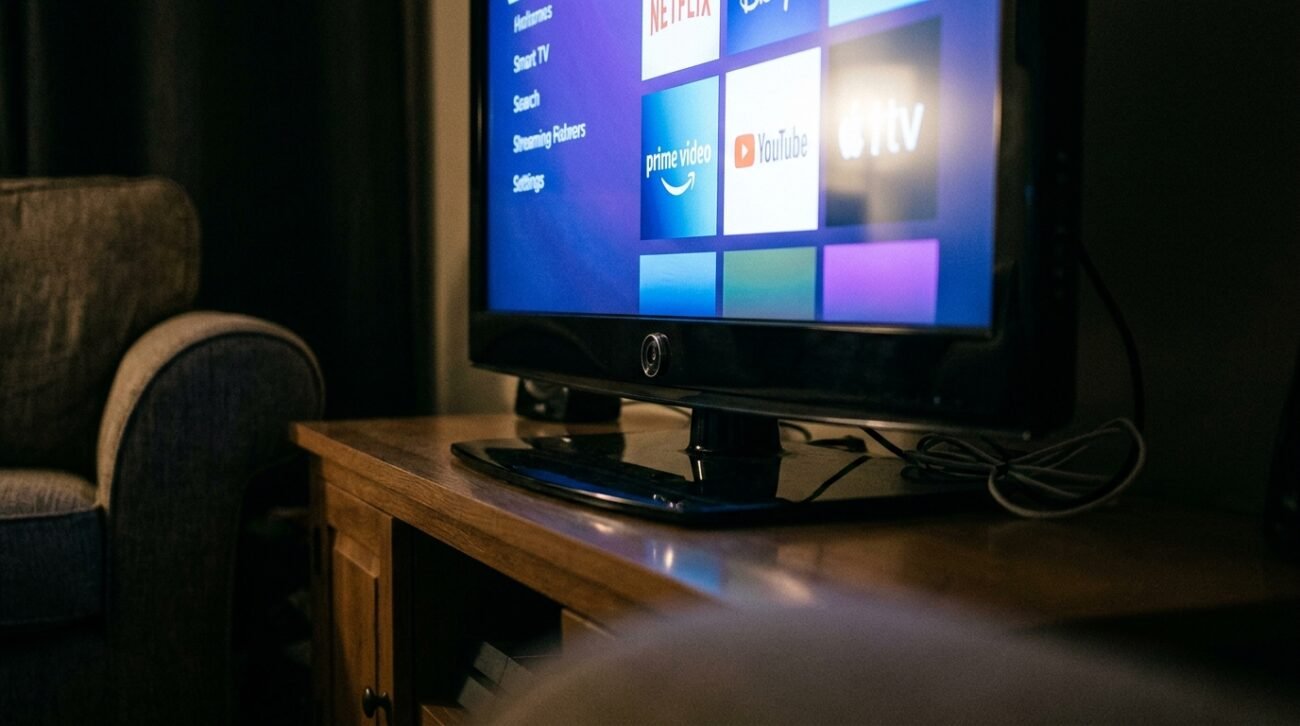
Modern smart TVs operate as data-collecting devices which display content rather than functioning as regular televisions. The system monitors your viewing patterns through tracking which programs you view and how long you view them and which applications you access and it sometimes tracks content that plays through external devices. The collected information serves purposes of advertising, providing recommendations, and conducting analytics work. You can achieve a major decrease in tracking activities through proper implementation of specific steps.
Turn Off Automatic Content Recognition (ACR)
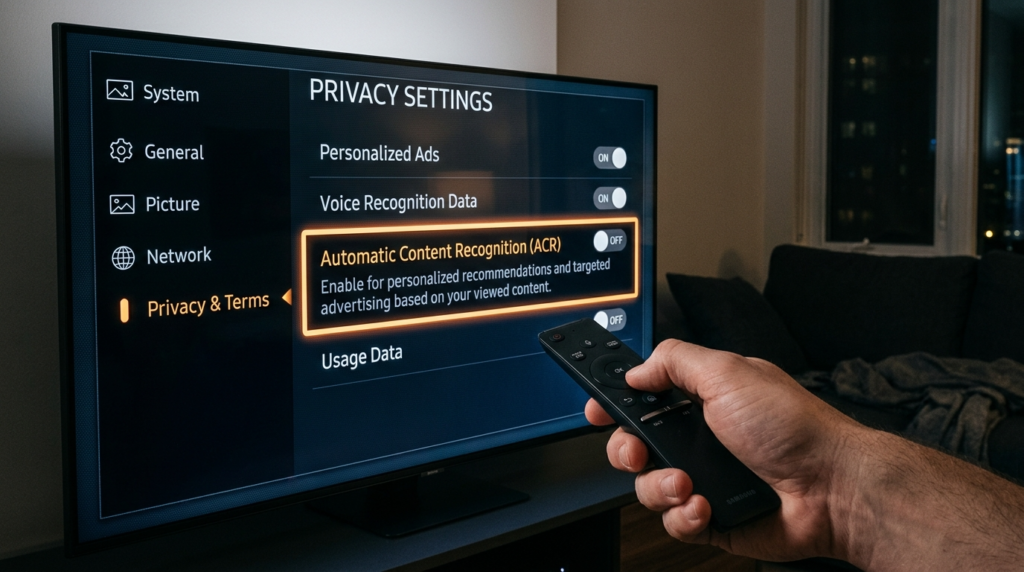
The system functions by taking small screen snapshots from your television display which includes all content from cable channels to Netflix and video games. It enables companies to create a comprehensive assessment of your watching patterns. The system starts to track your activities whenever you activate the option that shows as “Viewing Information Services” or “Content Recognition”.
Disable Ad Personalization and Data Sharing
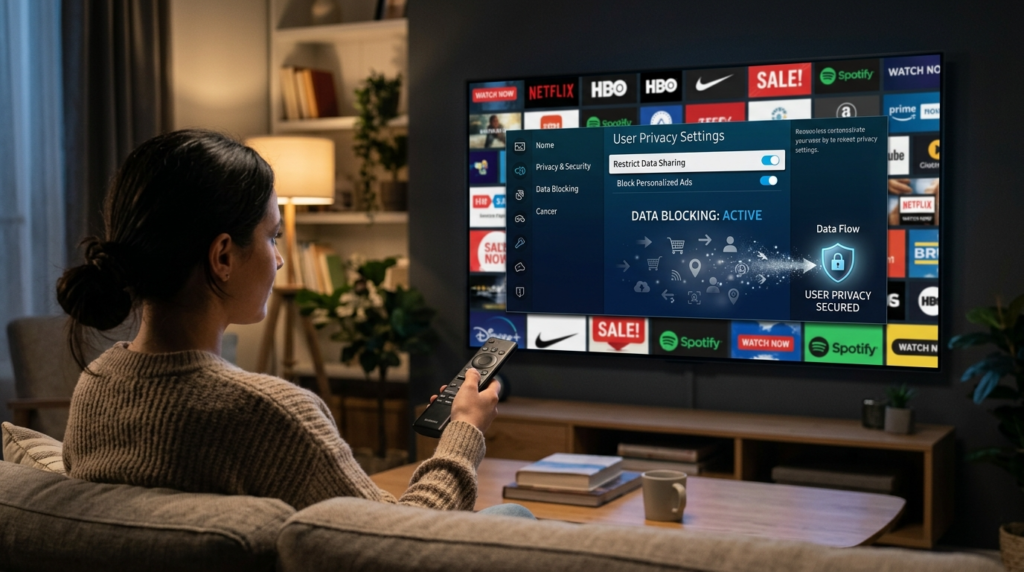
The system tracks your entire viewing activity which includes both the times you watch programs and your interactions with the content. The system limits commercial use of your personal information through ad personalization shutdown while still performing basic data collection activities without your awareness.
Dig Deep Into Privacy Settings
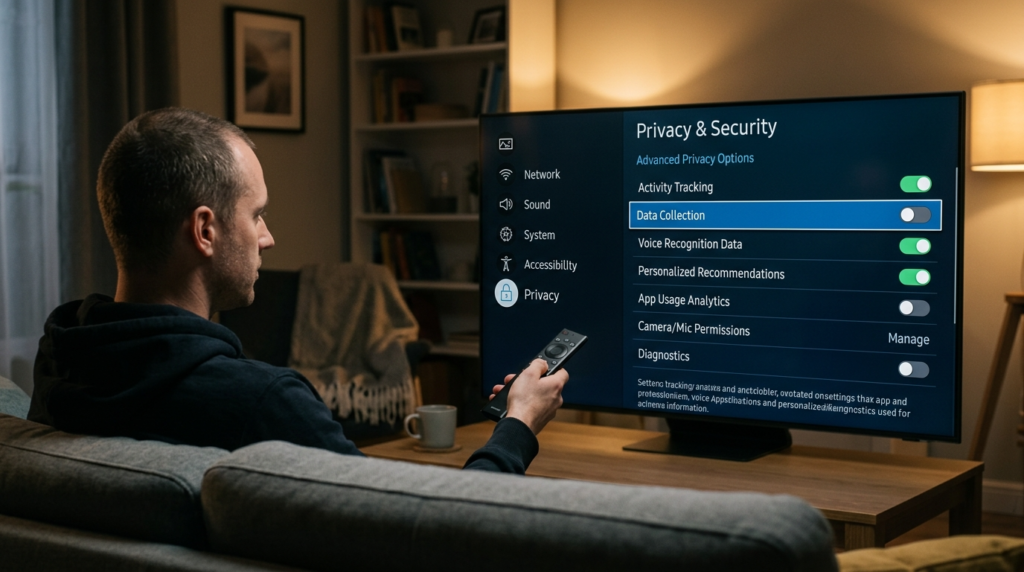
Most applications store their privacy settings which users need to access through the “Support” and “System” and “Terms & Conditions” menu options. The internal system provides nine different control options which include features for data gathering and advertising preferences based on user interests and voice recognition usage.
Disconnect From Wi-Fi
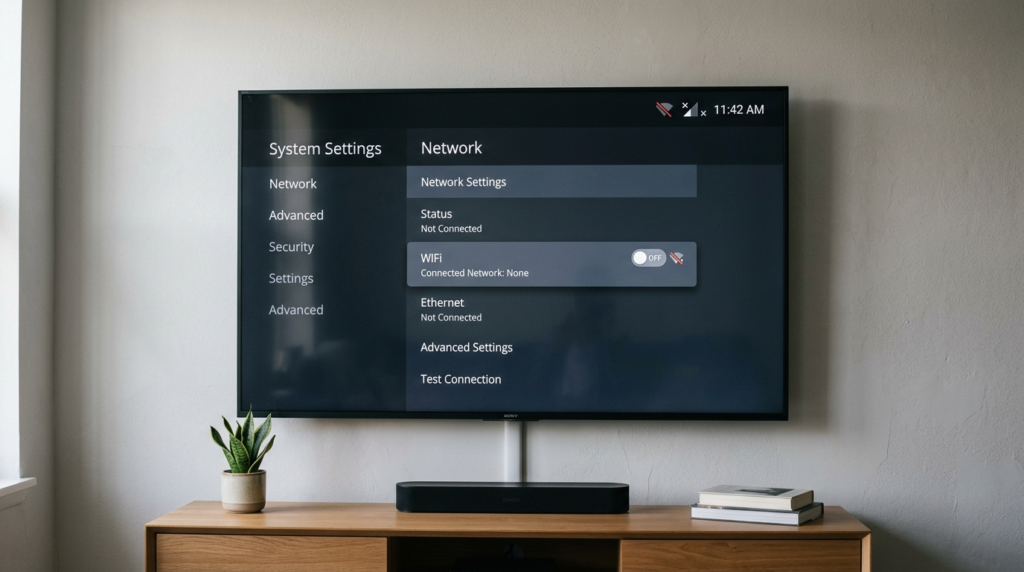
The most effective method to stop data transmission from your TV is to disable its internet connection which you need to do because your TV connects only to HDMI devices.Your system will not send any data to remote servers because there is no internet connection.
Use External Streaming Devices
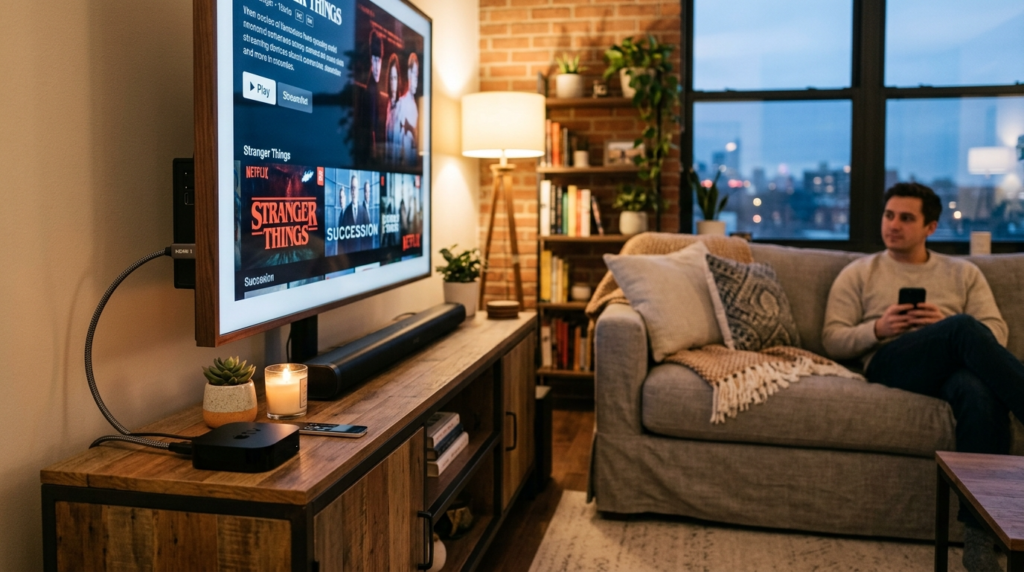
Users who operate Apple TV devices and Amazon Fire TV Stick devices can expect improved privacy options together with more regular software updates. The built-in applications of the system will collect data about you, but using the alternative software applications will help you maintain.
Block Tracking at the Network Level
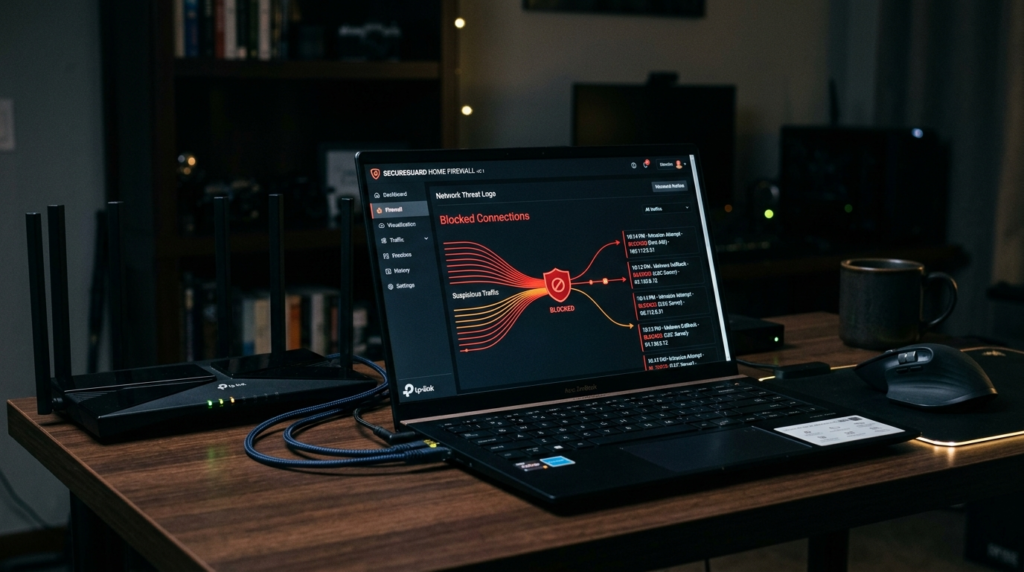
The router gives you advanced tracking control because it blocks all tracking domains to which your TV connects. The combination of DNS filtering and network firewalls enables home networks to block all data transmission attempts from the TV to external networks.
Turn Off Voice Assistants and Microphones
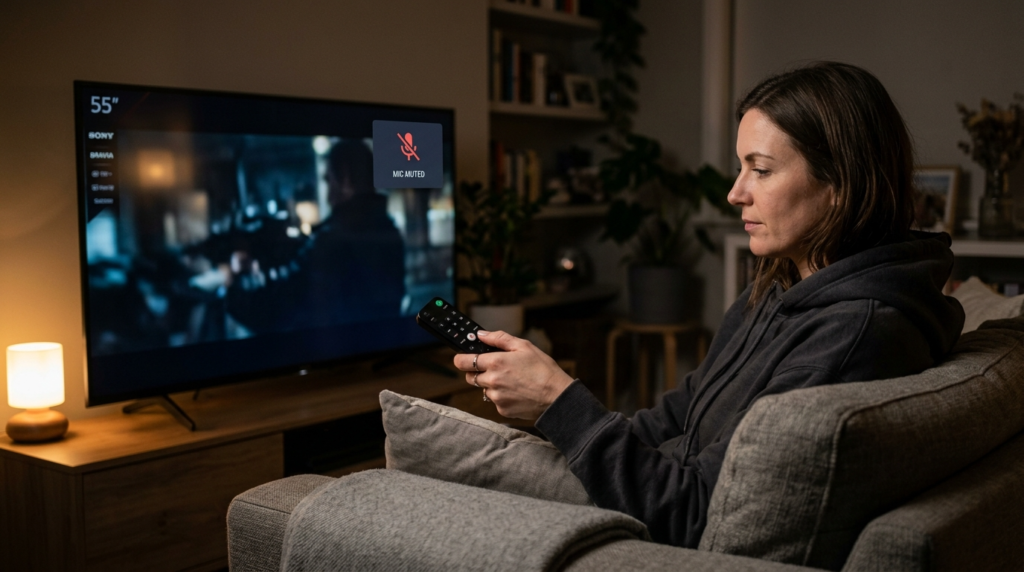
Smart TVs that provide voice assistants which continuously listen for wake words. The system does not record continuously but it processes short audio clips. The system protects against accidental audio collection when users turn off voice control functions.
Check for Built-In Cameras
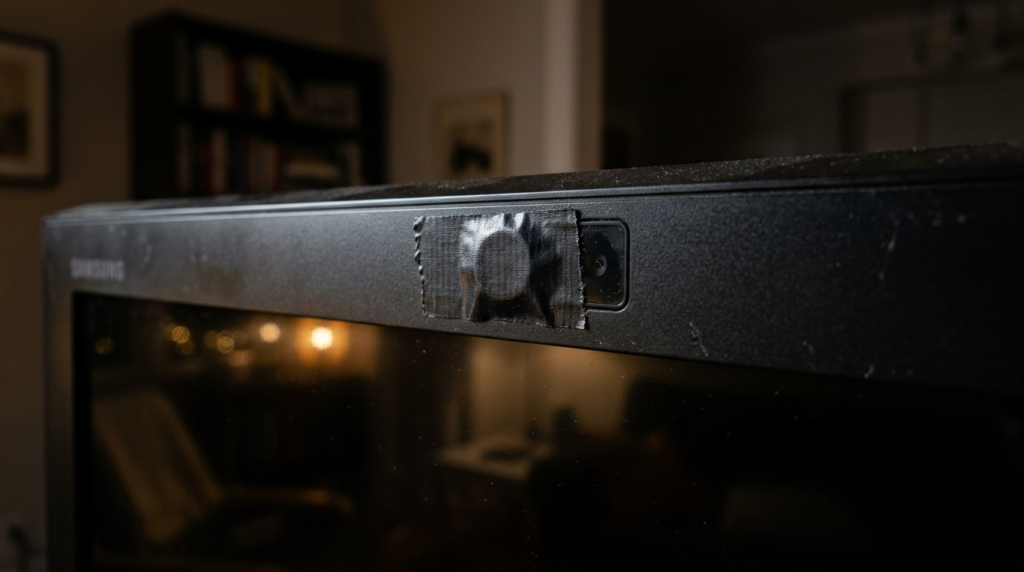
Some high-end TVs include built-in cameras which enable users to make video calls and operate the TV through gestures. The presence of these features creates potential privacy issues. Users can disable the features through their settings or they can block access to the features through physical barriers when the features are not being used.
Keep Software Updated for Security
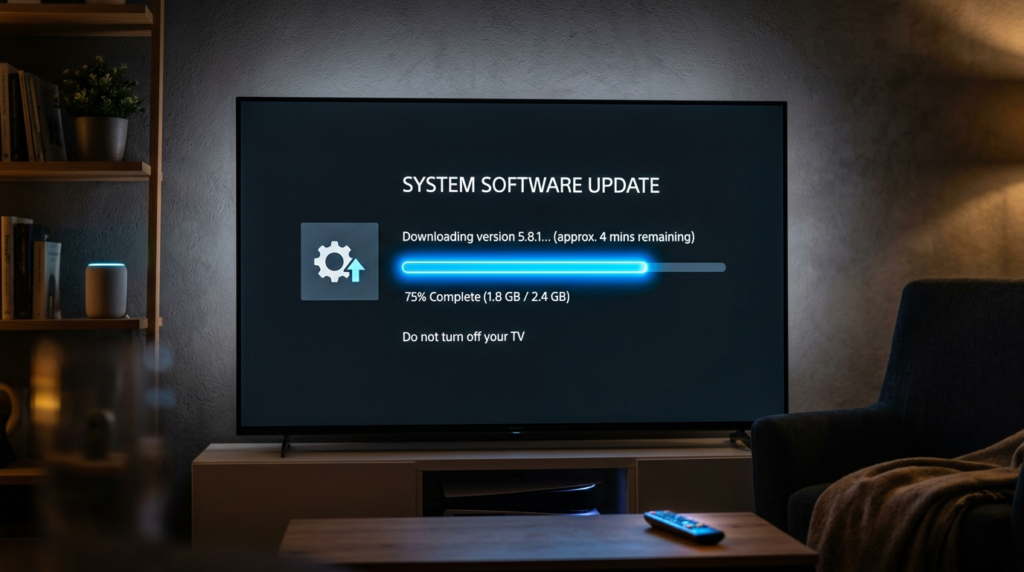
Manufacturers release updates to fix security weaknesses while making their privacy systems more effective. An outdated TV needs to receive updates because its security defects create potential threats which can be taken advantage of.
Reset Your TV and Start Fresh
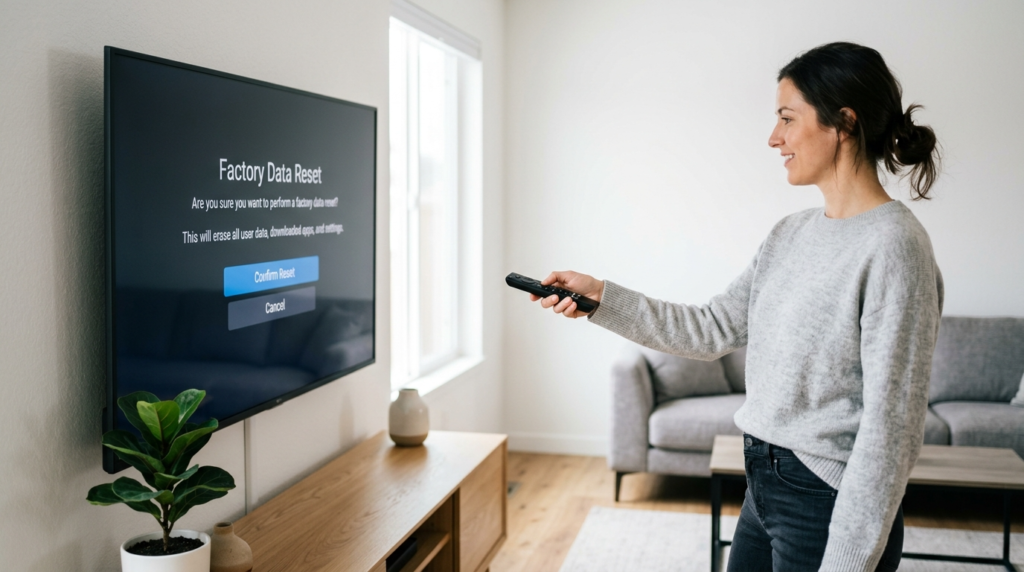
A factory reset enables you to delete all saved data when you never changed your privacy settings. The initial setup process of most TVs requires user consent which provides the best chance to restrict their data collection activities.
