Your smartphone stores a lot of personal data, but some default settings can still reveal more than you expect. Location sharing and photo metadata can unintentionally expose where you live. Both iPhone and Android devices include features that, if left unchecked, may share your exact location without you realizing it. The following ways demonstrate this problem, along with their respective solutions.
Photos Can Contain Your Exact GPS Location
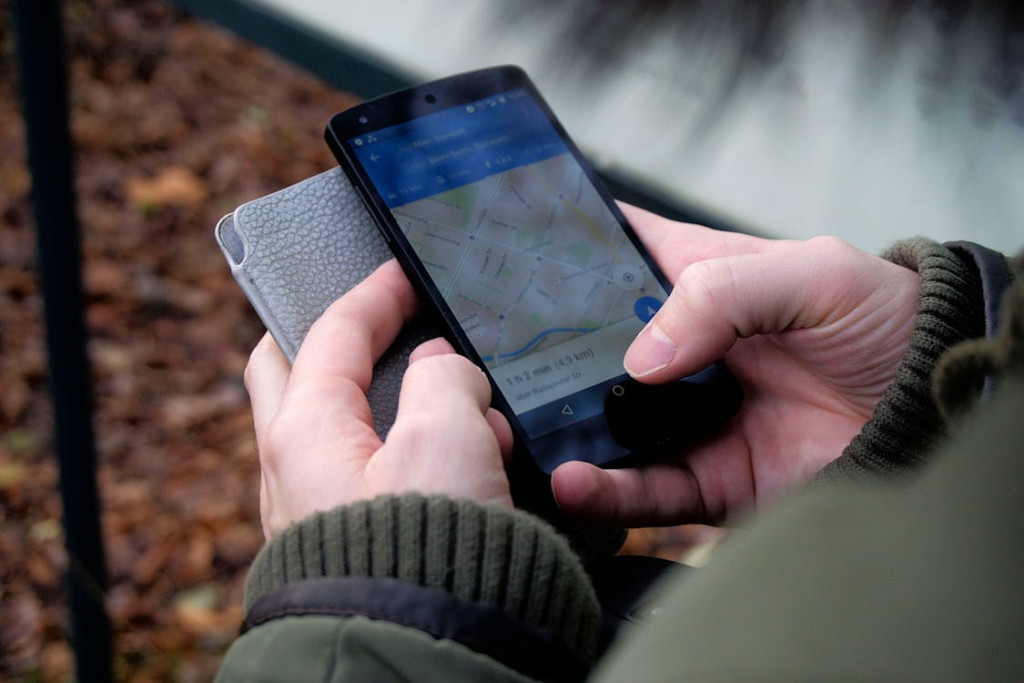
When you take a photo, your phone uses EXIF metadata to record your exact GPS location. When you share that image, someone can access your precise location information, which includes your home address.
Fix: Turn off location tagging for your camera or remove location data before sharing.
Often Set to Always On
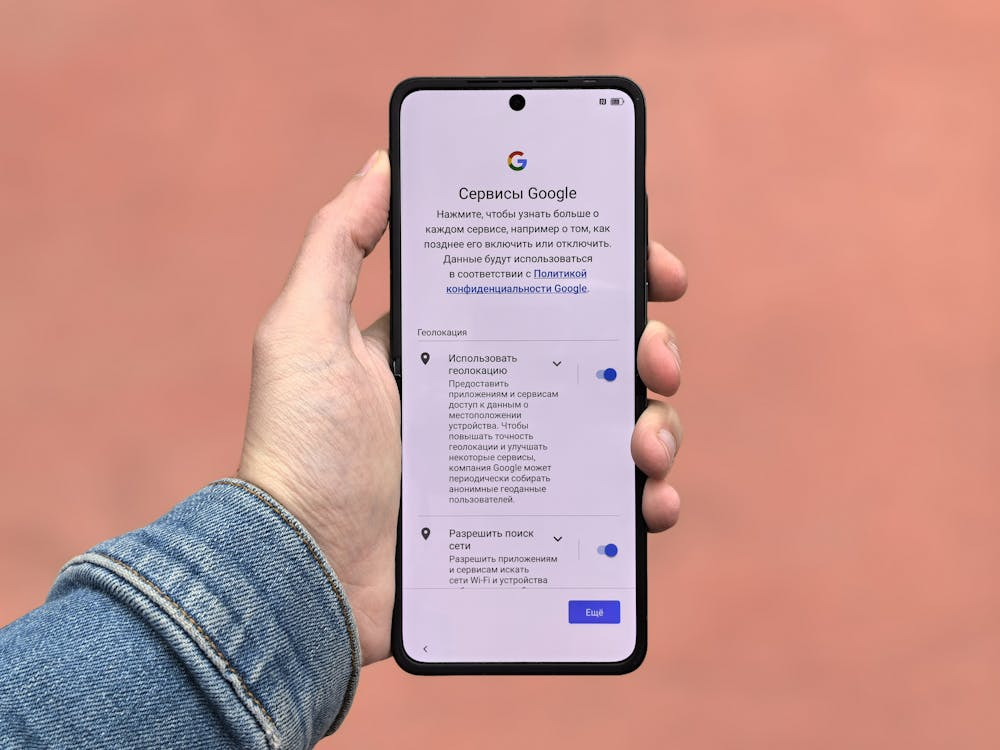
Many apps request continuous access to your location. If given permission to track your location all the time, it can potentially record your whereabouts even if you are not using it.
Fix: Set most apps to “While Using the App” instead of “Always.”
Frequent Locations Track Where You Live
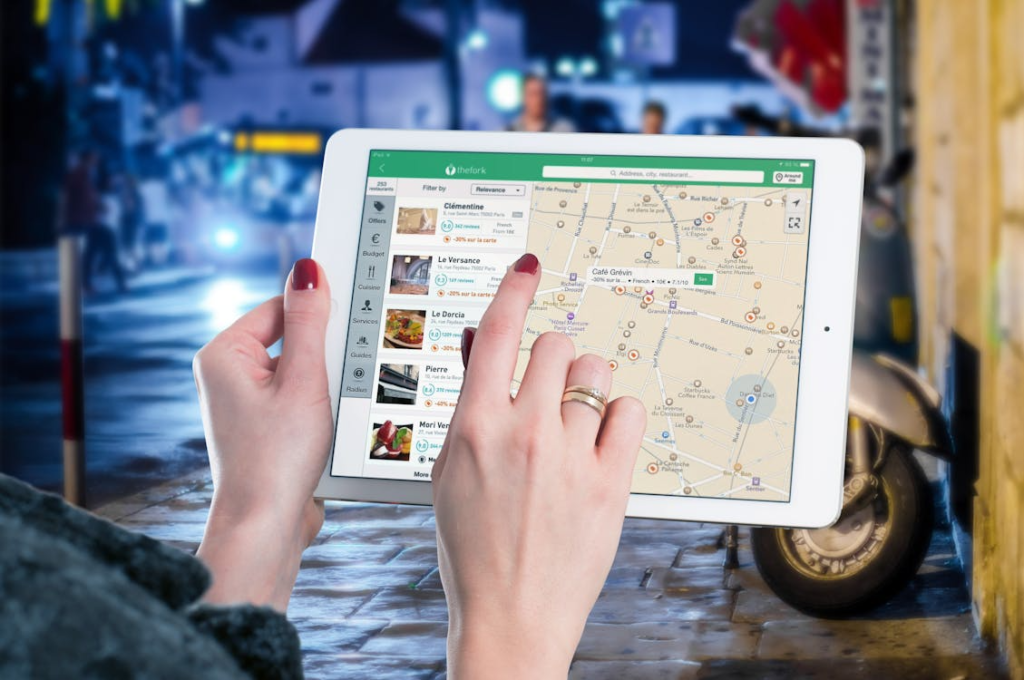
Your phone may store places you visit most, like home and work, to improve suggestions. The data, which can be accessed, shows your main locations through its clear identification.
Fix: Disable Significant Locations (iPhone) or location history (Android).
Social Media Apps May Share Location Data

Some apps attach location data to posts, stories, or uploads automatically. This system tracks your location activities to create a pattern of your time spent in different places.
Fix: Turn off location tagging inside each app.
Photos & Messaging Can Leak Metadata
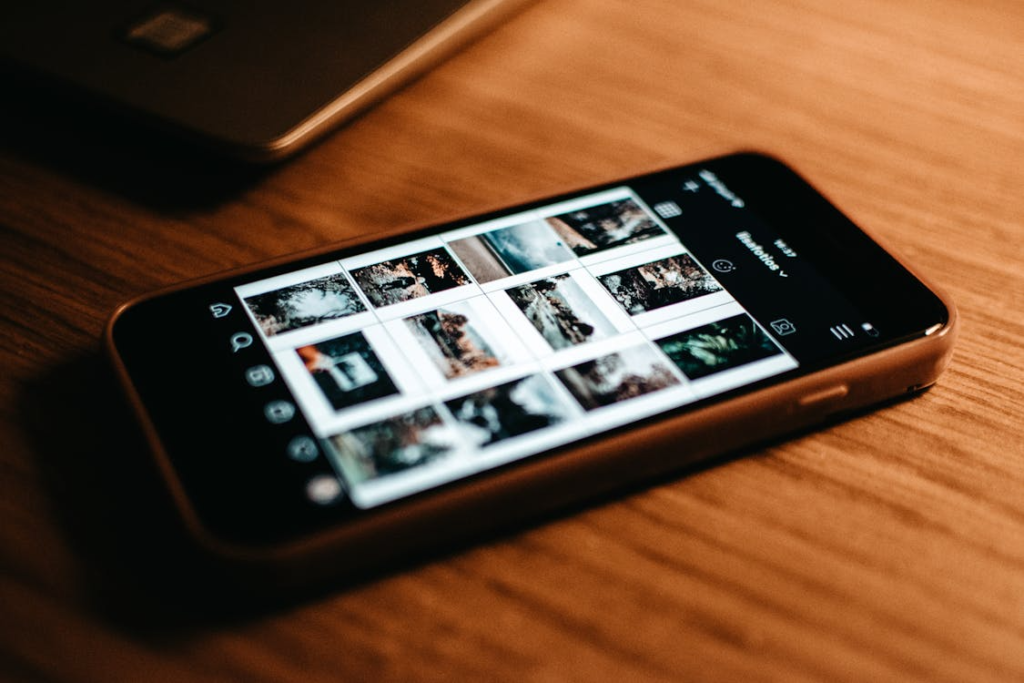
Smartphone cameras save photos that include EXIF data as hidden metadata, which contains precise GPS location information together with time and device specifications. Some platforms remove this data while other platforms maintain it.
Fix: Use apps that remove metadata or manually disable it before sharing.
Location Sharing Features Stay Active

It is true that location-sharing features allow friends and family to track your whereabouts. Over time, you may forget who still has access.
Fix: Regularly review and remove unnecessary sharing permissions.
Wi-Fi Can Reveal Location
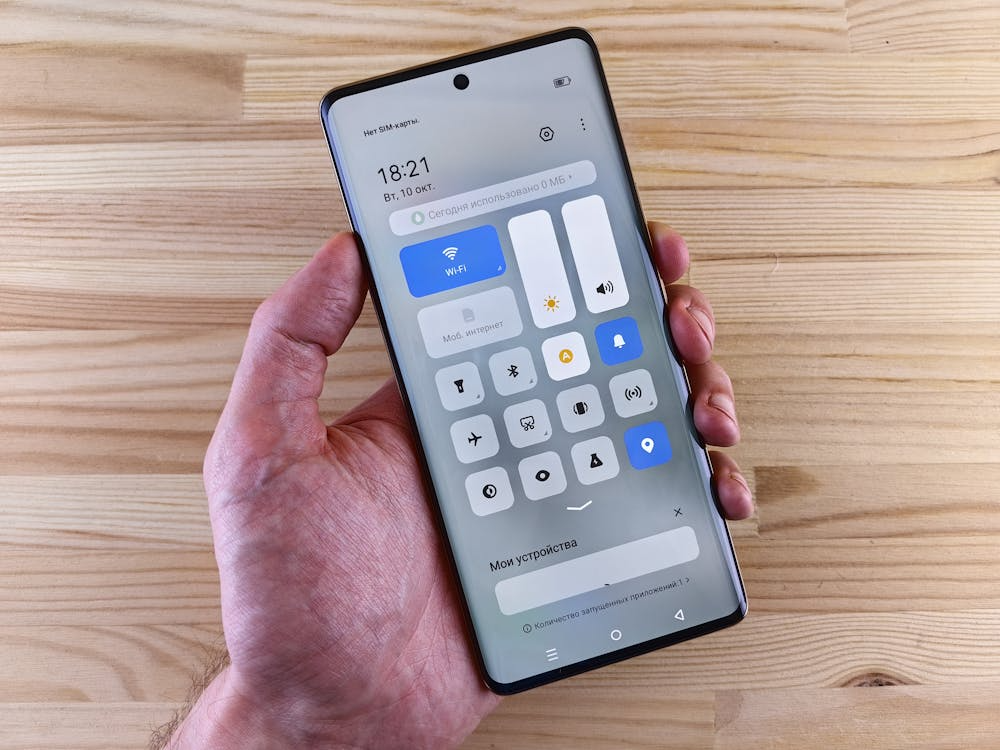
Your phone continues to search for nearby networks and devices even during times when it is not connected to the internet. This function enables applications and services to track your location more accurately.
Fix: Limit app permissions and disable unnecessary scanning features.
Third-Party Apps May Collect More Data

Some applications need to access user location information, which they do not require for their main operations. The information can be utilized for both advertising purposes and analytics work.
Fix: Review app permissions and remove access for apps that don’t truly need it.
