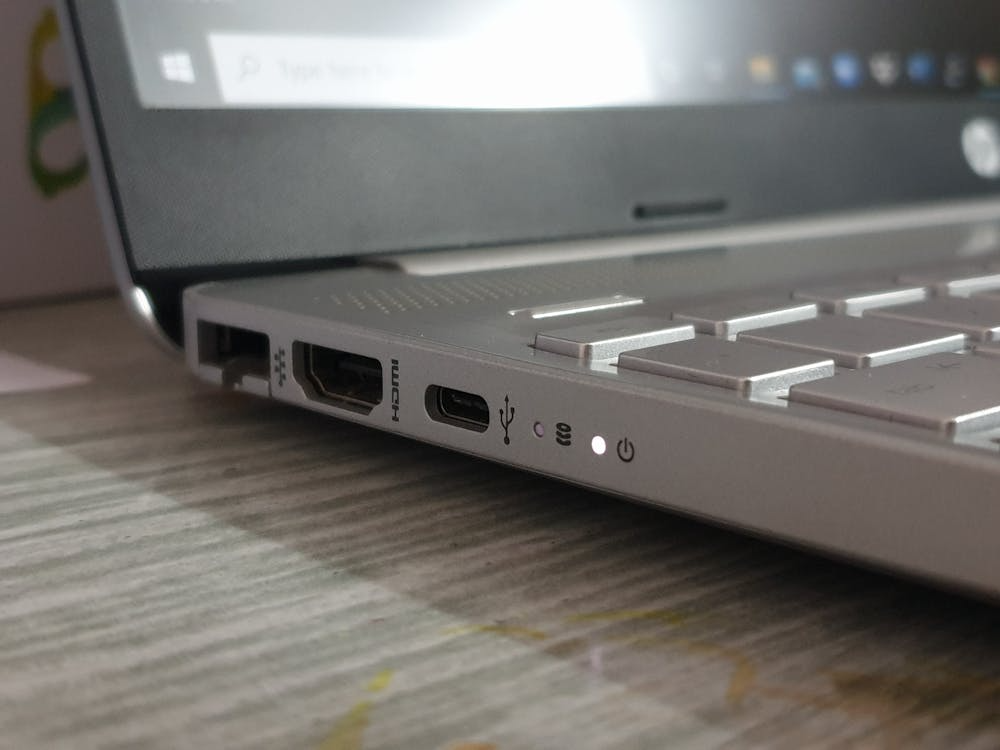
Most people rely on Wi-Fi or Ethernet, but there’s another option many overlook: USB tethering. This technology enables your computer to access your phone’s mobile data through a USB connection. The solution provides faster and more reliable performance than hotspot Wi-Fi because it works better in environments without stable network connections. The feature works on both Android devices and iPhones.
What USB Tethering Actually Does
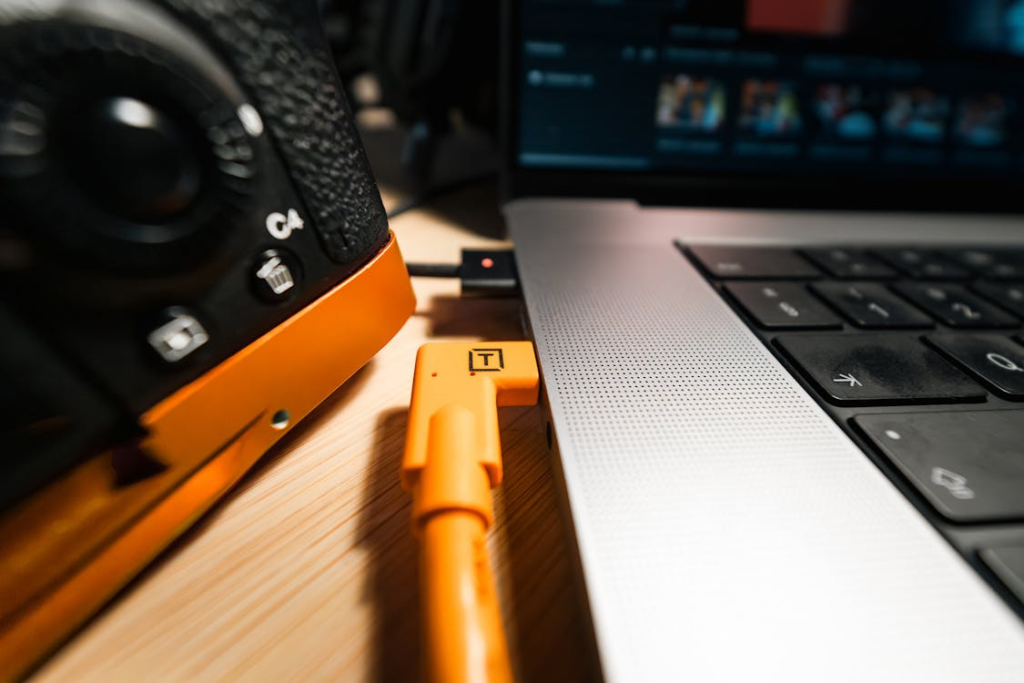
The process of USB tethering enables your computer to access your phone’s mobile internet through a direct cable connection. The connection uses a wired method, which transmits data instead of sending out Wi-Fi signals, thus decreasing interference while enhancing connection reliability.
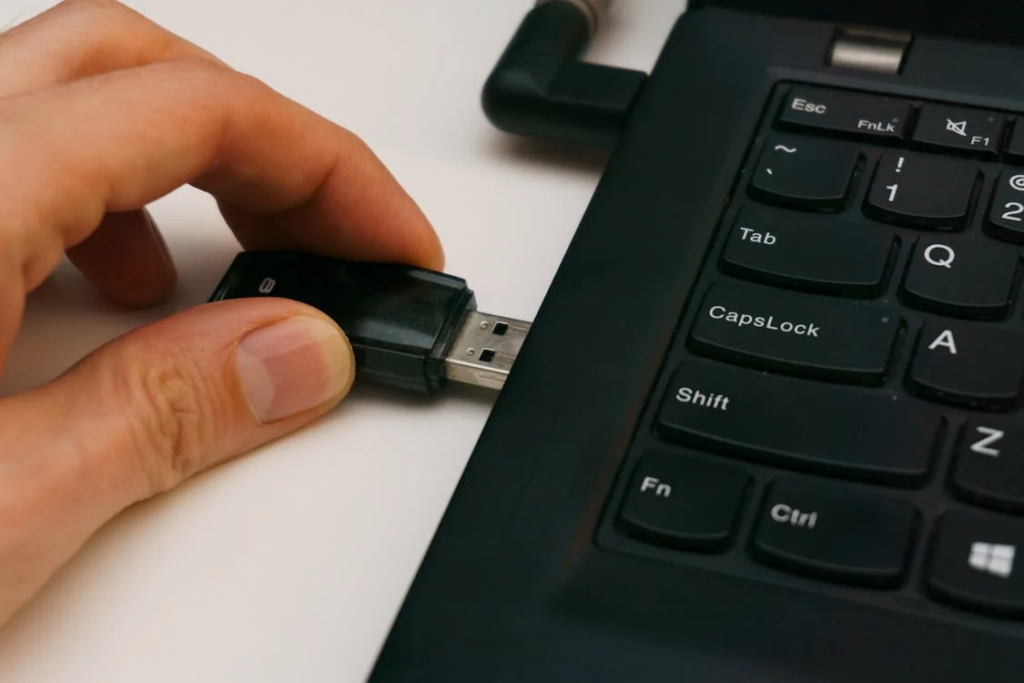
Connect Your Phone to Your Computer
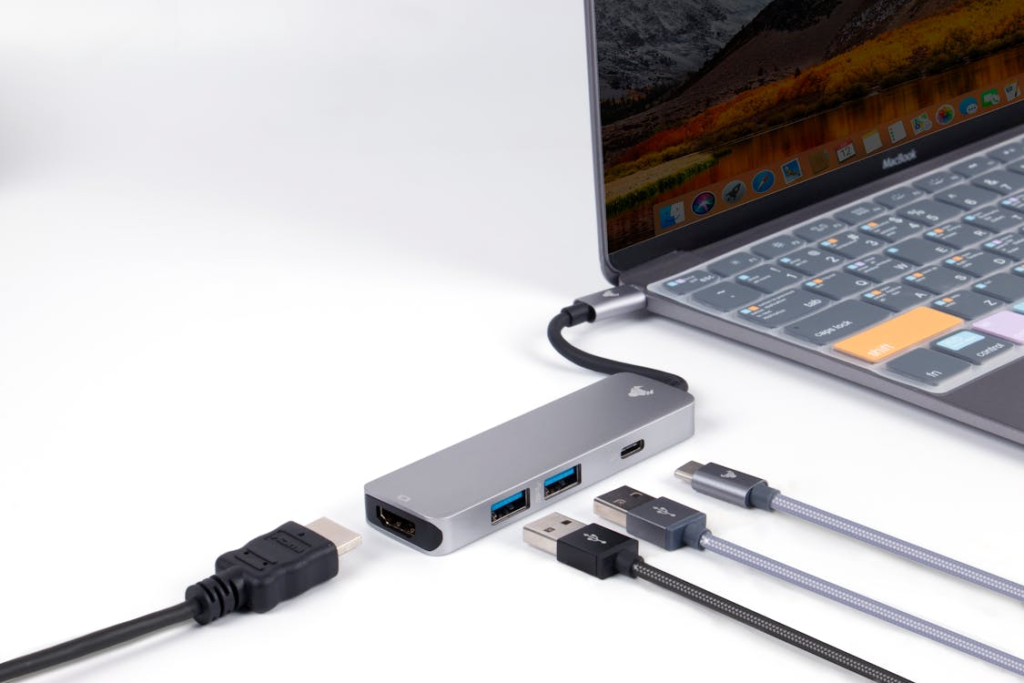
Users should connect their devices with an ordinary USB cable, which also serves as a functioning charging cable. Users should connect their phone to their laptop or desktop computer. The phone needs to remain unlocked for users to access the settings.
Turn On Mobile Data
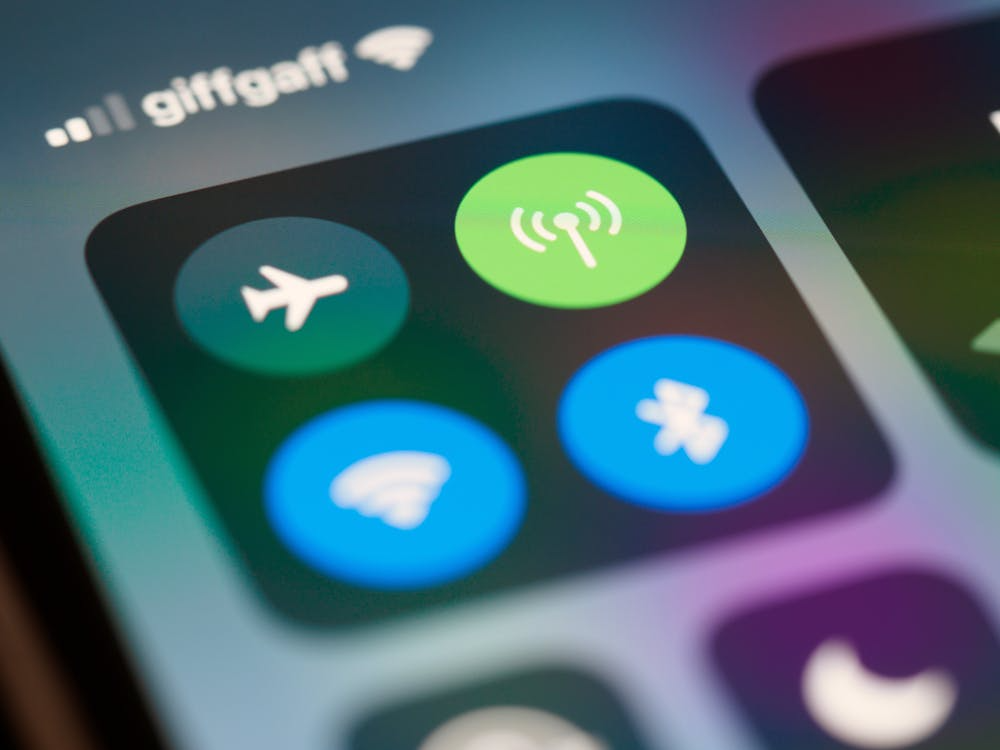
Users must activate mobile data on their devices because USB tethering requires cellular network access instead of Wi-Fi. The user needs to enable mobile data on their phone to access the internet.
Enable USB Tethering (Android)
On Android: Go to Settings, Network & Internet, Hotspot & Tethering, and turn on USB Tethering. Once enabled, your computer should detect a new wired internet connection automatically.
Enable Personal Hotspot (iPhone)
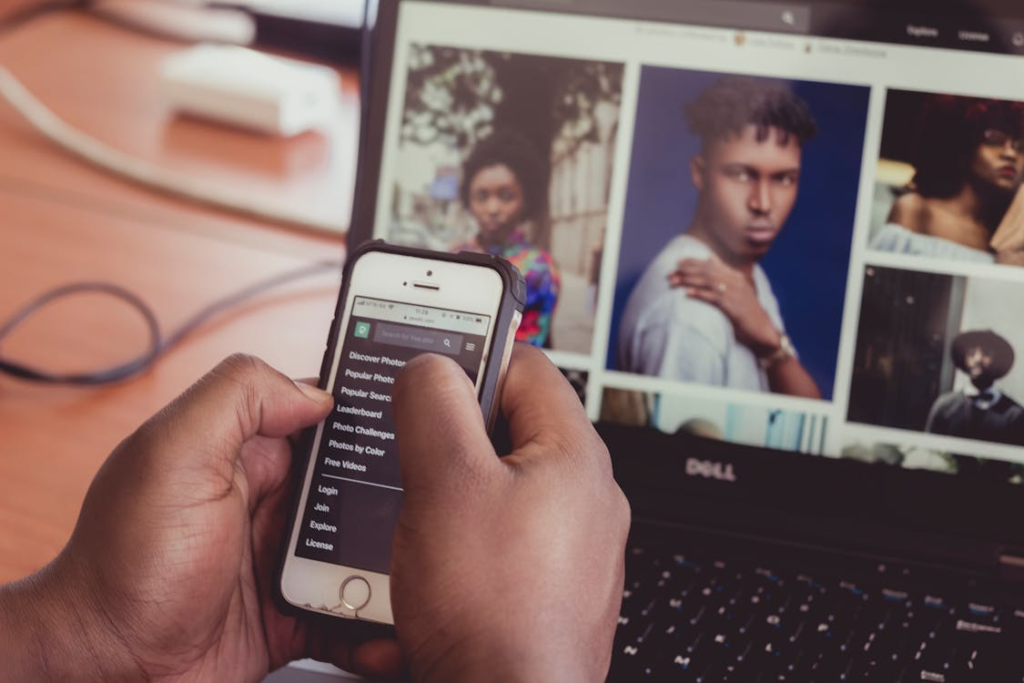
On iPhone: Go to Settings, Personal Hotspot, and turn it on. When connected via USB, your computer will use the phone’s internet without needing Wi-Fi.
Auto-Configure the Connection
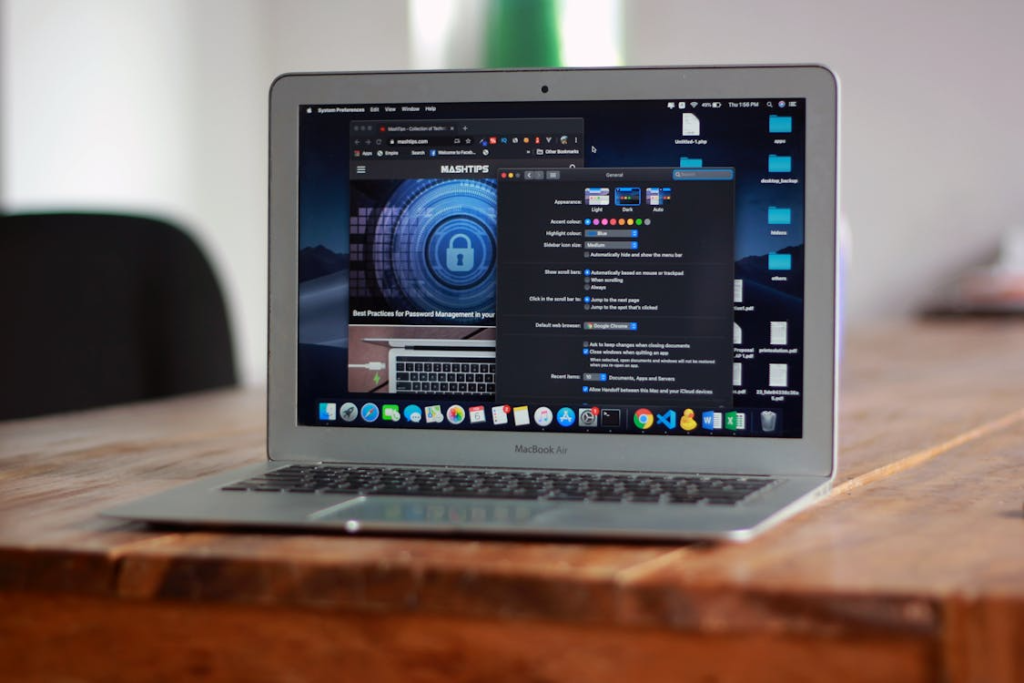
Most modern operating systems (Windows and macOS) automatically install necessary drivers and connect within seconds. No manual setup is usually required. This way, your computer will auto-configure the connection.
Faster and More Stable Than Wi-Fi Hotspots
The wired connection of USB tethering provides a stable connection, which protects users from losing signals and experiencing Wi-Fi interference and network congestion problems that commonly occur in busy locations.
Watch Your Data Usage
Your phone plan is most probably dragging the costs when excessive use of apps and other similar applications is triggered. Streaming, downloads, or updates on your computer have the potential to sustain high data-consuming needs.
It Also Charges Your Phone
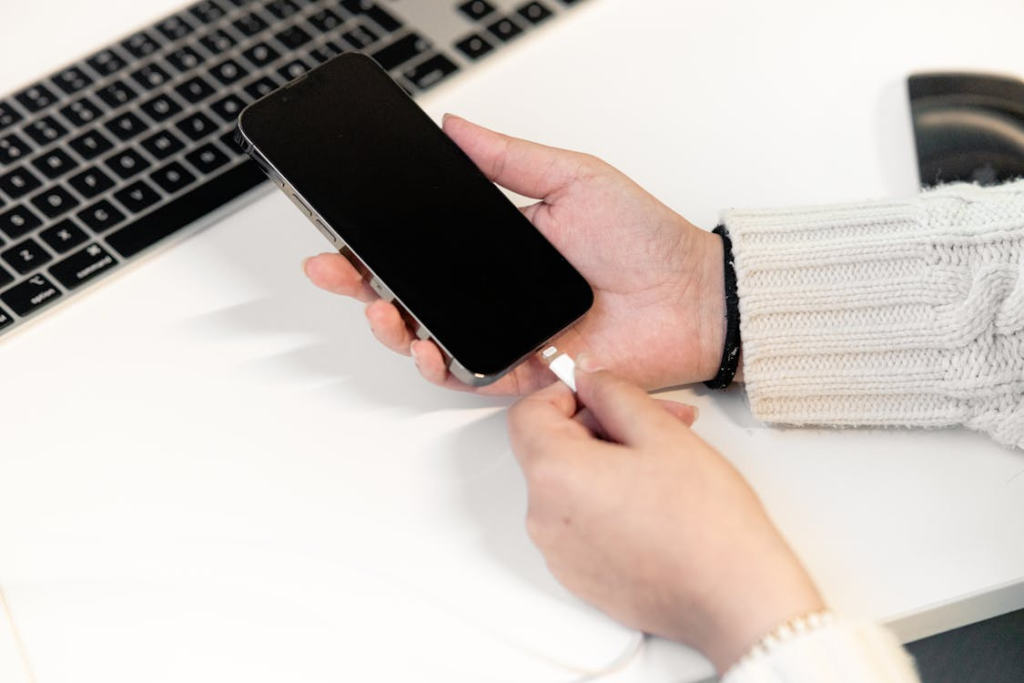
Your phone will receive power through the USB connection when you use tethering. The device will charge slowly during heavy use because the battery charge will stay at the same level.
In The End
USB tethering provides users with a basic and dependable backup internet solution. Users can establish the connection within one minute because the system functions properly when Wi-Fi signals are weak or completely missing.
