
Our smartphones have become an extension of our digital limb, and as we scroll through, our phones may be revealing our secrets to strangers. This is a sort of disturbing idea to consider, isn’t it? Other recent 2025 reports by privacy advocacy groups indicate that we may not be using a specific application, but the background processes may be sending our location habits and preferences to third parties quietly. A simple lockdown can spell the difference in your online security.
Auditing Your Hidden Location History
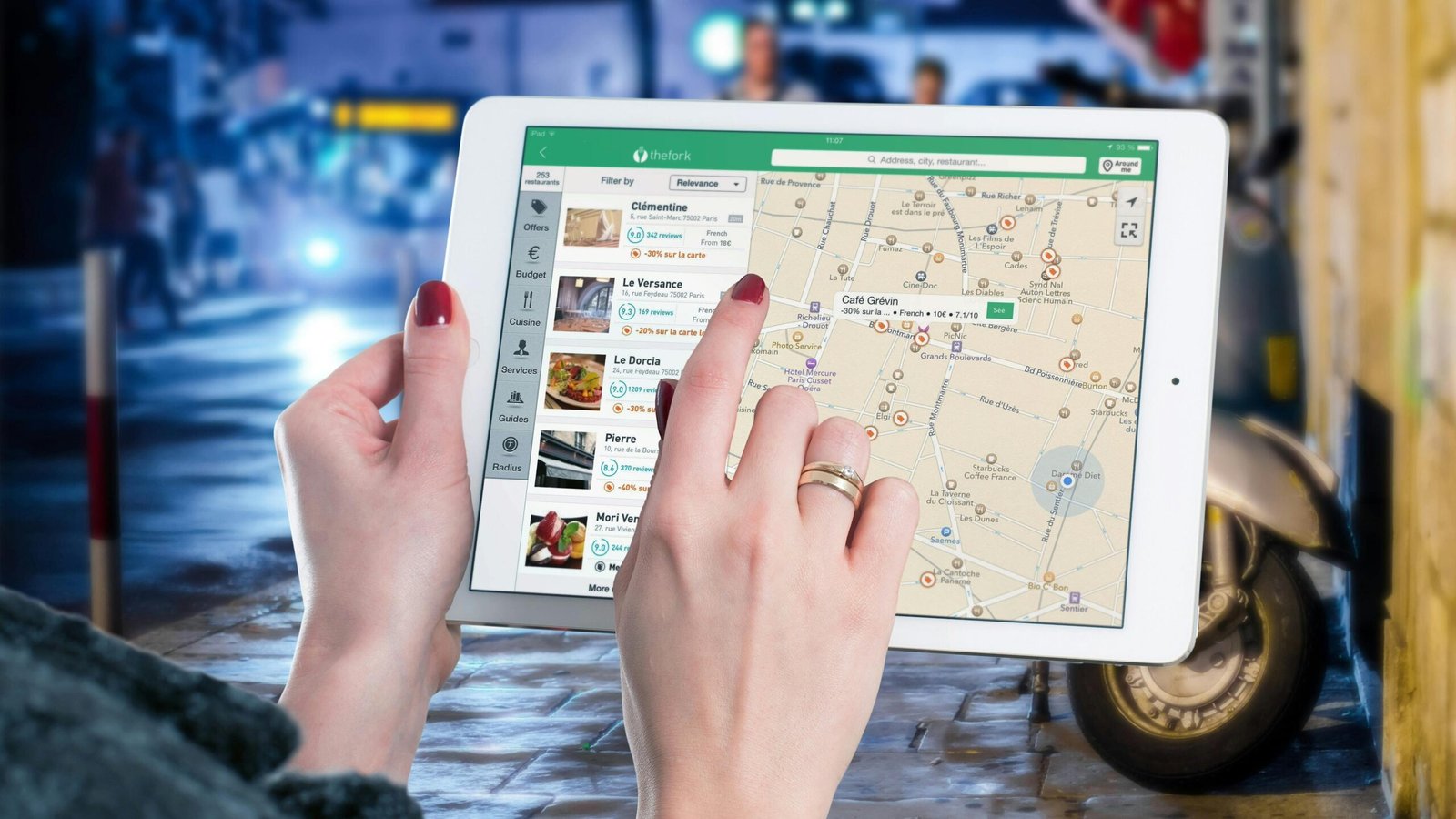
Most applications ask to know your location all the time, even though they may not need it every time you have them. A quick scan of your privacy controls may show that a mere weather app has been monitoring your every move for months.
Silence The Persistent Microphone Access

It is even as though our phones are listening to us as we view spooky, hyper-targeted advertisements. Although the companies usually refuse to admit it, it is a good idea to check which apps have access to the microphone and remain wary.
Controlling The Tracking Transparency Toggle

You can also turn off apps tracking your activity on other companies’ websites explicitly on many of the modern devices. Activating this feature could potentially cut down on the amount of personal data being sold.
Managing Your Ad Identifier Profile
Advertisers create a profile of your interests, using a unique ID of your phone. Deleting this ID or ad tracking could assist in resetting the digital trail you leave behind daily.
Trimming Those Unnecessary App Permissions
To make an app work, we tend to press allow in order to make it operate. You could take five minutes and go to your contacts or photo settings in the apps that do not require such access and turn them off.
The Problem With Auto-Joining Wi-Fi
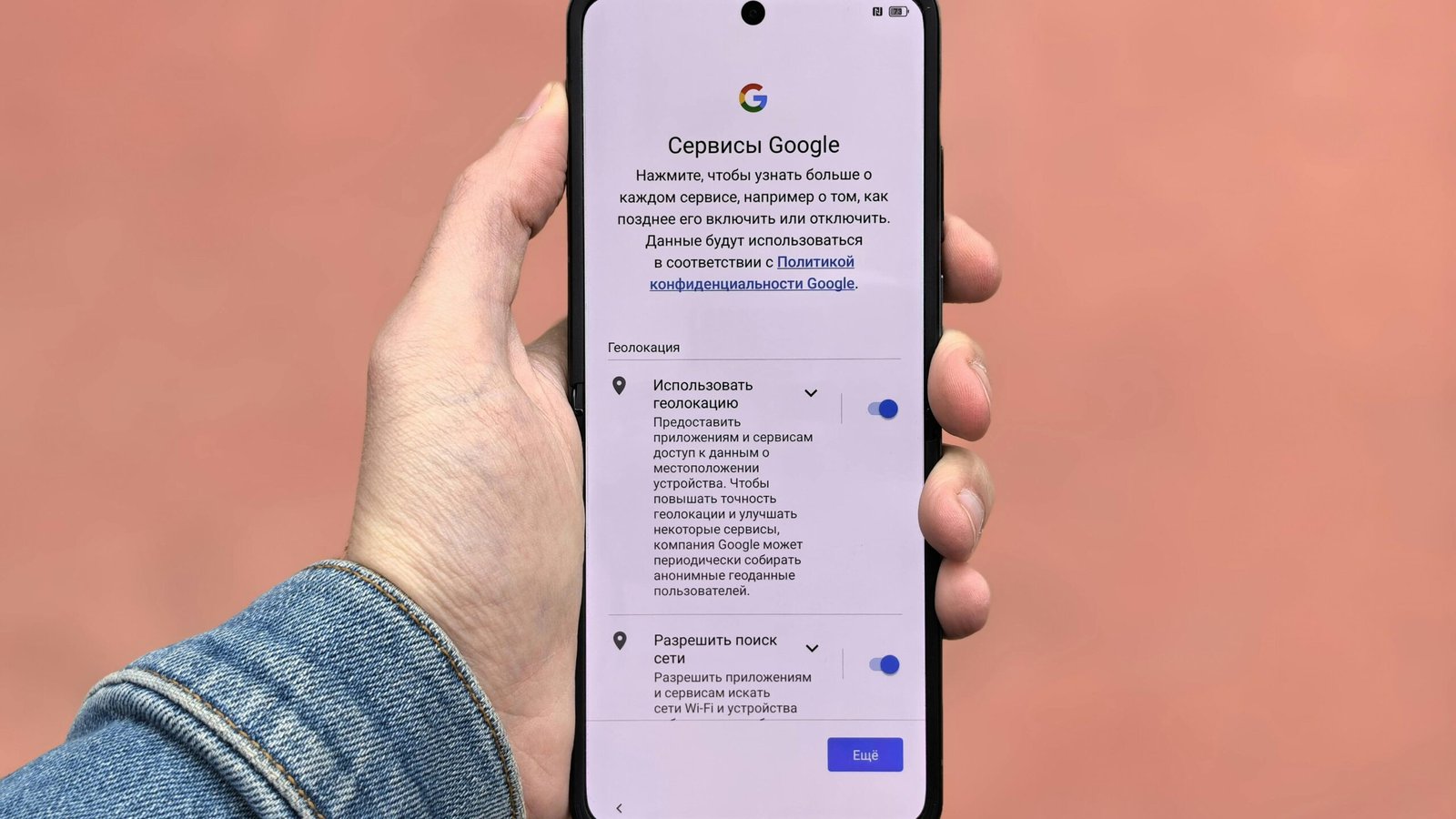
Public Wi-Fi is easy, but your phone may be advertising itself to all the routers you walk by. Switching off the auto-join may possibly cause your device to avoid malicious or tracking-laden networks.
Reviewing Hidden System Service Settings

At the bottom of your settings menu, there are system services that collect data with manufacturers to improve their products. Disabling some of them may prevent your phone from sending home constant diagnostic reports.
Monitoring Your Data Usage Spikes
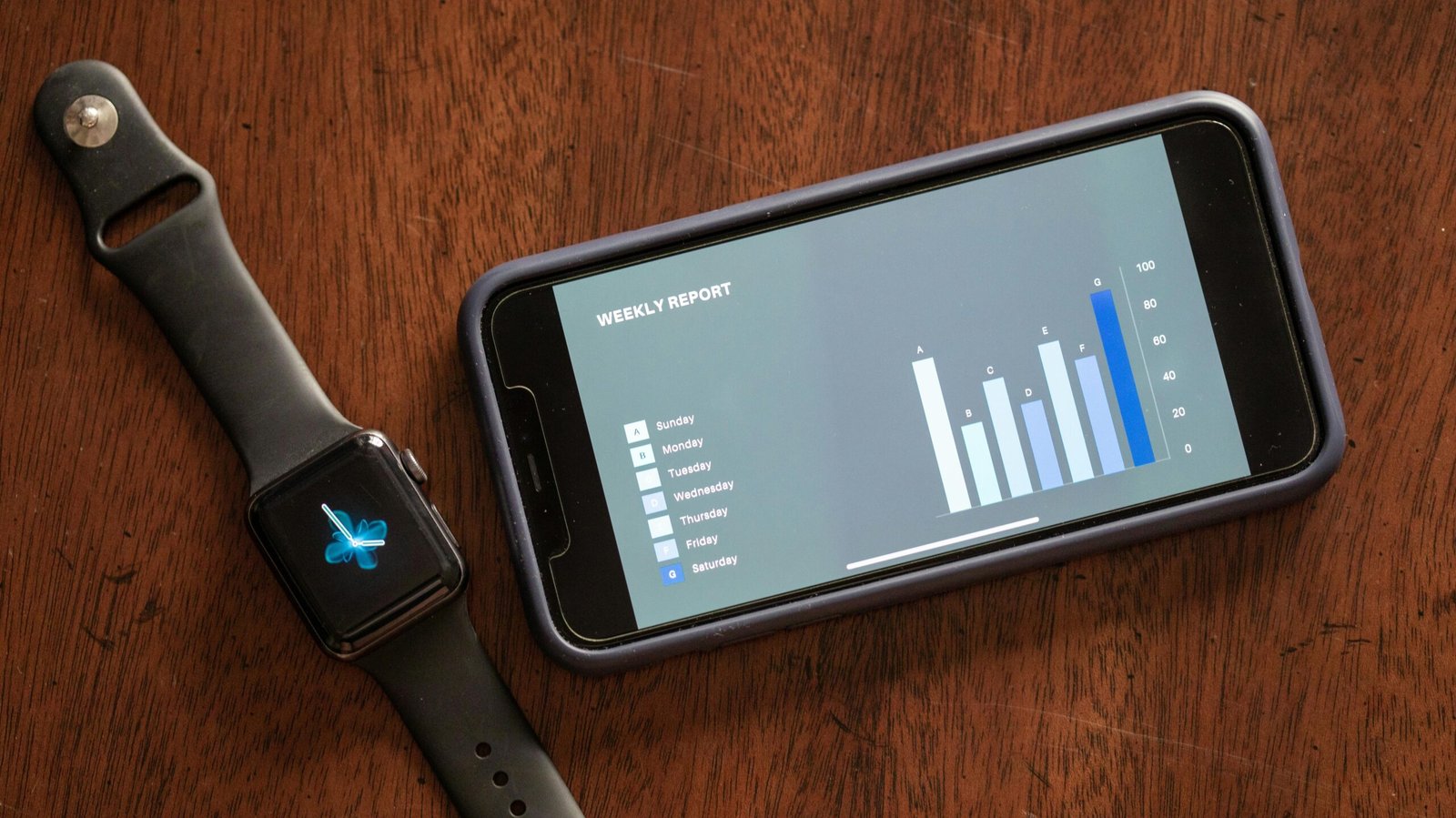
When an app is consuming a large amount of data in the background, it may be calling home too frequently. Current data reports of 2026 indicate that tracking these spikes can assist in detecting programs that consume a lot of data.
Clearing Your Mobile Browser Cache
Your mobile browser keeps much information concerning your habits. It could be a good idea to empty your browser history and cookies every now and then so that the websites cannot create a map of your online behavior over time.
Disabling Frequent Locations Features
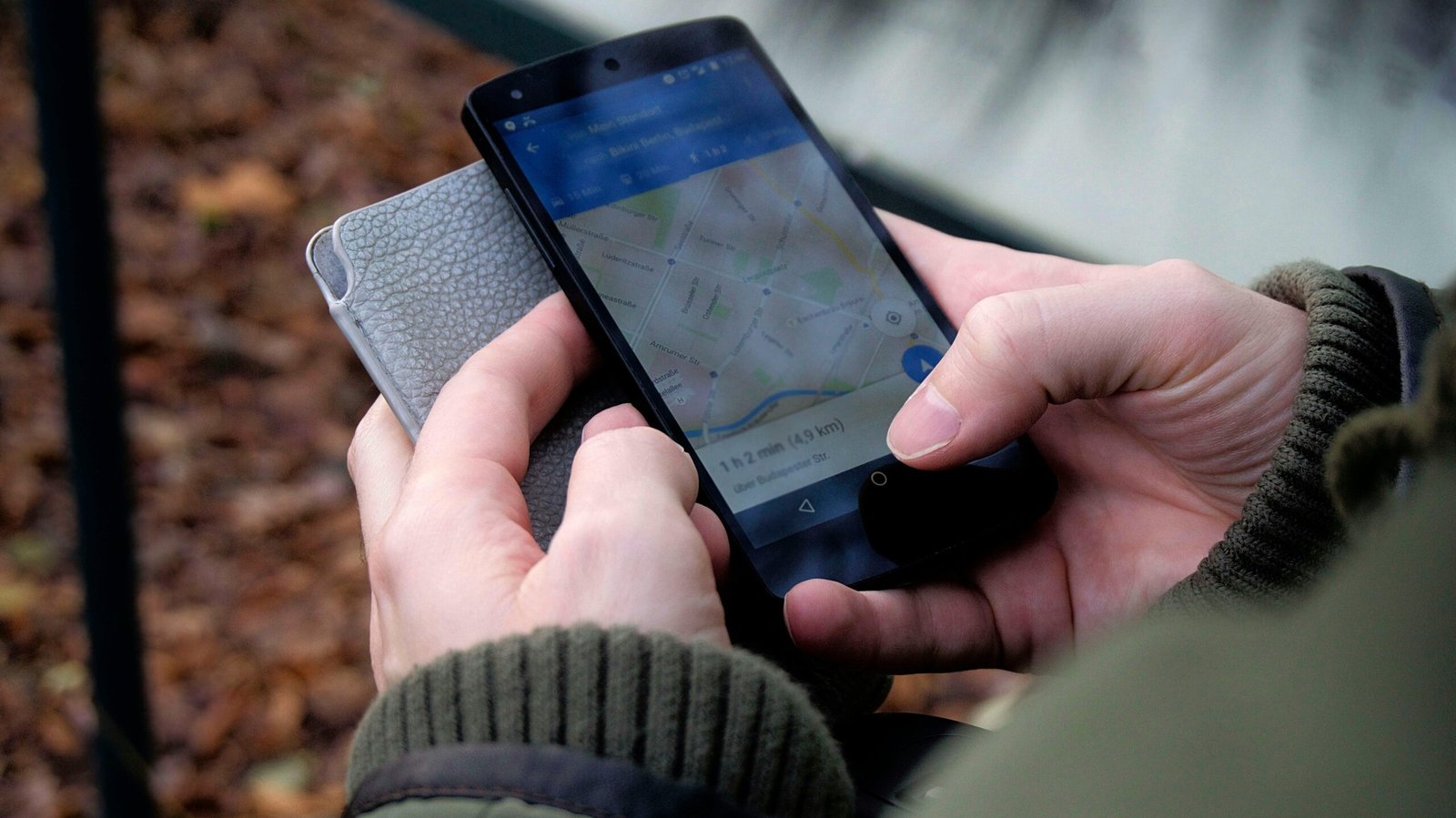
Certain phones maintain a list of places that you frequent in order to offer improved predictive services. Should that be a little too personal, then you can easily find and remove this list.
Updating Your Software Regularly

Security patches frequently comprise corrections of privacy gaps that were already being exploited by data brokers. Maintaining your operating system is probably the easiest method to potentially be ahead of the majority of digital prying.
Using A Privacy-Focused Search Engine
Any search that you do can be a data point to a big tech company. Replacing your default mobile search engine with a privacy-focused one could make your inquiries a little more confidential.
The Benefit Of Offloading Unused Apps
In case you have not used an app within six months, it may continue gathering data in the background. One of the best methods to considerably reduce your data surface area is by deleting old apps.
