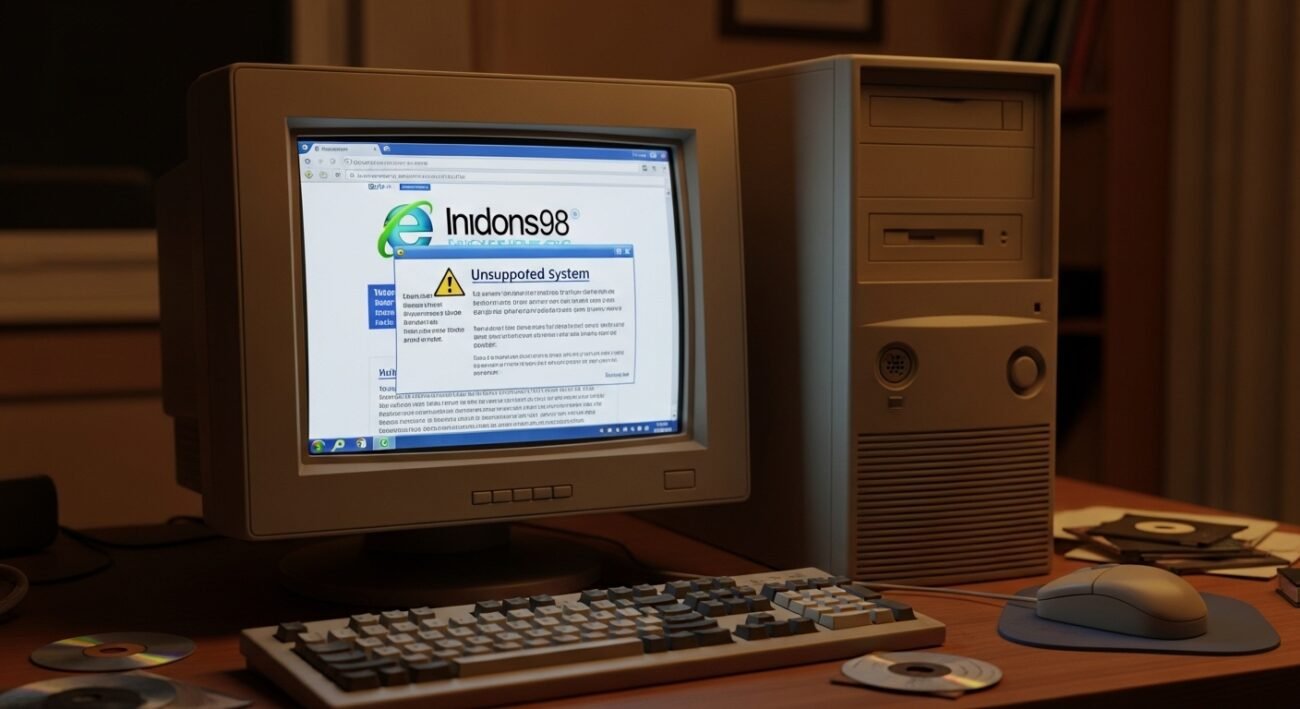
For many years, older computers continued running smoothly on Windows 7 and Windows 8. These systems remained popular even after official support ended. One reason was continued browser availability, which allowed users to access modern websites safely. However, the technology landscape continues to change. Major software companies now focus on newer operating systems and updated security standards. As a result, the final widely used browser that still supported these older platforms is ending its compatibility. This change marks a significant moment for long-time users. It highlights the growing gap between older software environments and the modern web that now demands stronger security, improved performance, and updated technologies.
End of Browser Support

The final widely used browser supporting Windows 7 and Windows 8 is discontinuing updates. Without browser support, users may struggle to access many websites. Modern pages require newer technologies that older systems and browsers cannot handle effectively.
Security Updates Come to a Stop
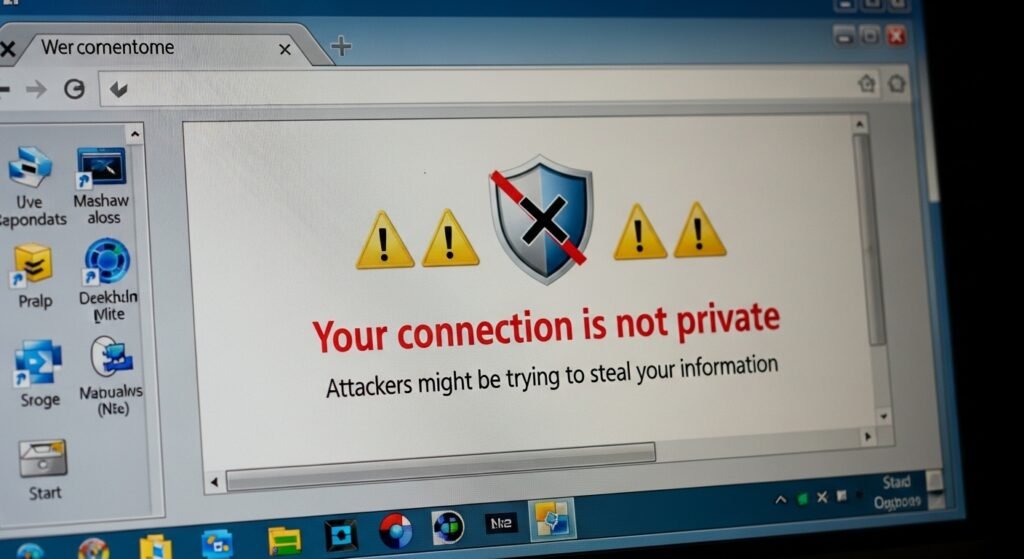
Browsers regularly release updates to fix security issues. When support ends, these fixes stop arriving. Older systems become more vulnerable to online threats because they cannot receive the latest protections built into newer browser versions.
Modern Websites May Not Work Properly
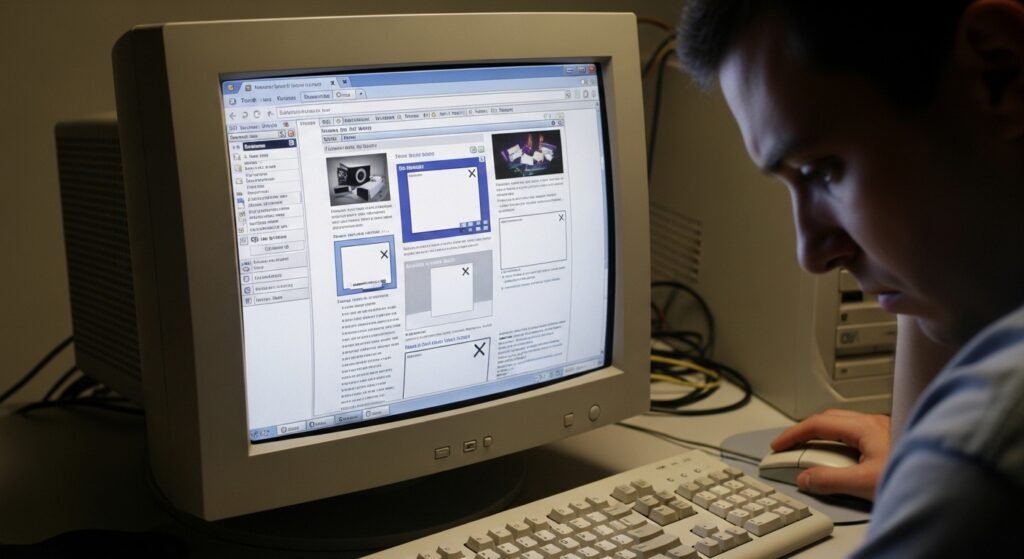
Websites constantly update their design and technology. Without a compatible browser, some pages may load incorrectly or fail entirely. Features such as secure logins, online forms, or multimedia tools may stop functioning smoothly.
Growing Compatibility Gaps

New web standards help websites run faster and more securely. Older browsers cannot keep up with these changes. Over time, the compatibility gap widens, making everyday browsing tasks increasingly difficult on outdated operating systems.
Limited Developer Support
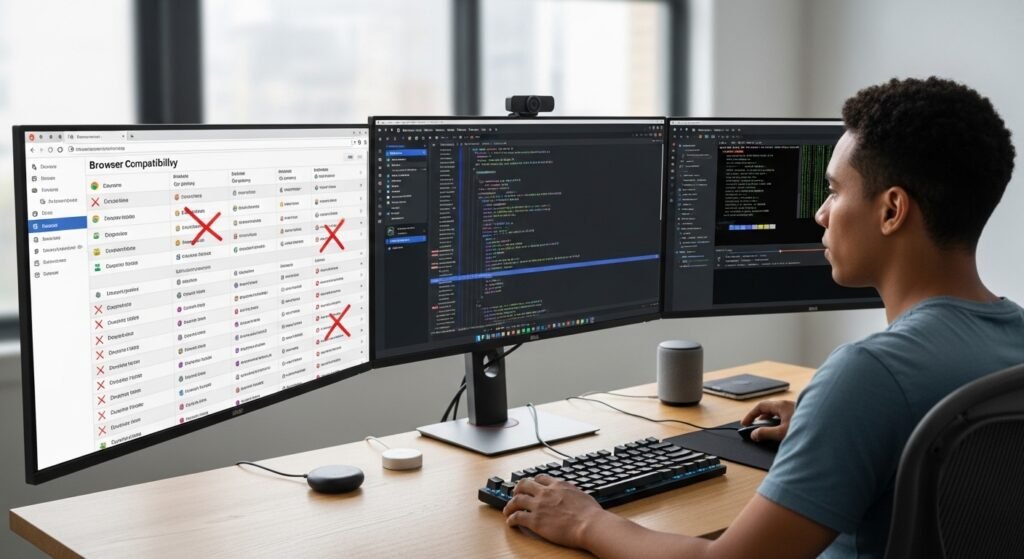
Software developers focus on platforms with large active user bases. As Windows 7 and Windows 8 usage declines, fewer developers test their websites on these systems. This results in fewer guarantees that services will work correctly.
Increased Maintenance Challenges

Maintaining compatibility with older systems requires additional effort for software teams. Eventually, developers must concentrate on newer platforms. This shift allows them to introduce improved features rather than maintain aging technology environments.
Online Services May Restrict Access
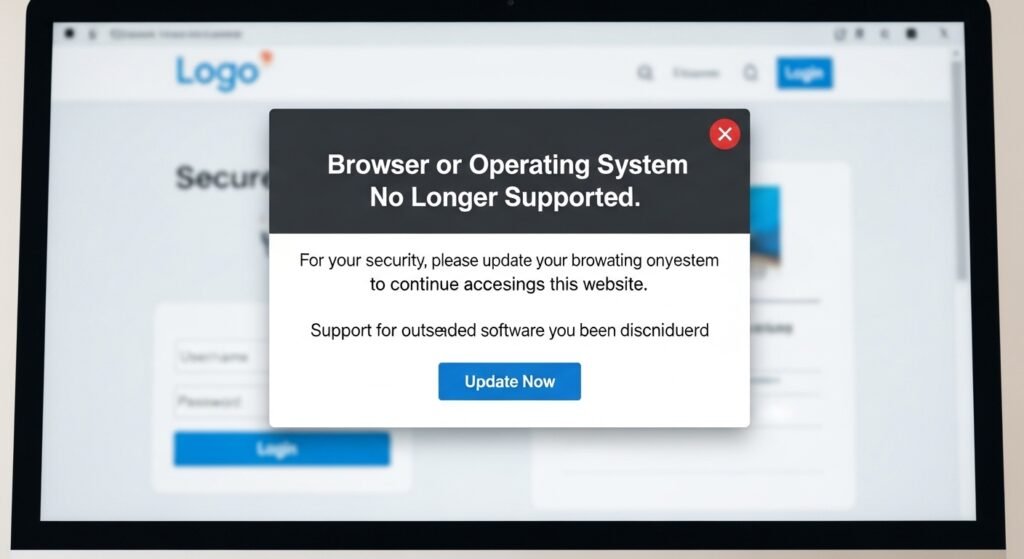
Some websites require modern security protocols. Older browsers may not support these protocols. In such cases, websites can limit or block access to protect user data and maintain reliable security standards.
Hardware Limitations Become Clearer
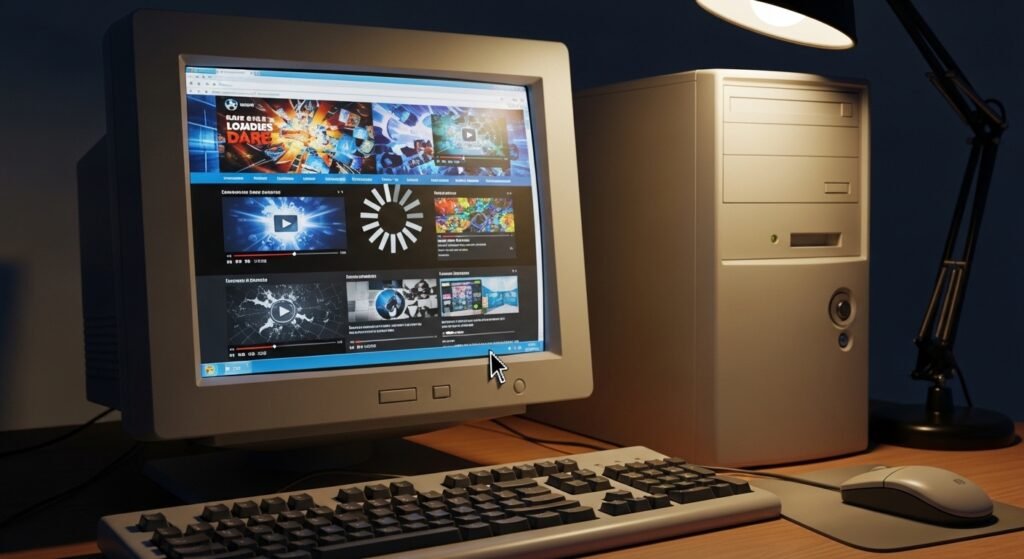
Older operating systems often run on aging hardware. Even if a browser works, performance may slow down. Heavy websites with complex graphics or scripts place greater demands on older computers.
Fewer Software Choices Remain
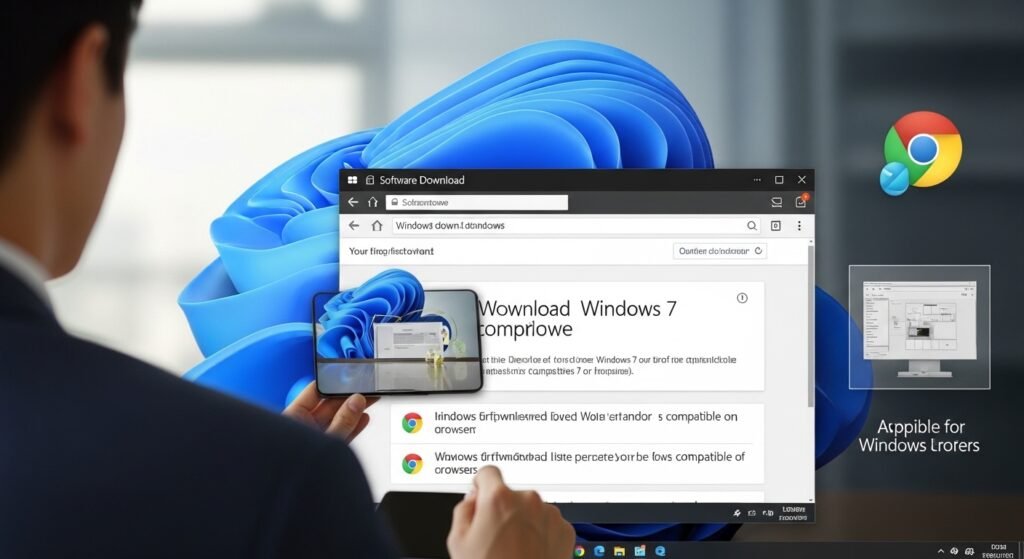
As support disappears, alternatives become scarce. Independent browser projects rarely maintain compatibility with outdated systems for long periods. Users eventually find fewer tools available for safe and reliable web browsing.
Migration Becomes the Practical Option

Many users begin considering upgrades when support ends. Moving to a newer operating system allows continued access to modern browsers, stronger security updates, and better compatibility with today’s online services.
A Turning Point for Legacy Systems
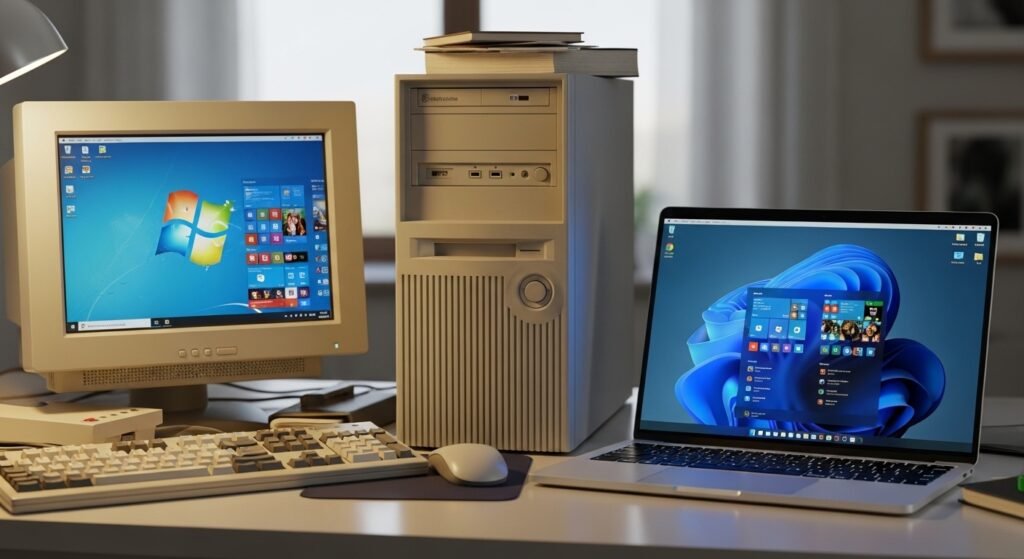
The end of browser support represents more than a technical change. It signals the gradual retirement of Windows 7 and Windows 8 in everyday computing. Technology continues evolving, and older systems slowly step aside for newer platforms.
