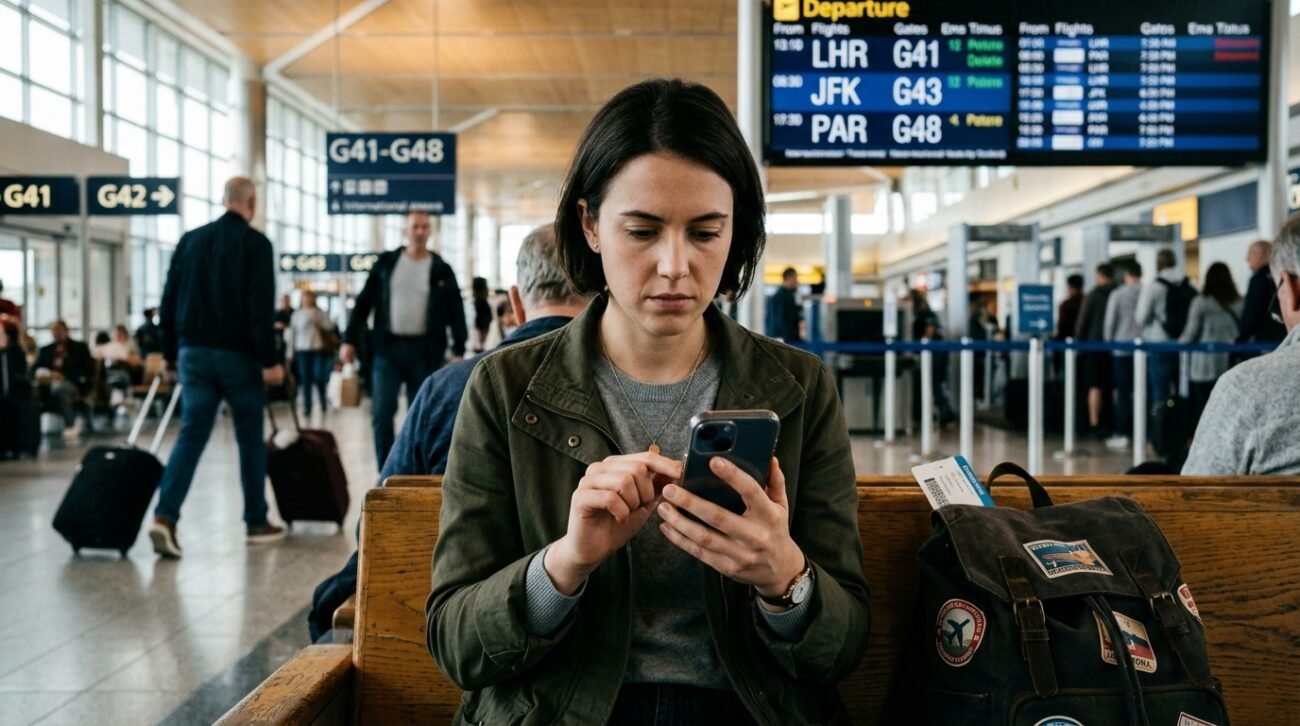
Smartphones are one of the most important items carried by travelers and contain everything from travel documents and banking applications to personal pictures and saved passwords. Phones can be equally a privacy and security issue when they are misplaced, stolen, or accessed during a journey without the owner’s knowledge. Before heading out, travel security experts will sometimes advise checking out digital clutter. Removing certain files, apps, and saved information can help travelers reduce unnecessary risks while abroad.
Old Boarding Pass Screenshots
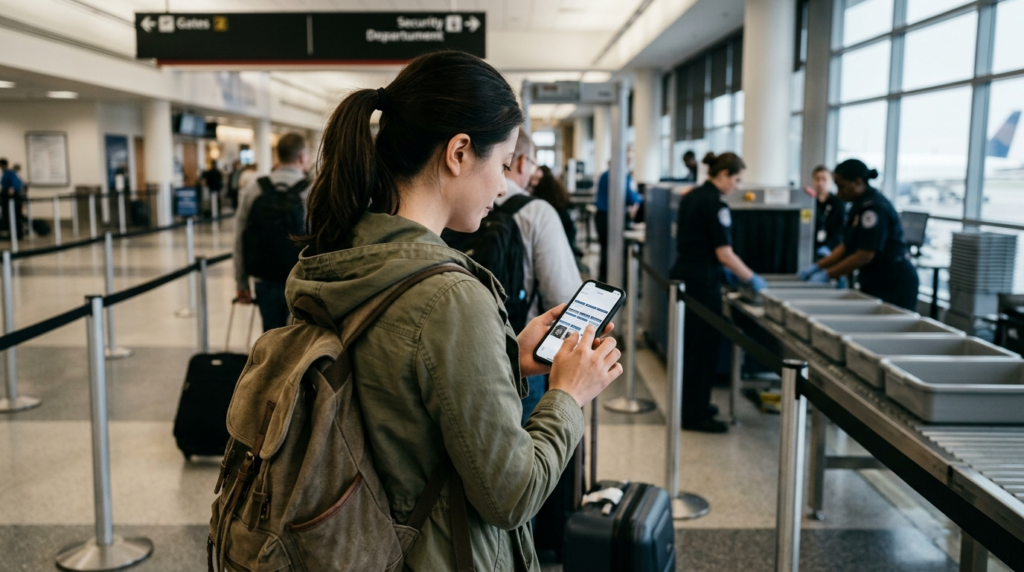
Expired boarding passes sometimes still contain booking references, frequent flyer details, and personal travel information. Removing older screenshots helps reduce unnecessary exposure of sensitive travel data.
Unused Banking or Payment Apps
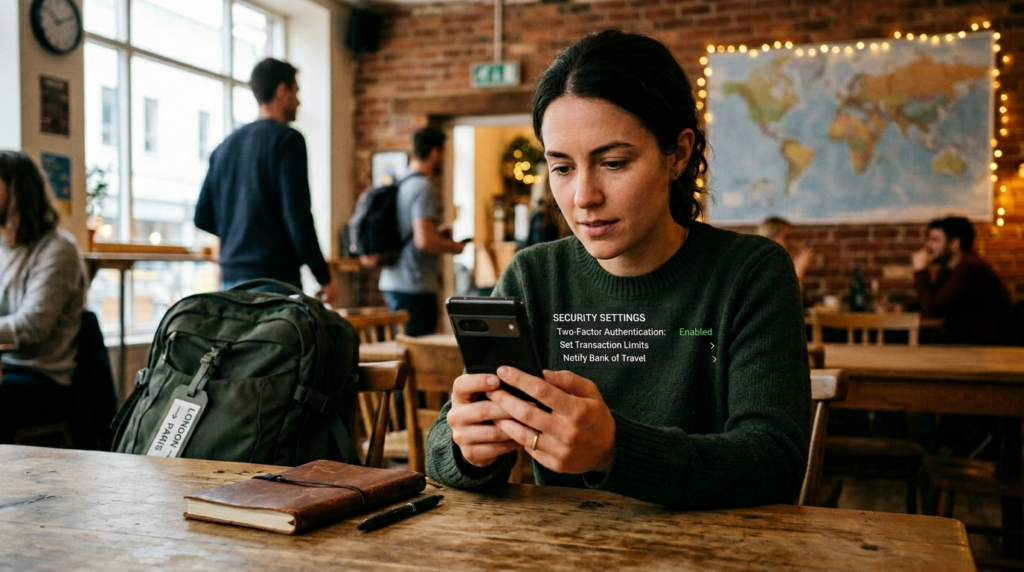
Sensitive login information may remain stored in apps that are linked to an inactive account or that are older than the financial services. During trips, financial apps are typically among the few apps that should be kept in the system, according to travel security experts.
Saved Password Notes
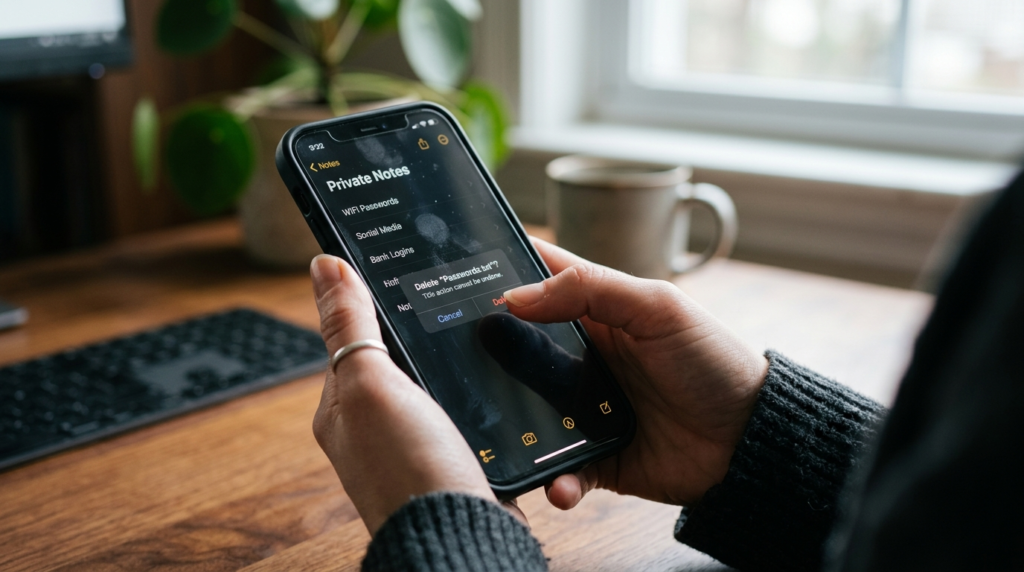
You might find many people have their passwords saved in some notes app or screenshots for convenience. These files can pose significant privacy and account security issues if a phone is lost or stolen.
Sensitive Work Documents

Uncontrolled access to the devices during travel, particularly at different locations over public Wi-Fi networks or international borders, can expose confidential business files, contracts, and other corporate information.
Old Copies of IDs or Passports

For emergencies, it’s a good idea to store digital copies of travel documents, but old copies and unwanted photos could lead to increased privacy exposure if devices are compromised.
Apps You No Longer Recognize or Use
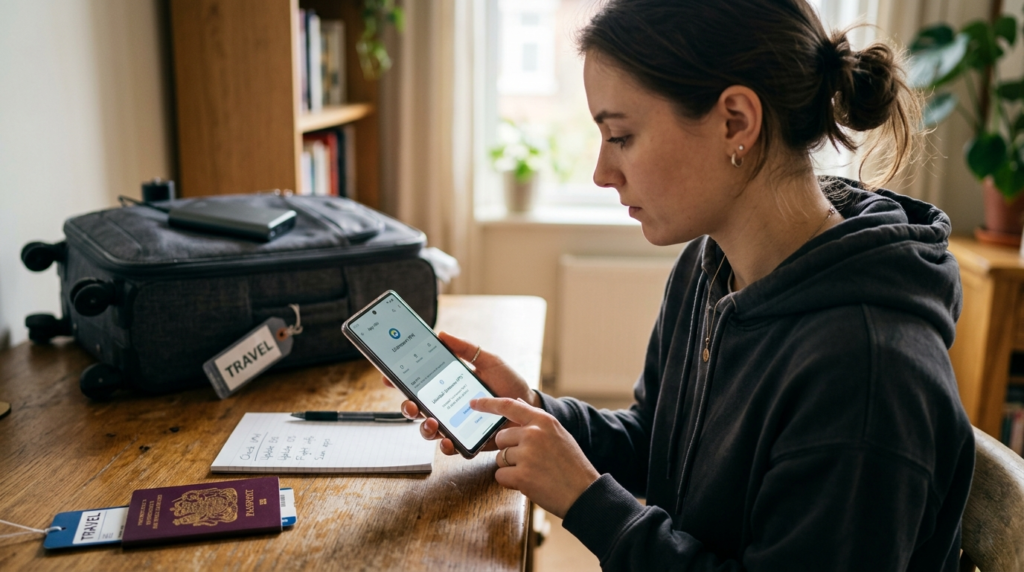
Applications that haven’t been used may still be gathering permissions, access to location, or background access. Use mobile security for travel to review and remove unnecessary applications to enhance security and phone performance while on the go.
Large Photo and Video Clutter
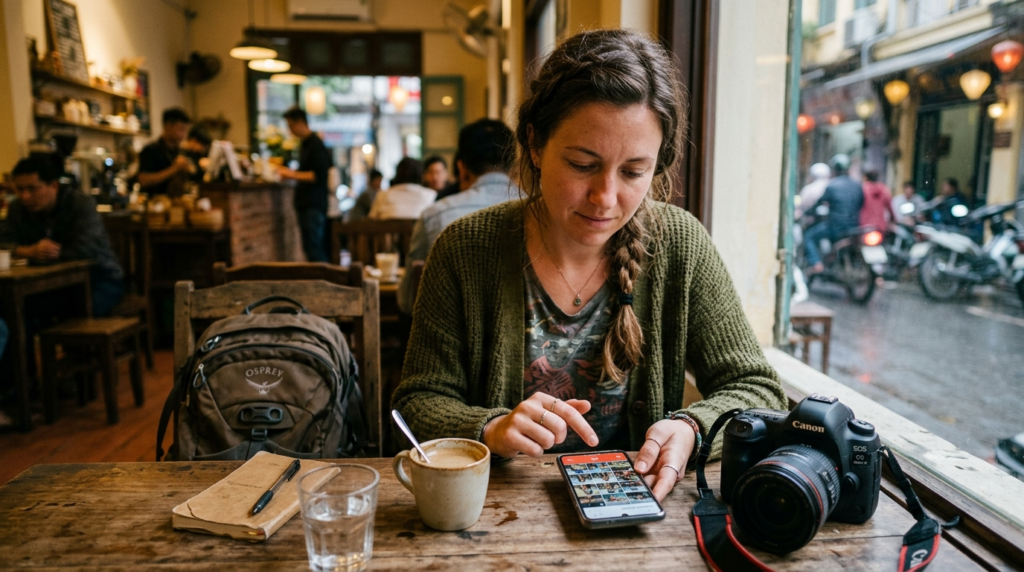
Clutter-free media packs allow room for maps and travel photos, updates, and offline downloads on the trip. It can also enhance the overall performance of phones.
Public Wi-Fi Auto-Connect Settings
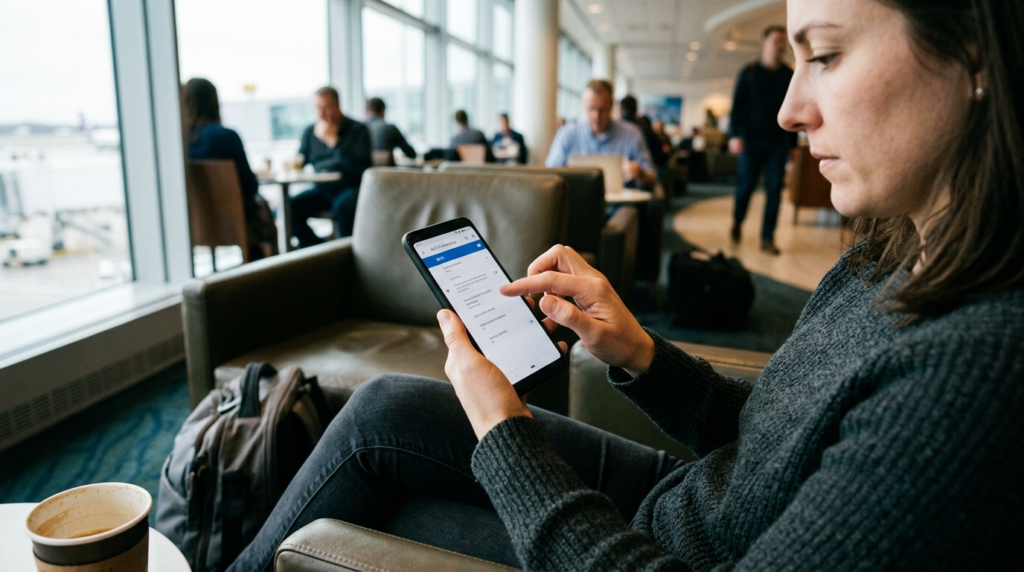
With phones that automatically connect to public networks, users might be using unsecured Wi-Fi hotspots without realizing it. These settings can be disabled to help lower cybersecurity risks overseas.
Old Travel Reservation Emails

The addresses, ticket information, and personal details contained in old reservation confirmations could still be related to previous travel. Organizing and cleaning up old travel emails can enhance privacy and organization.
Location History You No Longer Need
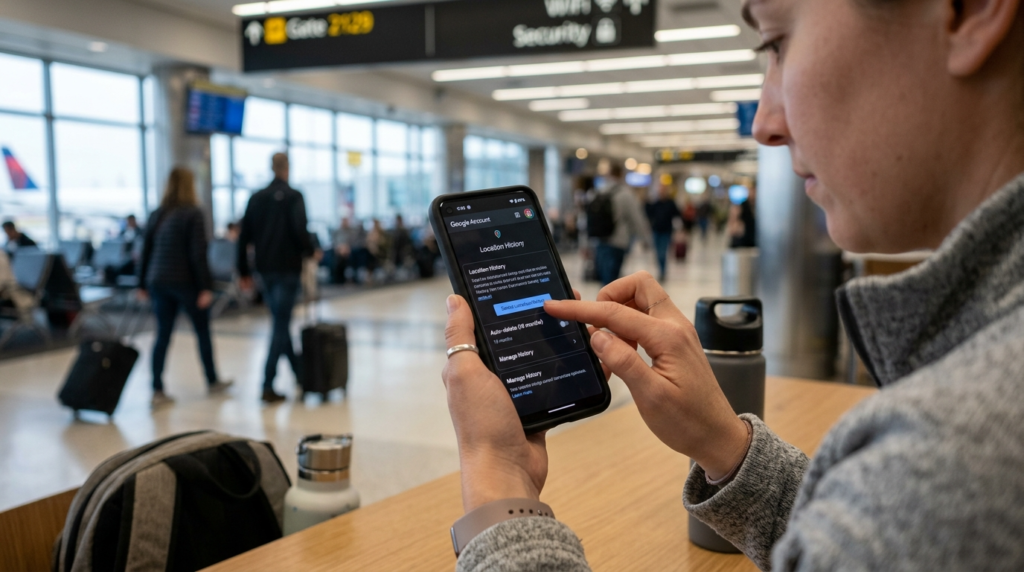
The history of location tracking can sometimes reveal the intricacies of movement over extended periods. Giving a thumbs-up to and removing unused location data can decrease privacy issues on the road.
