
Your iPhone includes advanced privacy features which most users do not complete to their full potential. Your data collection and sharing procedures are controlled by minor settings which include tracking controls and app guidance. The discovery of unrecognized security features will help you achieve better protection since people now show higher concern about digital privacy. iPhone users should activate these essential privacy features which they can use for better protection.
Turn Off App Tracking
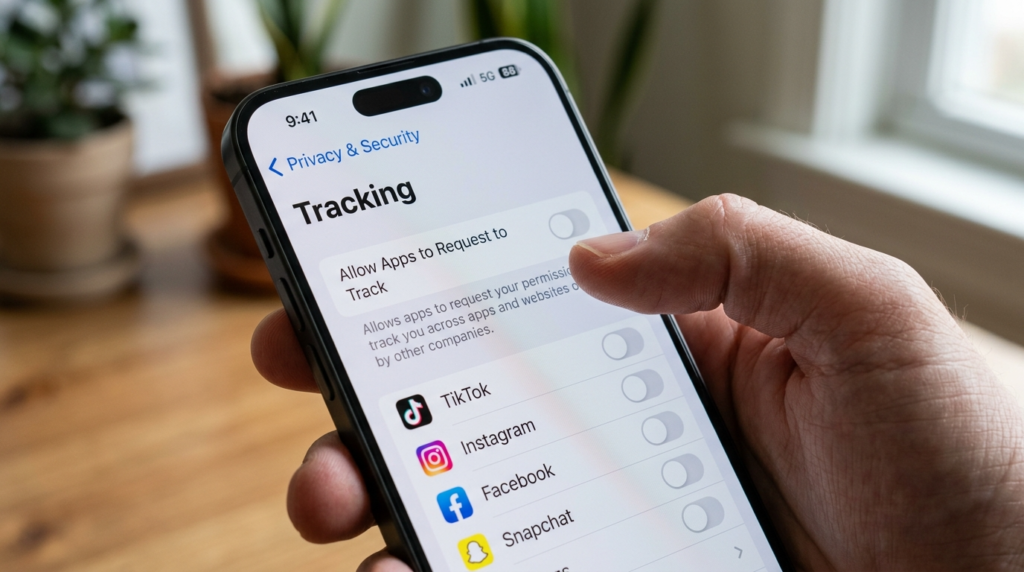
You need to navigate through the settings menu to reach Privacy and Security section which contains Tracking settings. The setting prevents apps from tracking your movements across different applications and websites which you visit.
Use “Sign in with Apple” Instead of Email
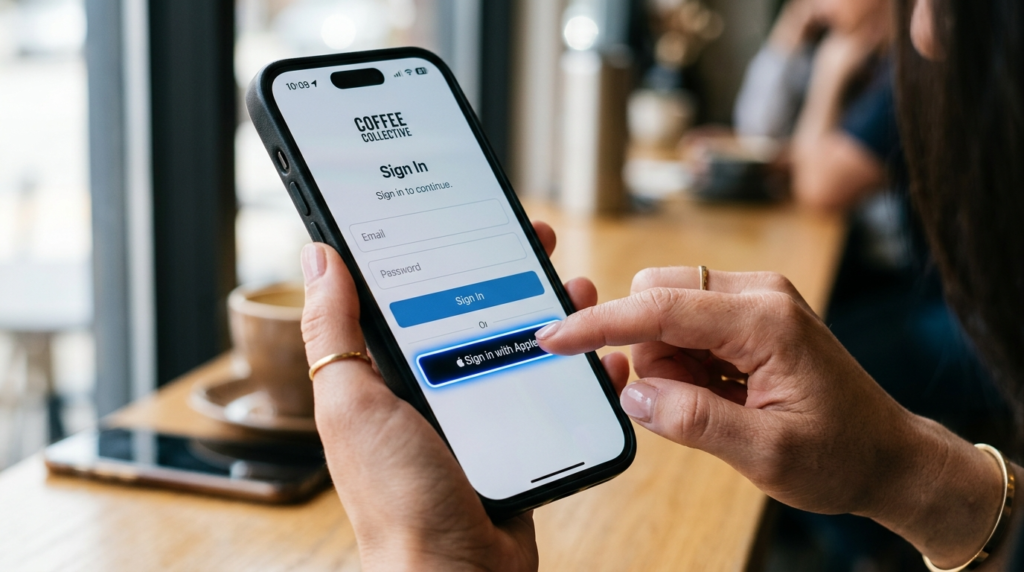
You should choose Sign in with Apple as your primary authentication method. The system enables you to hide your actual email address while it generates random email addresses which protect your personal information.
Limit Location Access to “While Using the App”
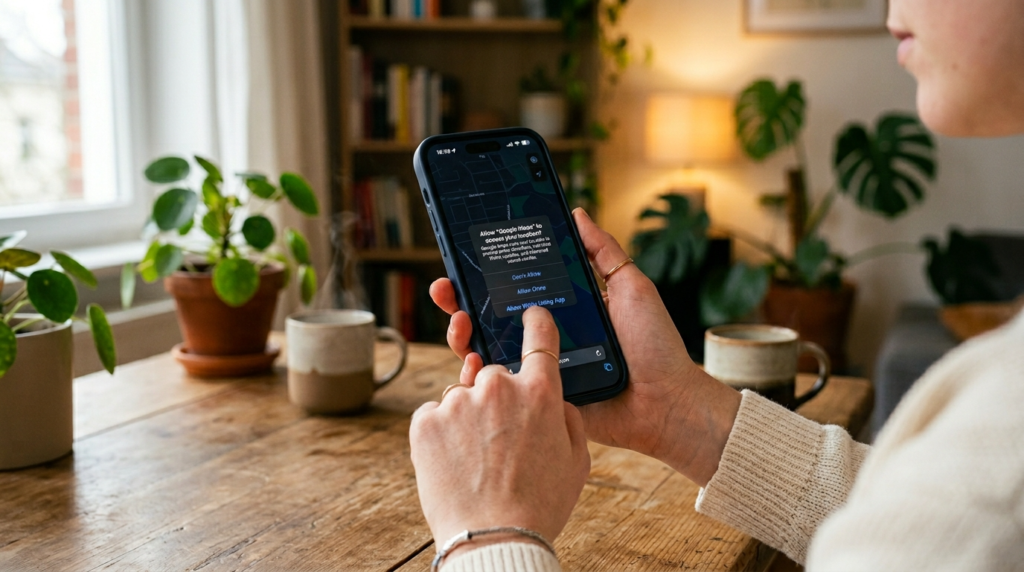
You should give apps location access rights which last during their active session instead of providing them permanent location access rights. The method decreases the amount of tracking that occurs without the user’s awareness.
Disable Precise Location for Unnecessary Apps
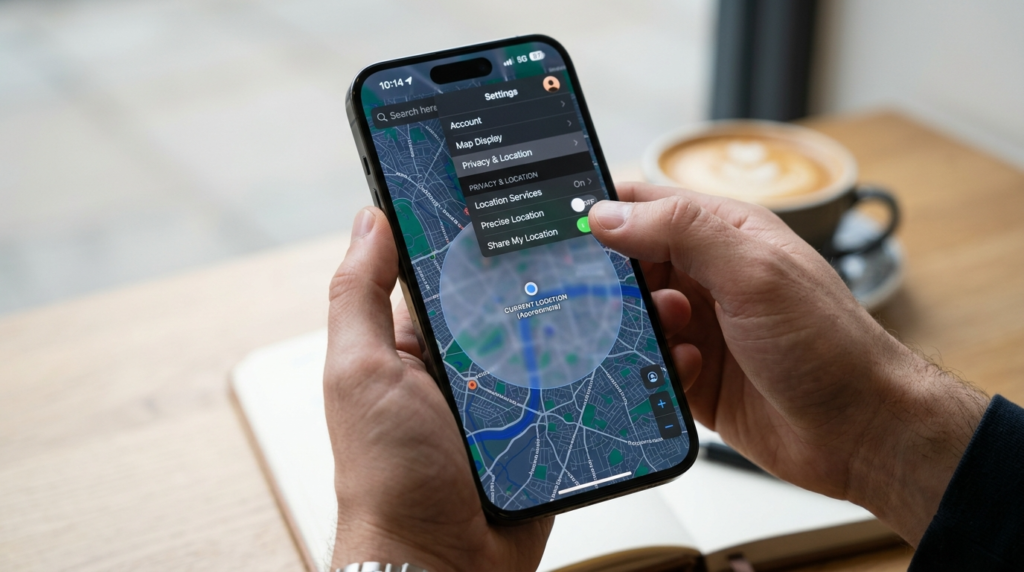
You should disable Precise Location feature for apps which only require approximate location information such as weather applications and shopping applications. The system shares your location information to nearby areas.
Review App Permissions Regularly
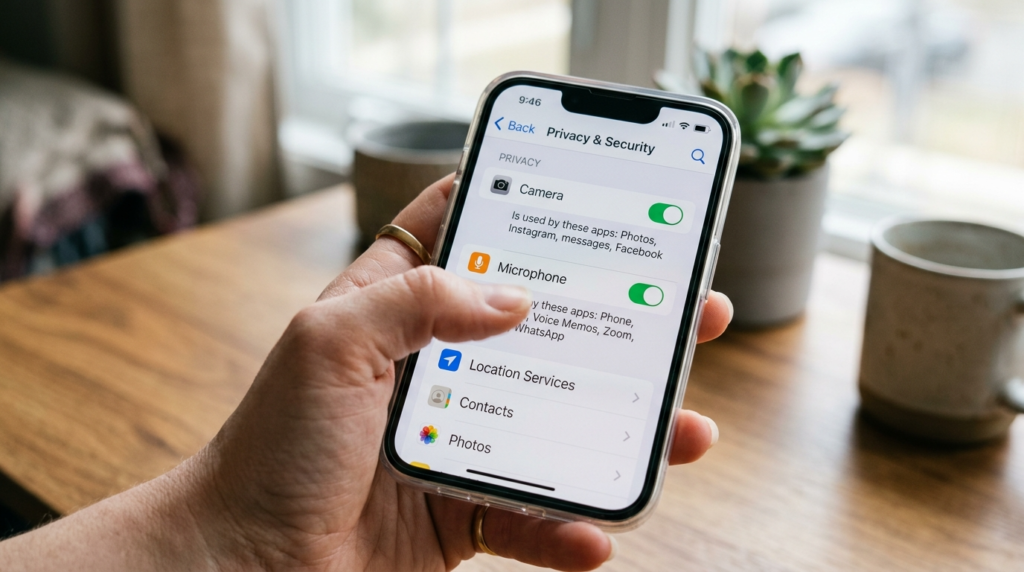
You should check your Privacy and Security settings to discover which applications have permission to access your camera and microphone and contacts and photos. You should delete all items which do not serve any useful purpose.
Enable Mail Privacy Protection
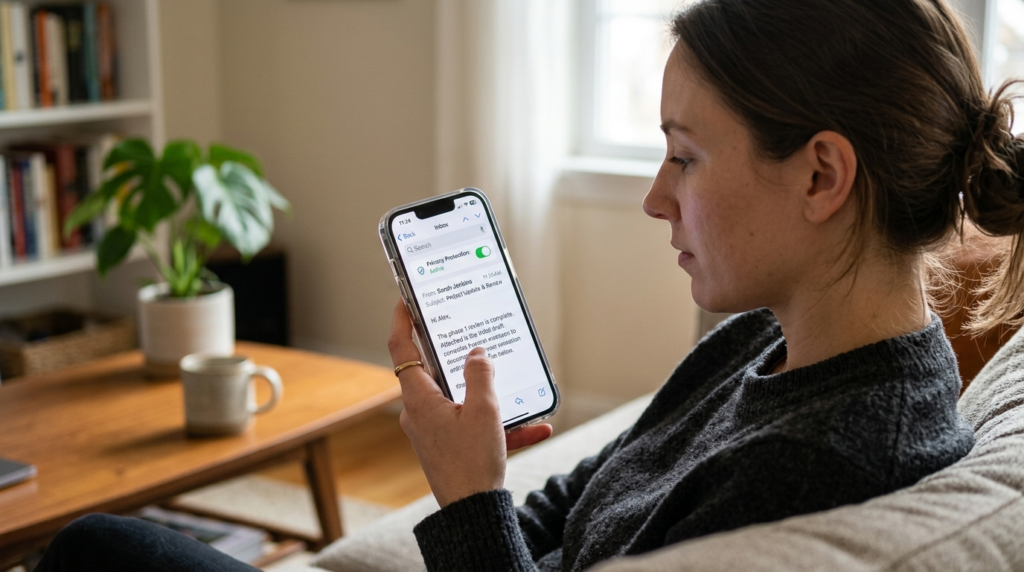
The Mail settings need activation of Protect Mail Activity feature. The feature stops senders from detecting your email reading times while they cannot trace your IP address.
Use Safari Privacy Features
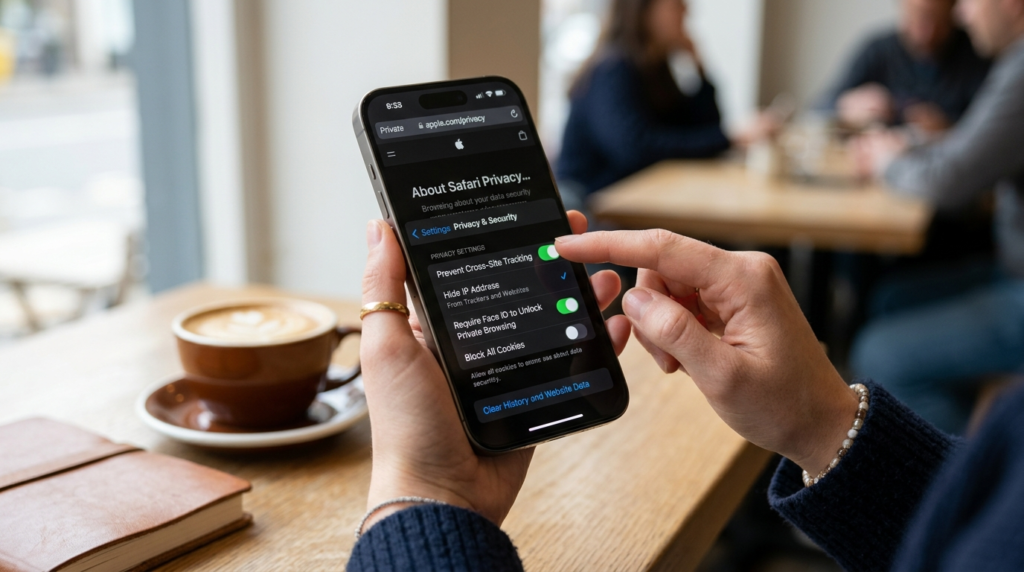
The built-in protections of Safari include Prevent Cross-Site Tracking and Hide IP Address features. You need to confirm these features exist in your current Safari settings.
Turn Off Significant Locations
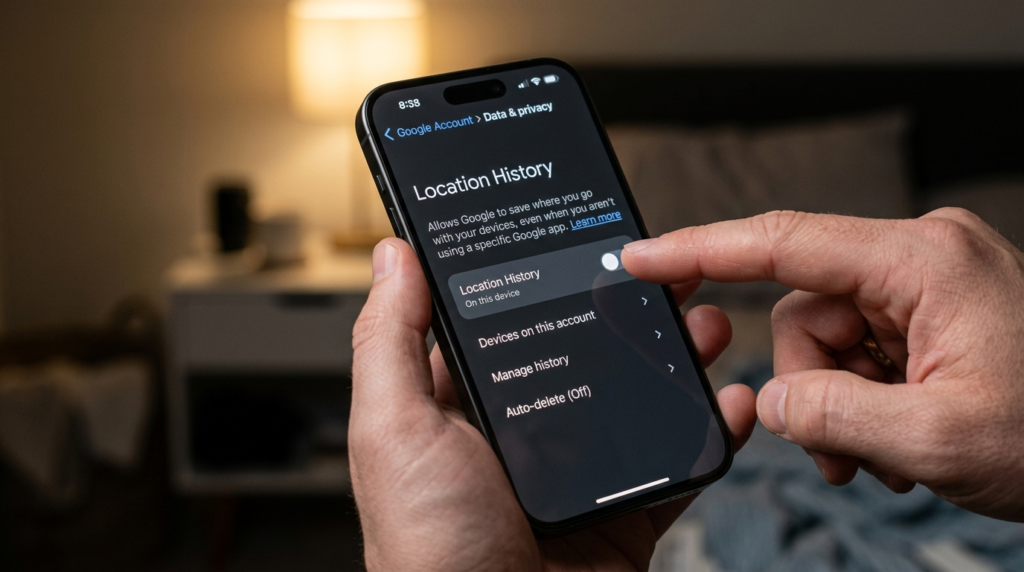
The iPhone system tracks your visiting locations which you go to multiple times. The feature can be disabled by using the path which starts from Settings and leads to Privacy and then proceeds to Location Services and System Services and finally ends at Significant Locations.
Control Bluetooth Permissions
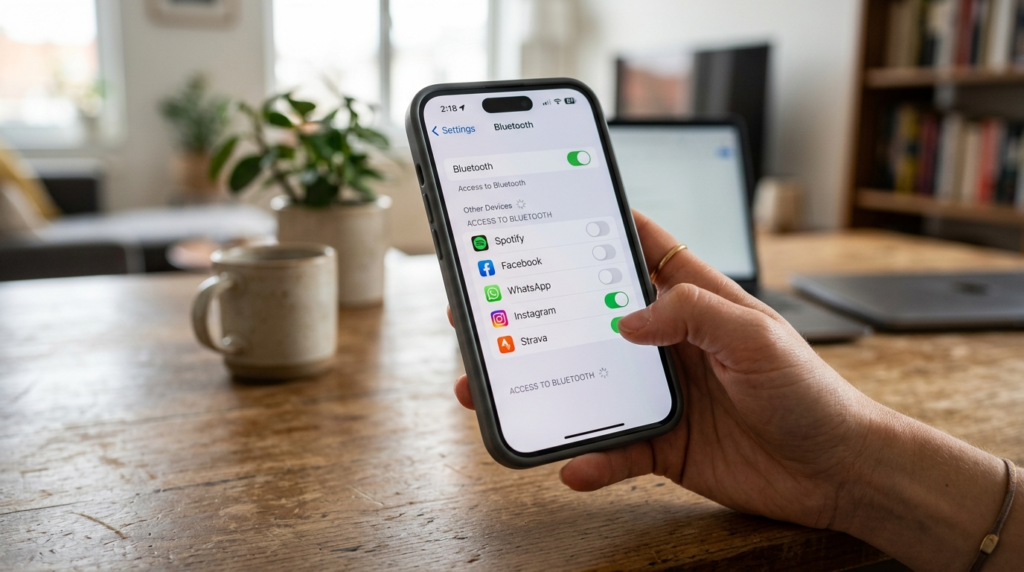
The system allows applications to use Bluetooth for discovering nearby devices. It is a good idea to check which applications can access Bluetooth and must deactivate Bluetooth access for all applications that do not require it.
Enable Two-Factor Authentication (2FA)
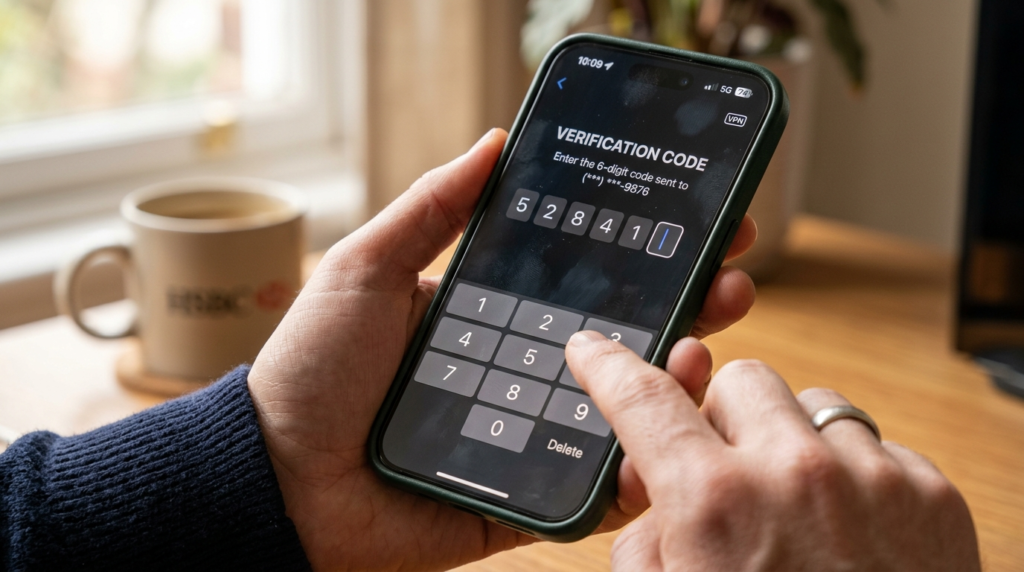
The user needs to switch on 2FA for their Apple ID. The security procedure creates an additional shield which blocks unauthorized users from accessing your account. Therefore, it is important to enable two-factor authentication on your device.
Lock Sensitive Apps with Face ID

Users can secure their applications through Face ID and Touch ID authentication. The system protects your data because Face ID and Touch ID create locked access to your notes and banking applications and password management tools.
