The shutdown of lights leads you to first check your phone, but you discover that the Wi-Fi connection is unavailable. Most people believe that internet access needs electrical grid power, yet numerous situations show that internet signals continue to travel through external lines while home equipment lacks the required power to receive them. Your connection remains active when you supply your hardware with a minimal amount of backup power.
Understand the Node
Internet providers usually have their own backup batteries or generators at their local hubs called nodes. The internet signal remains active in the wires despite power outages because neighborhood outages do not affect the functioning of the system. The system retains existing data through physical lines that remain intact because everything remains preserved for you to access.
Use a Mini UPS
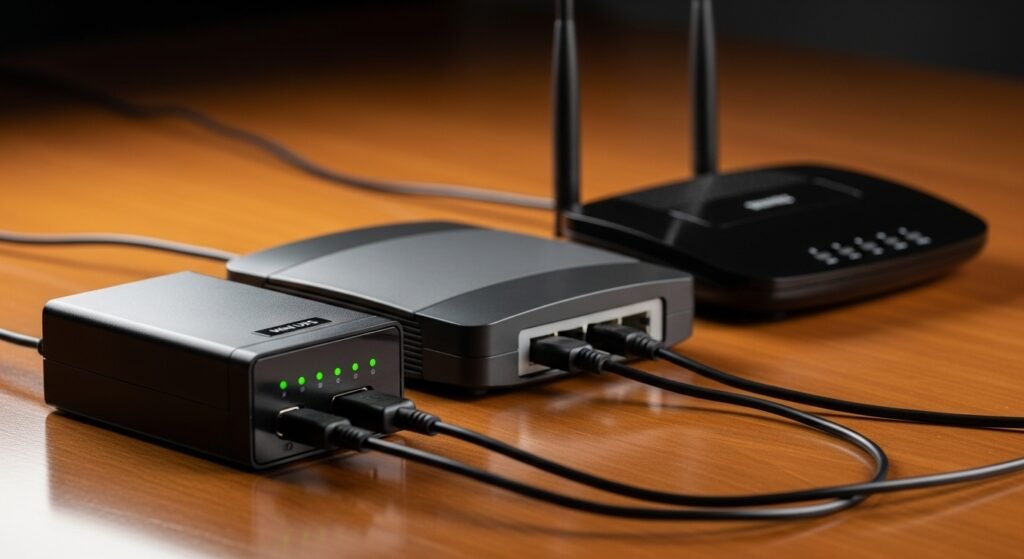
The Uninterruptible Power Supply (UPS) functions as an extensive battery backup system. You can buy a small one specifically for your router and modem. The UPS activates when powered, and it maintains internet function for multiple hours while protecting the connection.
Power Your Router with a Power Bank
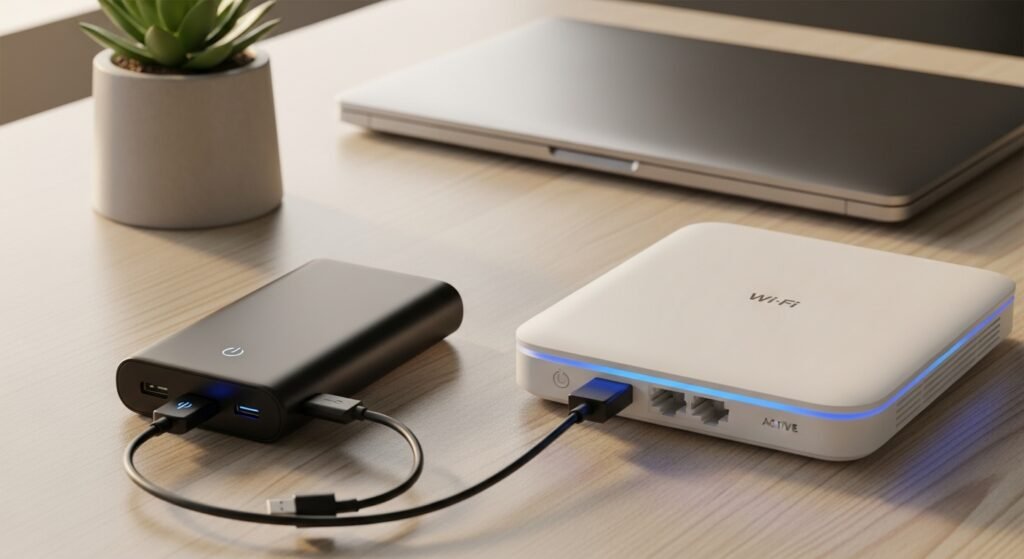
Modern routers use a circular barrel plug for their power needs. You can buy a special USB-to-DC adapter cable that allows you to plug your router directly into a standard portable phone charger. Your Wi-Fi connection remains operational through this inexpensive method because it uses the same power bank that you need for your phone.
Know Your Connection Type

The outage protection of fiber-optic and cable internet connections surpasses that of older connection types. Fiber uses light to transfer data, making it more resistant to electrical interference because light transmission does not rely on electrical power.
Locate Your ONT or Modem
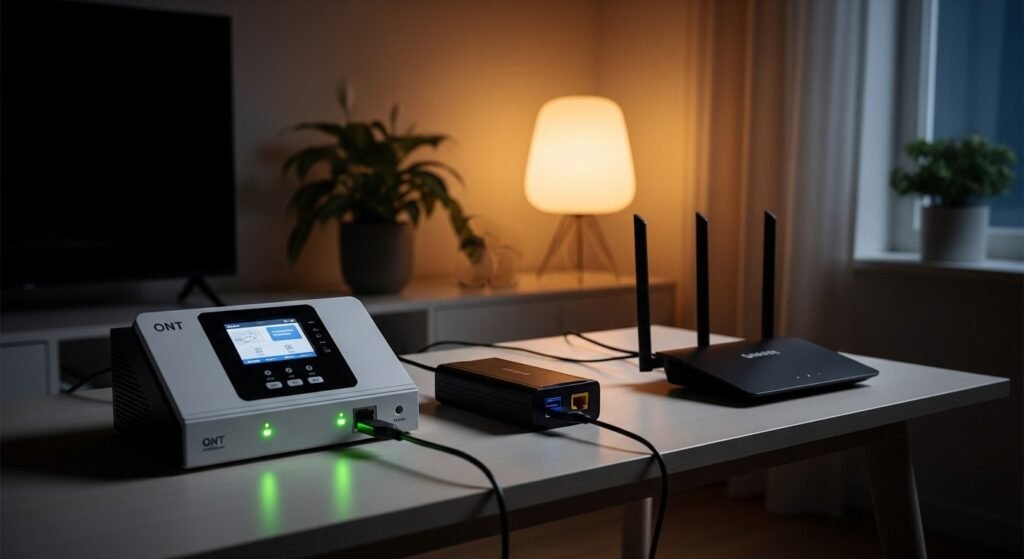
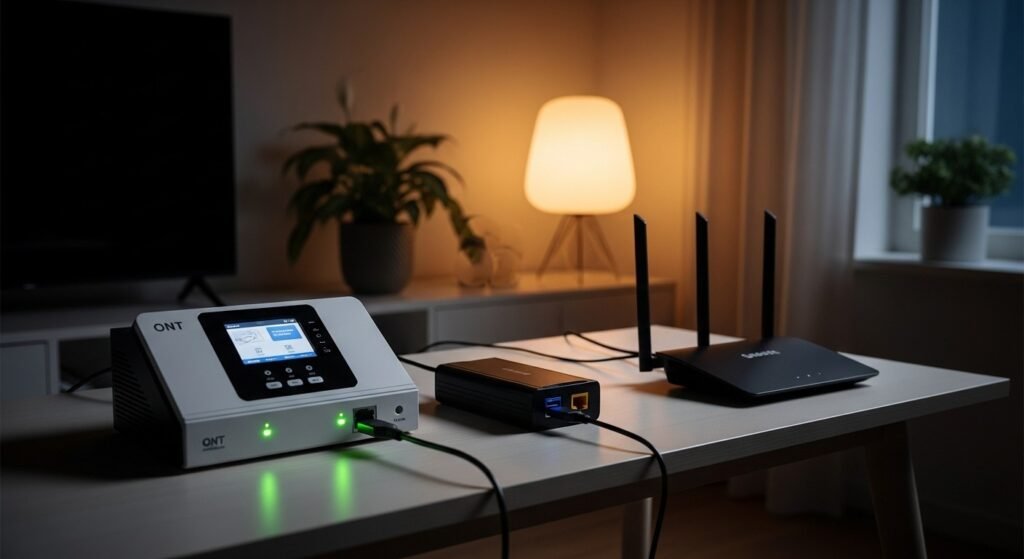
Fiber internet connections require two devices: the ONT which receives the incoming line and the Router. Both devices need power supply for internet connectivity to function. Internet access requires both devices to receive power through the backup system because router-only operation will not establish a connection.
Use Your Phone as a Hotspot
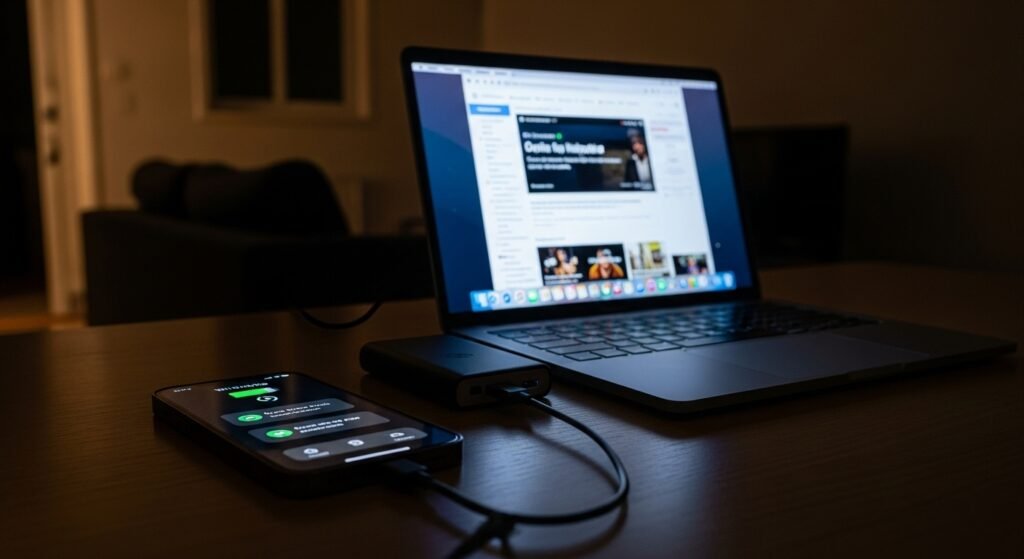
Your smartphone can create an internet bridge for your home when all your hardware shows complete malfunction. Your phone enables internet sharing through Personal Hotspot which links your cellular data to your laptop or tablet. You just need to watch your data usage along with your battery consumption.
Try USB Tethering

You can use a USB cable to link your phone with the desktop computer that lacks Wi-Fi capability. You need to choose “USB Tethering” from your phone’s network preferences. This method provides superior speed while consuming less battery power than standard wireless hotspots.
Use a Dedicated Mobile Hotspot
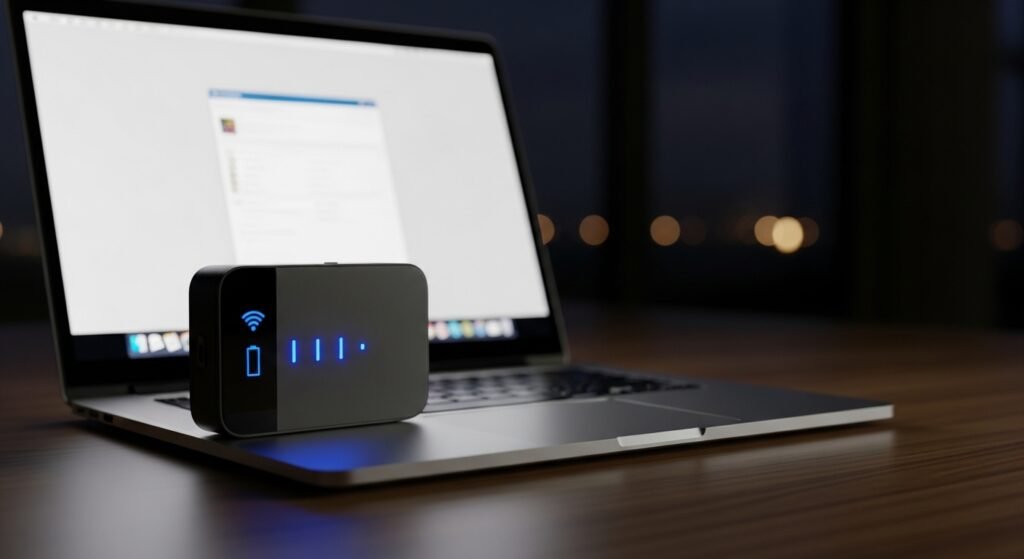
Portable Wi-Fi devices known as “Jetpacks” and “MiFi” pucks operate independently because they include their own battery systems and built-in cellular network capabilities. These emergency supplies make excellent additions to your emergency supply kit. The devices can operate independent from your phone, which enables you to work or browse news without using up your phone’s battery resources.
Turn Off Non-Essential Devices
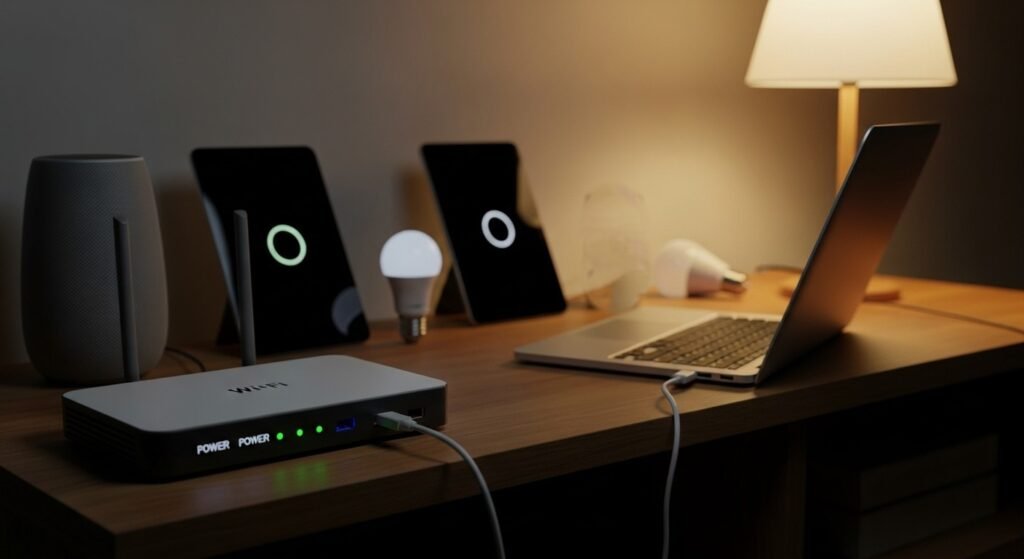
The battery backup system for your router will deplete its power reserve more rapidly through every device that connects to it. You need to remove all connections for smart TVs, gaming consoles, and smart speakers. Your battery power will last longer when you limit your connections to essential devices.
Check Satellite Options
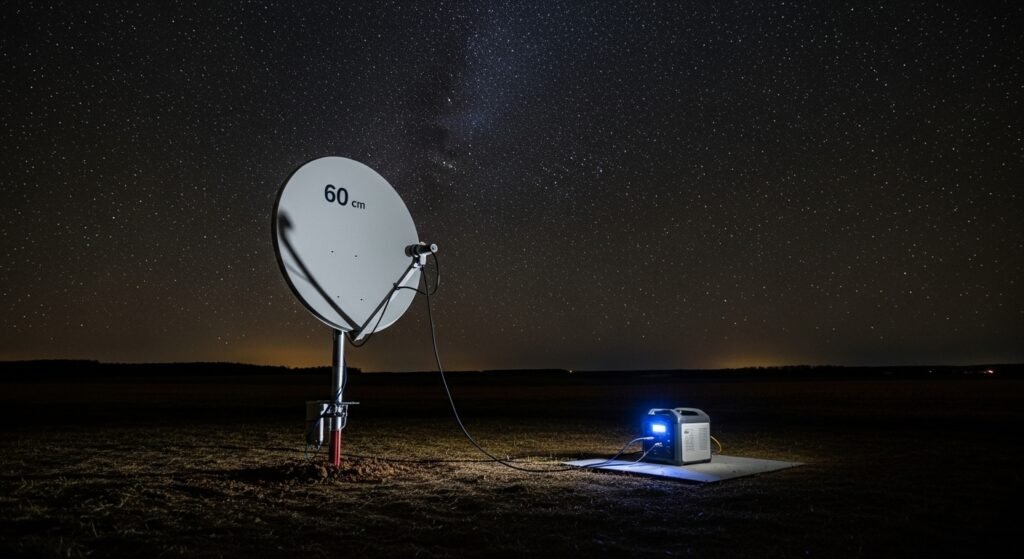
Satellite internet services, including Starlink, function between the dish power supply and unobstructed sky view requirements. The space-based hub operates independently of your regional electrical system. You need a portable power station to connect the device.
Keep a Battery-Powered Radio
The battery-powered weather radio serves as the ultimate backup solution for internet access problems. The device provides emergency information when all visual display devices stop functioning.
