
When phones start giving a lag, stutter, or freeze with the passage of time when they felt lightning fast, it can be truly exasperating. When one feels that the device is just “growing old”, the smartphone slowing down again is usually due to hardware limitations, software demands, and how we tend to occupy our digital space.
11 things causing your phone to feel slower than earlier:
Software Bloat and Heavier Apps
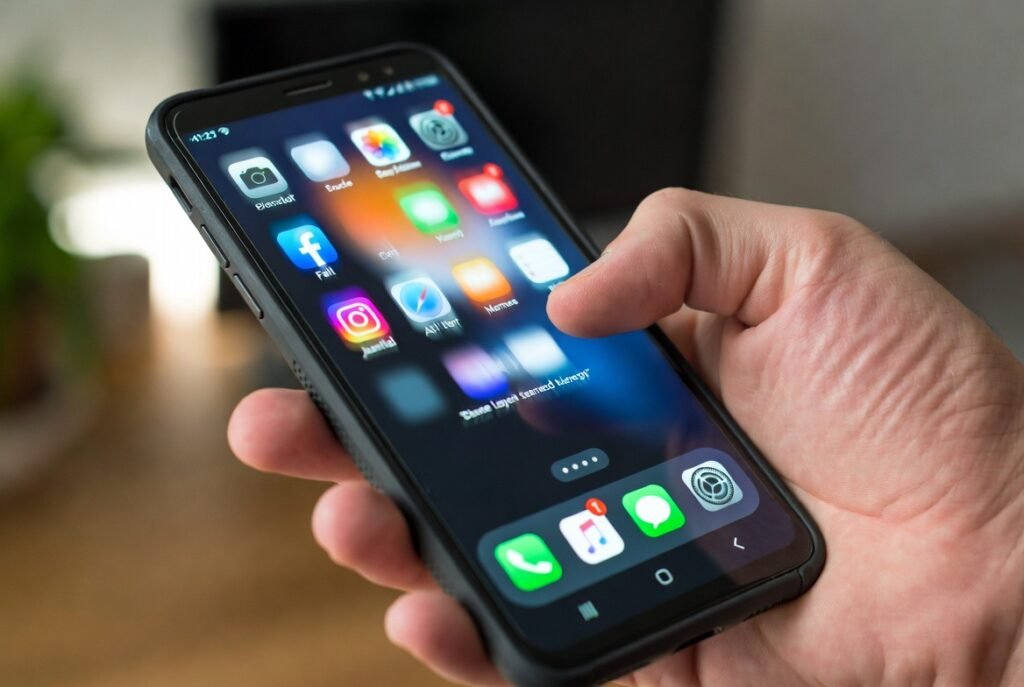
Apps undergo constant updates to add features, enhance graphics, and make them more complex in coding terms. An app that perhaps was working well about three years ago could now be taxing on the processing power and the memory (RAM) to execute the same number of tasks. With apps getting heavier, your already aged hardware is having a hard time coping.
Operating System Catch-Up
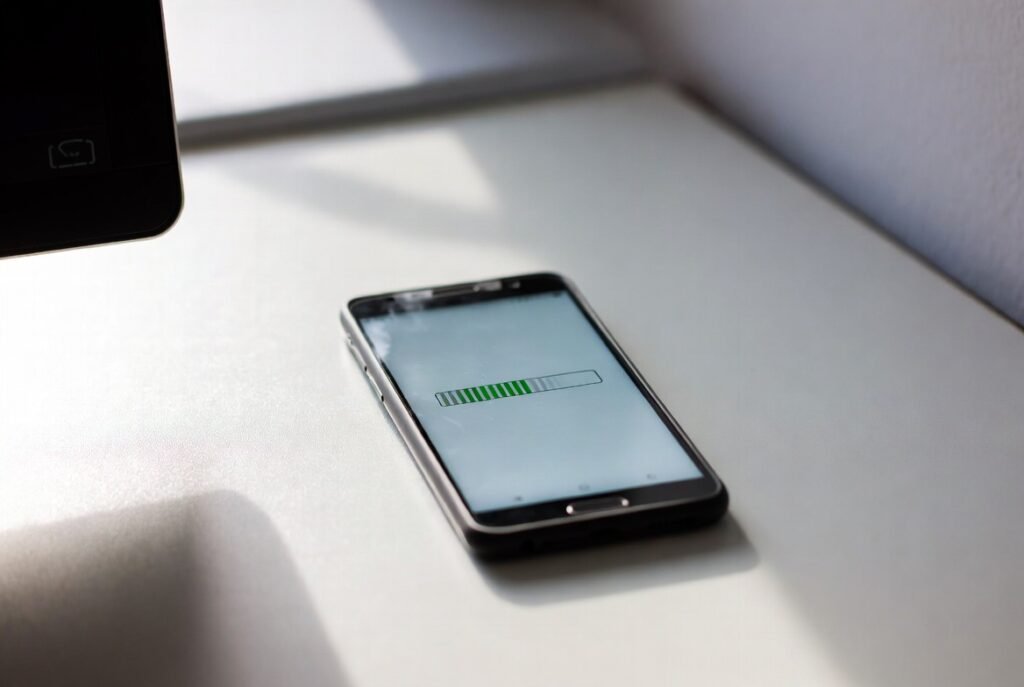
If you ever installed the most recent version of iOS or Android on an old phone, you would be asking for an old engine to run a modern high-tech car; new operating systems are designed to run on the newest chips, consuming large amounts of background resources and animations, in a huge contrast to the slow old processor.
Background Processes
Many apps do not stop working just because you are not using them. They remain active in the background to sync data, track your location or wait for notifications. If you have dozens of apps constantly “taking” to the internet and running background updates, your phone’s brain (the CPU) literally never gets a break.
Limited Random Accessible Memory
RAM is more like the short-term memory of your phone-the state where your phone keeps applications that it is currently running. With apps becoming more memory hungry, your phone runs out of RAM faster. This causes closing and reopening the apps, with a noticeable lag in switching between tasks.
Storage Full
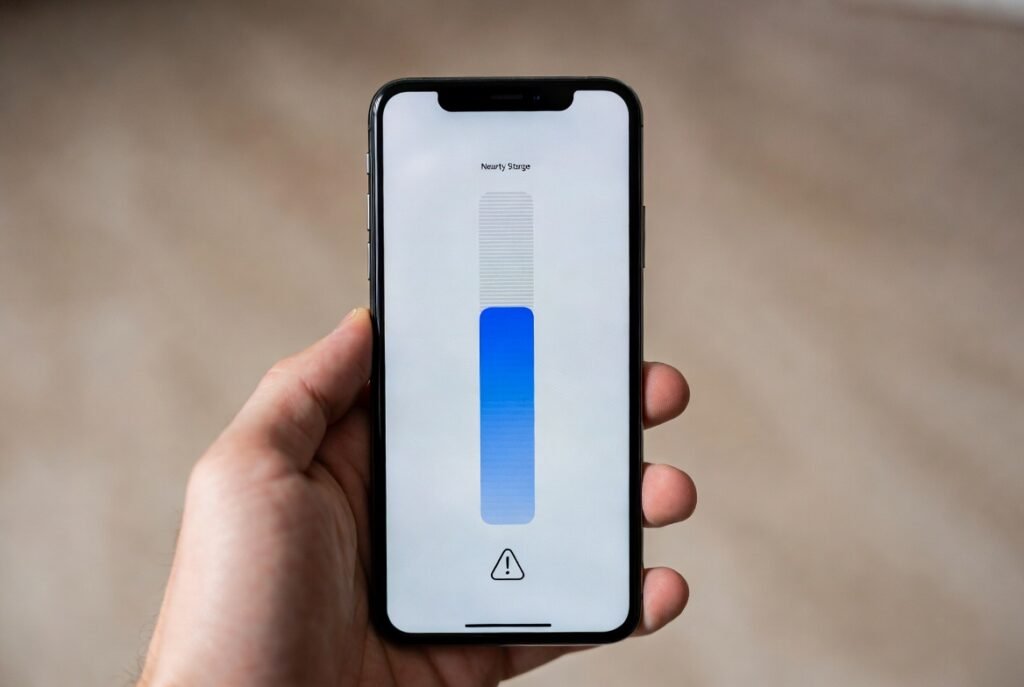
For any phone to function at optimal levels, it needs to have a pre-defined free space. This is the background space that enables the phone to transfer files and temporarily store data. Immediately the storage hits 90% full or more, the phone becomes twice as slow in trying to find free space for any new task, on another note entirely dragging the whole system.
Battery Degradation
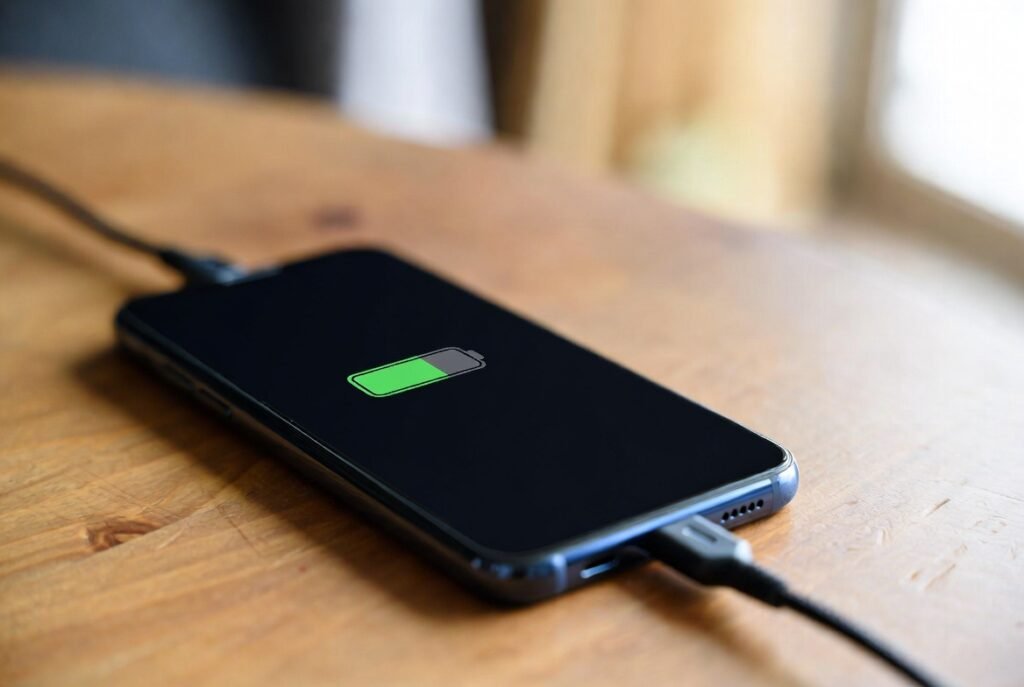
Smartphone batteries are chemical devices that can wear out as time passes. With aging, batteries lose their capability to discharge power steadily. Thus, some manufacturers deliberately slow down the processor so that phone operation stays stable with respect to its less power output.
Overheat and Throttling

Whenever the phone becomes hot-weather due to a demanding game or from a thick case-its processor slows itself down to cool off; this is called thermal throttling. Aging or even simply dust buildup inside the phone may cause it quickly to cross that temperature thresholds-faster than it used to-and thus may give rise to more frequent performance dips.
Cache Accumulation
Applications store small snippets of data (cache) to help them load faster; however, after months or years, if not corrupted, cache could grow so much that it undoes any benefit the cache gives. Larger messy cache files make the applications hang or take even longer to become usable.
Flash Memory Deterioration
The physical storage chips in your phone (where your photos and OS live) have limited lifespan. Every time they write or erase some data, they slowly wear off. After a few years, it becomes significantly slower to read data from these chips- resulting in a slow interface.
Too Much Widgets and Live Wallpapers
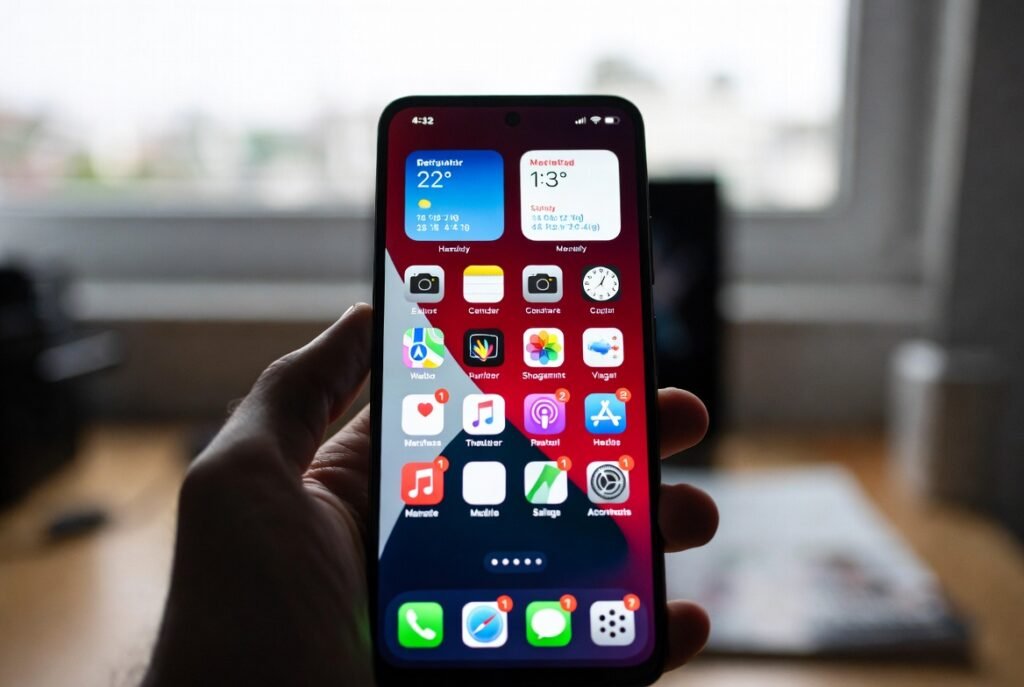
Sure, they look great, but wallpapers and widgets are constantly managing your phone’s resources: they keep the CPU and GPU running even when you are simply looking at your home screen. Cutting down on these extras can sometimes give an old phone a good boost.
Network and Sync Latency
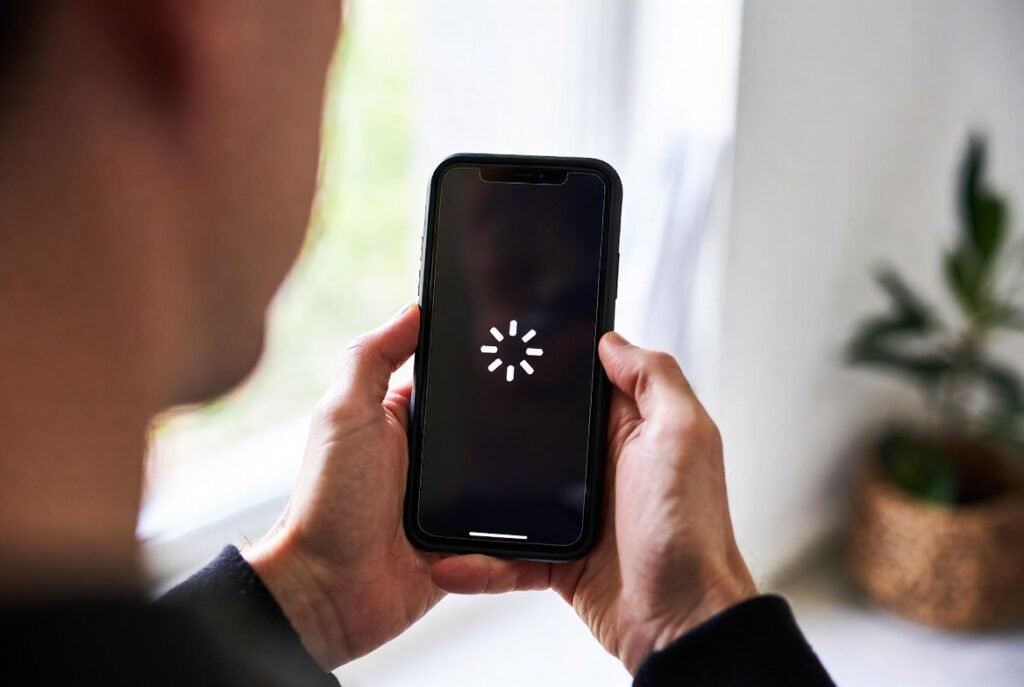
Sometimes it’s not the phone but the connection that is slow. A lot of modern apps are completely reliant on a cloud connection. If your phone is having a hard time maintaining a Wi-Fi or 5G connection, or syncing thousands of photos to the cloud in the background, it is not entirely uncommon for your interface.
