
The app stores present a daunting task for parents because they must choose educational tools from 1000 available choices. The top applications establish a balance between “gamification” which maintains children’s attention and actual teaching abilities. The at-home learning applications for phonics coding and emotional intelligence help your child develop skills through structured learning paths which match their age without resembling “homework.”
Duolingo ABC

The renowned language-learning platform Duolingo expanded its services to develop Duolingo ABC which delivers literacy education exclusively for children. The program divides the reading learning process into smaller parts which teach letter sounds, phonics and sight words.
ABCmouse
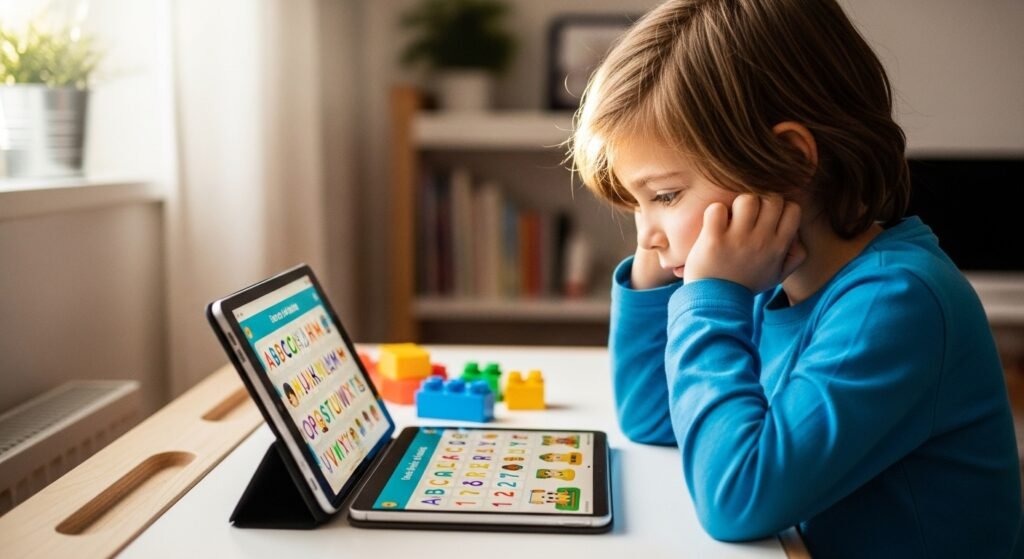
The program offers a complete educational system for children aged 2 to 8 which simulates the learning experience of a traditional classroom. The program includes reading math science and art education through more than 10000 distinct learning activities. The program offers children “tickets” which they can use to purchase virtual items for their digital avatar or virtual classroom after completing lessons.
Toca Boca World

Toca Boca operates as a digital dollhouse which provides users with numerous possibilities for “open-ended play.” Children create their own stories and worlds without the existence of scoring or level progression. This method develops creative thinking abilities and problem-solving capabilities and storytelling skills which serve as crucial components for developing cognitive skills.
Endless Alphabet
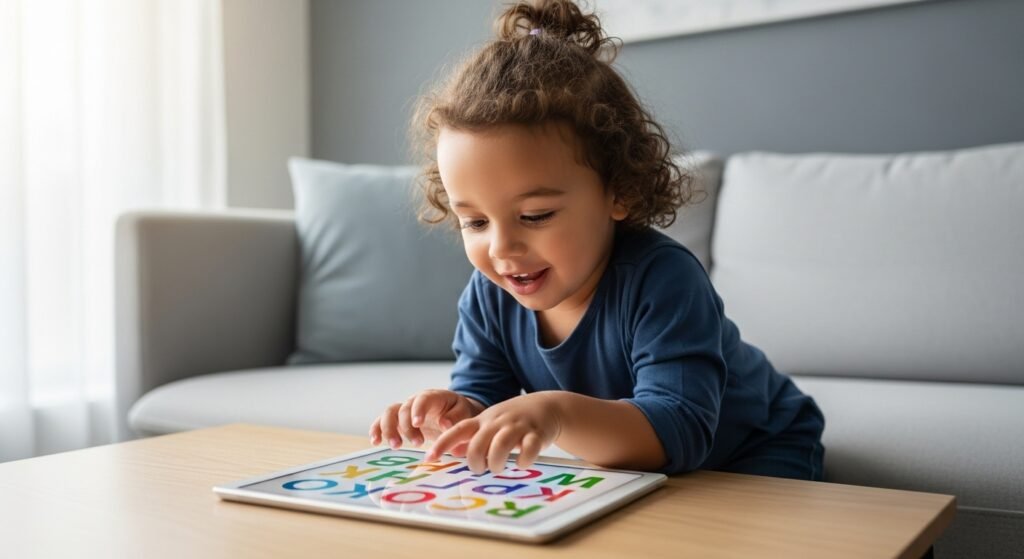
The application serves as an ideal educational tool for preschoolers and toddlers who begin to recognize letters. The program displays cute monsters who distribute the letters of a word throughout the entire interface. The child pulls each letter toward its designated spot while the letter produces its sound, which helps kids connect the letter shape with the sound it produces.
Prodigy Math
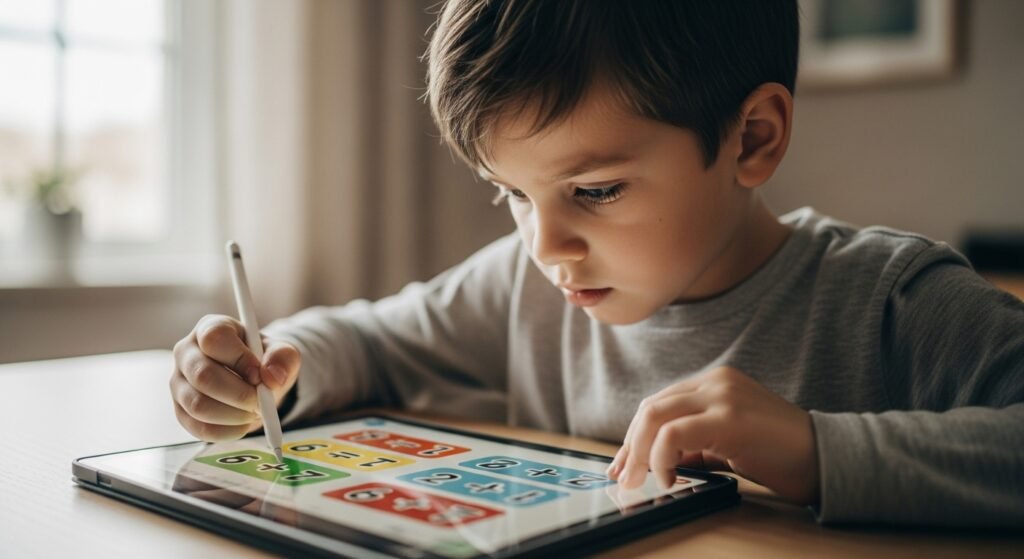
Prodigy transforms mathematics exercises into a functioning fantasy role-playing video game. Students develop their wizard character to battle opponents who lose when students solve math problems correctly. The video game presents such exciting challenges that children become unaware they are completing multiple math problems, which makes it effective for students with “math anxiety” difficulties.
ScratchJr

The MIT researchers developed this application to teach computer programming to children who are 5 to 7 years old. Children use visual “blocks” to create character movements instead of typing code. The program teaches young children fundamental coding logic through learning about sequence and cause-and-effect relationships.
Epic!

Epic! operates as a digital library which provides access to more than 40000 premium books. The service offers “read-to-me” capabilities for younger users while providing thousands of popular titles to older users. The service provides a convenient way for your child to access new reading materials without requiring them to physically visit a bookstore.
DragonBox Numbers

DragonBox established its reputation for simplifying challenging concepts so they become easier to understand. The “Numbers” application assists children in developing their understanding of “number sense” which explains how “6” consists of “4” plus “2.
Starfall Learn to Read
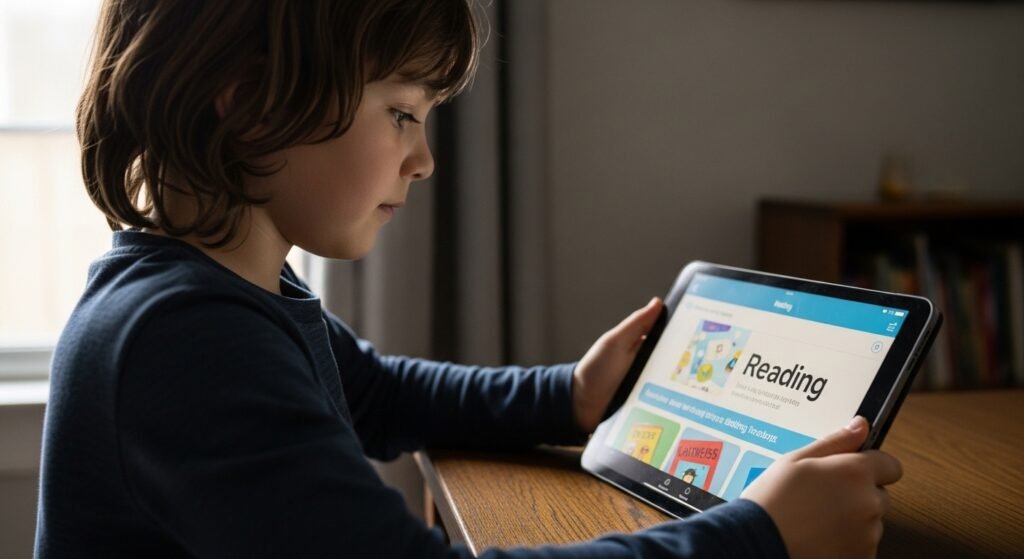
Starfall has operated as a fundamental educational resource in schools throughout many years. The program uses a systematic “phonics-first” approach which teaches children letter sounds before introducing them to letter names. The method proves effective for children who encounter difficulties because they need assistance with progressing from alphabet recognition to complete sentence reading.
PBS Kids Games

The application features interactive games which users can play based on popular television programs such as Daniel Tiger and Wild Kratts. The program focuses its educational content on teaching “life skills” and scientific principles.
Osmo
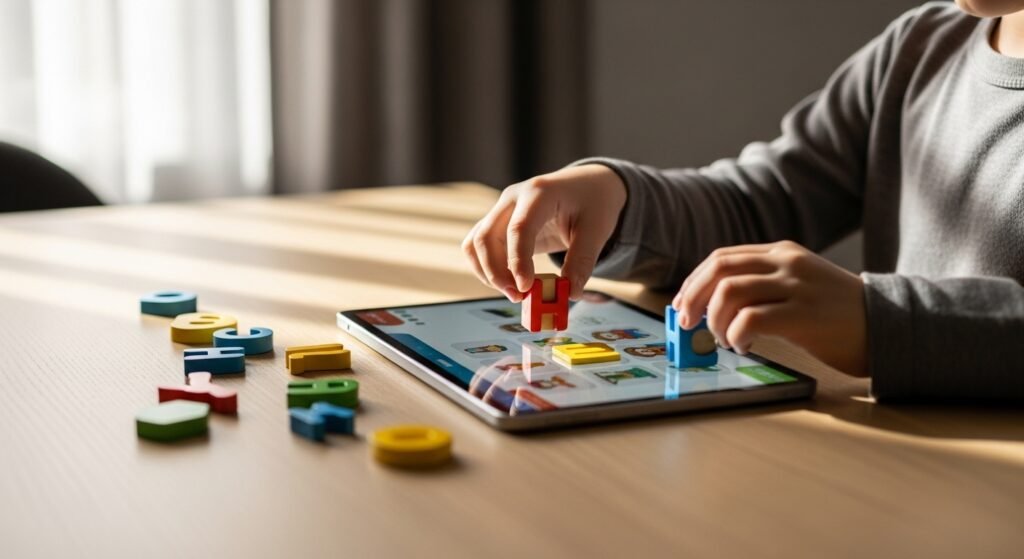
The Osmo system stands out because it enables users to use their iPad while interacting with physical “play pieces” which are set up on a table. The application uses a small mirror which sits above the camera to detect what children are doing with actual tiles and drawings and blocks.
