
The current home environment considers slow internet connections as a factor which negatively affects work productivity. Most people believe that their Wi-Fi issue requires them to purchase a new router or upgrade their internet service to a more expensive plan. Home Wi-Fi difficulties arise from household members who generate “traffic congestion” within their domestic spaces. The hidden setting in the router menu allows users to execute their most critical work tasks immediately through Quality of Service (QoS) technology.
What exactly is QoS?

Quality of Service (QoS) functions as an internet traffic cop which controls your network traffic. Your router needs this feature because it treats all data packets with equal importance. The system cannot separate essential Zoom work calls from regular laptop updates which occur when the device remains idle. Users can utilize QoS to establish which router “traffic” should receive higher priority status.
Eliminating the “Buffer Wheel”
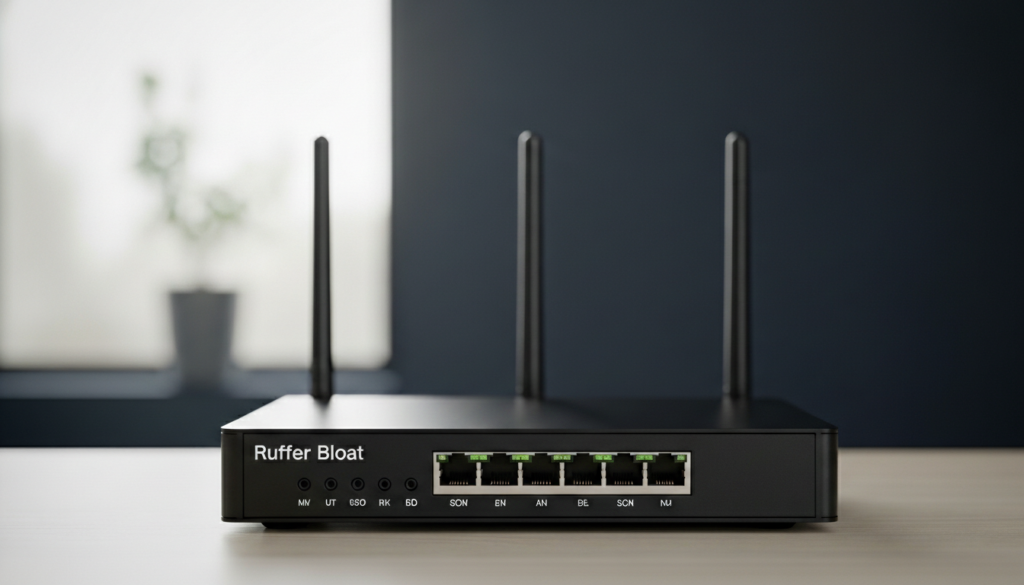
Buffer bloat serves as the primary reason users feel dissatisfied with the system. Buffer bloat occurs when a router experiences a situation where multiple users send requests simultaneously which exceeds its processing capacity. The QoS feature enables time-sensitive video data to be prioritized for immediate access which stops the user from experiencing interruptions during their movie viewing session.
Prioritizing Work-From-Home Tools
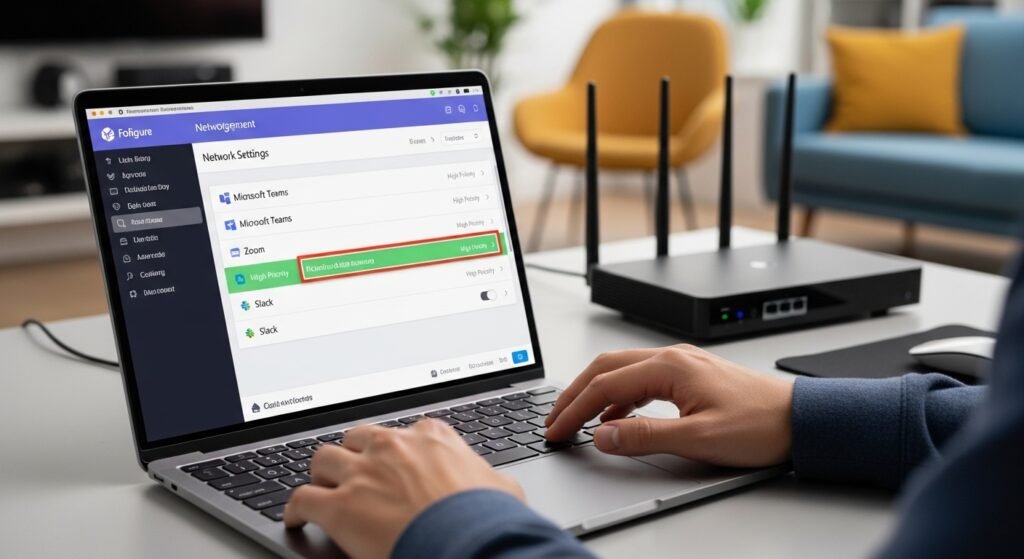
Work-from-home employees establish their router settings to allocate priority access for Microsoft Teams and Zoom and Slack applications. This system guarantees that your video call will maintain perfect audio and video quality even when another family member downloads large files.
Better Gaming Performance

Gamers must learn how to measure both “ping” and “latency” as those two factors determine their success. The smallest delay of one split second will ruin a match completely. The Gaming Mode provided by QoS settings gives priority to game data packets which guarantees your internet connection remains stable when other users access the internet.
Managing “Data Hogs”

All homes contain a single “data hog” which may include a gaming console that downloads a large 100GB game update or a cloud service that backs up multiple thousands of images. The QoS feature enables you to restrict the maximum internet bandwidth which specific devices can use, so other devices in the house can continue operating normally.
Defining Device Priority
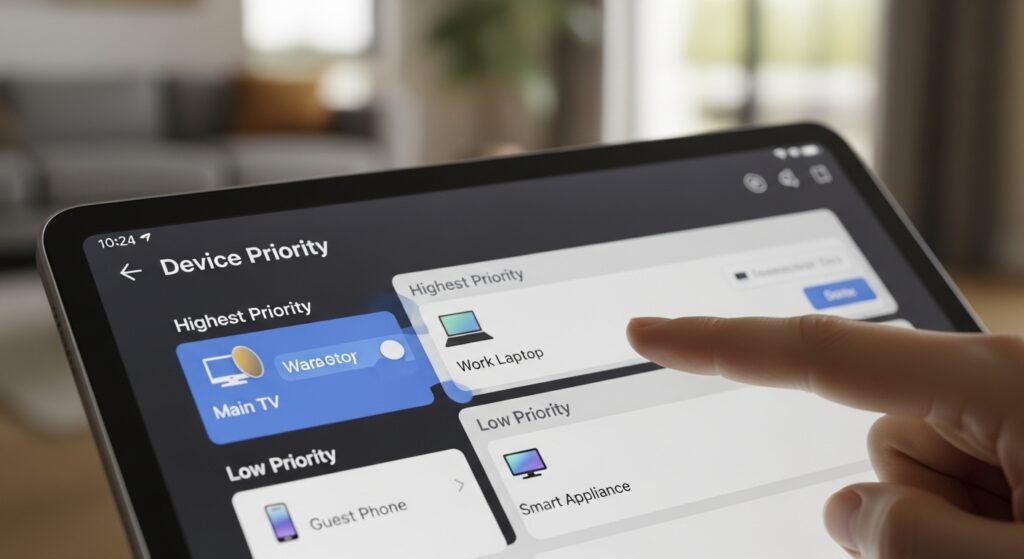
Users of modern routers can create device priority lists by dragging and dropping functions which the system provides. You can assign “Highest Priority” status to both your work laptop and main TV while moving guest phones and smart appliances to “Low Priority” status.
Solving Smart Home Congestion
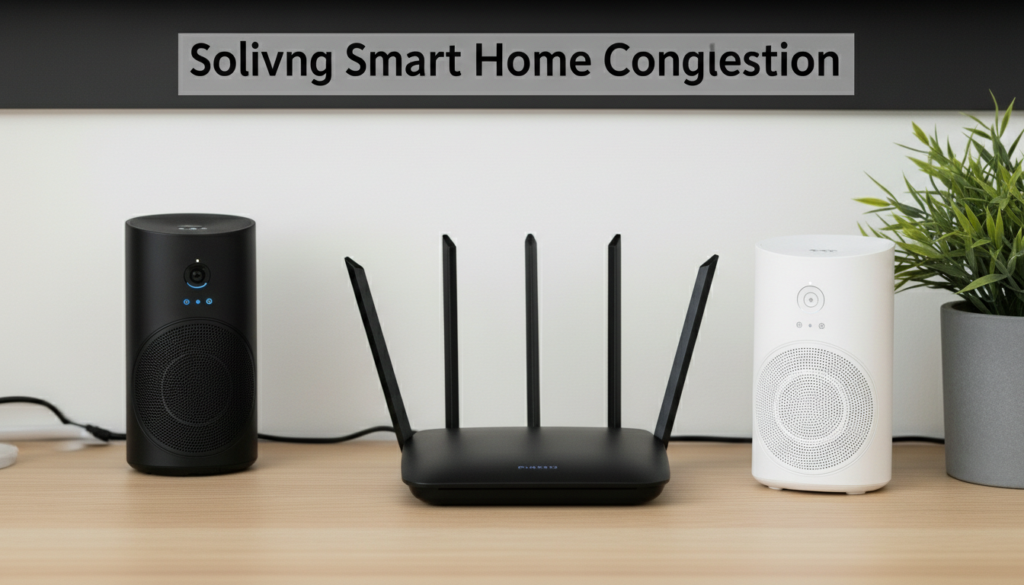
The addition of smart lightbulbs and cameras and speakers creates an overcrowded situation for our routers. Although these devices consume minimal bandwidth, they transmit thousands of tiny “check-in” signals. The QoS system handles these tiny signals to maintain your high-speed internet connection without interruptions.
Upload vs Download Priority

People primarily focus on download speed, yet “Upload QoS” holds greater significance for video calls and gaming. Users who have low upload bandwidth will appear to others as a grainy video stream. Upload QoS activation will deliver consistent power for your outbound transmission.
Automatic vs Manual Modes

Current routers run on two primary operating modes, which include “Smart QoS” and “AI-Assisted QoS .” The system provides users with beginner-friendly functions because the router automatically recognizes their current activities while it adjusts network priorities according to operational conditions without requiring any user intervention.
Testing the Difference

You need to conduct a speed test after activating QoS because someone in your household will be watching videos. The new setting will reduce your “ping” rates while providing you with more stable network performance than what existed before.
