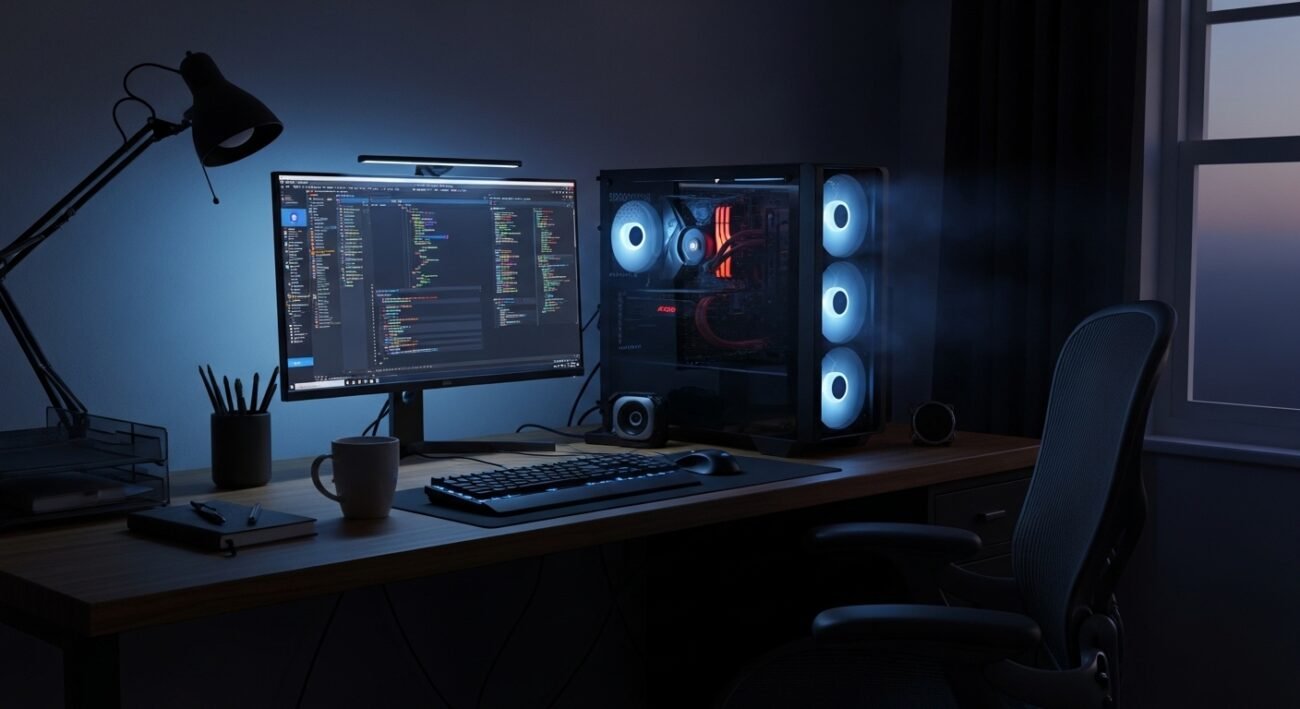
Computers have become constant companions in homes and offices. Many people leave their systems running throughout the day and sometimes overnight, assuming it saves time and keeps work ready whenever needed. In reality, a computer that rarely shuts down experiences several small changes behind the scenes. Heat builds, background tasks continue, and hardware components keep moving even when no one is actively using the device. This does not mean the computer will stop working suddenly, but the habit can influence performance, electricity use, and long-term reliability. Understanding what happens inside a continuously running system helps users make smarter decisions about maintenance, rest periods, and everyday digital routines.
Continuous Heat Buildup
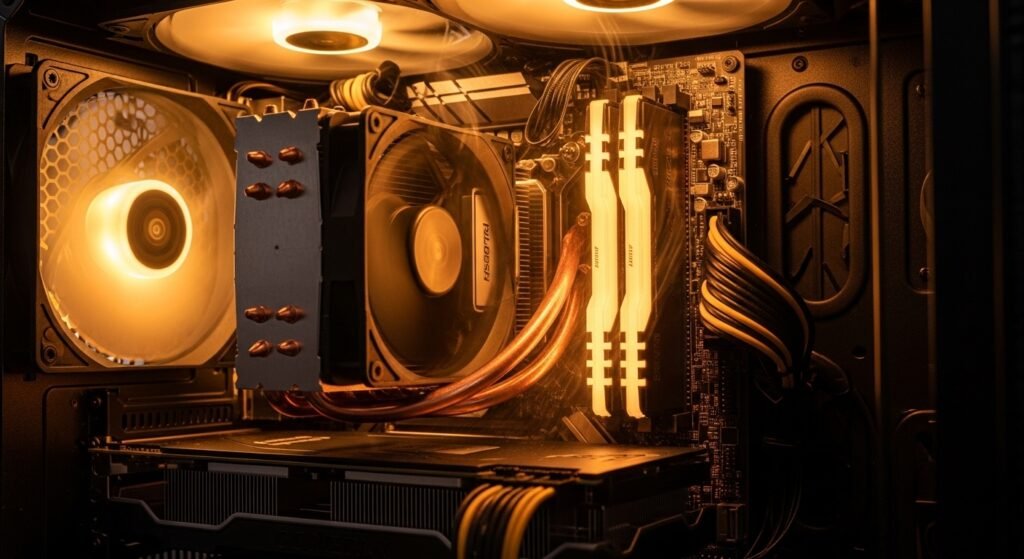
When a computer stays powered on all the time, internal parts remain warm for longer periods. Cooling fans spin more often to control temperature. Over time, this constant heat can shorten the working life of.
Fan Wear Over Time
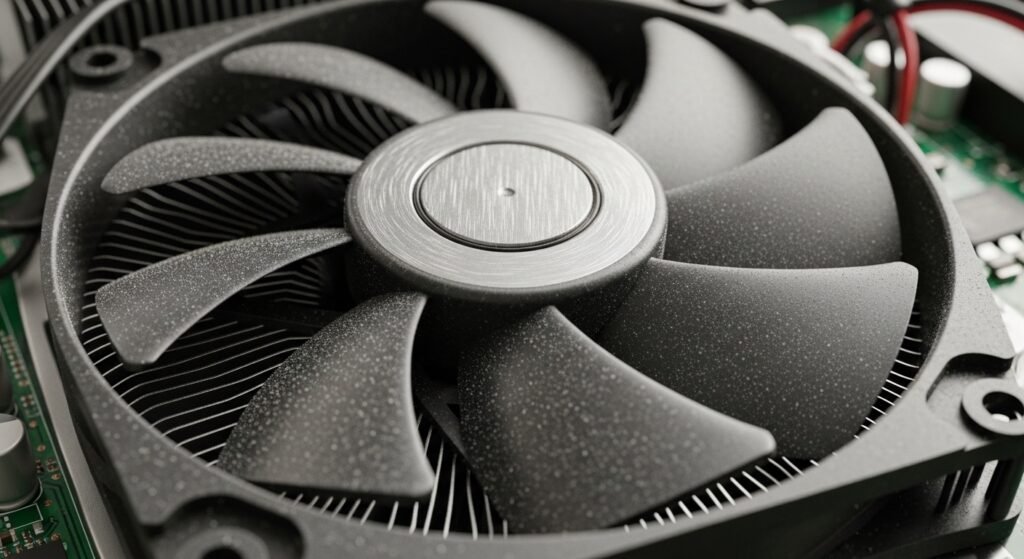
Cooling fans are small but essential. When the system never rests, these fans rotate thousands of extra hours. Bearings slowly wear down, which may lead to louder noise, weaker airflow, and gradual overheating problems later.
Higher Electricity Use
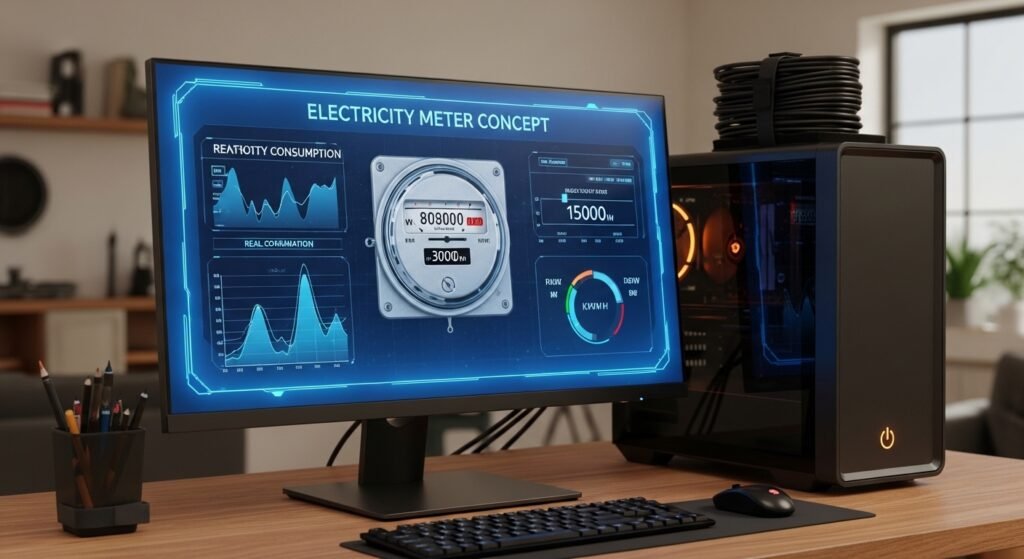
Keeping a computer running continuously increases electricity consumption. Even in idle mode, processors, memory, and background services still draw power. Over a year, that steady usage can noticeably raise household energy bills for many families.
Background Updates Continue
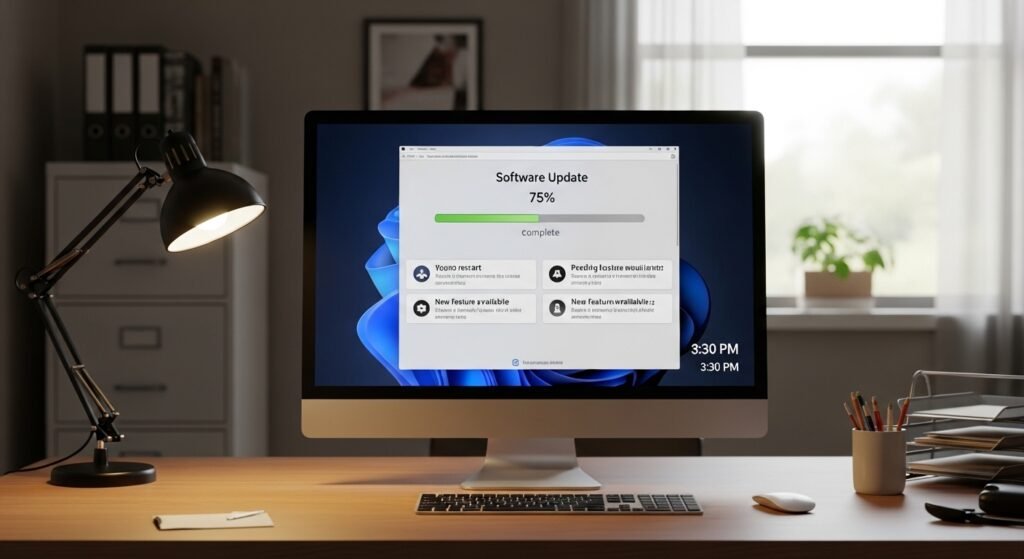
Modern operating systems regularly check for updates and security patches. When the machine remains on, these processes run automatically. While useful, constant background activity keeps the processor and storage active longer than occasional daily use.
Dust Accumulation Inside the Case
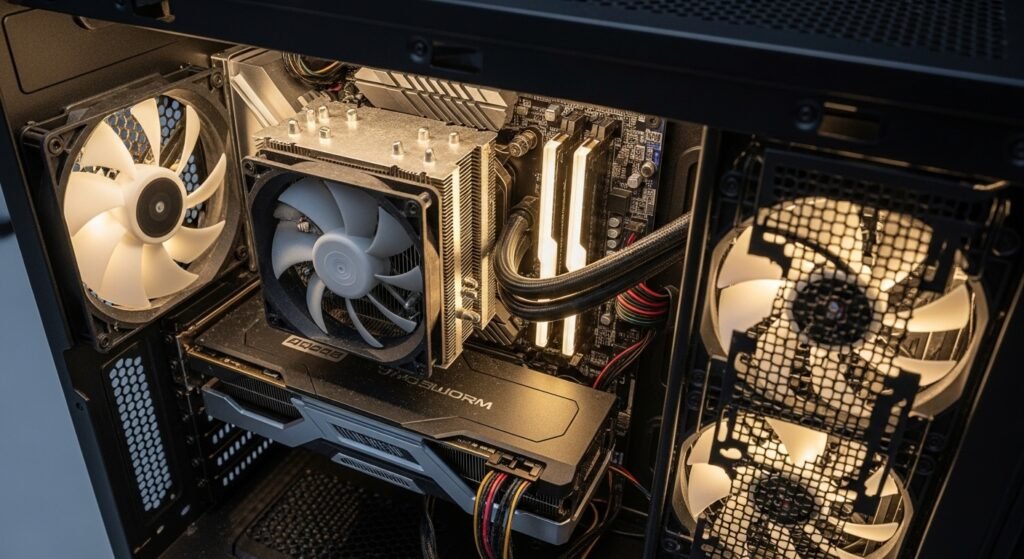
A computer that stays on pulls air through its vents for cooling. Along with air comes dust. Over time, particles settle on fans and circuits, reducing airflow efficiency and slowly raising internal temperatures inside the.
Storage Device Activity
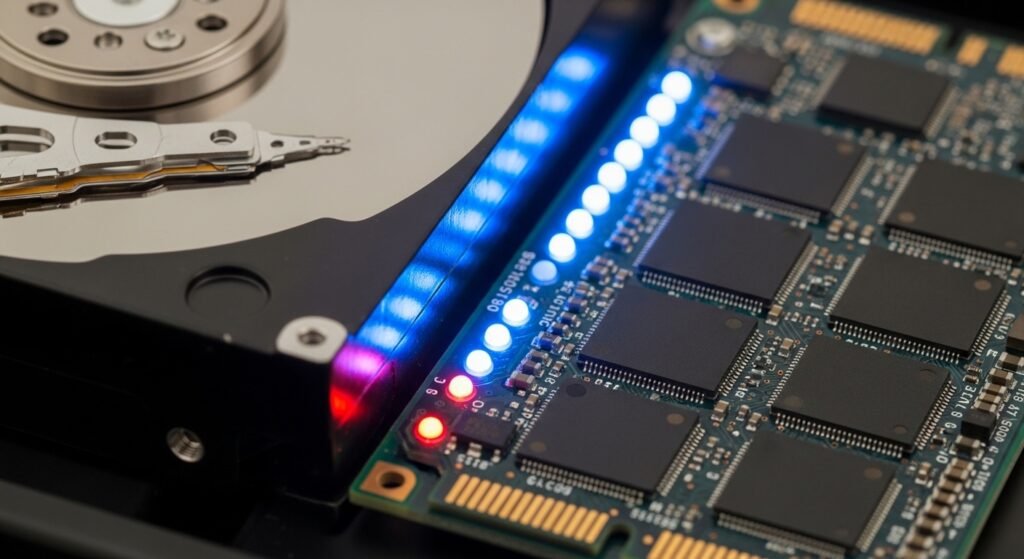
Traditional hard drives and even solid state storage perform small tasks in the background. Logging data, syncing files, and running services create repeated read and write cycles that gradually contribute to long term wear overall.
Security Risks if Unmanaged

A system that stays online constantly may face greater exposure to network threats. If updates or security settings are ignored, the computer could remain connected for long periods without supervision, increasing potential vulnerability for users.
Screen and Display Wear
Leaving a monitor active for many hours can gradually affect display components. Brightness levels, static images, and constant power flow may contribute to slower aging of pixels and backlight systems over long periods of use.
System Memory Usage
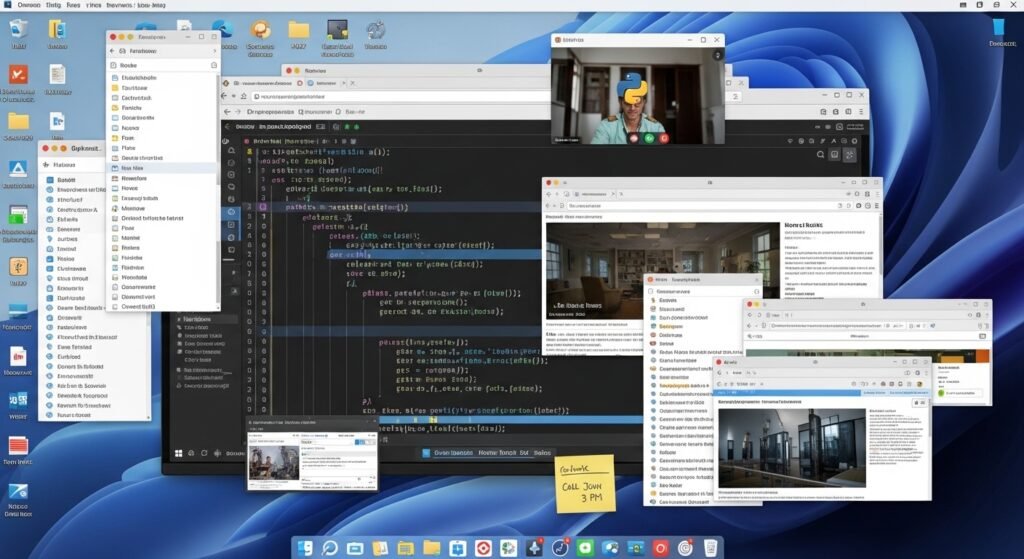
When a computer runs continuously, programs may stay open longer than intended. Temporary files and cached data build gradually in memory. Restarting occasionally clears these resources and helps the system operate more smoothly again later.
Network and Cloud Synchronization
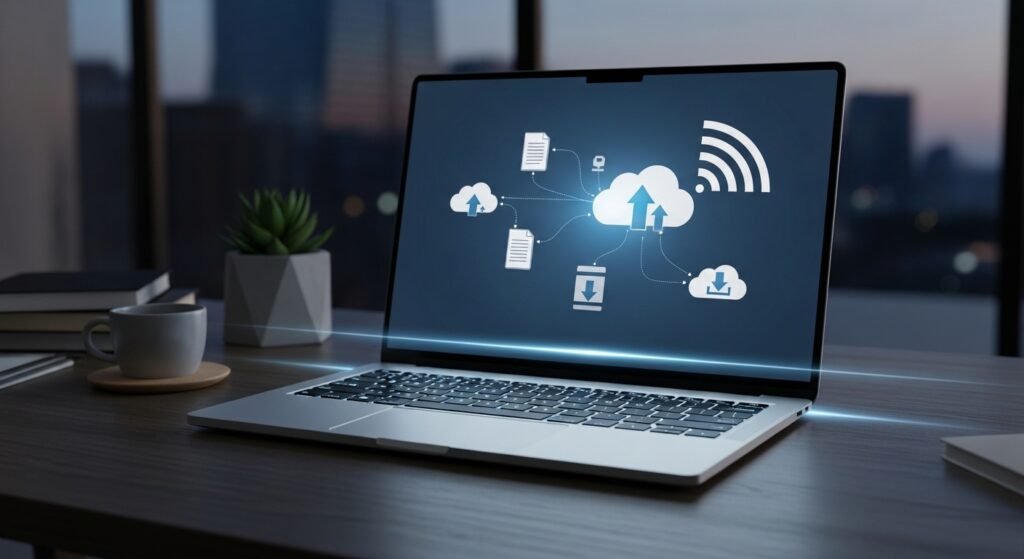
Many modern applications synchronize files, photos, and settings through online services. When the computer never sleeps, these connections continue checking for changes. This constant communication can keep processors active and use additional data in background.
Occasional Rest Supports Stability
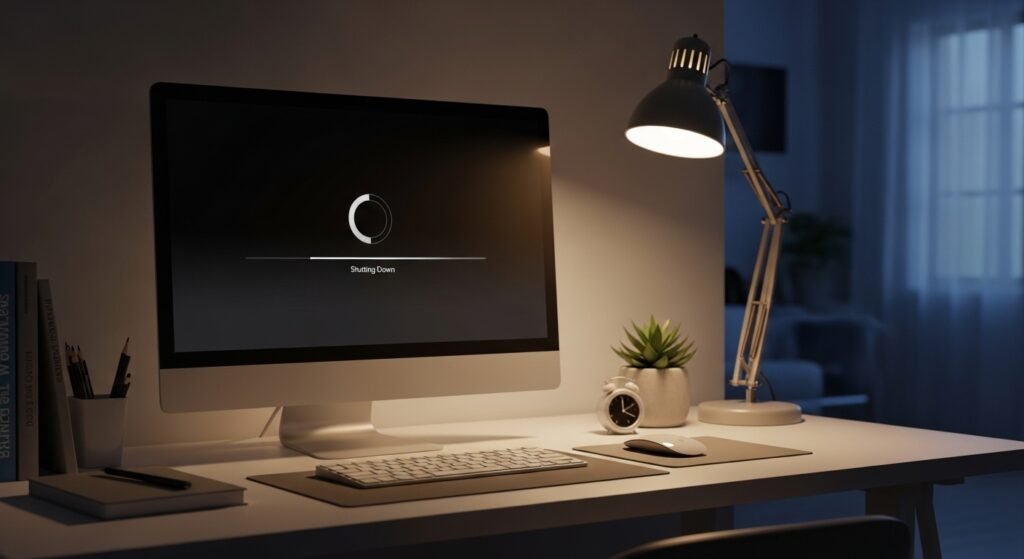
Shutting down or restarting sometimes allows hardware and software to reset. Cooling components pause, memory clears, and updates install cleanly. Giving the machine regular rest can support stable performance over many years of reliable operation.
