
A Home Assistant server quietly manages many parts of a connected home. Over time, however, small issues can accumulate. Old integrations, unused devices, and cluttered automations may slow performance or create confusion. A periodic cleanup keeps everything organized and dependable. Think of it like tidying a workspace where digital tools operate behind the scenes. When the system stays structured, automations respond faster and troubleshooting becomes easier. A few careful adjustments can improve stability and clarity without changing the core setup. These practical steps help maintain an efficient environment while preserving the automations that make daily routines simpler and more comfortable.
Review Installed Integrations
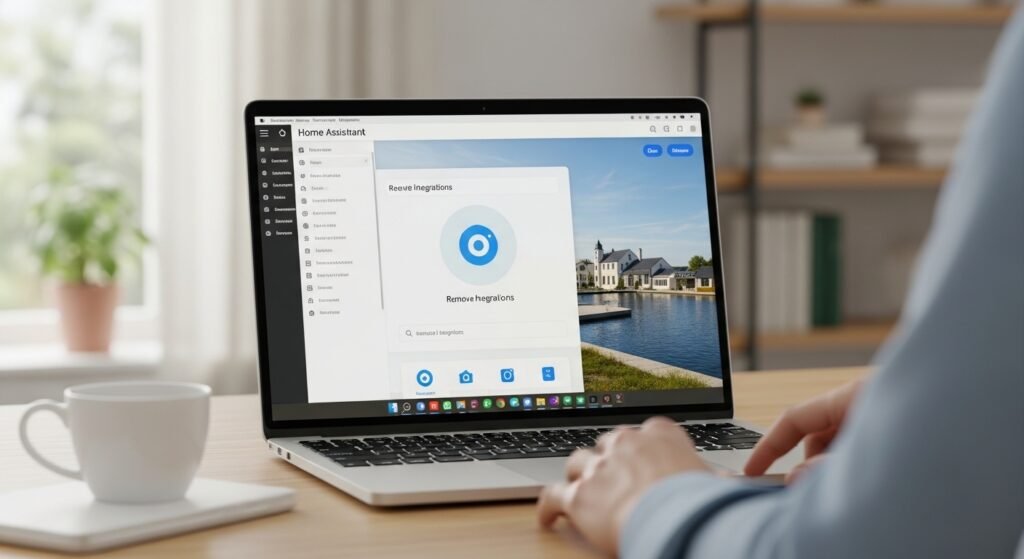
Integrations connect services and devices to Home Assistant. Over time, some become unnecessary. Check the integration list and remove items that no longer serve a purpose. A smaller set of integrations improves clarity and reduces potential configuration conflicts.
Remove Unused Devices
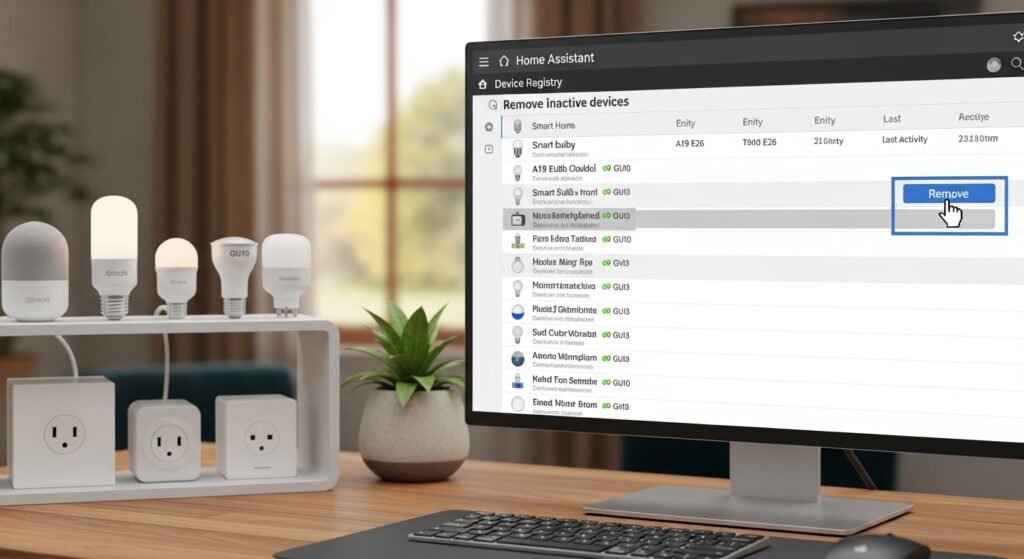
Devices that are no longer active often remain listed in the system. These entries can clutter dashboards and automations. Reviewing the device registry and removing outdated items keeps the system organized and easier to manage.
Organize Automations
Automations tend to multiply as new routines are added. Reviewing them helps identify duplicates or outdated actions. Renaming automations with clear descriptions also makes future adjustments easier when reviewing triggers or conditions.
Clean Up Old Entities
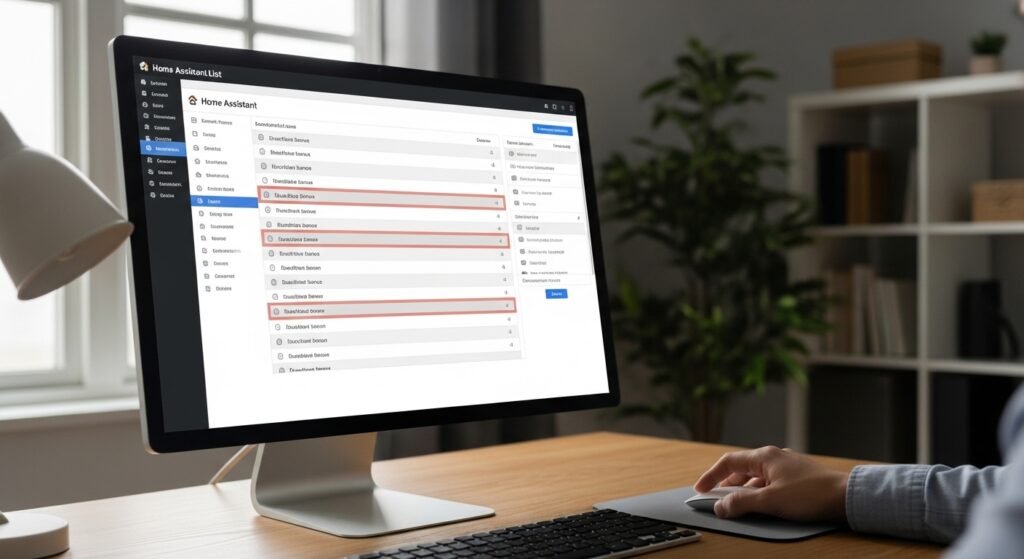
Entities represent sensors, switches, and other components. Sometimes entities remain after devices are removed. Clearing these inactive entities prevents confusion and keeps dashboards focused on currently active devices.
Update the Core System
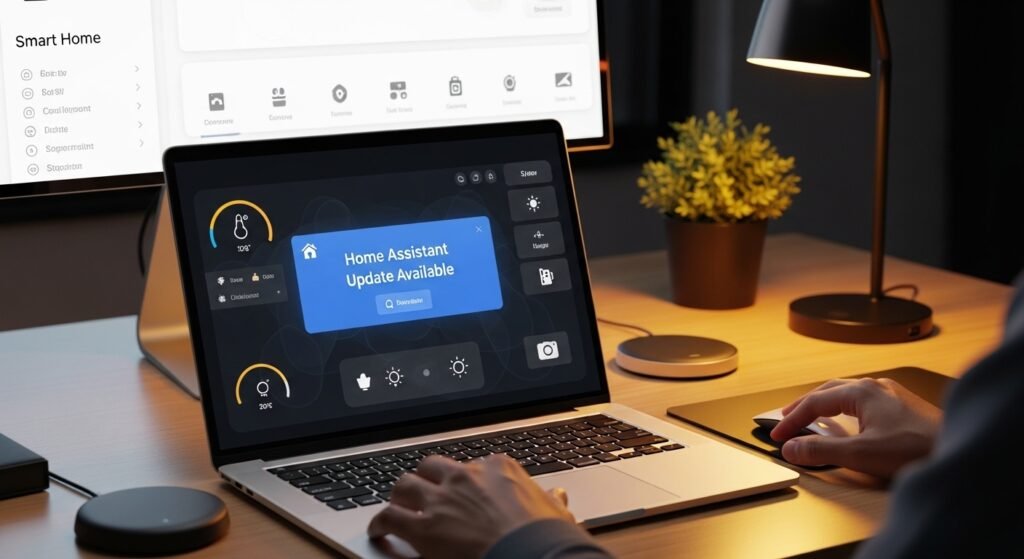
Keeping Home Assistant updated ensures better stability and access to improvements. Updates often refine performance and security. Reviewing release notes before installing helps confirm compatibility with existing integrations and custom components.
Review Add-ons and Extensions
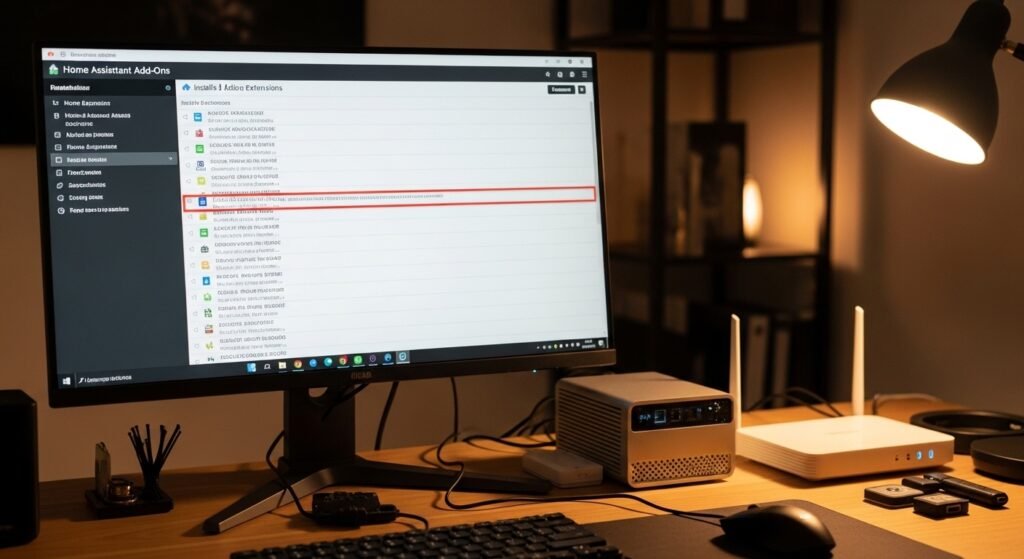
Add-ons expand the platform’s capabilities, yet unused ones can consume resources. Look through the installed list and remove add-ons that no longer support daily routines. This reduces background processes running on the server.
Streamline Dashboards
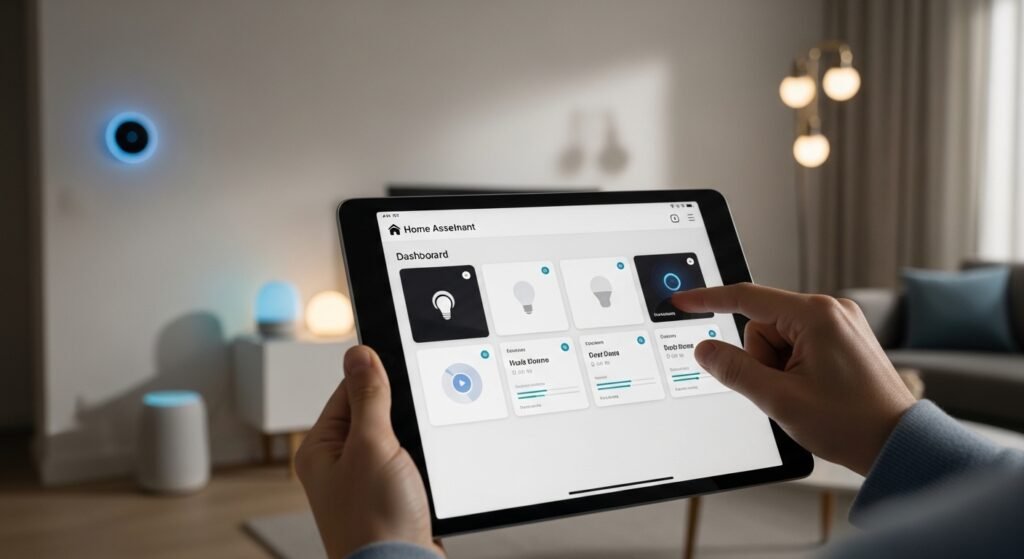
Dashboards can become crowded after months of adjustments. Removing outdated cards or reorganizing layouts creates a cleaner interface. A well-arranged dashboard helps locate important controls and sensors quickly.
Archive Old Logs and Backups
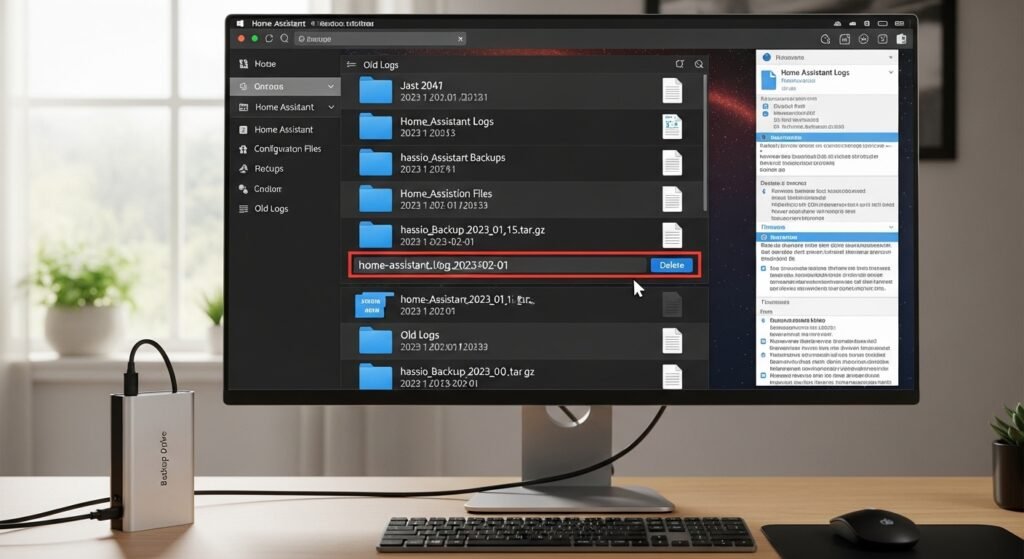
Logs and backups are essential, yet older files may accumulate and occupy storage. Reviewing backup folders and removing outdated versions keeps storage available for future system snapshots and troubleshooting needs.
Check Automation Triggers
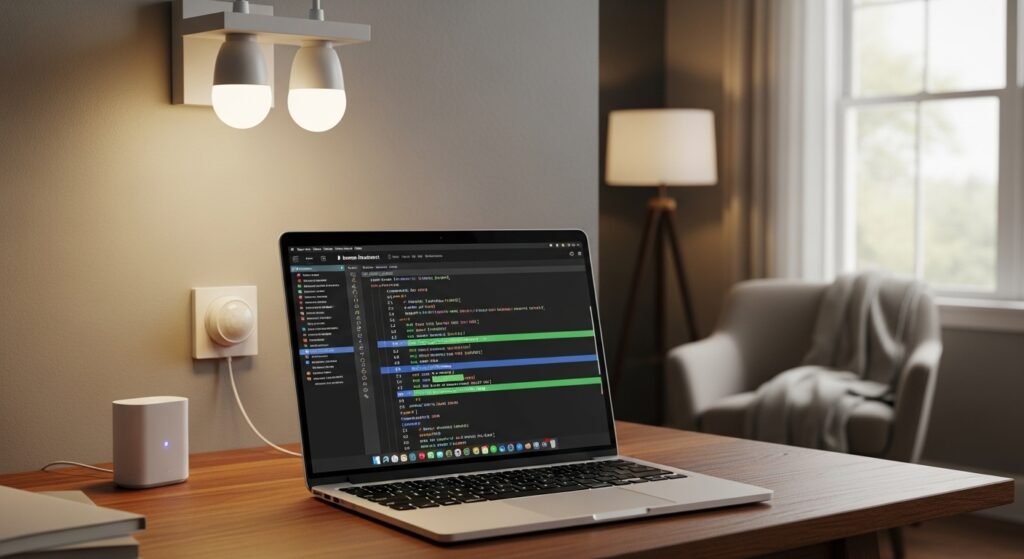
Some automations rely on triggers that no longer exist. Reviewing triggers ensures each one still connects to a valid device or entity. This prevents silent failures where automations stop running as expected.
Review User Permissions
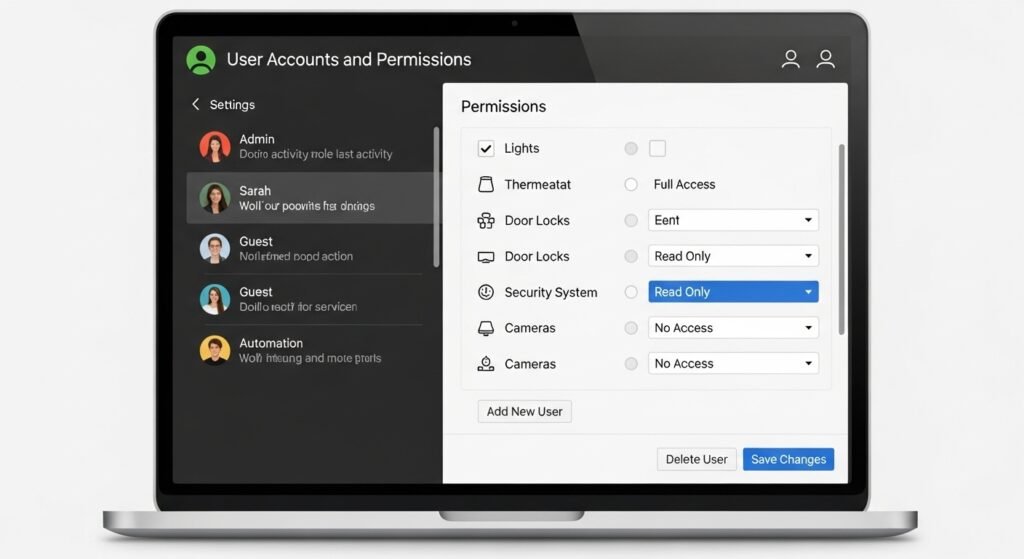
If multiple people access the system, reviewing user permissions can improve security and organization. Removing inactive accounts or adjusting roles ensures only relevant users manage or modify system settings.
Restart and Monitor Performance
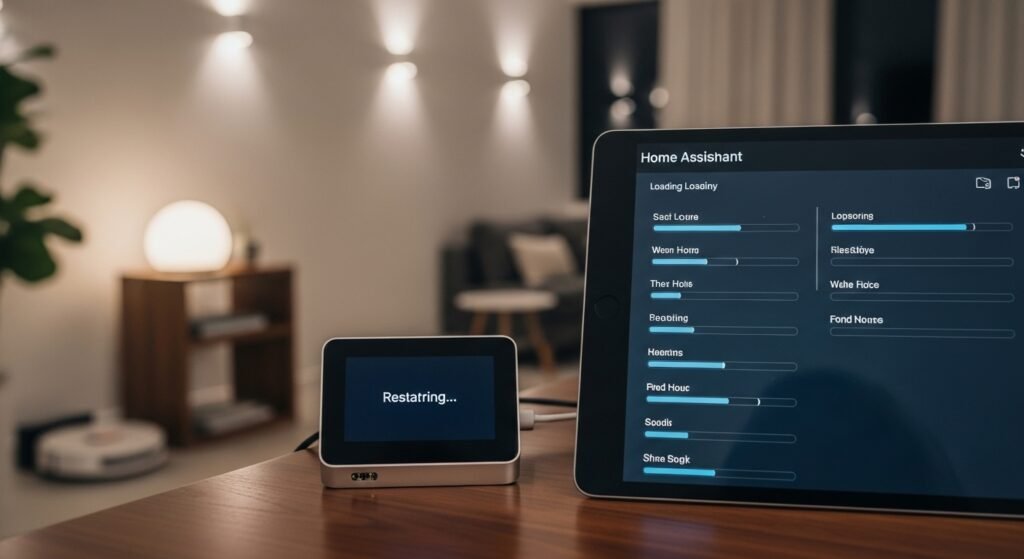
After cleanup tasks, restarting the server allows changes to settle. Monitoring performance afterward helps confirm that automations run smoothly and dashboards load efficiently. A short review ensures the system remains reliable for everyday routines.
