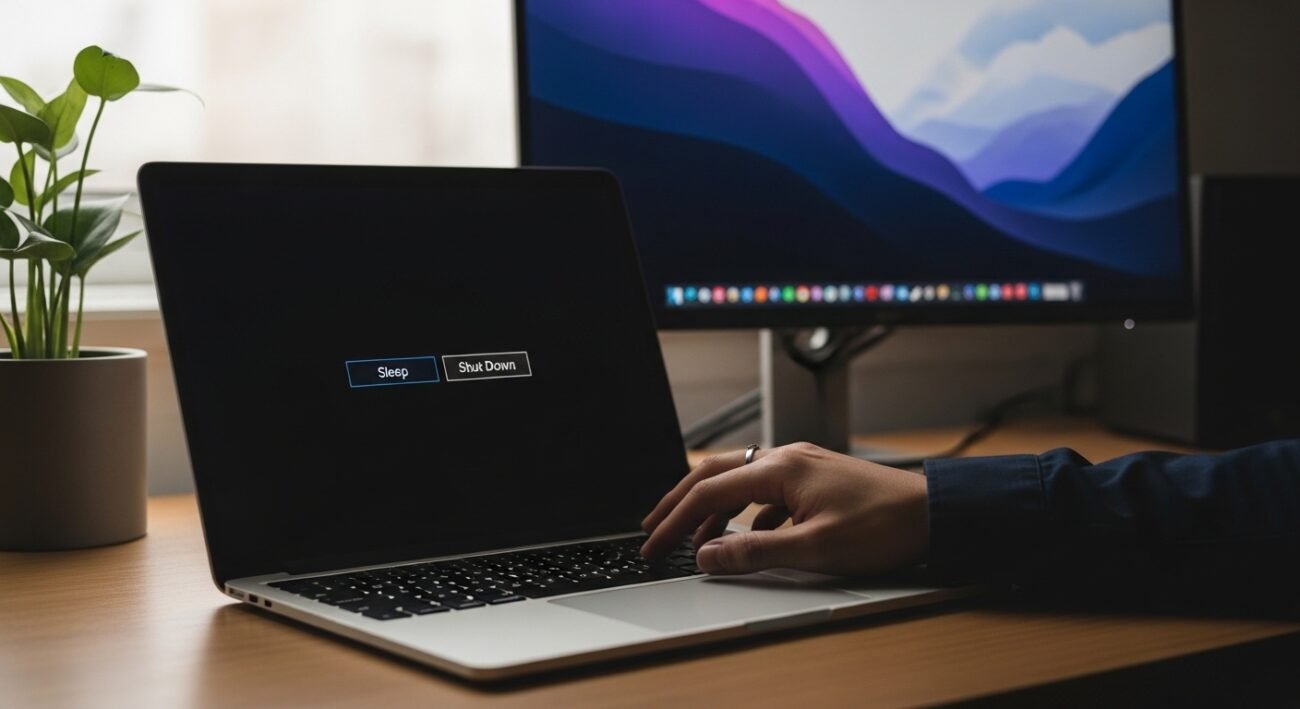
Many people leave their computers on sleep mode out of convenience, while others prefer shutting them down completely at the end of the day. Both choices have practical benefits, but the better option depends on how you use your PC and what matters most speed, energy use, or system health. Understanding the difference can help you avoid unnecessary wear, save electricity, and improve performance over time. If you’ve ever wondered whether your daily habits are helping or harming your device, these insights will give you a clearer picture and help you make a smarter decision for your routine.
Startup Speed Matters
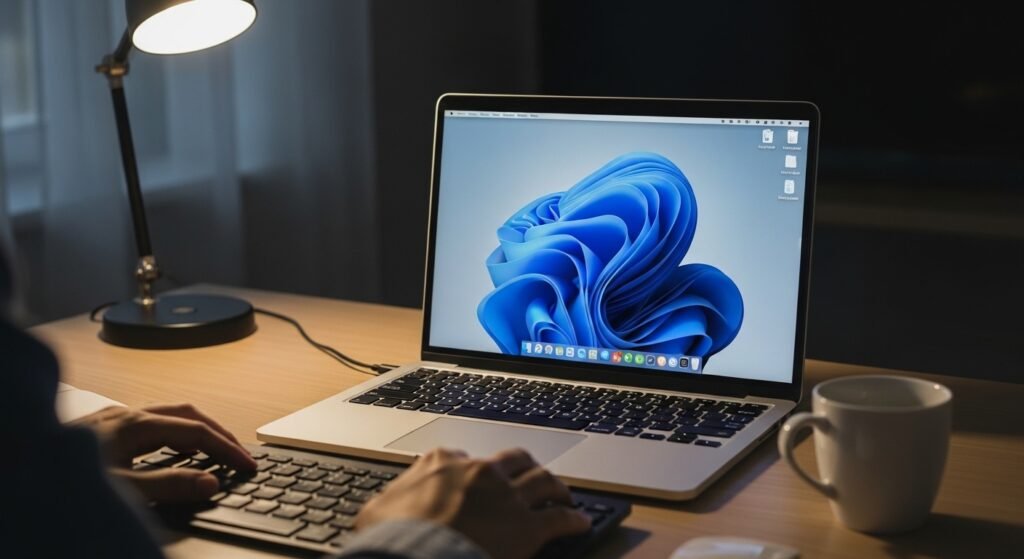
Sleep mode allows your PC to resume almost instantly, saving time during busy days. Shutting down requires a full reboot, which takes longer but ensures a fresh start without lingering background processes or temporary glitches.
Power Consumption Differences
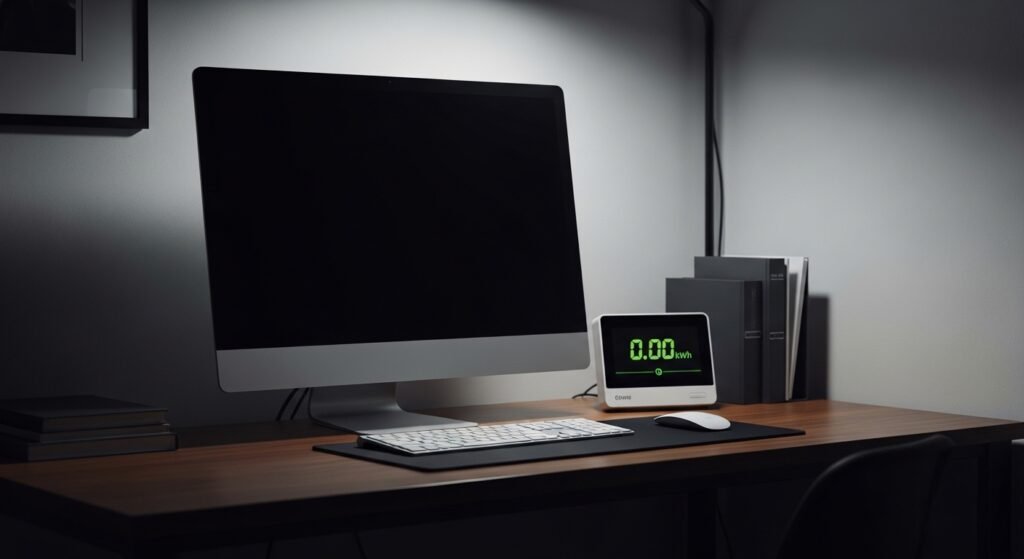
While sleep mode uses less power than active use, it still consumes some electricity. A shutdown uses no power at all, making it a better option for reducing energy usage, especially overnight or during long breaks.
System Performance Over Time
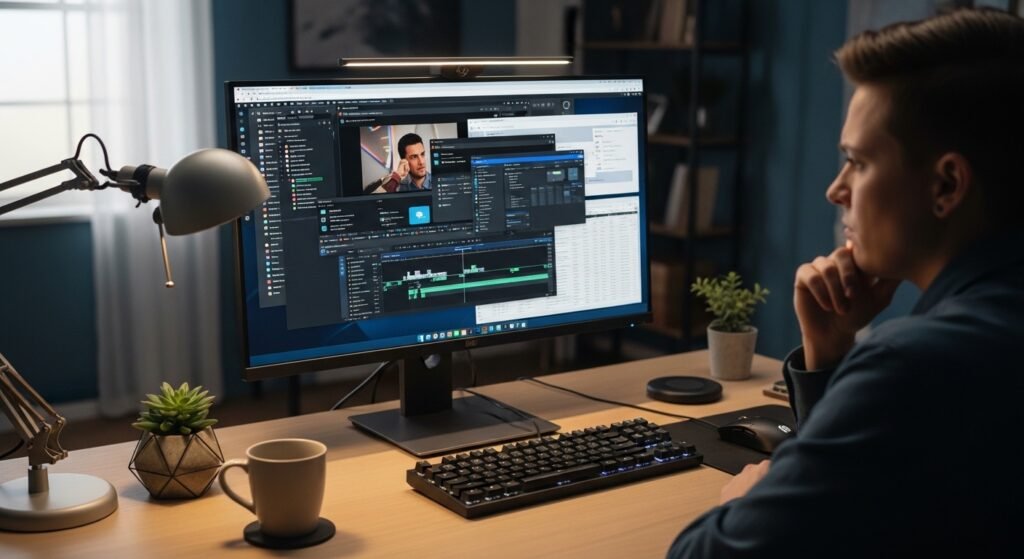
Frequent use of sleep mode can lead to slowdowns due to accumulated background tasks. Shutting down regularly clears memory and temporary files, helping your system maintain smoother performance and reducing the chances of lag.
Hardware Wear and Tear
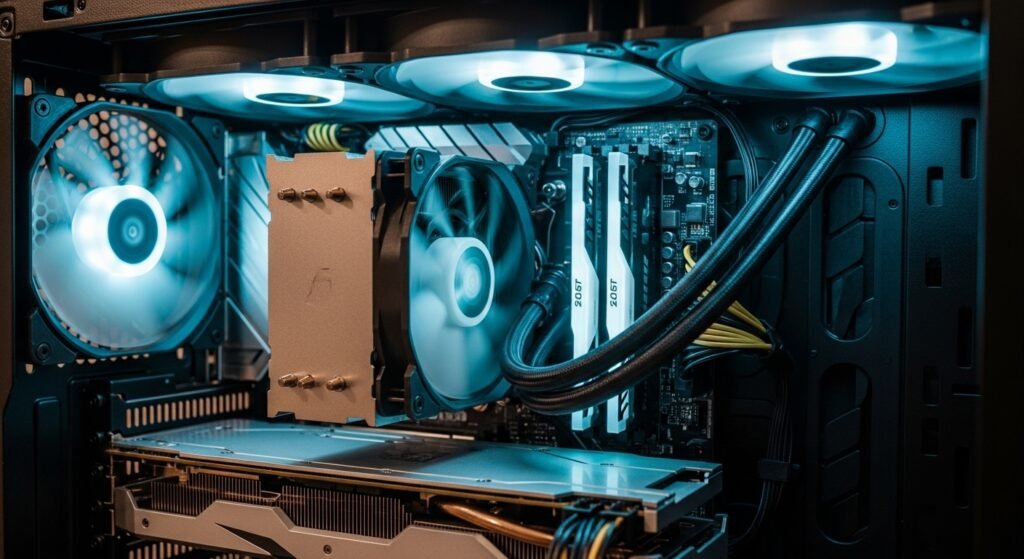
Modern PCs are designed to handle both sleep and shutdown cycles efficiently. However, occasional shutdowns can reduce long-term strain on components like fans and processors that might stay active during extended sleep periods.
Software Updates Installation
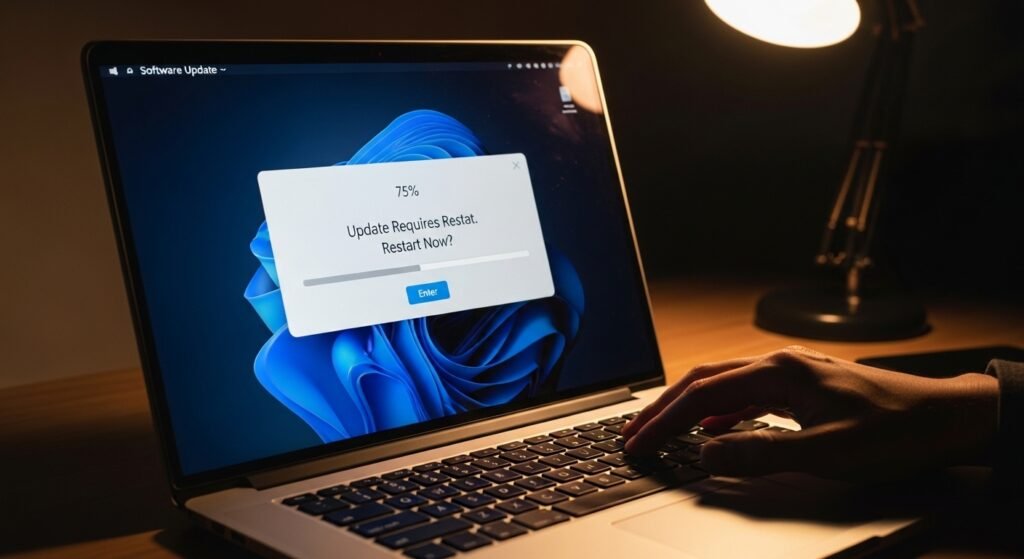
Many updates require a restart to complete installation. If you rely only on sleep mode, important updates may remain pending. Shutting down or restarting ensures your system stays updated and secure.
Data Safety Considerations
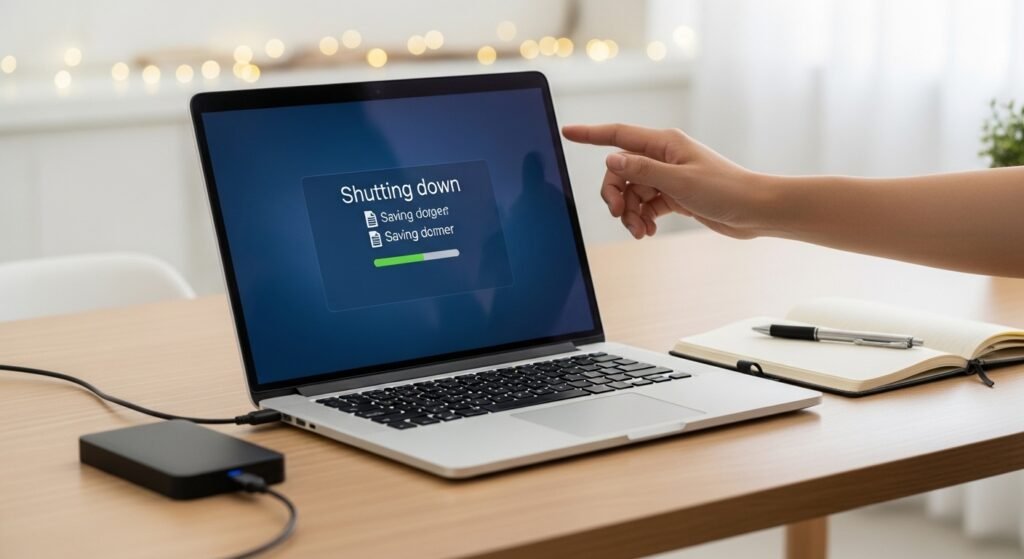
Sleep mode keeps your session active, which can be helpful but risky if there’s a power interruption. Shutting down safely closes all programs, reducing the risk of data loss or file corruption.
Convenience vs Discipline
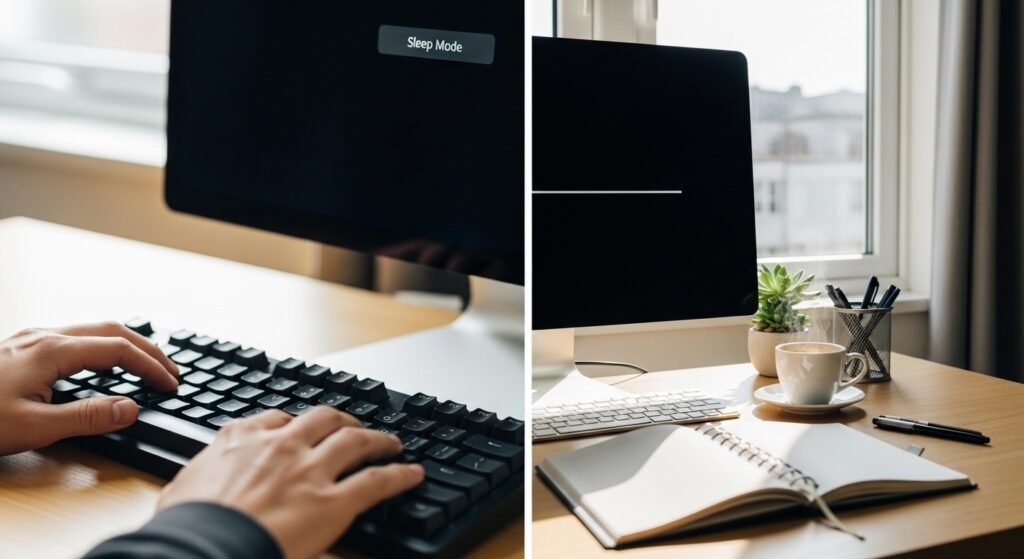
Sleep mode is convenient for quick breaks and daily use, allowing you to pick up where you left off. Shutdown requires planning but promotes better digital habits and encourages periodic system refresh.
Battery Impact on Laptops
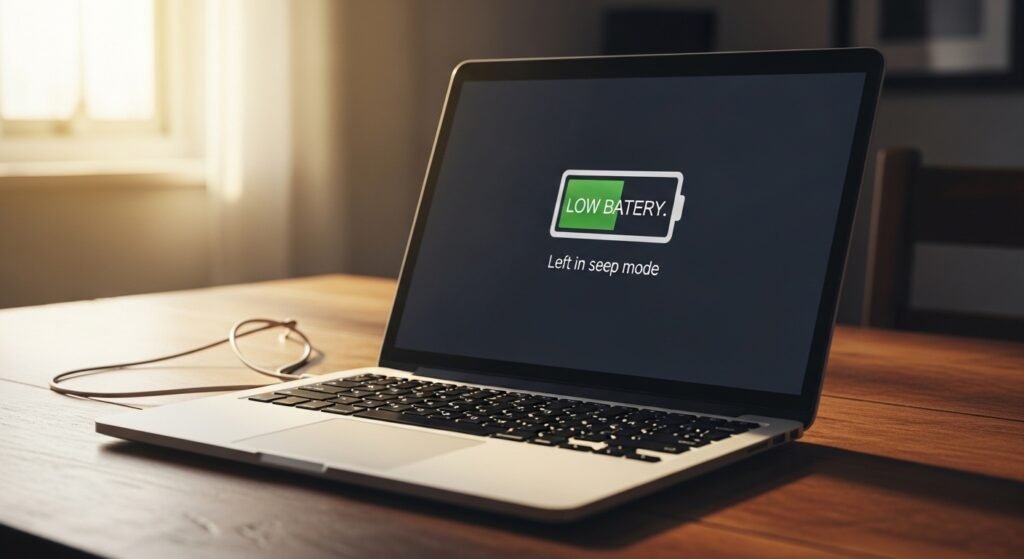
For laptop users, sleep mode slowly drains the battery over time. If not plugged in, your device could lose power unexpectedly. Shutting down preserves battery life when the laptop is not in use.
Heat Management
Even in sleep mode, some components may generate minimal heat. Over long periods, this can affect internal temperatures. Shutting down allows the system to cool completely, which can benefit long-term hardware health.
Security and Privacy Benefits

A sleeping PC can still be accessed quickly, which may pose a concern in shared environments. Shutting down adds an extra layer of protection by requiring a full login before access is granted again.
Daily Routine Balance Approach
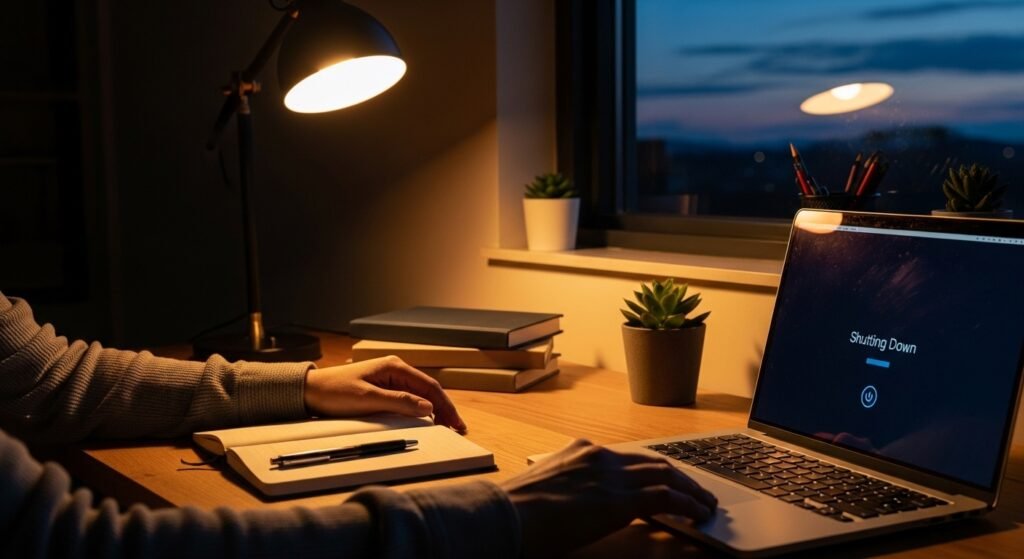
A practical strategy is to use sleep mode during the day for convenience and shut down at night. This balance offers both efficiency and system care without compromising productivity or long-term performance.
Impact on Background Applications

Sleep mode pauses most activities but can keep certain applications running. Over time, these can consume resources. Shutting down ensures all applications close properly and restart cleanly when needed.
When Each Option Makes Sense

Use sleep mode for short breaks or when you need quick access. Choose shutdown when you’re done for the day or won’t use your PC for several hours, ensuring better efficiency and system reliability.
