
Most viewers open Netflix, choose a title, and press play. However, the platform quietly includes several tools that many people overlook. These features help organize watch lists, improve recommendations, and make viewing more comfortable across devices. Some options sit inside account settings, while others appear only during playback. Once discovered, they can make streaming smoother and more personal. Many longtime subscribers use Netflix for years without noticing these small but practical tools. Learning about them does not require technical knowledge. A few quick adjustments can transform the way you browse, search, and watch content on the platform every day.
Secret Category Codes
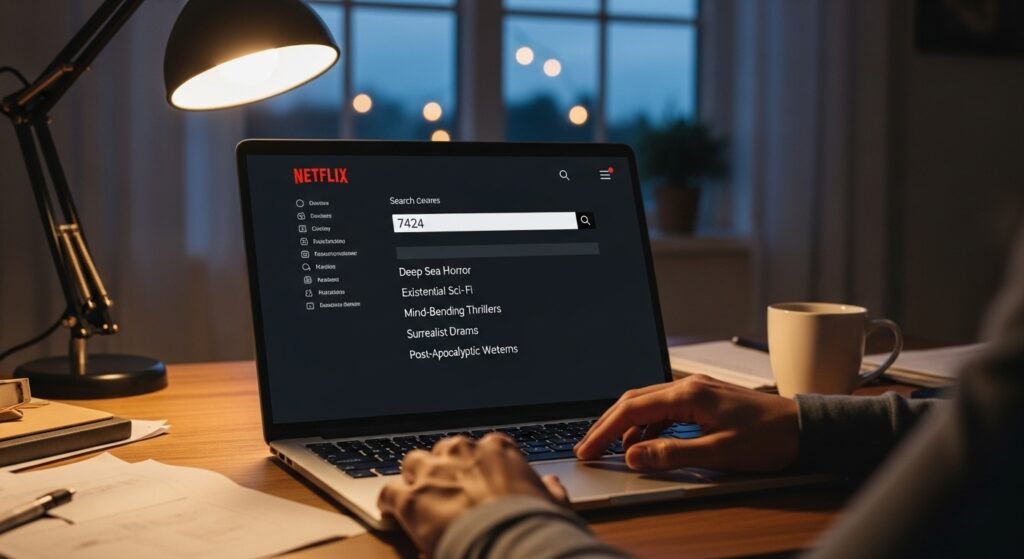
Netflix organizes thousands of titles into hidden categories. By entering special numeric codes in the search bar, viewers can discover very specific genres such as classic thrillers, historical documentaries, or independent dramas that rarely appear on the main homepage.
Smart Downloads Feature
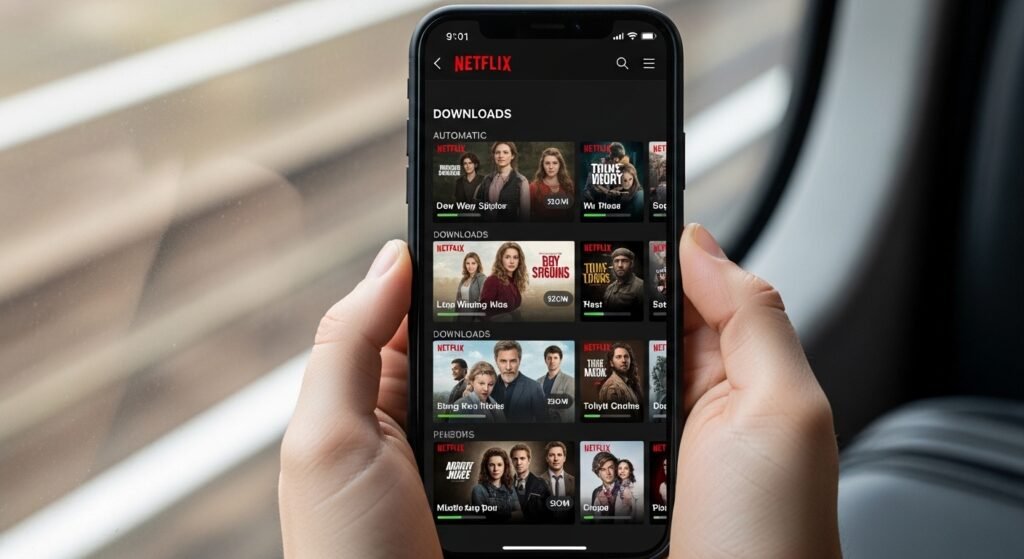
The Smart Downloads option automatically removes episodes you have already watched and downloads the next one when connected to Wi-Fi. This keeps your device storage organized while ensuring the next episode is ready for offline viewing.
Adjust Playback Speed
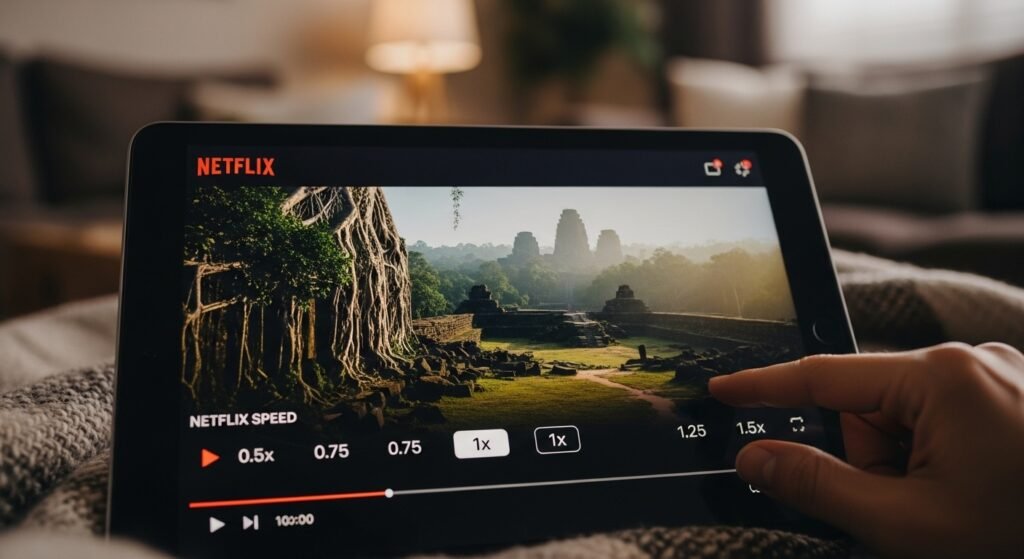
Netflix allows viewers to slightly slow down or speed up playback on supported devices. This feature helps when watching dialogue-heavy documentaries or finishing long episodes more efficiently without affecting the overall viewing experience.
“Remove From Continue Watching” Option
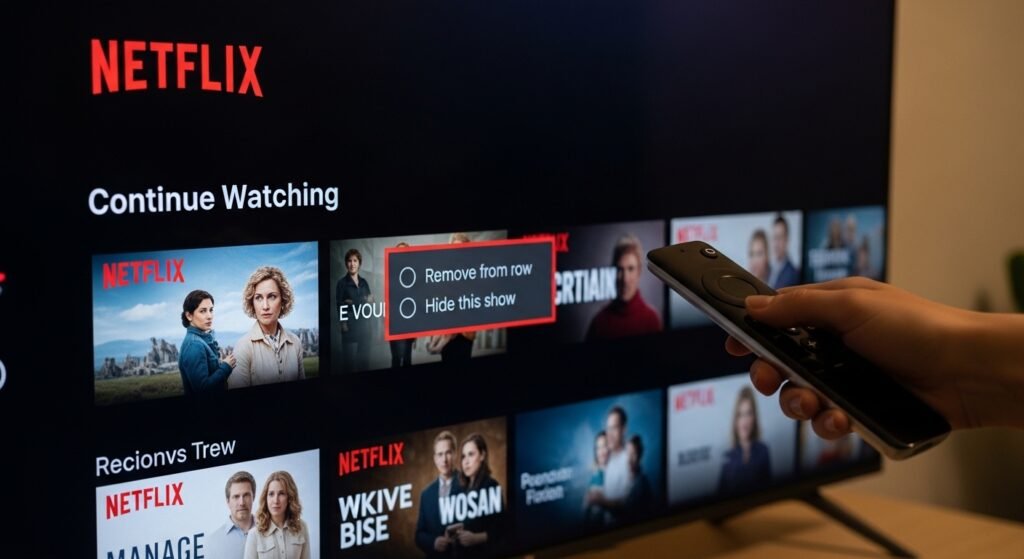
If your homepage shows titles you no longer want to finish, Netflix allows you to remove them from the Continue Watching row. This simple setting cleans up your interface and keeps recommendations more relevant.
Profile-Based Recommendations

Netflix allows multiple profiles under one account. Each profile builds its own viewing history and suggestions. Creating separate profiles for family members helps the platform recommend shows and films that better match individual preferences.
Hidden Test Participation Settings
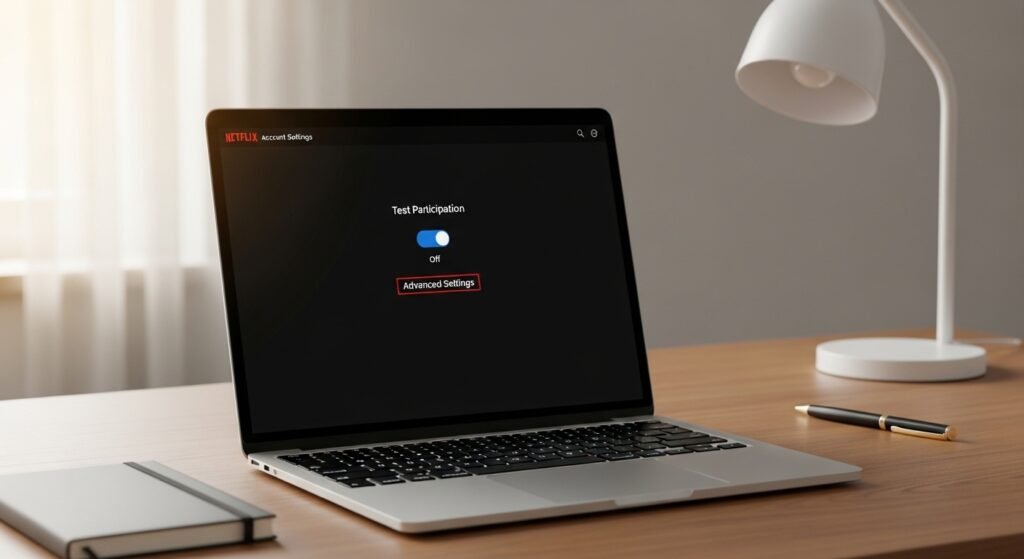
Inside account settings, users can allow or disable participation in Netflix testing programs. These experiments introduce new features before public release. Turning this option on lets viewers try upcoming tools earlier than others.
Custom Subtitle Appearance
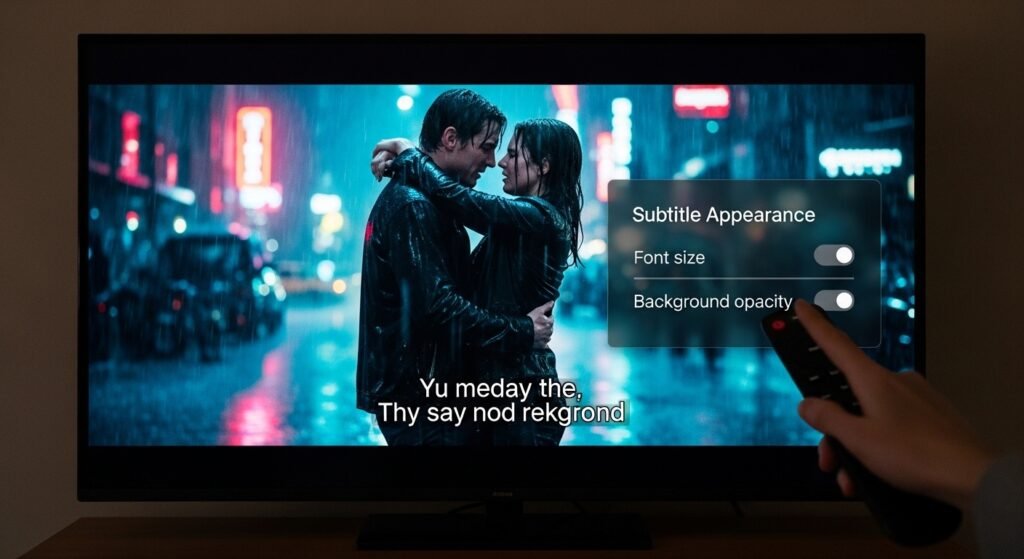
Many viewers do not realize subtitles can be customized. Netflix allows adjustments to font size, background color, and text style. These changes improve readability, especially when watching on larger televisions or in bright rooms.
“Play Something” Button
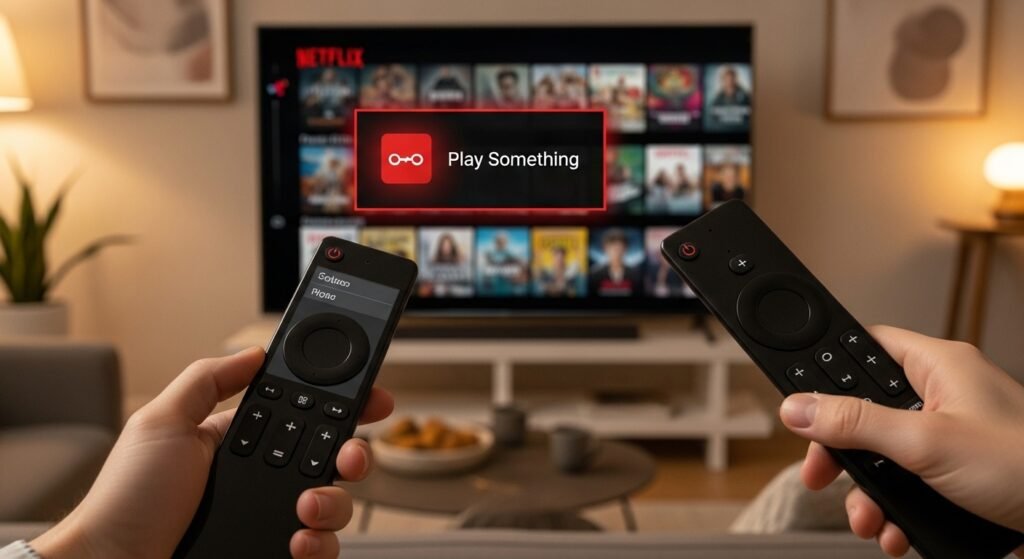
When browsing feels overwhelming, Netflix includes a Play Something feature. It automatically selects a show or movie based on your viewing history, helping you start watching quickly without spending extra time searching.
Viewing Activity History
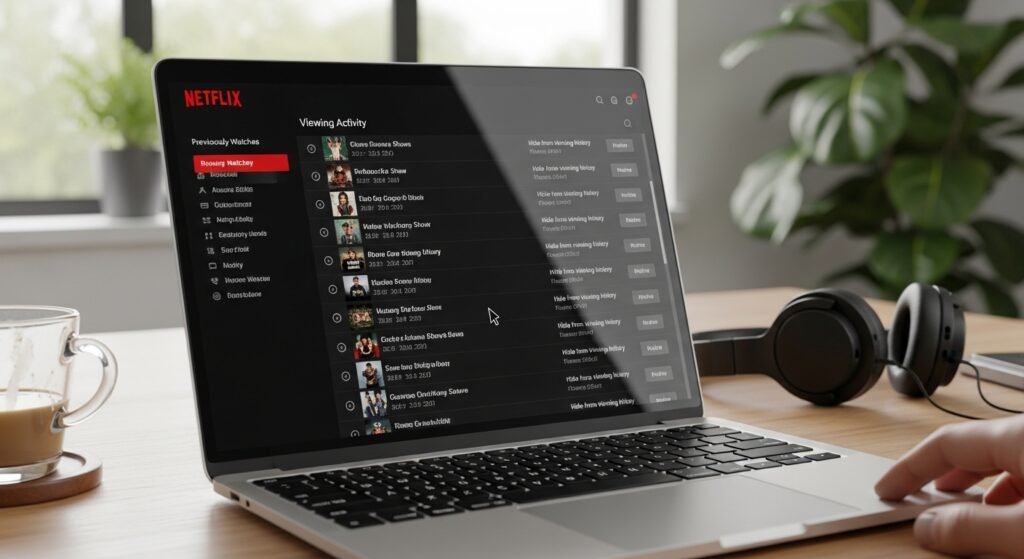
Netflix stores a complete list of what each profile has watched. Users can review this history and remove certain titles. This adjustment helps refine future recommendations and keeps the algorithm focused on preferred genres.
Keyboard Shortcuts on Desktop
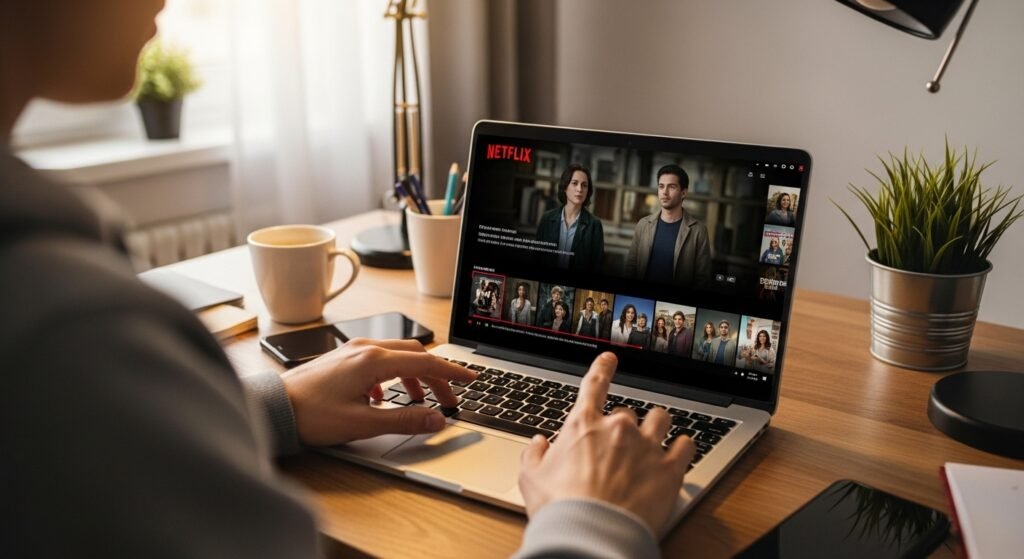
Watching Netflix on a computer includes several useful keyboard shortcuts. For example, the space bar pauses playback, while arrow keys rewind or fast-forward. These small controls make desktop viewing faster and more convenient.
“My List” Organization Tool
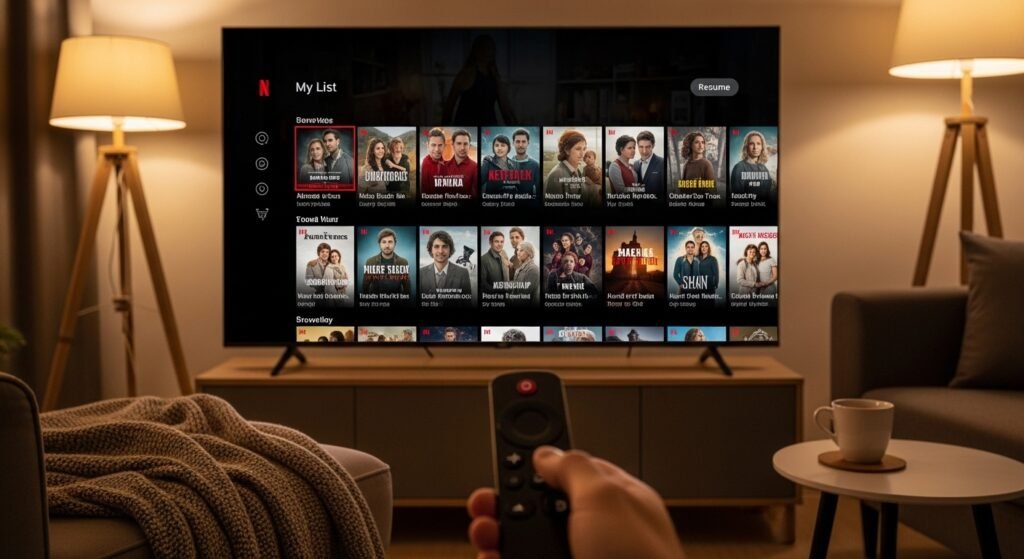
The My List section works like a personal library. Instead of searching repeatedly, viewers can save interesting titles in one place. This makes it easier to remember shows you plan to watch later.
