Users can manage their home lighting system and watch over their front door from their smartphone devices through present-day home automation technologies. Your home appliances which include your vacuum and light bulb operate as small computers that connect to the internet. The devices do not function as cinematic “spying” machines but they gather information which helps them improve their services while creating advertising data.
Check for “Unexpected” Microphones
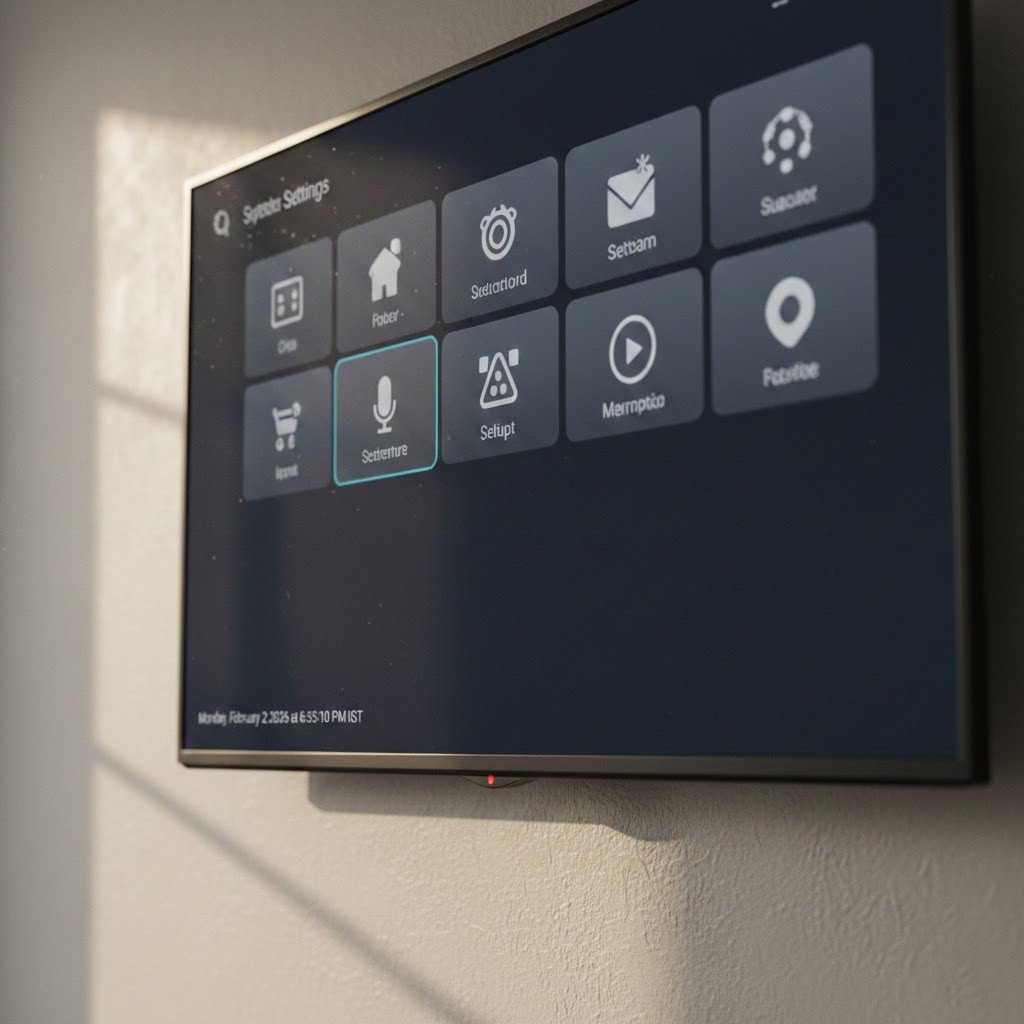
Many people do not know that various devices have hidden microphones which exist. Some smart security cameras and smart TVs come equipped with built-in microphones which utilize voice commands. You should check the technical specifications which your devices present. Users should check app settings to disable microphone functions in devices which contain microphones that the device requires for its primary operations.
Audit Your App Permissions
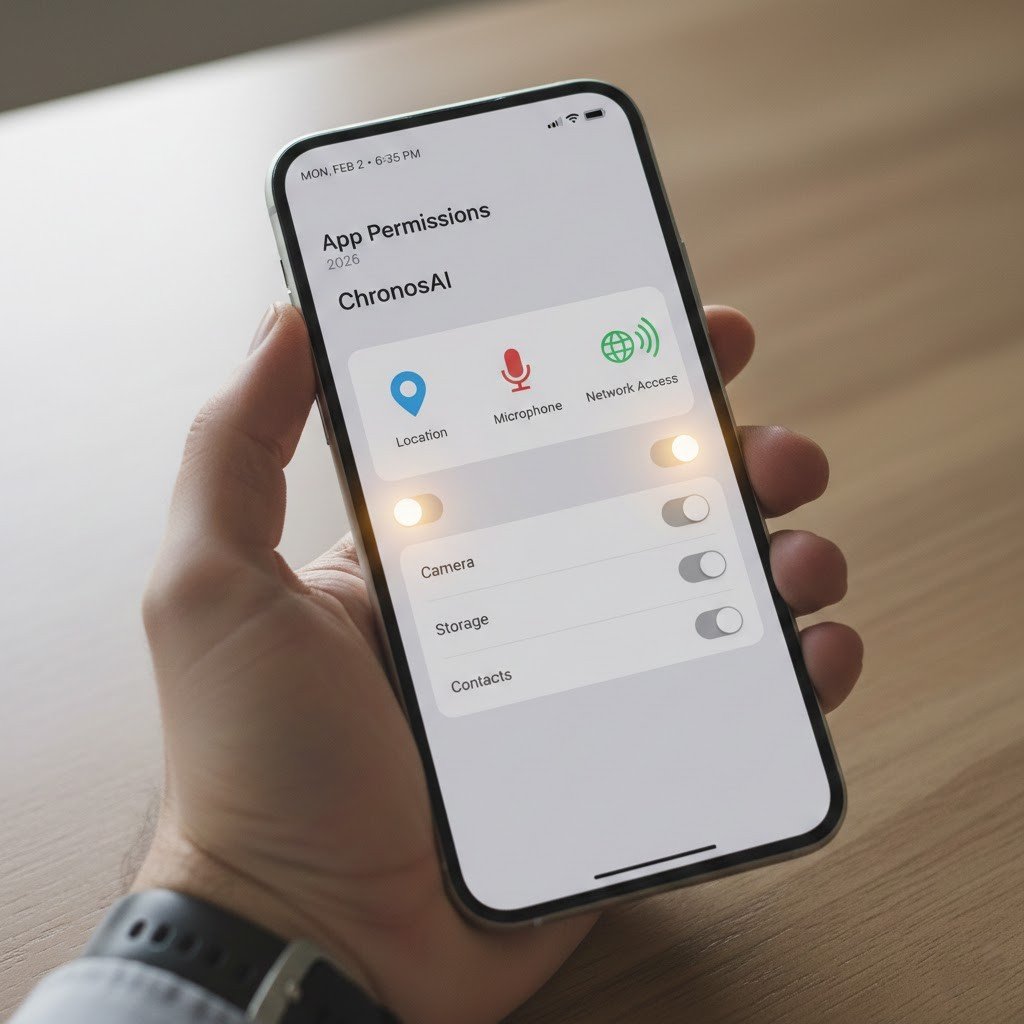
Smart home applications require users to grant their app access to their location information and contact details and local network access. Applications request more permissions than what they actually require for basic operations. Users can access their privacy settings to remove permissions which should not exist— for instance, a smart lightbulb application does not require access to your contacts.
Review Your Voice Assistant History
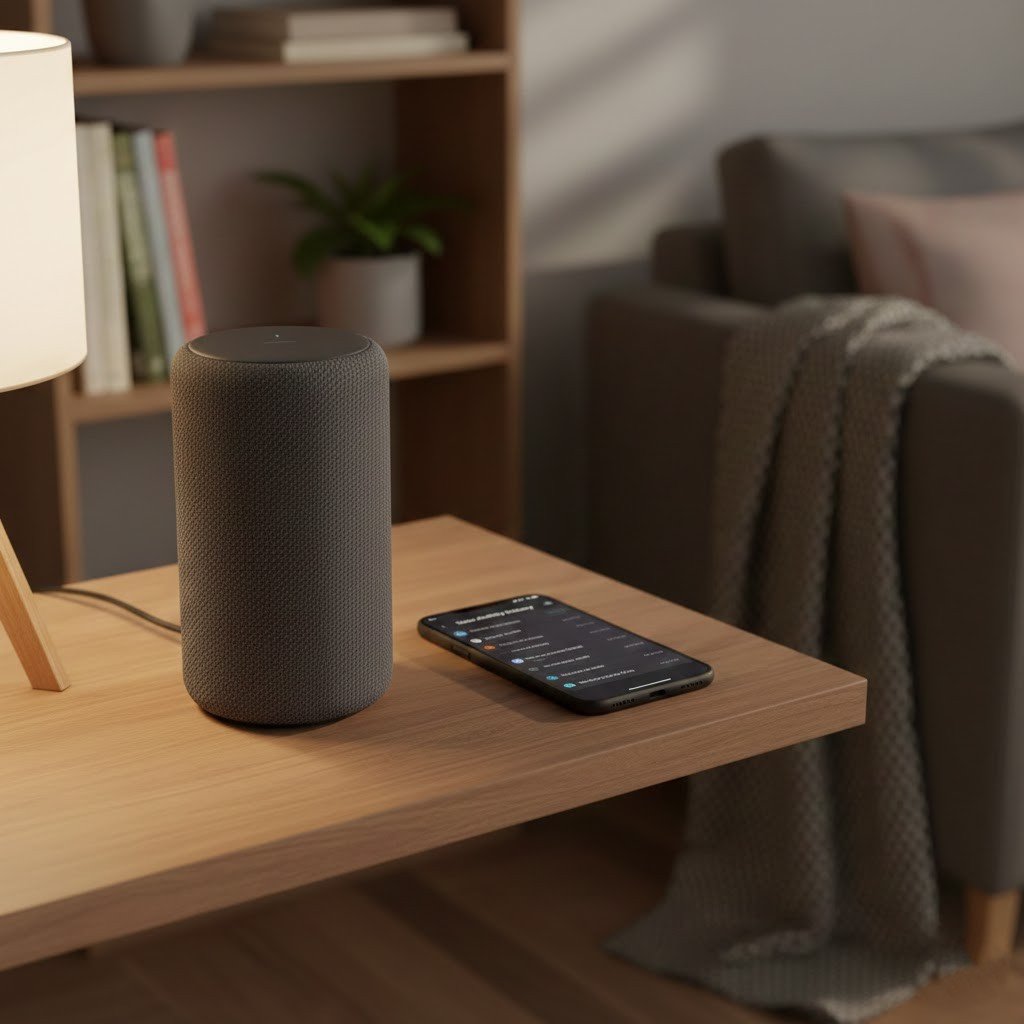
The devices which include Alexa and Google Home stay in listening mode until they detect a “wake word” signal but the devices mistakenly activate too often. Users can access the “Activity” section in their respective applications to listen to stored recordings. The system requires tuning to decrease its sensitivity for detecting private conversations that occurred without a “wake word” signal.
Physical Camera Covers
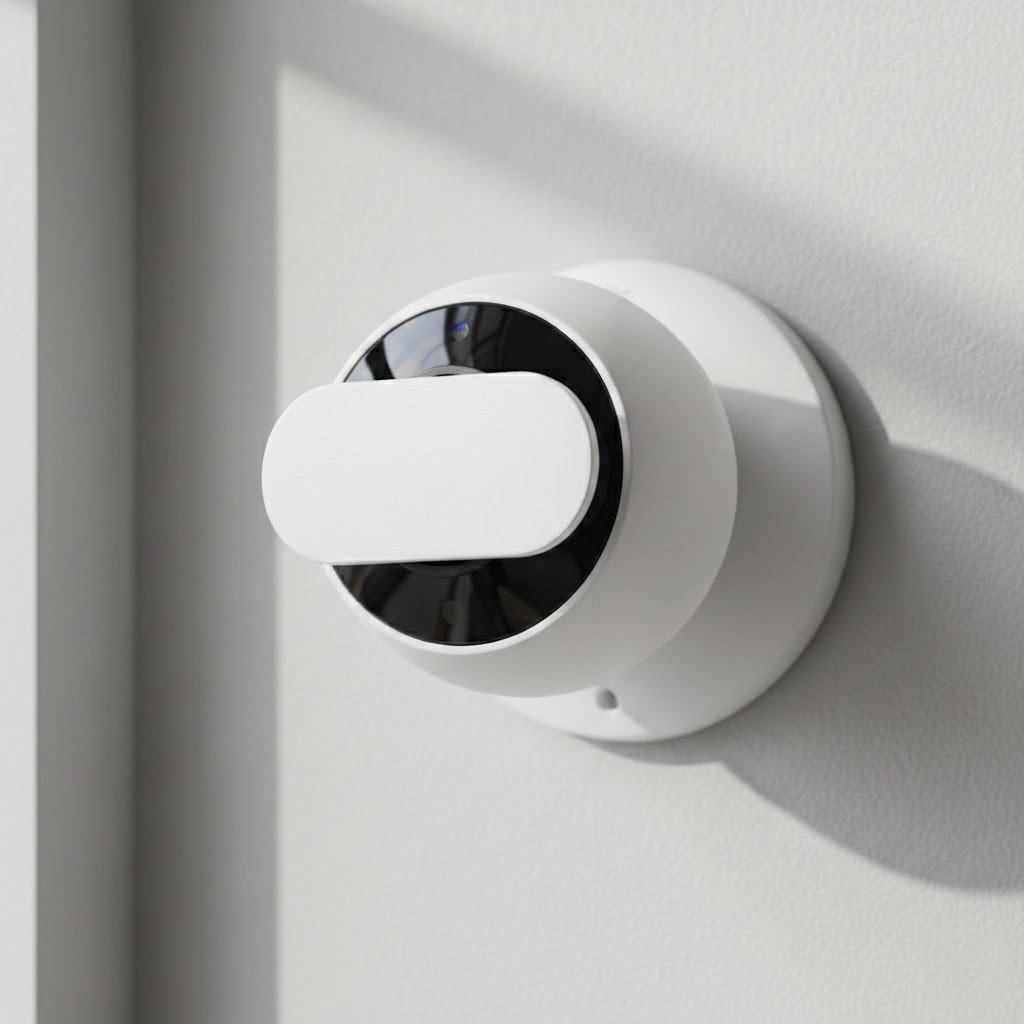
A physical blockage remains the only method which guarantees a camera will not observe your activities. Hackers can access camera systems because they know how to bypass “software-disabled” status. Users should install a plain sliding plastic barrier or black tape to block camera access points located in private spaces including bedrooms and bathrooms.
Change the Default Passwords
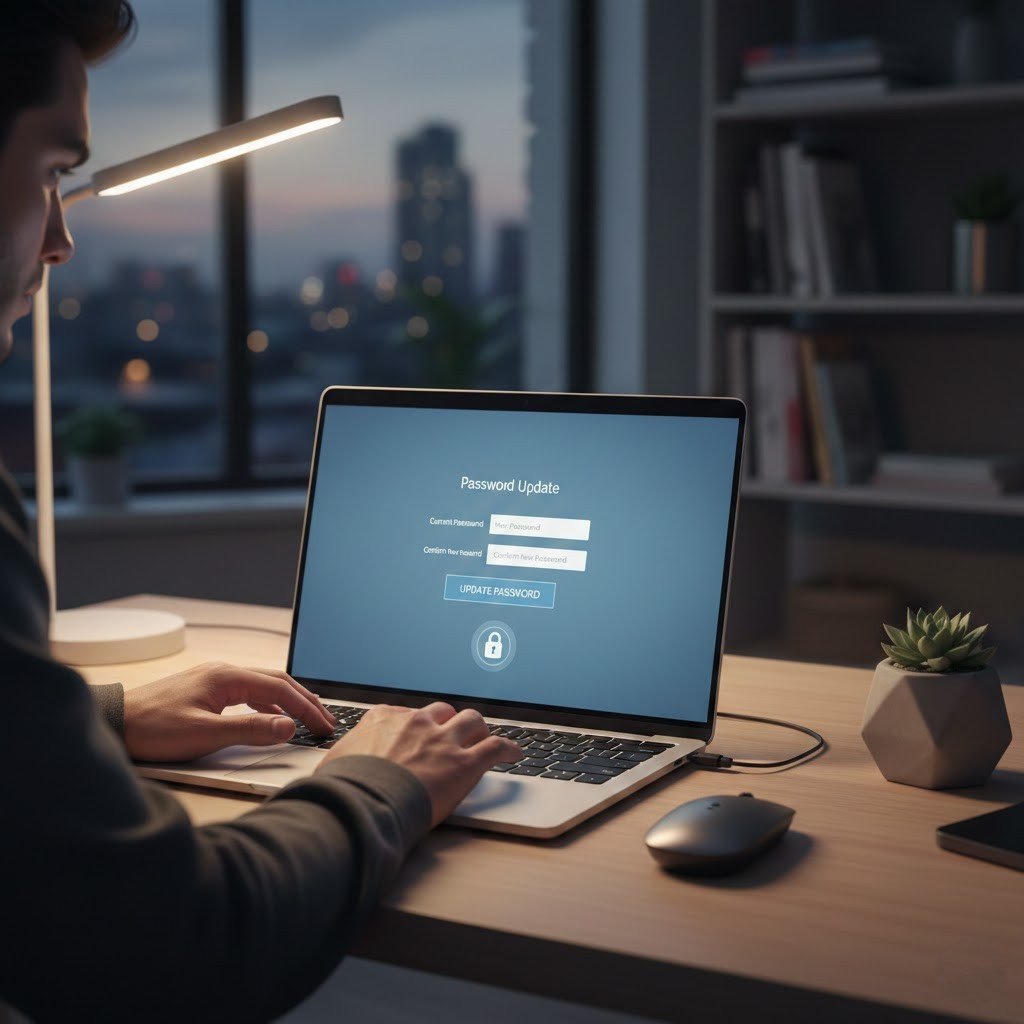
The default password for most smart devices establishes “admin” and “1234” as standard access credentials. Hackers possess knowledge about the complete list of default passwords. Your device remains open to anyone who wants to access it because you failed to change your password during the device setup process. Users should create a strong unique password for each of their home-connected devices.
Use a “Guest” Wi-Fi Network
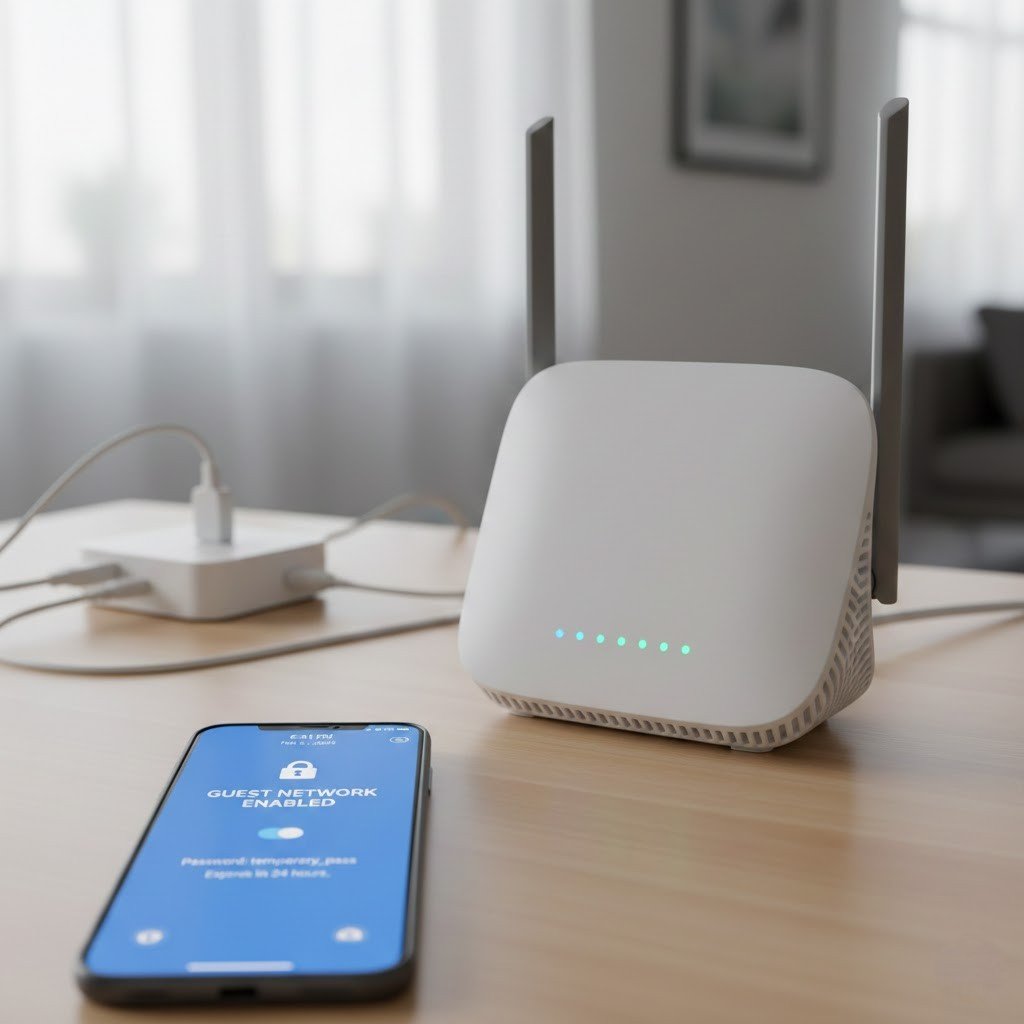
Your best protection against potential privacy breaches comes from separating your smart devices onto a dedicated “Guest” Wi-Fi network. “Sandboxing” protects your devices from direct access to your main computer system and mobile phone. A hacker who takes control of your smart toaster cannot reach your laptop’s personal bank details and private photos.
Check for Third-Party Sharing
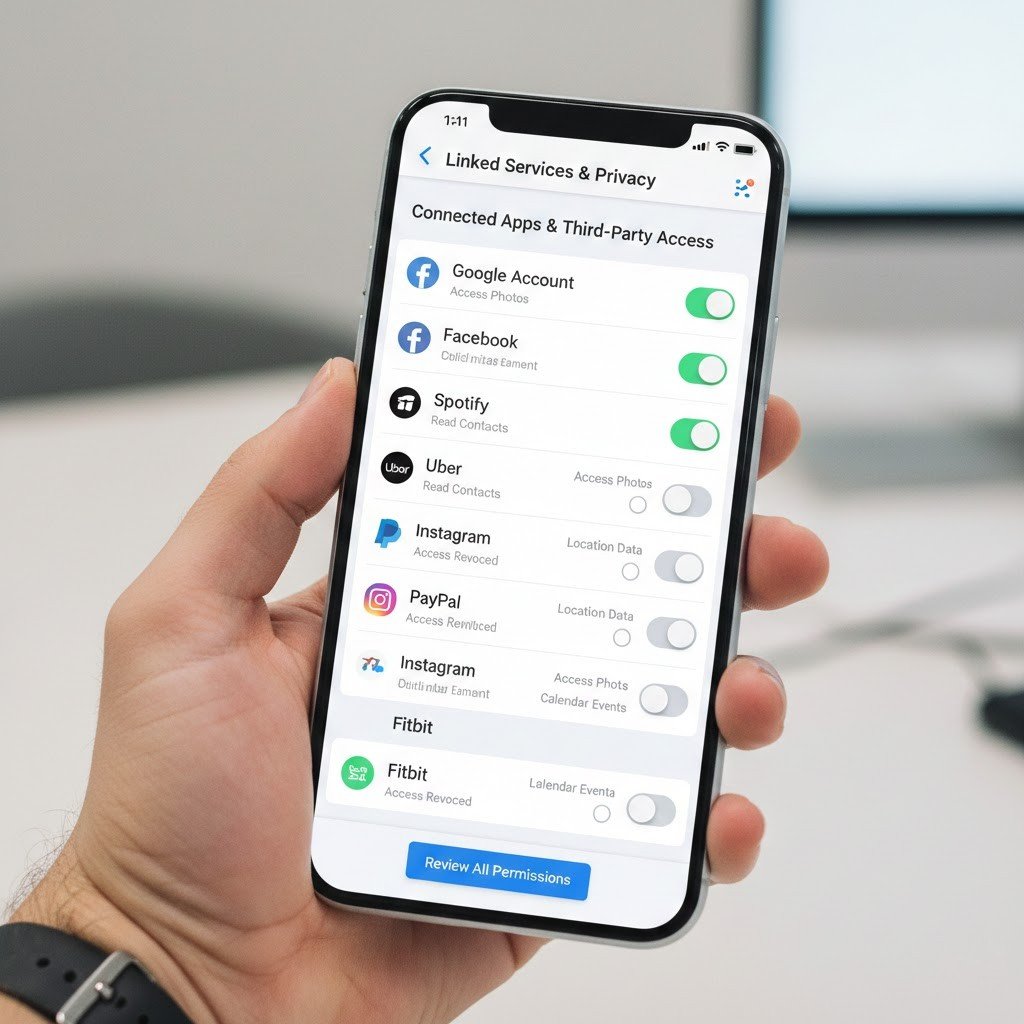
Your smart home account settings should include a section which describes “Linked Services” and “Third-Party Access” rights management. An old application which you had used before to access home data received your consent for entry. Prevent any service which you do not use or recognize from gaining access to your system.
Listen for Mechanical Clicks
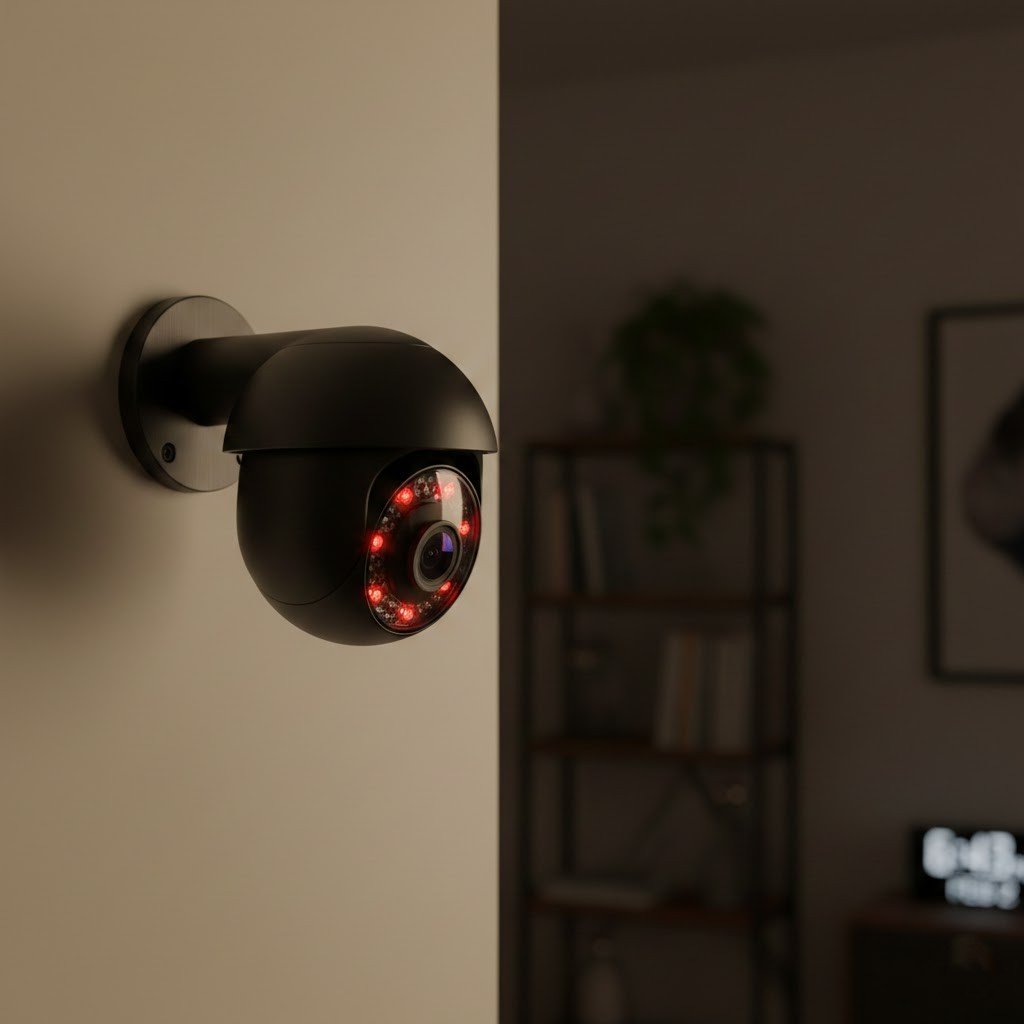
Some smart cameras possess a physical privacy shutter which produces a small “click” noise when it operates because of its infrared filter. Your camera makes clicking sounds in the dark, which indicates someone is viewing the feed or an automated system has access to it.
