
Smartphones are storing messages, photos, passwords, banking information and location history. Security analysts keep on citing the existence of new variants of spyware that target Android and iPhone devices. The aim of these programs is to track calls, keystrokes, access to cameras and the browsing history. A simple gesture of clicking an evil link or downloading an unverified application initiates many infections, and users who are aware of how an attack might occur and implement organized protection mechanisms minimize exposure to information theft and unauthorized surveillance.
Know How Viruses make their way to machines

The majority of spyware can be distributed via phishing, updates to unofficial applications, and unofficial app stores. Attackers transmit links either via SMS, email or social media. After a user has installed the file or given permissions, the process of monitoring is started in the background. According to studies conducted by mobile security companies, phishing is amongst the leading points of entry used by mobile malware.
Ensure that the Operating System is up to date

Manufacturers of devices upload security patches on a monthly basis. Android and iOS releases get fixed known vulnerabilities that fall prey to spyware developers. Individuals who do not update promptly put themselves at a greater risk of vulnerability to documented flaws. Automatic update is a way to be secure as the patches will automatically update without requiring human intervention and minimize the window of risk.
Install Only Apps in the Official Stores

Google Play and the Apple App Store put in place the screening processes to identify malicious code. Although none of the stores can be considered completely safe, official sources can minimise the risk in comparison with third-party ones. Before downloading any application, users must check the name of the developer, the number of their reviews, and their frequency of update.
Check Permissions of App Reviews
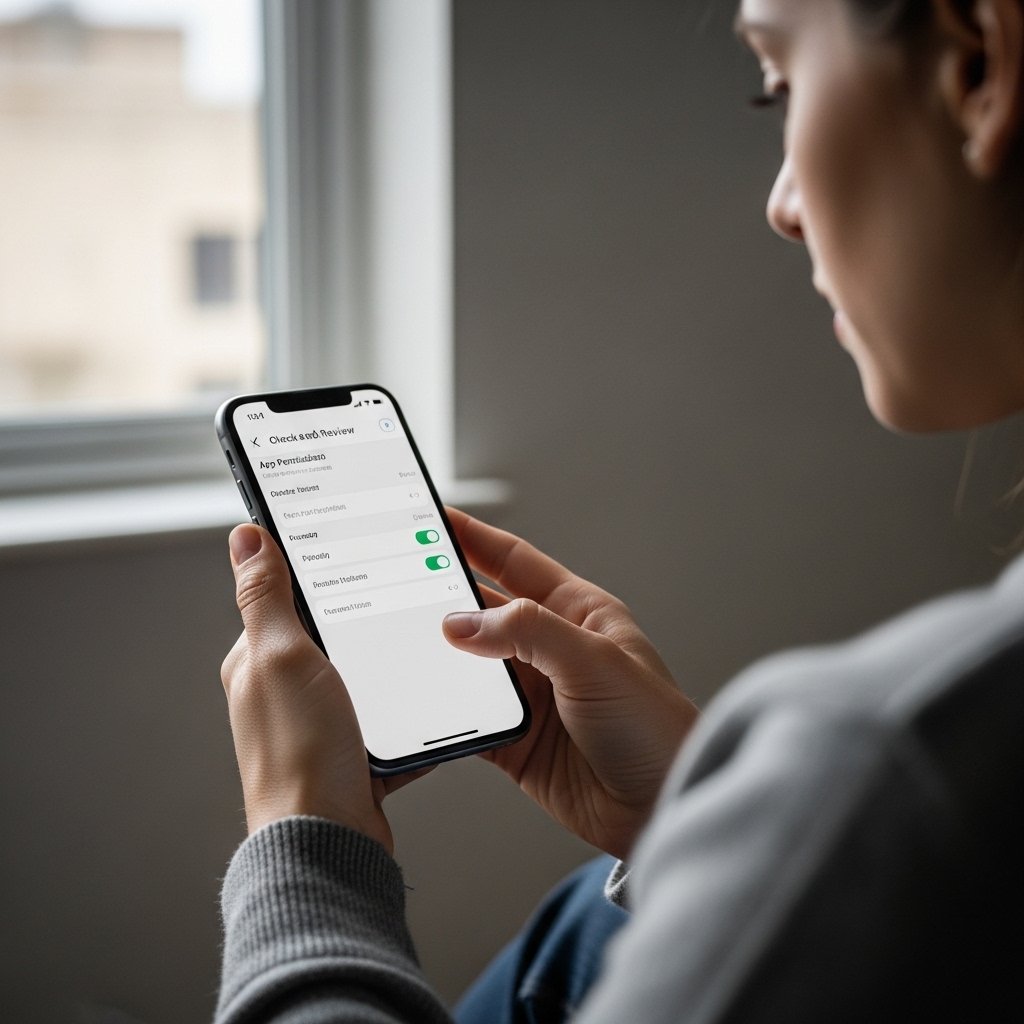
Spyware will usually ask to have access to the microphone, camera, contact and location. Users are not supposed to grant authorizations that are out of the application functionality. An example of this is a flashlight application that does not need to have any contact. Android and iOS both offer dashboards that allow the user to revoke permissions and audit them at any point.
Activate Two Factor Authentication

Two factor authentication increases the number of steps by one, in order to perform the verification. Attackers are hindered by one more obstacle even when they capture passwords using spywares. This feature is supported by most of the major services like banking apps, email providers, and social networks. SMS interception is minimized by using an authenticator app.
Use Strong, Unique Passwords

Reuse of passwords will enable the attacker to exploit more than one account after gaining access to one of the accounts. A password manager will create a complicated password and save it in a secure place. Research on security suggests that having a unique password according to the account can greatly reduce the lateral account takeover following a breach.
Enable Built In Security Features
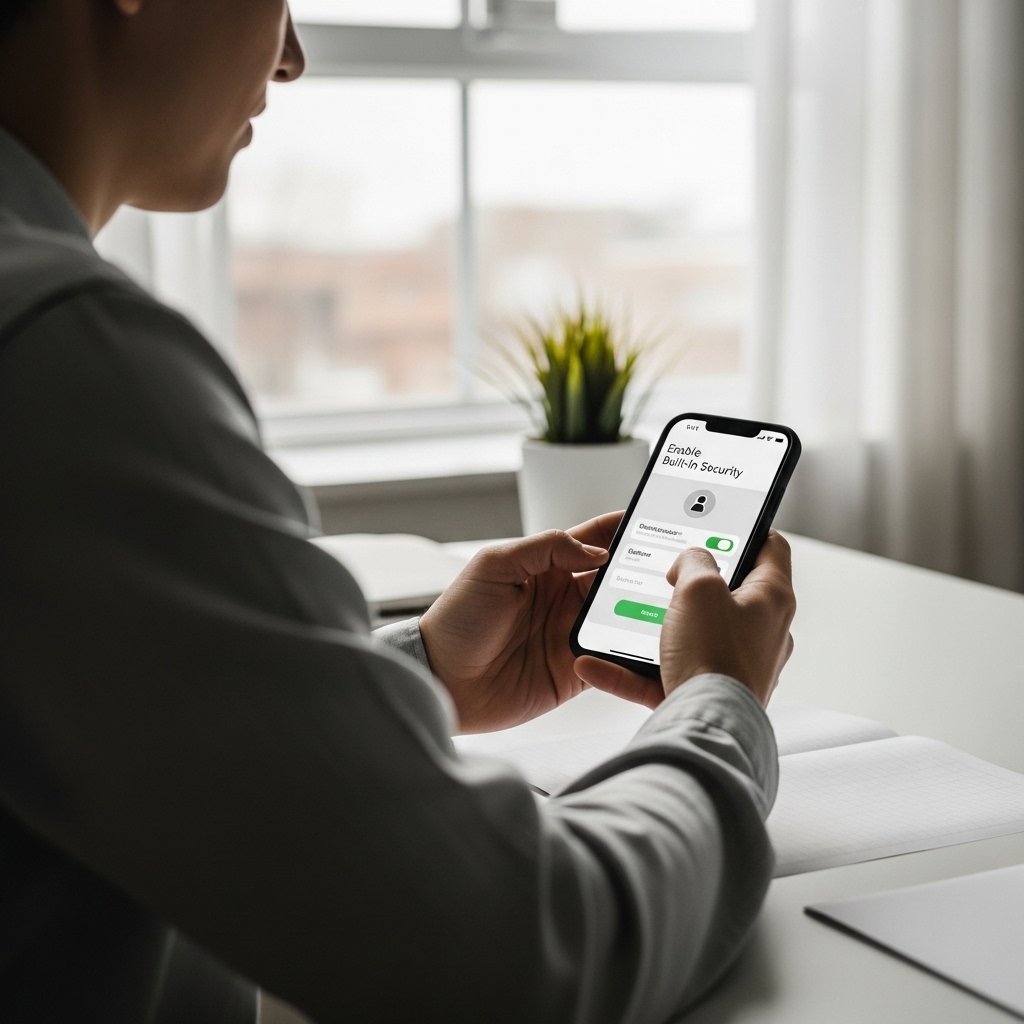
Android and iPhone have support of device encryption, biometric authentication as well as remote wipe. Encryption safeguards the data stored in the phone when it is stolen. Remote wipe will enable one to delete confidential data on a different machine. These features are supposed to be active at all times.
Be Cautious with Public WiFi

Traffic in airports and cafes is exposed to interception, as these are not secure networks. In other cases, malicious hotspots are used together with phishing pages by spam operators. Financial accounts should not be accessed by the user on unsecured networks. Reliable VPN codes the traffic and minimizes the risk of interception.
Monitor Device Behavior

Abnormal battery consumption, excessive data consumption, overheating, or apps that are not familiar are all signs of compromise. Users need to monitor data consumption and applications under running. The security software provided by credible vendors can check the signature of known spyware and warn the users about suspicious activity.
Restore and Reset in Case of Compromise Suspect

In case of the probability of spyware infection, it is possible to back up the important data and do the factory reset to eliminate the majority of viruses. Following a reset, users are advised to install apps one by one in official stores and replace account passwords. Timely intervention prevents continuous observation and expenses.
