
The problem of slow internet causes more severe problems than it creates minor interruptions because it results in significant drops in employee productivity. The service provider faces service interruptions which we attribute to their system failures while the actual problem results from the combination of Windows operating features with our home device configuration. You can make your computer work better by optimizing data processing which lets you increase speed without any financial investment.
The Classic Router Restart

You need to disconnect your router for half a minute before you start to make changes. The system establishes a new connection to your service provider after this operation removes all temporary memory from your device. The process operates as the most effective solution to combat unseen router speed issues.
Close Bandwidth-Hogging Apps
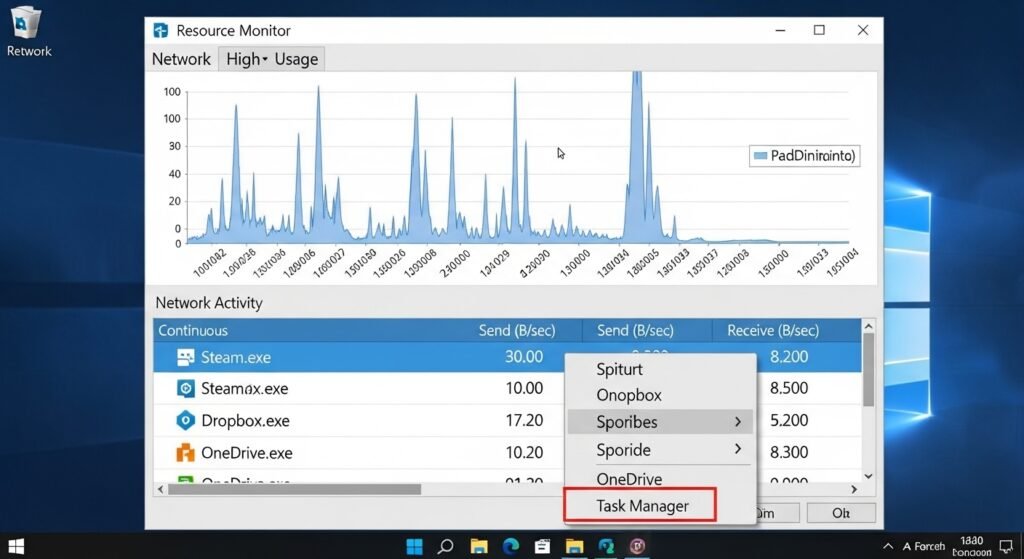
Windows Resource Monitor tool shows which programs currently use your network bandwidth. The programs Steam and Dropbox and OneDrive download large files continuously because they run background processes. You can end network-intensive applications by accessing Task Manager from the Taskbar after you right-click.
Change Your DNS Server
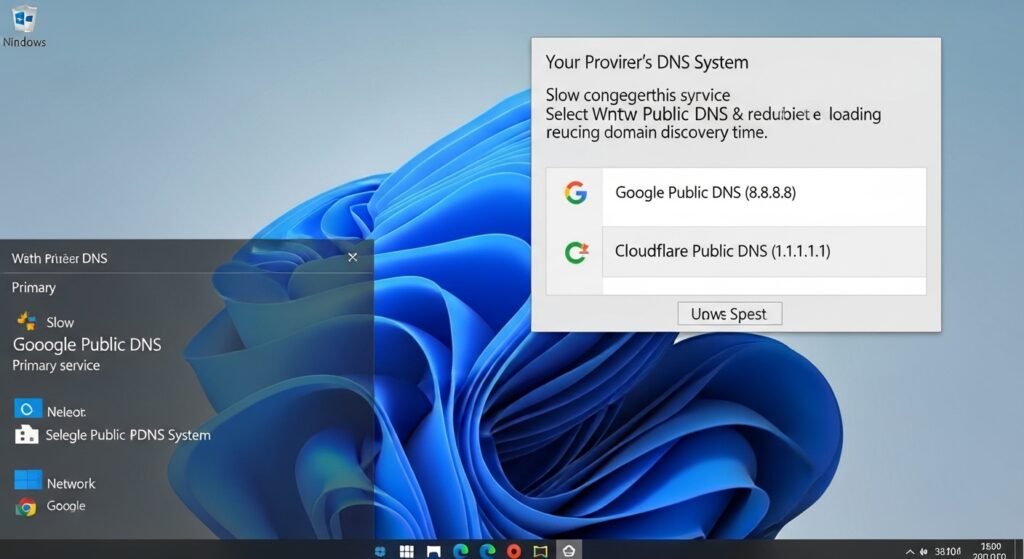
Windows uses your provider’s DNS system as primary service which causes slow and congested performance because it automatically selects this service. Users can select Google Public DNS (8.8.8.8) or Cloudflare Public DNS (1.1.1.1) through network settings to boost website loading speed by reducing domain discovery time.
Turn Off “Delivery Optimization”
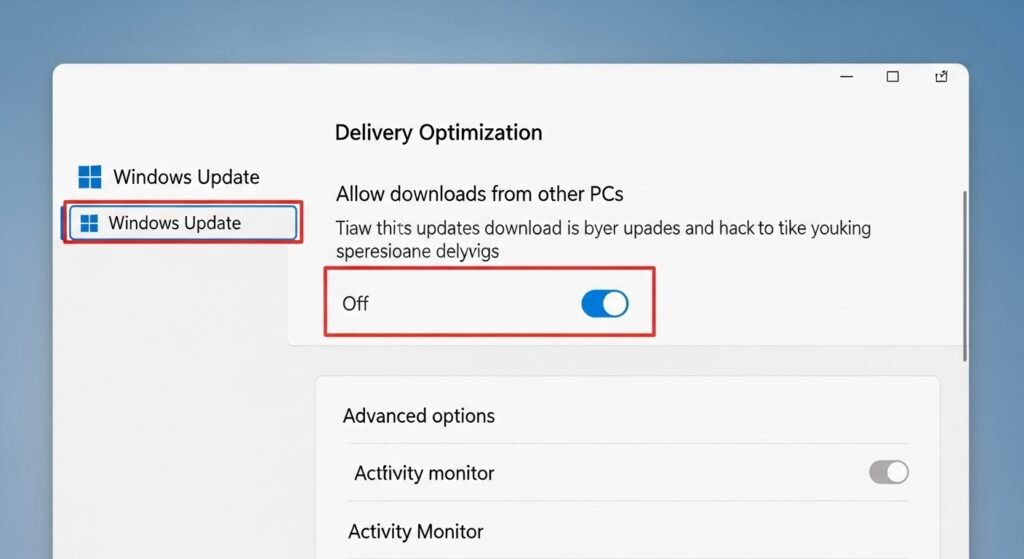
Windows has a feature which allows your system to share updates with remote computers through the internet to help Microsoft reduce its bandwidth requirements. The system uses your entire upload capacity. The delivery optimization feature should be disabled by turning off the Allow downloads from other PCs after navigating through Settings to Windows Update and Advanced Options.
Disable “Metered Connection”
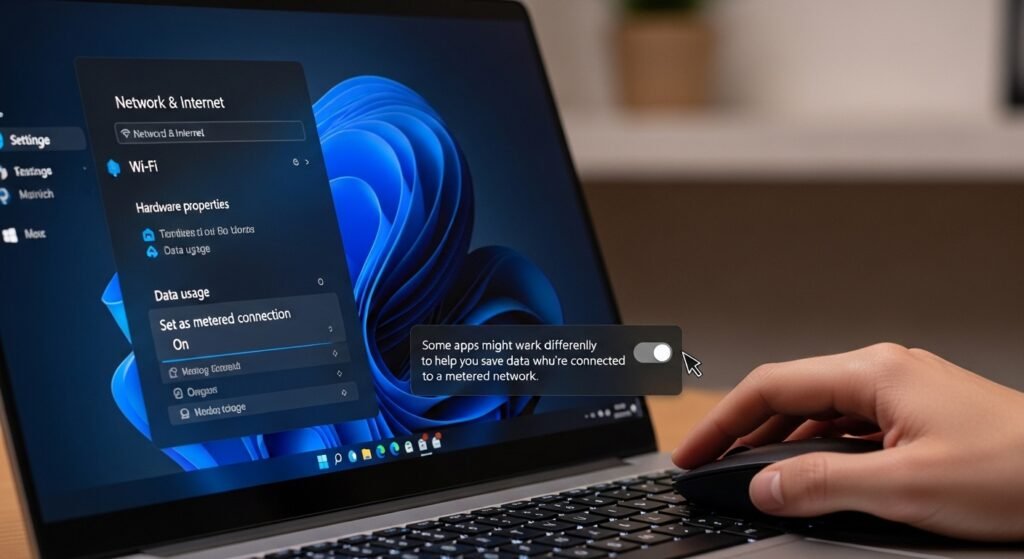
Windows will automatically reduce your internet speed if it detects that you are operating under a restricted data limit. You need to disable the metered connection option at your Wi-Fi settings by checking your network properties to regain full internet functionality.
Flush Your DNS Cache
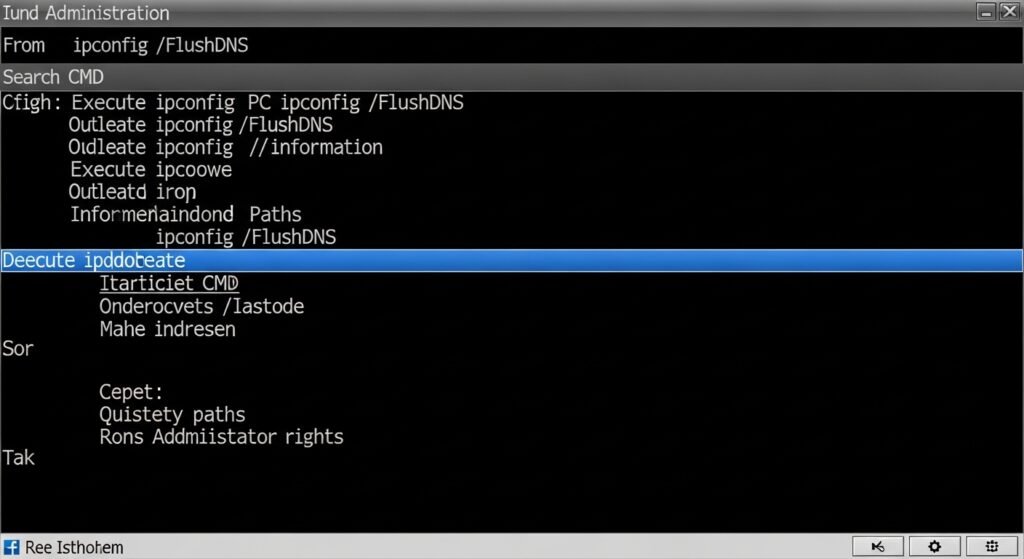
Your PC builds up a collection of website addresses which leads to outdated information storage and information storage problems. You need to execute the ipconfig /flushdns command from the start menu after you perform a search for CMD and run it with Administrator rights. The process enables Windows to delete outdated paths while it identifies the quickest paths to take.
Limit Background Update Bandwidth
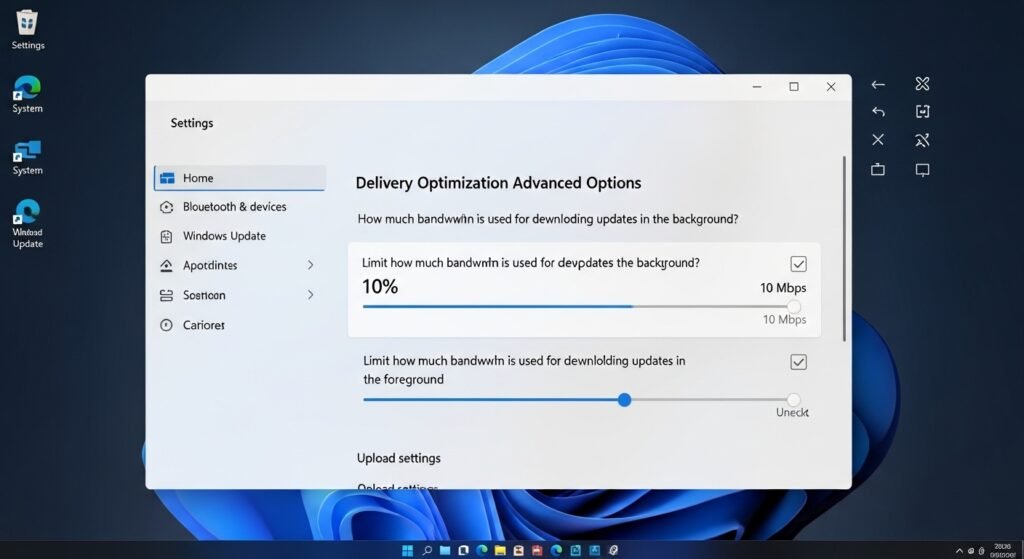
Users of Windows can set their preferred maximum download speed for update files which they want to reach. The Delivery Optimization Advanced Options section provides a solution to address your Windows updates which slow down your internet connection. You have the option to use the sliders at 5% or 10% to prevent updates from interfering with your ongoing work.
Use an Ethernet Cable
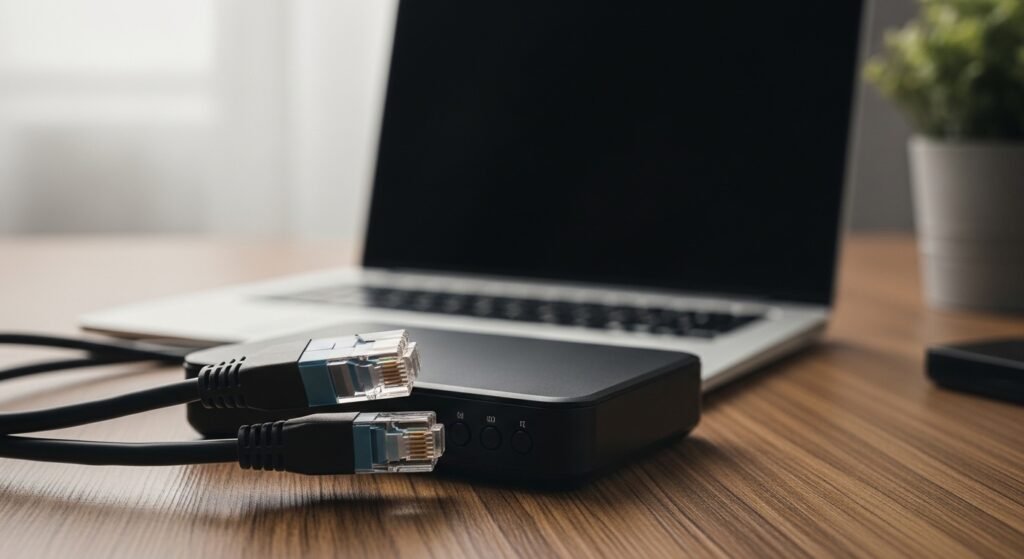
The Wi-Fi system offers users easy access but its performance decreases because walls and electronic devices create signal loss. The best online gaming and video conferencing experience requires you to connect through an Ethernet cable. A direct connection establishes an enduring data route which exceeds the abilities of Wi-Fi connections.
Update Your Network Drivers
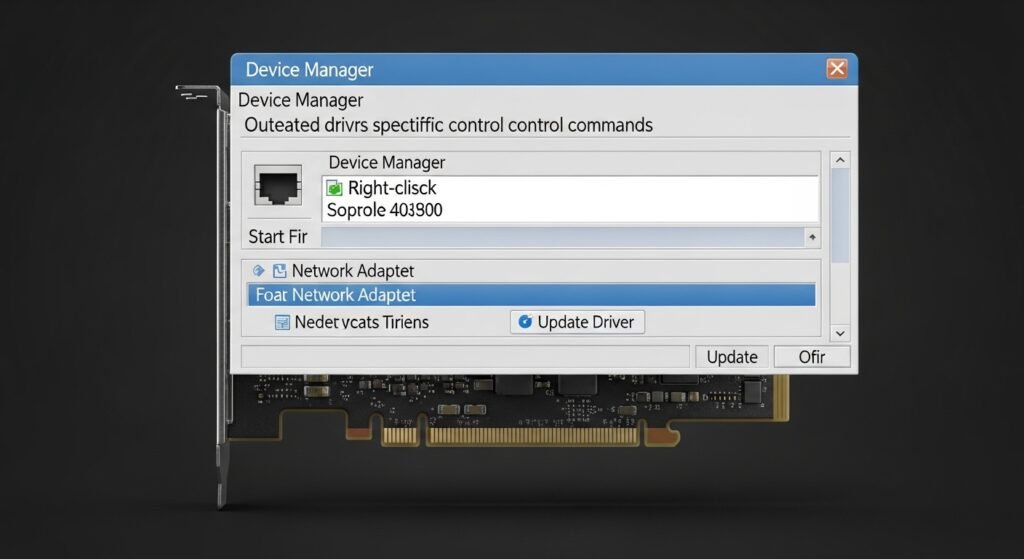
Network cards require specific control commands to operate correctly. Outdated drivers create connectivity issues because they lack support for modern internet speeds. To update your driver select Device Manager from the Start menu after you right-click it and then find your Network Adapter to choose Update Driver.
Adjust Your Router’s Position
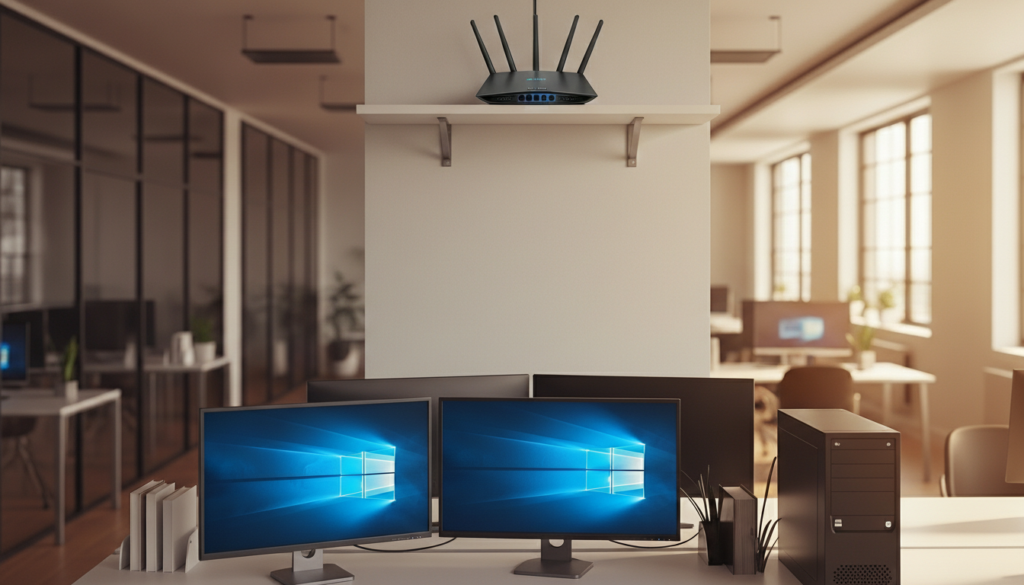
You should position your Wi-Fi router at a central location which offers maximum elevation height. The router needs to stay away from microwave devices and cabinets because these locations block signal transmission. Your Windows PC will receive stronger and faster signal strength when you minimize physical barriers between it and the router.
Use a Modern Browser

Your current browser runs at lower efficiency which makes the internet feel slow. You need to use a modern browser that includes the latest updates which brings you Chrome and Edge and Firefox. Your browser will operate at its best performance level when you delete your cache every month because this habit prevents software from encountering performance difficulties.
