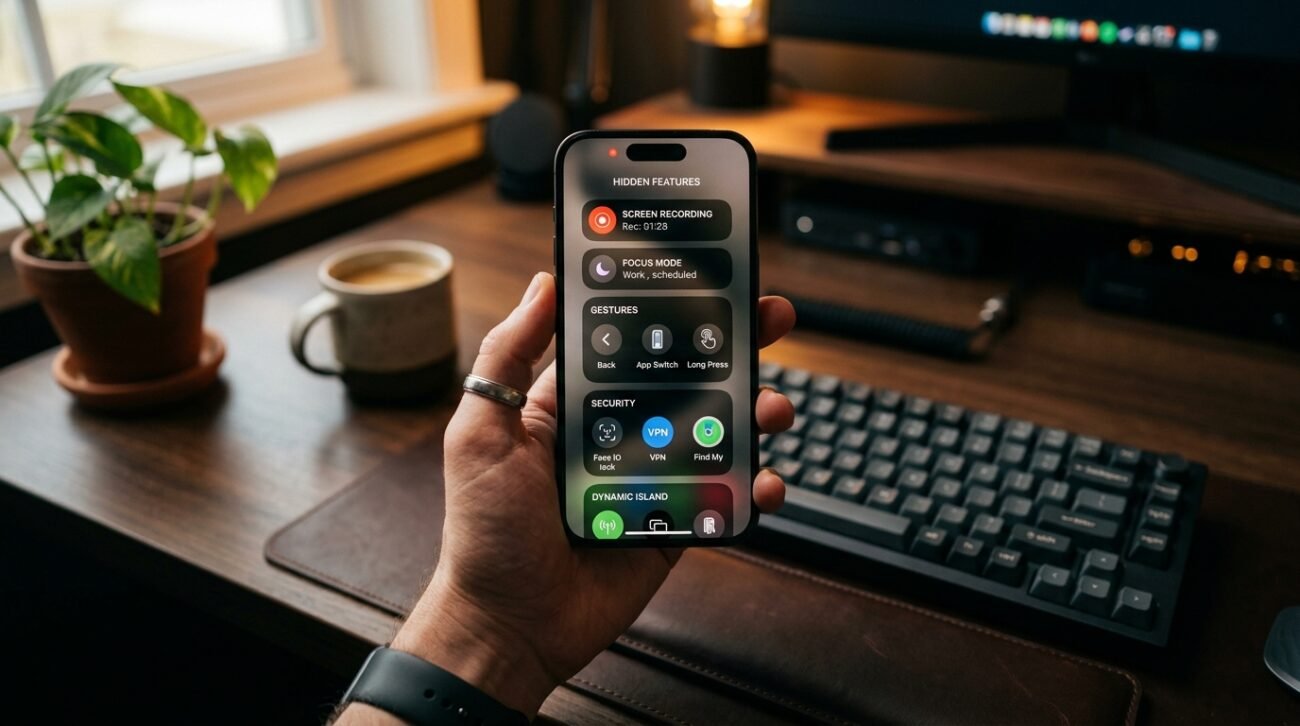
Smartphones have become essential companions, yet many of their most useful features remain unnoticed. Beyond calls, messages, and apps, modern devices include intelligent tools designed to simplify routines, enhance productivity, and improve security. These features are often tucked away in settings, quietly waiting to be discovered. Exploring them can make everyday tasks faster, smoother, and more efficient without needing additional apps or upgrades. From gesture controls to advanced privacy settings, these hidden capabilities can reshape how a device is used. Understanding them helps users get more value from their phones while making daily interactions smarter and more convenient.
Back Tap Shortcuts
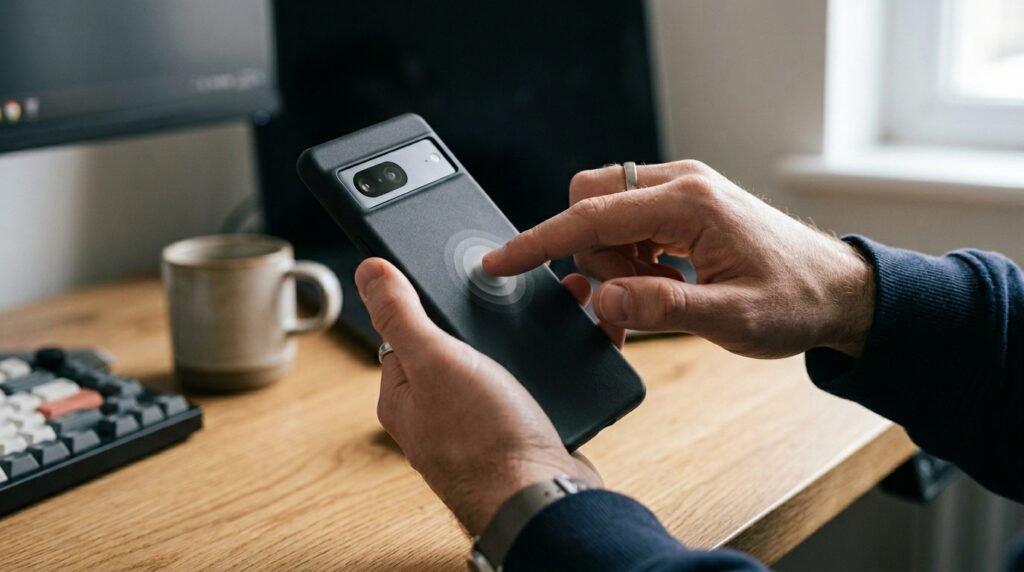
Many smartphones support back tap gestures that trigger actions like screenshots, flashlight activation, or opening apps. This feature reduces navigation time and offers a quick, intuitive way to perform frequent tasks effortlessly.
Focus Modes for Better Control
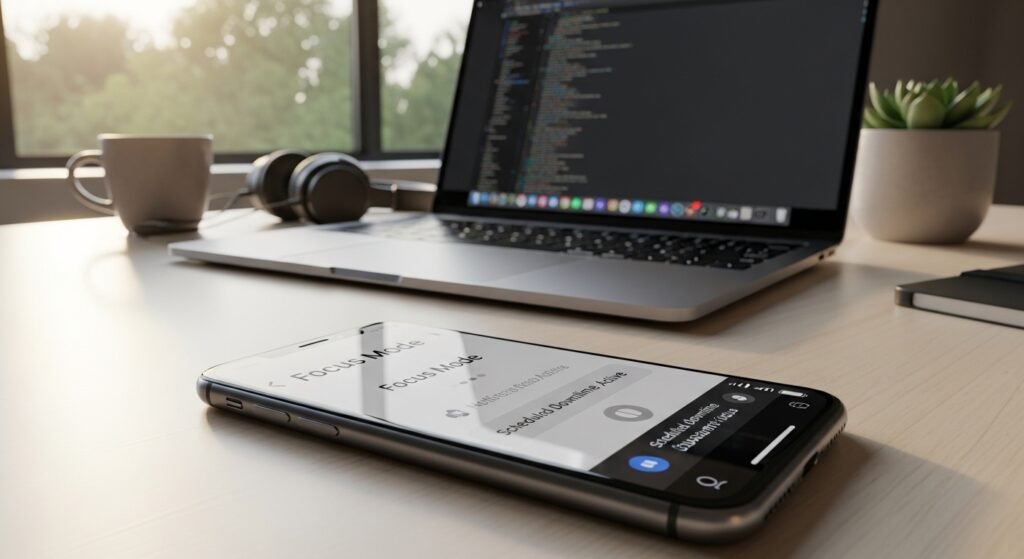
Focus modes allow users to filter notifications based on activity, such as work or relaxation. It helps maintain concentration by limiting distractions and ensuring only important alerts are visible during specific times.
Built-In Screen Recording
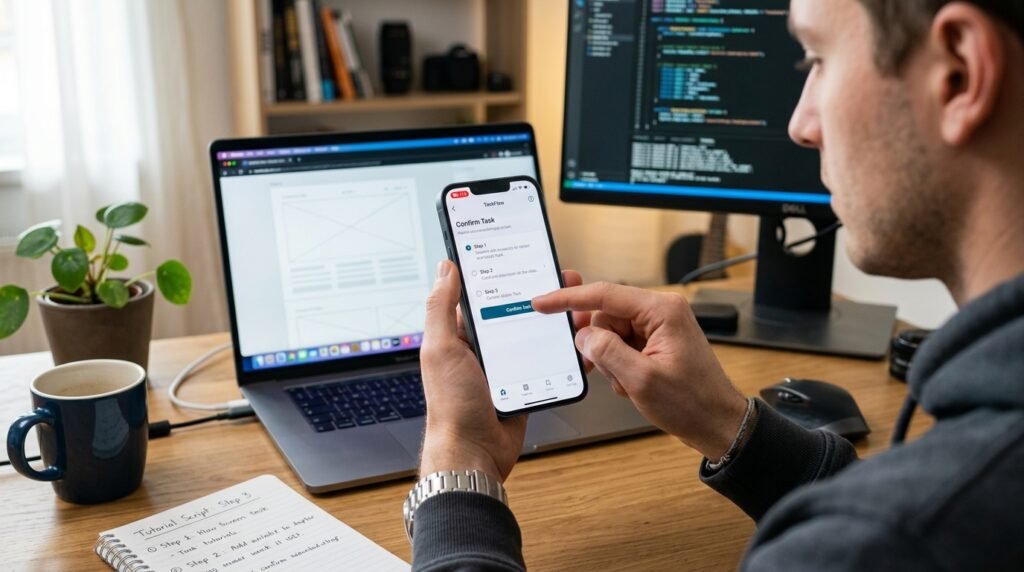
Screen recording tools are now integrated into most devices, making it easy to capture tutorials, share issues, or save live content. No additional software is required, simplifying the process significantly.
App Pinning for Privacy
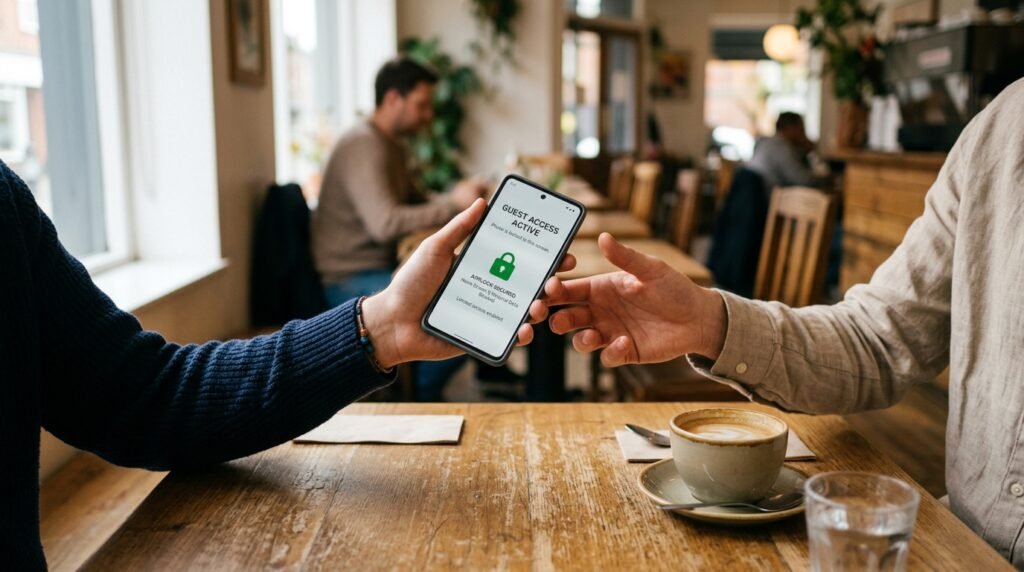
App pinning locks the screen to a single application, preventing access to other content. This is especially useful when handing a phone to someone temporarily, ensuring personal data remains protected.
One-Handed Mode
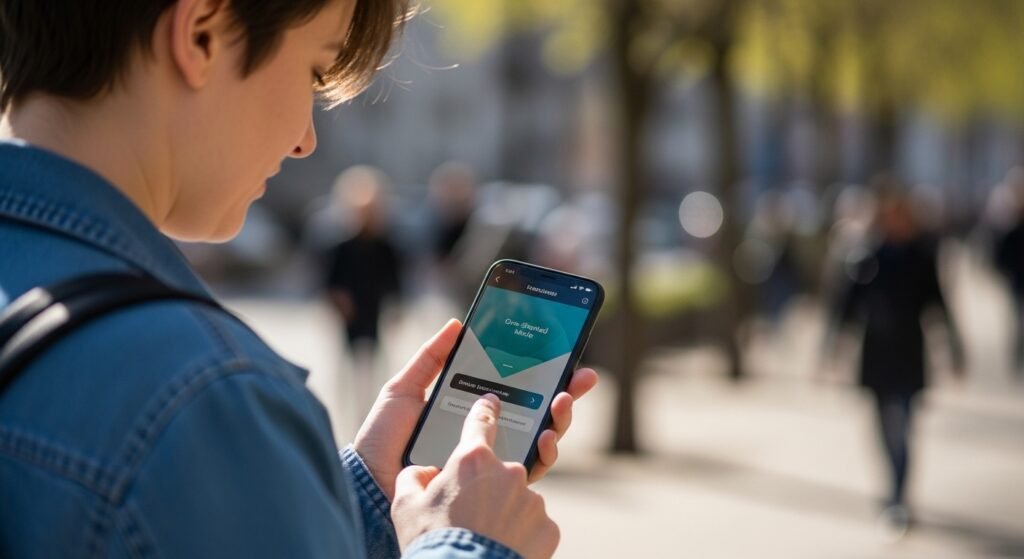
Larger screens can be difficult to manage with one hand. One-handed mode shrinks the display area, making navigation easier and more comfortable, particularly while multitasking or on the move.
Smart Text Selection
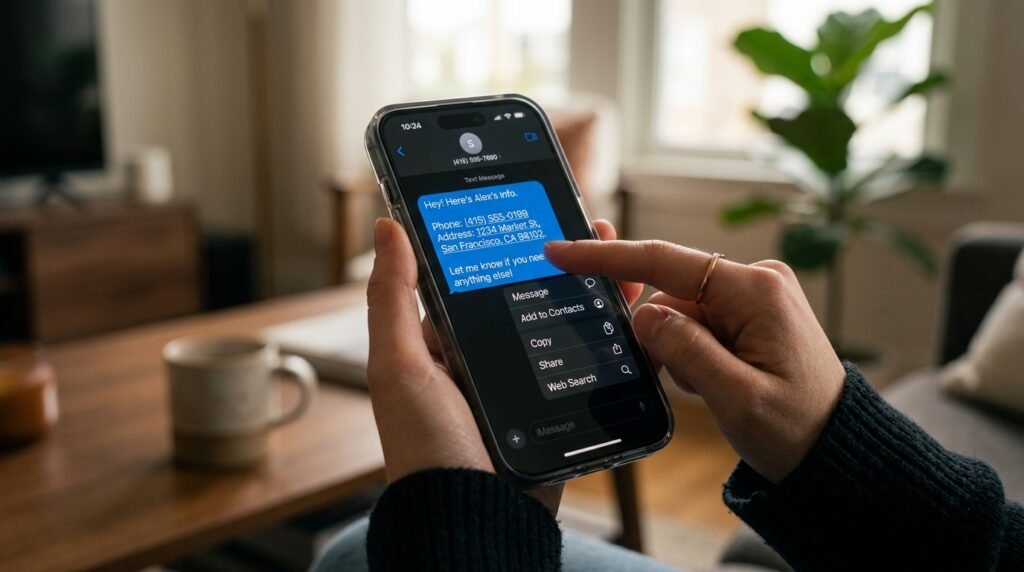
Smart text selection recognizes addresses, phone numbers, and links within text. It allows users to take quick actions like calling, navigating, or searching without copying and pasting manually.
Hidden File Manager Tools
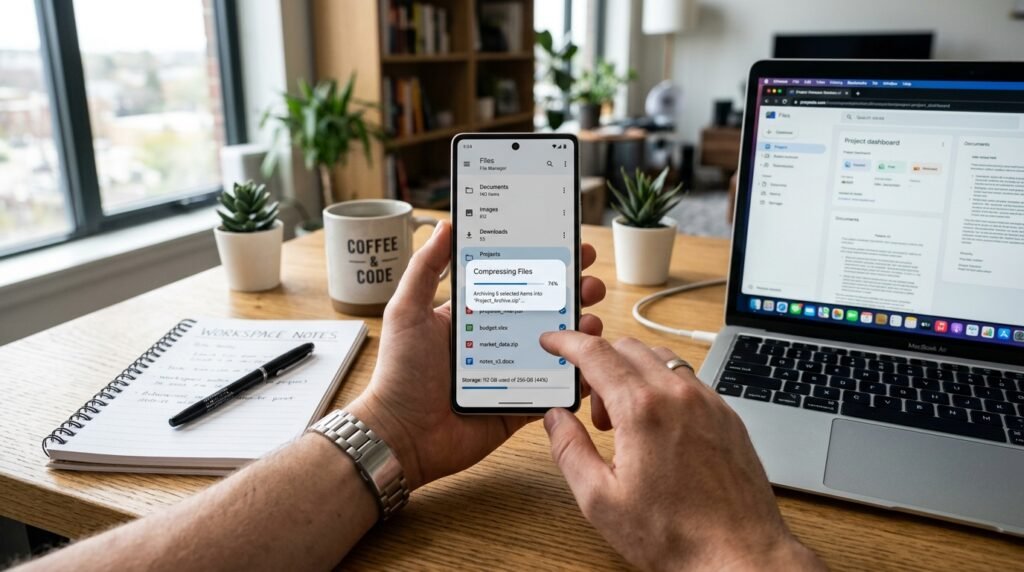
Many phones include a built-in file manager with advanced options like compressing files, organizing folders, and transferring data. These tools reduce the need for third-party applications.
Gesture Navigation System
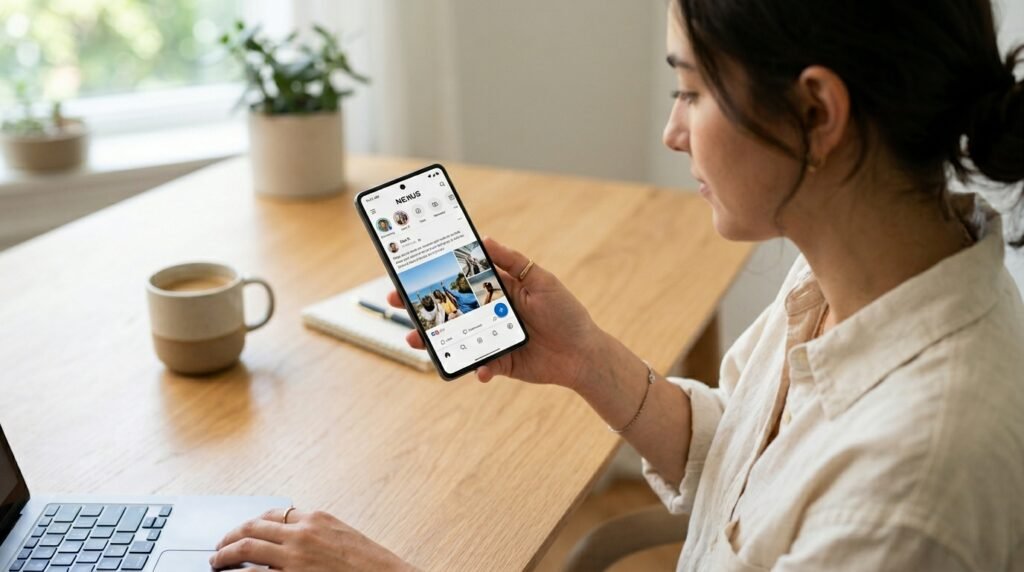
Gesture navigation replaces traditional buttons with swipes and taps. It offers a cleaner interface and faster interaction, improving overall usability while freeing up more screen space.
Digital Wellbeing Dashboard
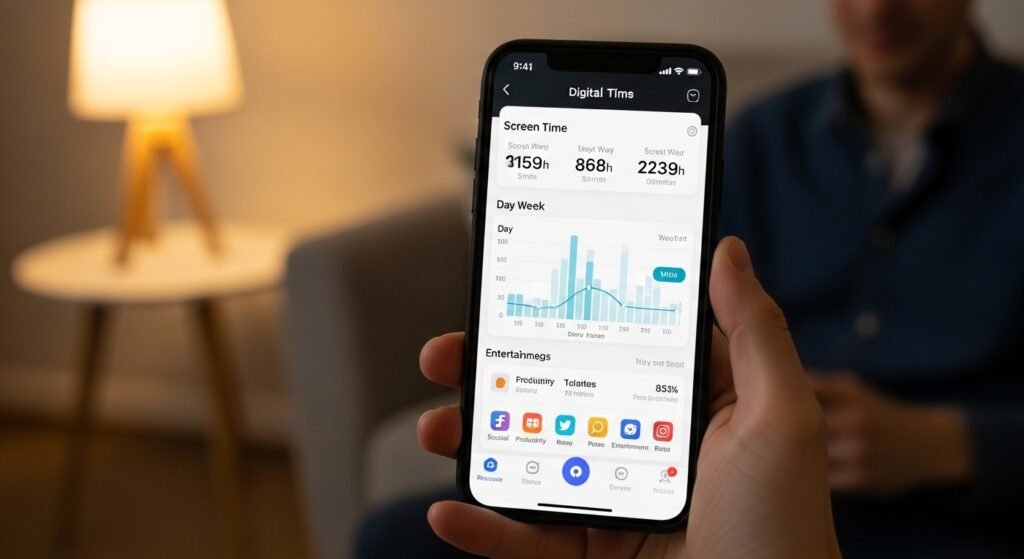
This feature tracks screen time, app usage, and notifications. It helps users understand their habits and make informed decisions to maintain a healthier balance between digital and real-world activities.
Emergency SOS Function

Emergency SOS quickly alerts selected contacts and shares location details during urgent situations. It provides an added layer of safety and reassurance without requiring complicated steps.
