
CES often highlights products built for attention rather than daily use. HP presented a keyboard based computer which blends processing hardware, input controls, and display connectivity inside a single peripheral. A short hands on session showed how far this design pushes minimalism. The device targets users seeking desk space savings and fast setup rather than performance upgrades or modular flexibility. The following sections review structure, usability, and real world fit.
Design Concept
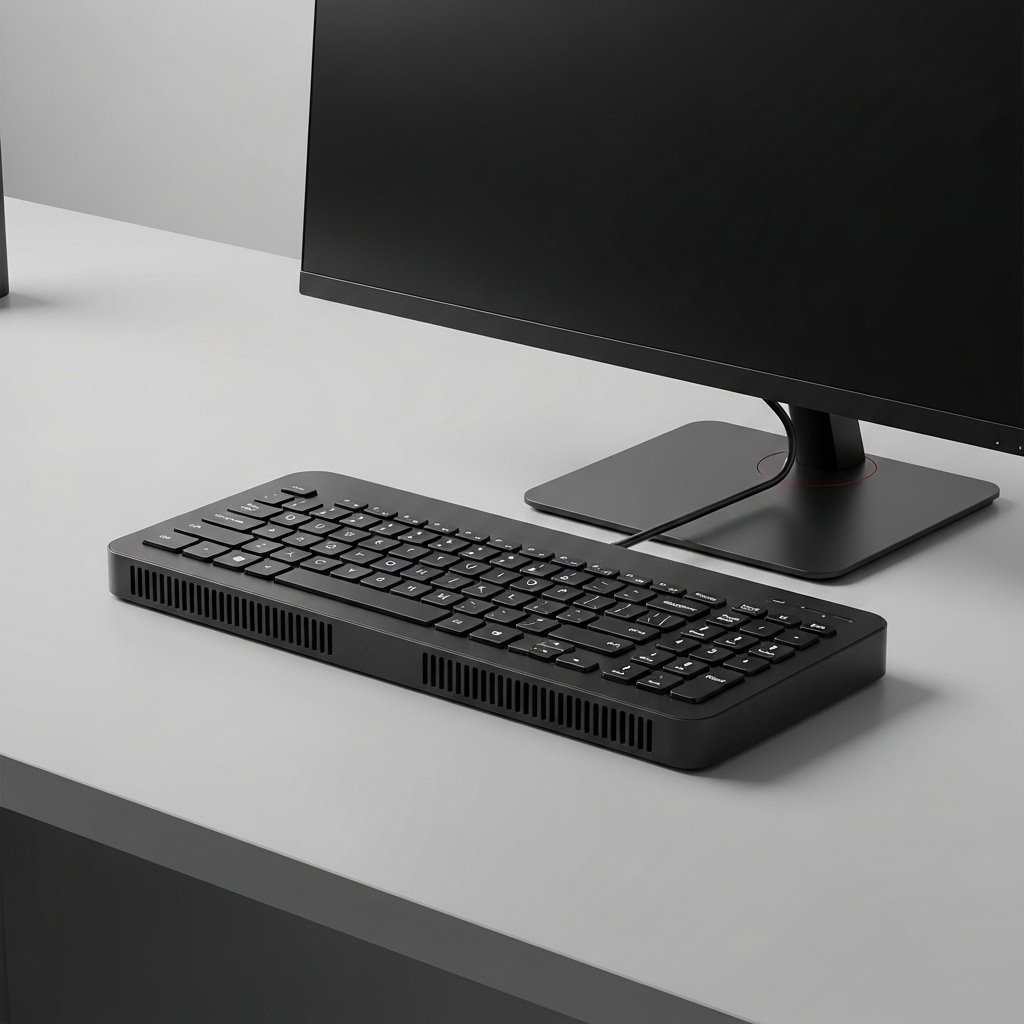
The computer integrates processing components inside a full size keyboard chassis. A single cable links the unit to an external display. Desk clutter reduces because towers and docks disappear. Weight feels higher than standard keyboards, which affects portability during frequent repositioning.
Setup Experience

Initial setup requires connecting power, display cable, and wireless peripherals if needed. Boot time matched entry level desktops from recent years. System recognition of external monitors worked without manual configuration during testing. Setup time stayed under five minutes in controlled conditions.
Typing and Key Layout

Key spacing follows HP standard desktop keyboards. Travel distance feels shallow, closer to laptop mechanisms. Extended typing sessions felt acceptable for office tasks. Users accustomed to mechanical switches might notice reduced tactile feedback during long writing periods.
Performance Expectations
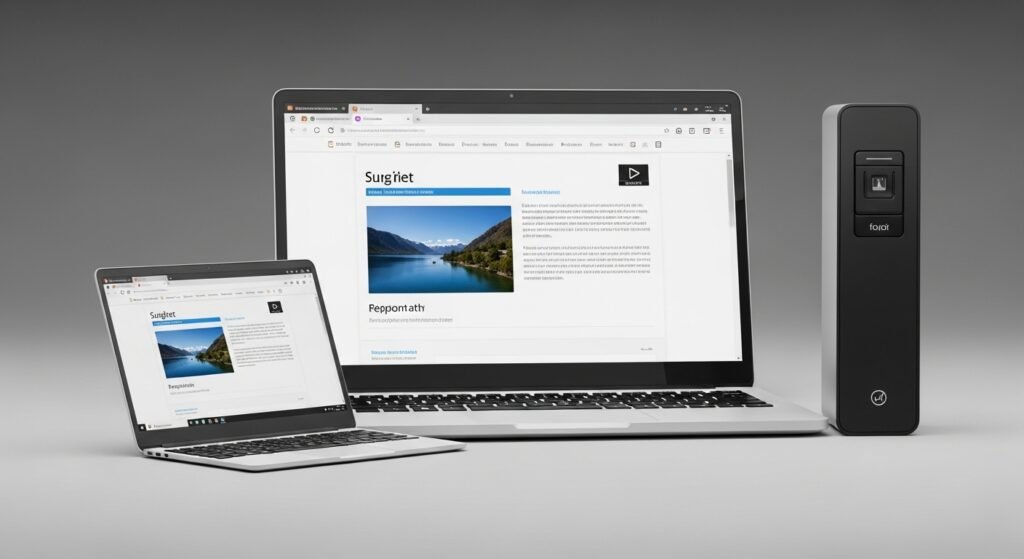
Internal hardware targets basic productivity workloads. Web browsing, document editing, and video playback ran smoothly during demonstrations. Heavy multitasking slowed response times. Performance aligns with compact desktops using low power processors rather than full workstation builds.
Thermal and Noise Control
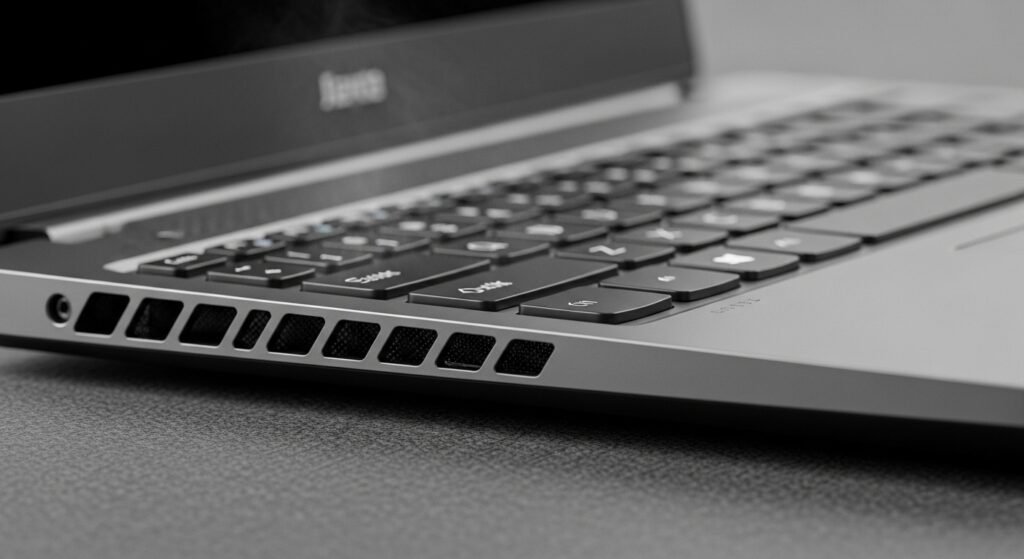
Cooling vents sit along the rear edge of the keyboard housing. Fan noise stayed low in quiet rooms during standard use. Heat buildup remained localized near the top edge. Lap use feels impractical due to warmth and weight concentration.
Port Selection
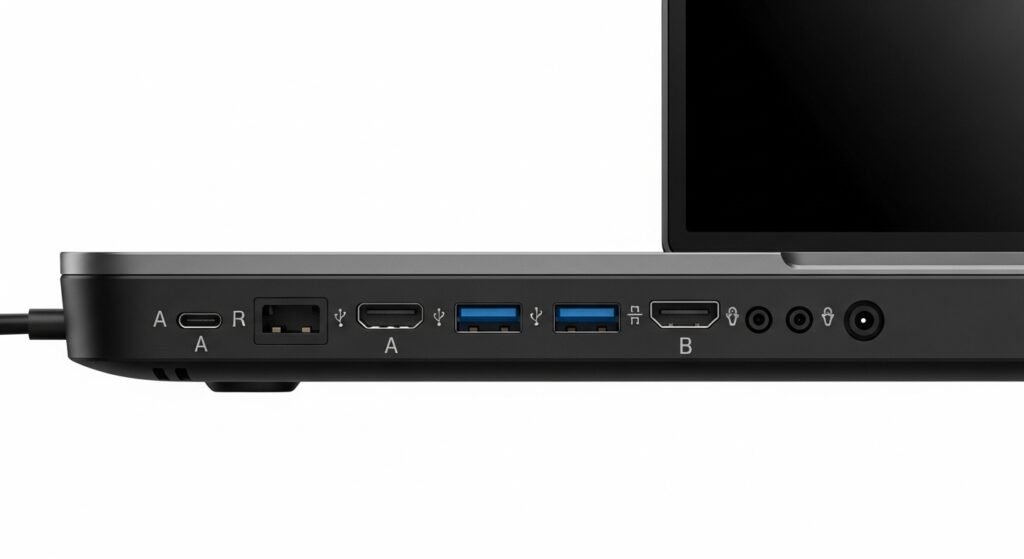
Ports include USB A, USB C, HDMI, and audio output. Port placement along the rear limits cable visibility from the front. Lack of expandable internal storage reduces flexibility. External drives serve as the primary option for capacity growth.
Desk Space Impact
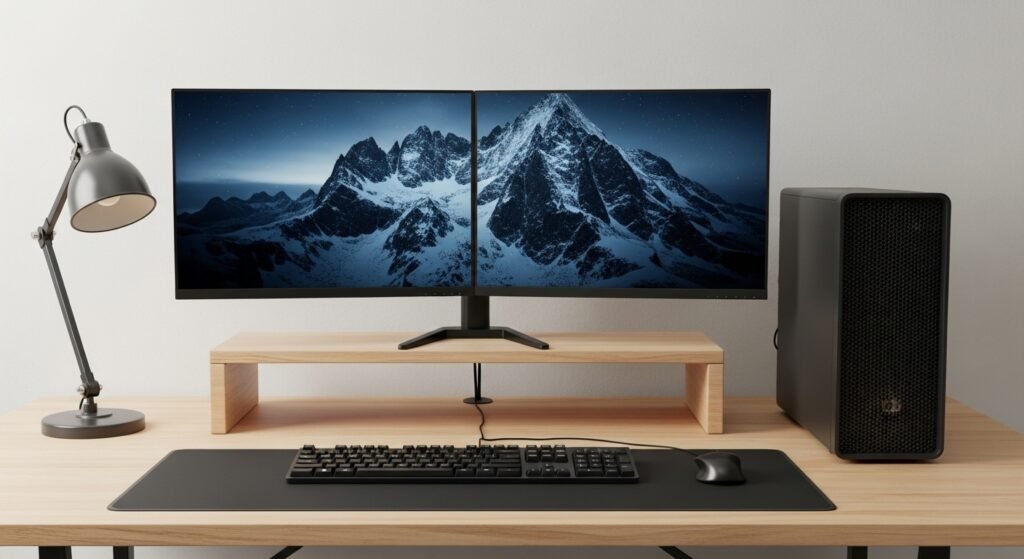
Desk footprint shrinks because the keyboard replaces a tower. Monitor stands regain importance since all processing relies on screen placement. Clean desk layouts benefit most from this format. Crowded desks gain usable surface area after switching.
Target User Profile

This device suits shared workspaces, kiosks, and minimalist home offices. Frequent hardware modifiers find limitations frustrating. Users focused on stable daily tasks gain the most value. Educational settings also match this simplified hardware approach.
