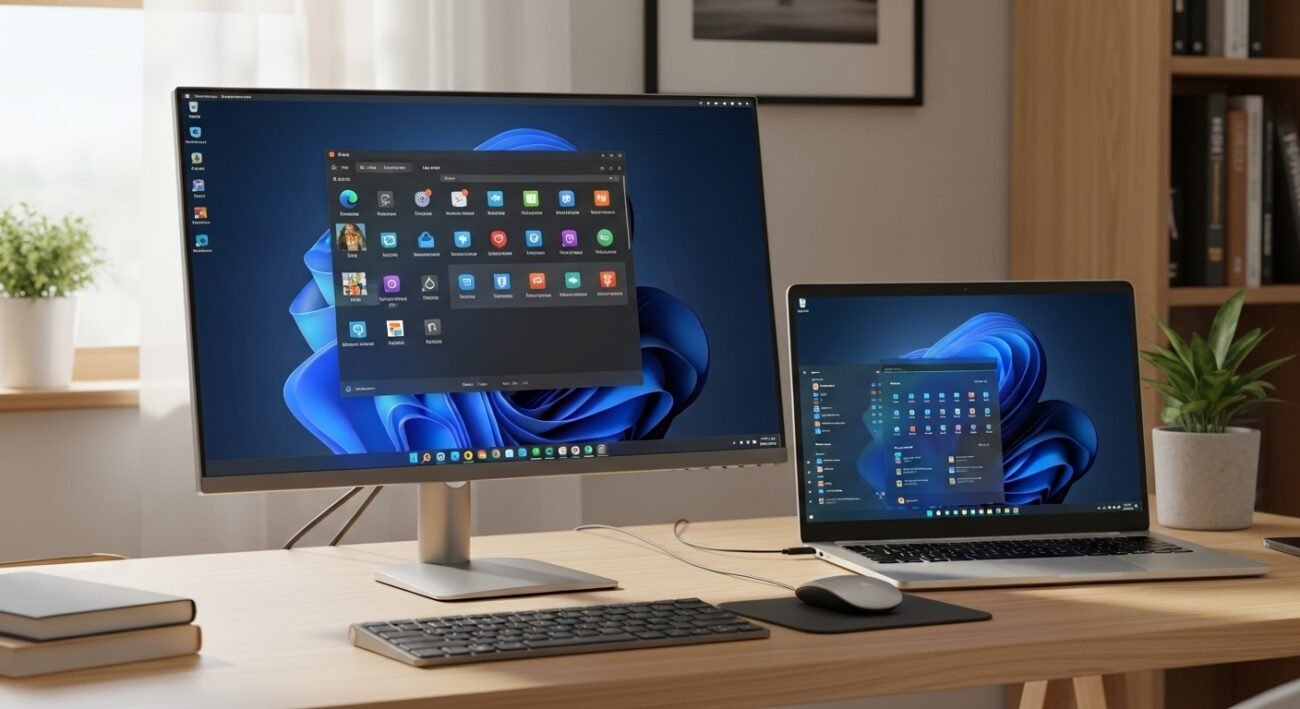
Many computer users have relied on Microsoft Windows for years because it arrives preinstalled on most machines. Yet some people now look for calmer, simpler alternatives. Linux distributions built on Ubuntu have quietly improved in usability. Among them, Zorin OS stands out for its familiar design and careful attention to beginners. The system aims to reduce the fear often associated with switching platforms. Menus, icons, and workflows feel recognizable, while the underlying Linux foundation delivers stability, security, and efficiency. For anyone considering life beyond Windows, this distribution offers a practical starting point for daily computing tasks at home or work.
Familiar Desktop Layout
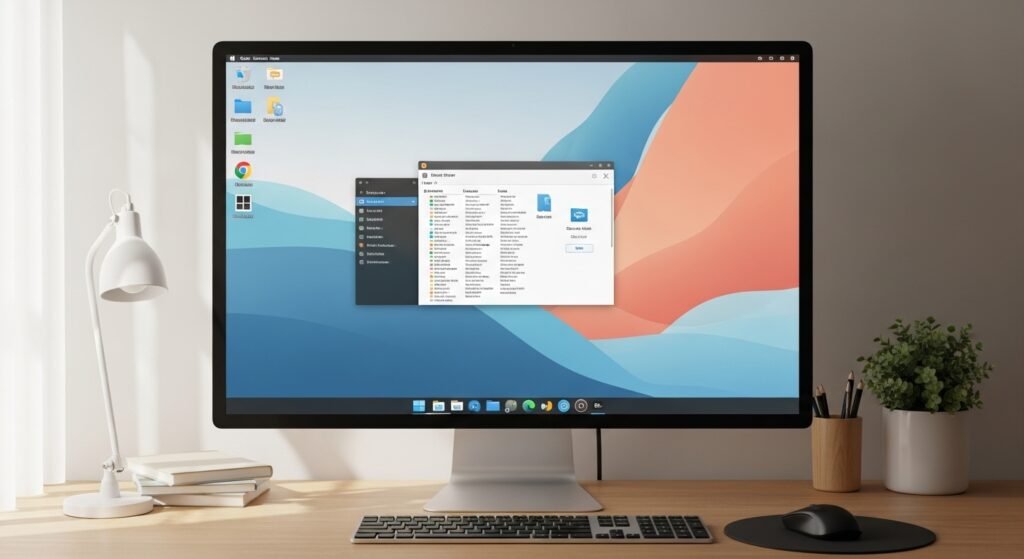
Zorin OS presents a familiar desktop that resembles Windows. The layout includes a simple taskbar, clear menus, and recognizable icons. People moving from Microsoft Windows often adapt quickly because everyday navigation already feels comfortable today.
Built on a Stable Ubuntu Base
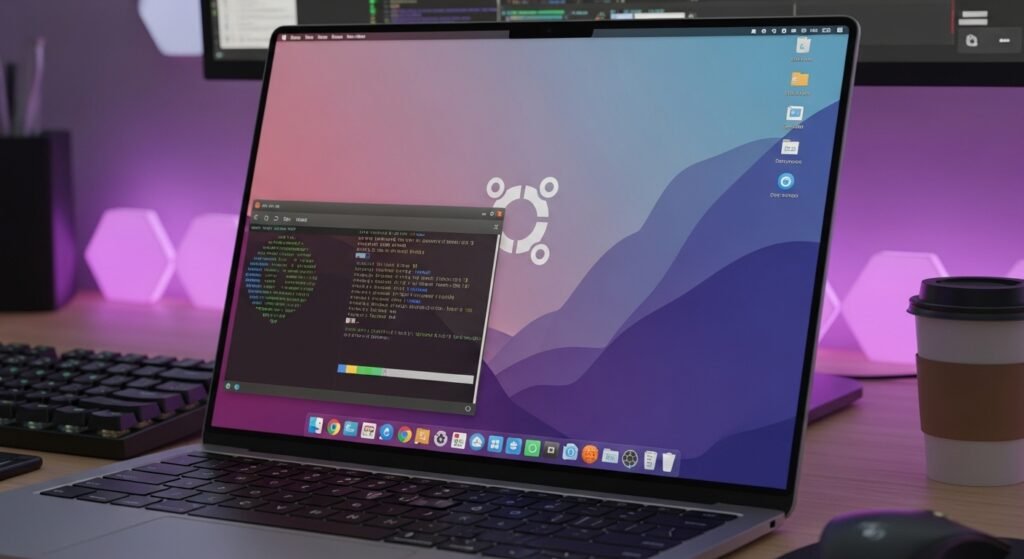
Built on Ubuntu foundations, the system benefits from a mature Linux ecosystem. Security updates arrive regularly. Software libraries remain stable. This dependable base reduces maintenance worries for people who simply want a computer that works.
Straightforward Installation Process
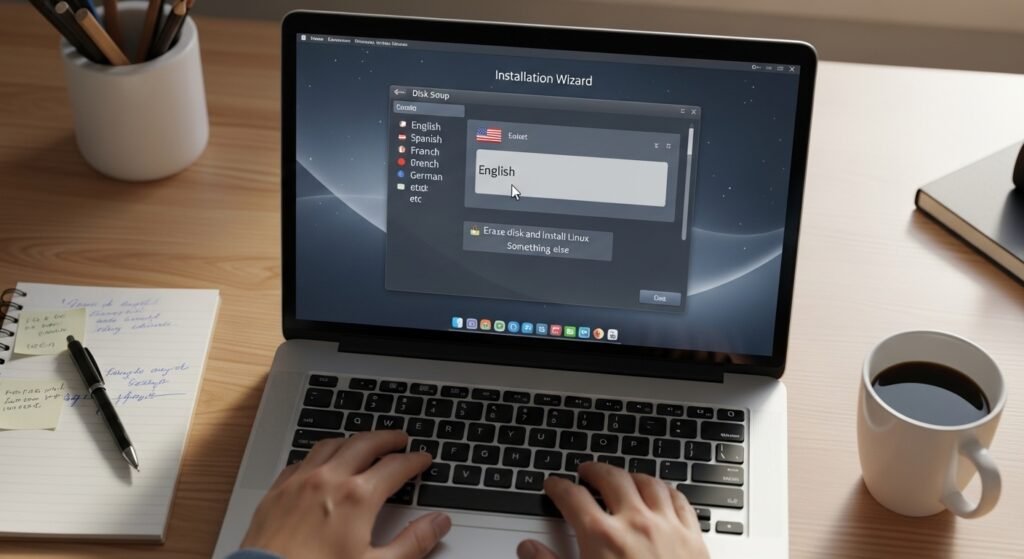
Installation is straightforward and carefully guided. A step by step wizard explains disk choices and language settings. Many users finish setup within minutes. Clear instructions reduce the hesitation that sometimes discourages first time Linux adopters.
Helpful Windows App Compatibility
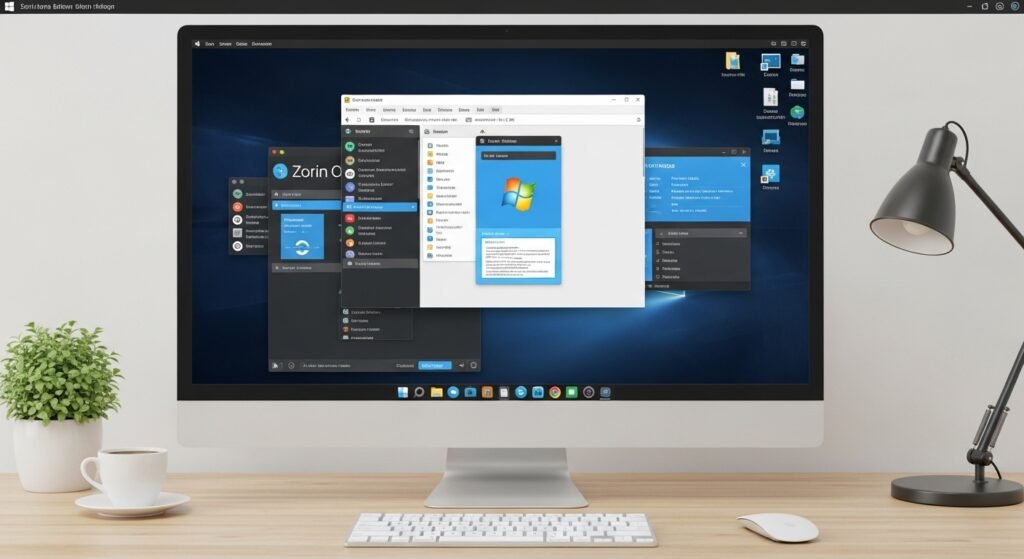
Zorin OS includes built in tools that help run many Windows applications. Compatibility layers and simple installers make transitions easier. People can continue using familiar programs while gradually discovering native Linux alternatives without major disruption.
Smooth Performance on Modest Hardware

Performance often feels lighter than a typical Windows installation. The system runs smoothly on older laptops and modest desktops. Efficient resource management means less waiting and fewer slowdowns during daily browsing writing and file organization.
Stronger Privacy Controls
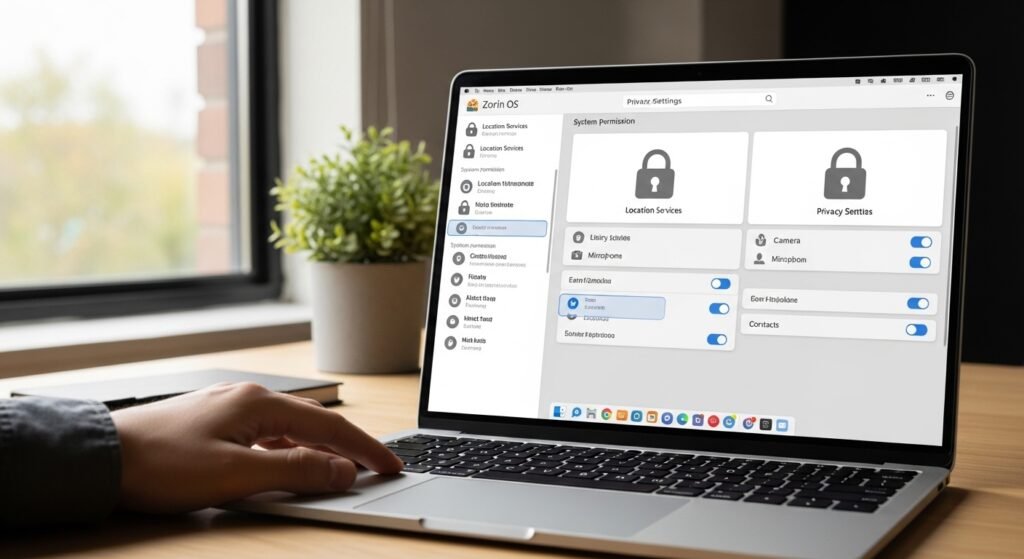
Privacy receives stronger attention in most Linux distributions. Zorin OS follows that tradition. Data collection remains minimal compared with many mainstream platforms. Users gain more control over updates permissions and background services and system behavior.
Clean and Polished Interface
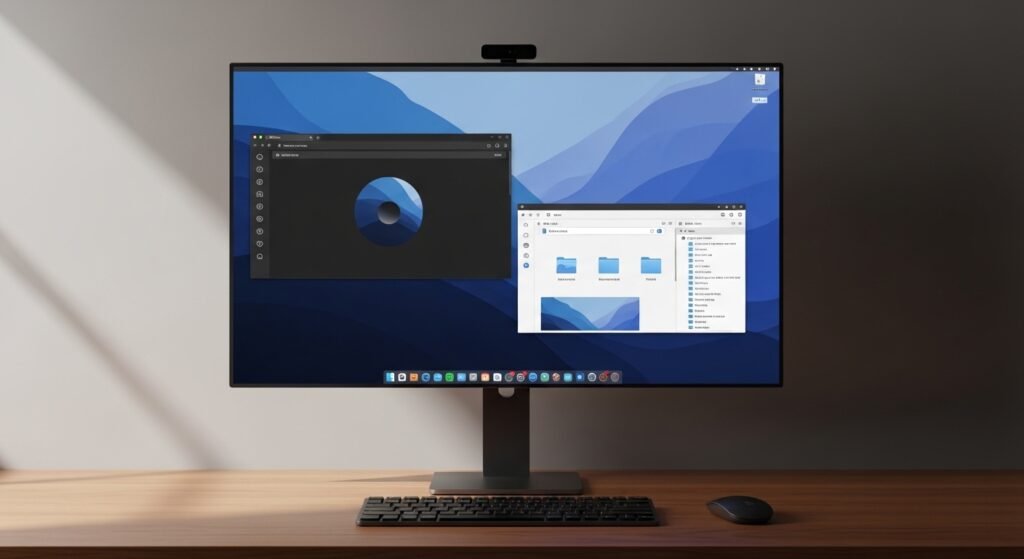
The desktop environment is carefully polished. Visual themes appear modern yet simple. Window management works smoothly. Small design touches create a calm workspace that feels organized rather than cluttered or confusing for everyday computer users.
Easy Access to Applications
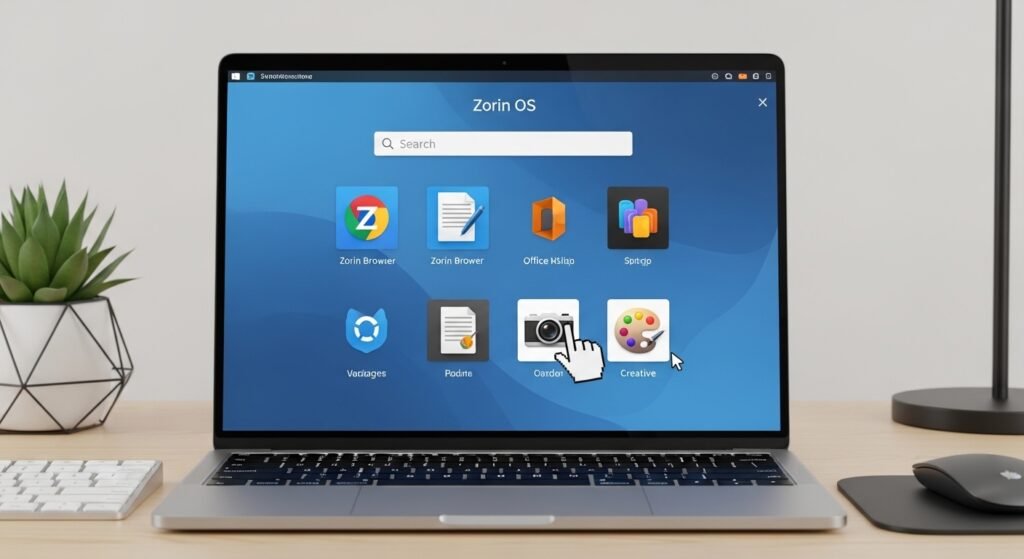
Software installation is handled through an easy store interface. Thousands of applications are available including browsers creative tools and office programs. The process resembles installing apps on a phone which many people already understand today.
Balanced Update System
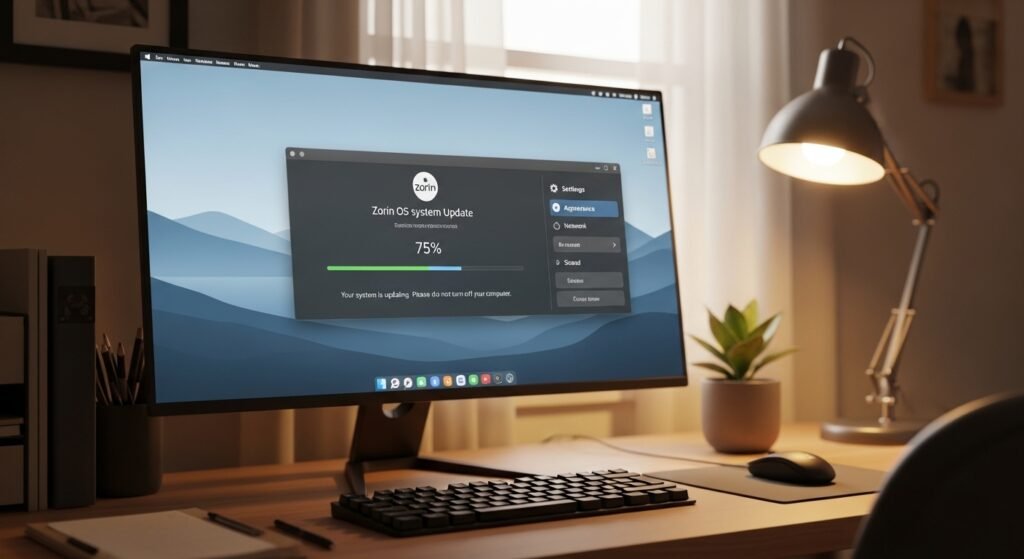
Regular updates improve security and reliability without constant interruptions. The system notifies users clearly and allows flexible scheduling. This balanced approach keeps computers protected while respecting the users time and workflow during everyday home computing.
Supportive Linux Community

Community support remains one of Linux strongest advantages. Forums guides and discussion groups help newcomers solve problems quickly. Shared knowledge makes learning less stressful and encourages more people to explore alternatives with patience and confidence.
Designed for Everyday Users

For many households the switch does not require advanced technical skills. Zorin OS focuses on clarity and stability. That practical design turns a Linux system into a comfortable everyday workspace for learning work and communication.
