
All USB ports differ from each other because their color codes help users identify their specific functions. The yellow USB port, which sometimes appears as orange, serves a unique purpose that enables users to access advanced power functions and special device capabilities. The interpretation of terms depends on how each manufacturer chooses to define their usage. The typical representation of this device allows you to operate it more efficiently.
Means Always-On Power
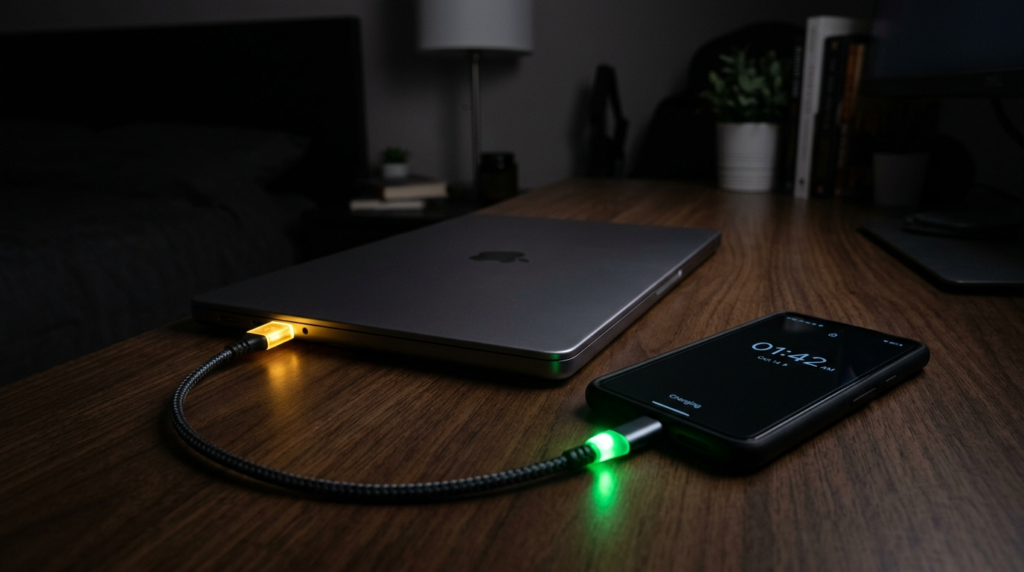
The yellow-colored USB port can supply power even when your laptop or PC is turned off. The system maintains an internal power connection to a power rail, which stays operational until the battery or power supply reaches total discharge.
Designed to Replace a Wall Charger

The manufacturers created this capability, which enables users to charge their devices through their laptops without needing additional equipment. The service provides especially valuable benefits to users who travel or work within restricted environments.
Power Output Is Often Higher
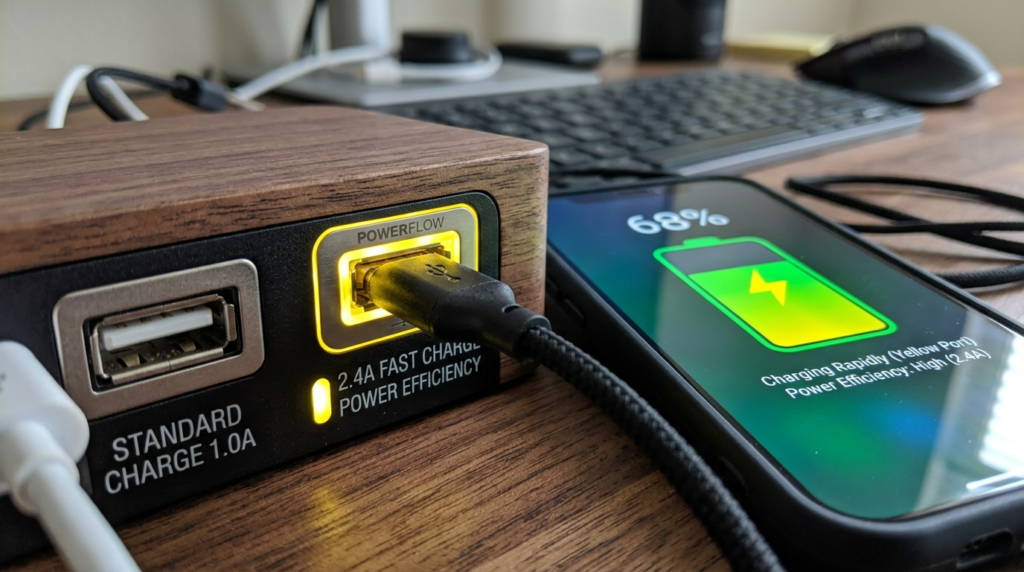
Standard USB ports (especially older USB 2.0) typically provide around 0.5A (2.5W), while USB 3.0 offers about 0.9A (4.5W). Yellow ports may support higher current output, which allows faster charging for compatible devices.
Uses Battery Even When the Device Is Off

The active port operation results in continuous power consumption from your laptop battery. The practice of keeping devices connected to power during the night leads to a significant decrease in your laptop battery capacity by the next day.
It’s Not About Data Speed
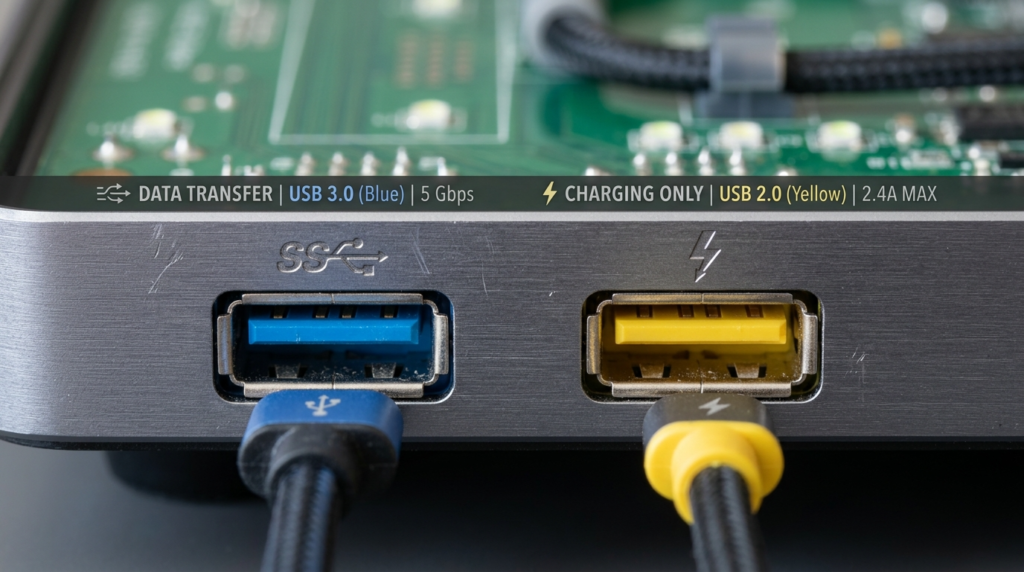
A widespread belief maintains that speedier data transmission occurs through colored ports that display blue USB 3.0 connections. Yellow ports exist to provide power delivery, which serves as their main function. Data speeds depend on the USB standard, not the color alone.
BIOS or System Settings May Control It

The majority of laptops provide users with the option to activate or deactivate this function through their BIOS settings or system configuration options. Some models provide users with the ability to establish charging restrictions that stop charging operations when the battery reaches a predefined minimum level.
It May Support USB Charging Standards
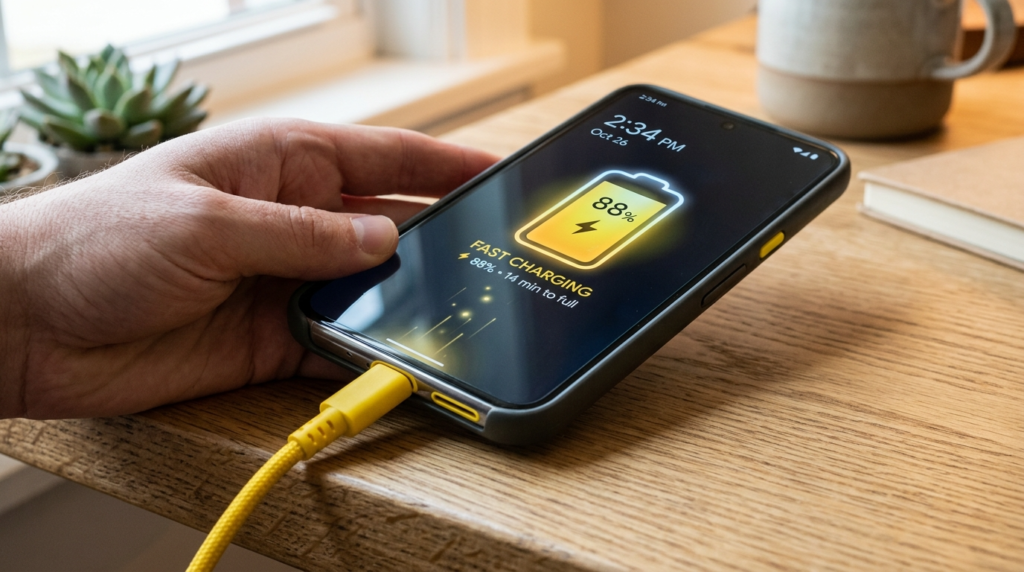
Some yellow ports comply with USB Battery Charging (BC 1.2) standards, which allow higher current for faster charging, even without full device communication. This is why some phones charge quicker on these ports.
Not All Yellow Ports Behave the Same

USB color codes do not follow any established standard. The color yellow typically shows that a device receives continuous power, but some manufacturers use different attributes that enable their devices to charge faster and support higher voltage levels.
