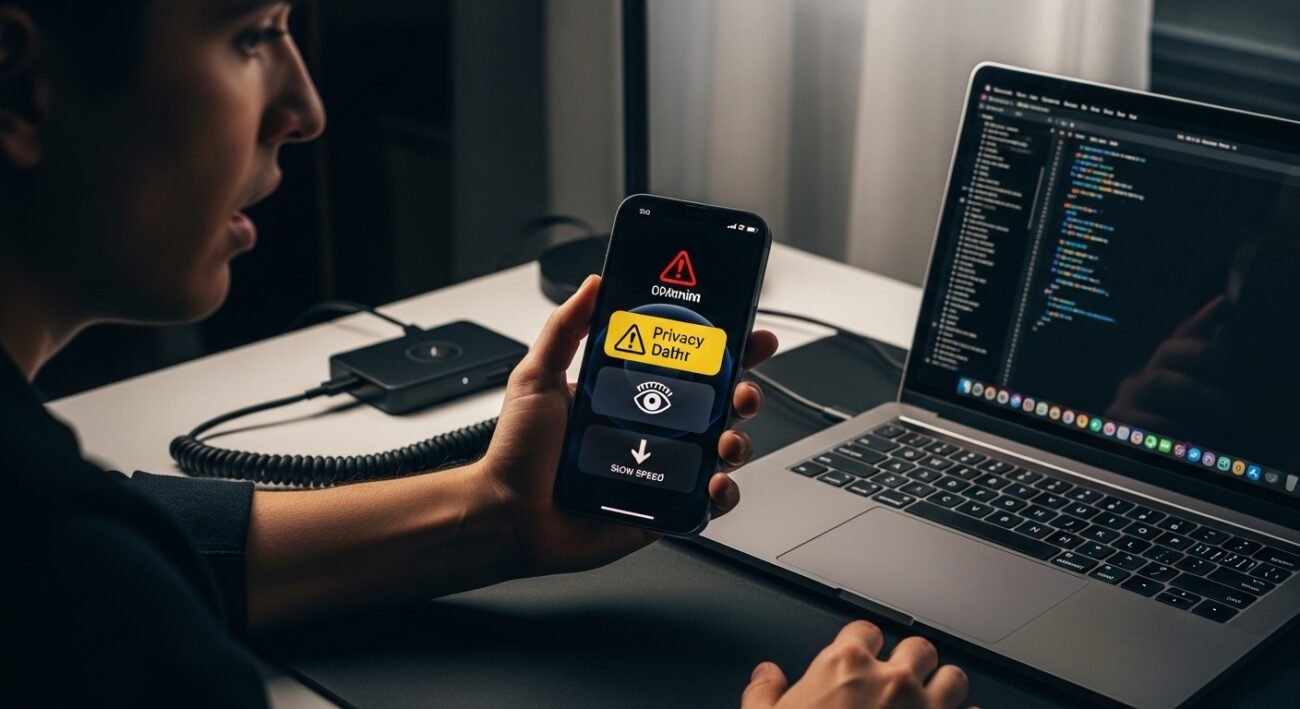
Your iPhone functions as a powerful device. However, your daily habits will create hidden effects which will decrease your device security and battery duration and operational efficiency. Most people don’t realize they’re doing things that slow their device down or expose personal data. The technical problems can be solved through implementation of the following effective modifications.
Leaving Bluetooth On All the Time
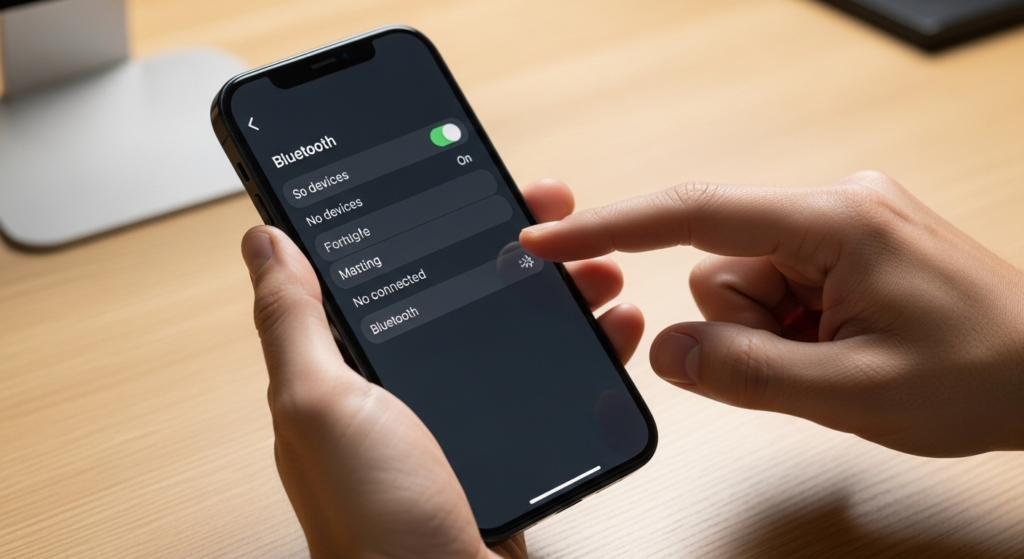
Bluetooth should remain off during periods when you do not use accessories such as earbuds and car systems. The constant Bluetooth connection will decrease battery life and permit people to track your device without your knowledge.
Allowing Every App to Track You

Many apps request tracking permissions. When you permit all permissions your movements between applications and websites will be tracked. Disable tracking in privacy settings to limit data collection.
Using Weak or Reused Passwords
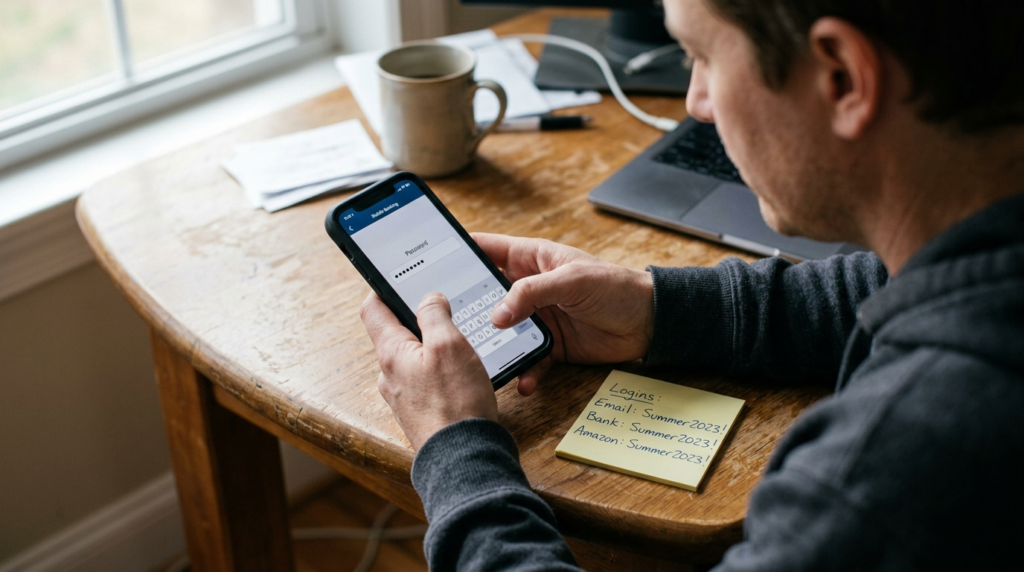
Reusing passwords increases the risk of account breaches. If one account is compromised all other accounts become vulnerable. Create passwords that are both strong and distinct or use a password manager for protection.
Ignoring Software Updates
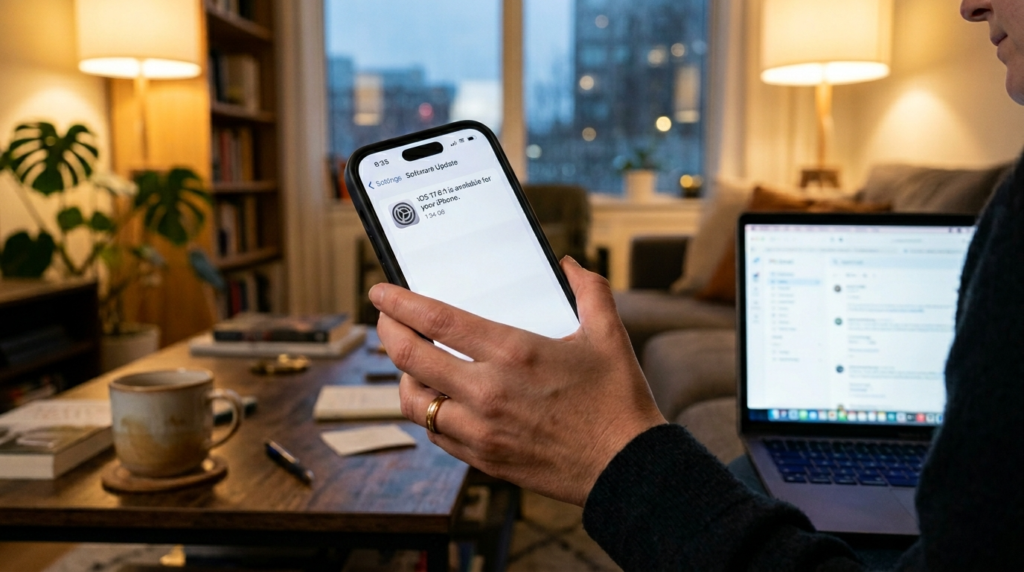
Your device becomes vulnerable to security threats when you choose to skip software updates. The updates deliver vital patches together with enhancements for system performance.
Keeping Location Services On for All Apps
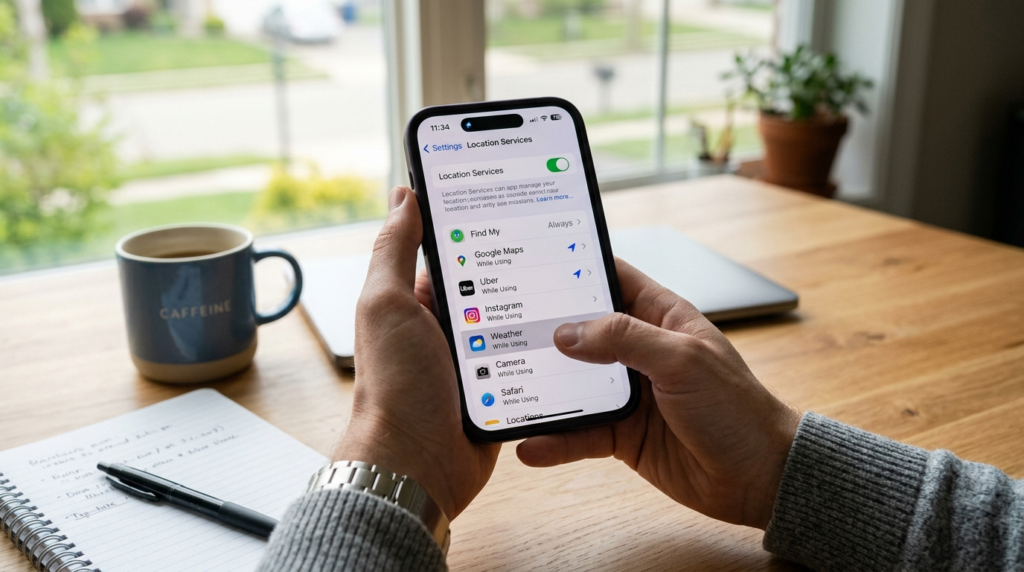
Not every app needs your location all the time. Most applications should use the setting which allows location access only during active usage while users should disable location tracking when it is not needed.
Overloading Your Phone With Apps
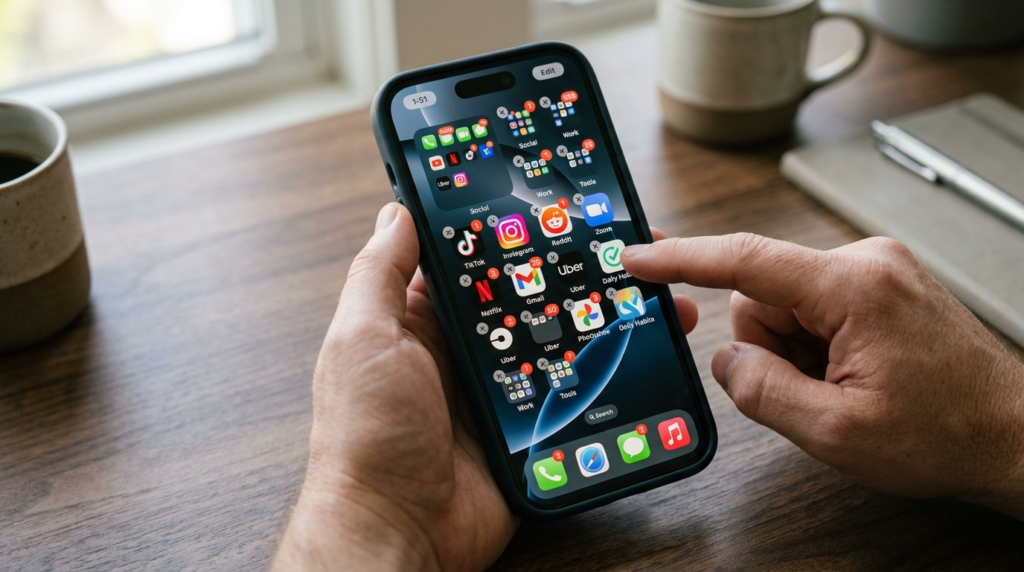
Your device will experience performance issues when you install excessive applications which also consume its storage space. Your device will function better when you remove apps that you no longer need from your system.
Using Public Wi-Fi Without Precautions
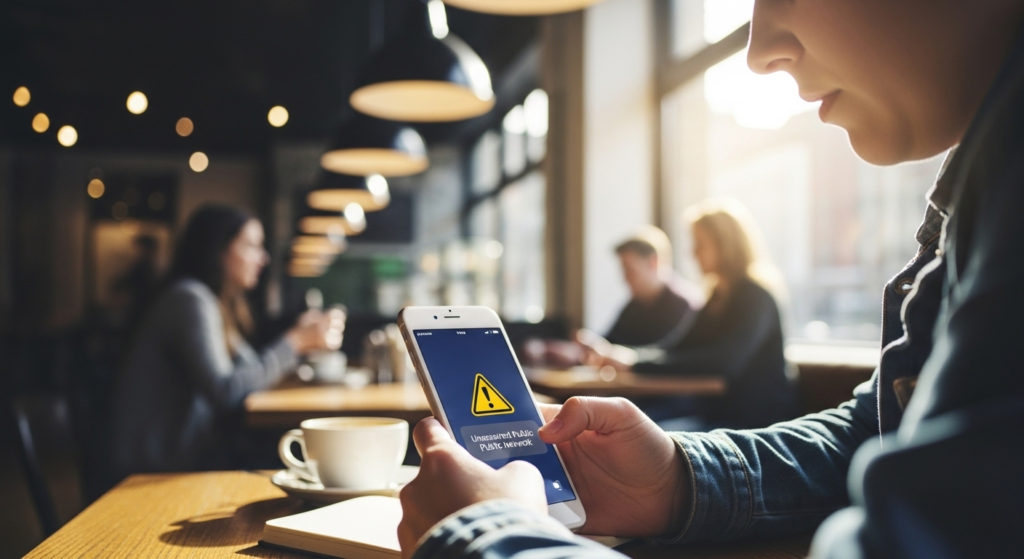
Public Wi-Fi networks can be insecure. Users should avoid using public networks to access banking information because the network lacks a secure connection.
Leaving Notifications Unchecked
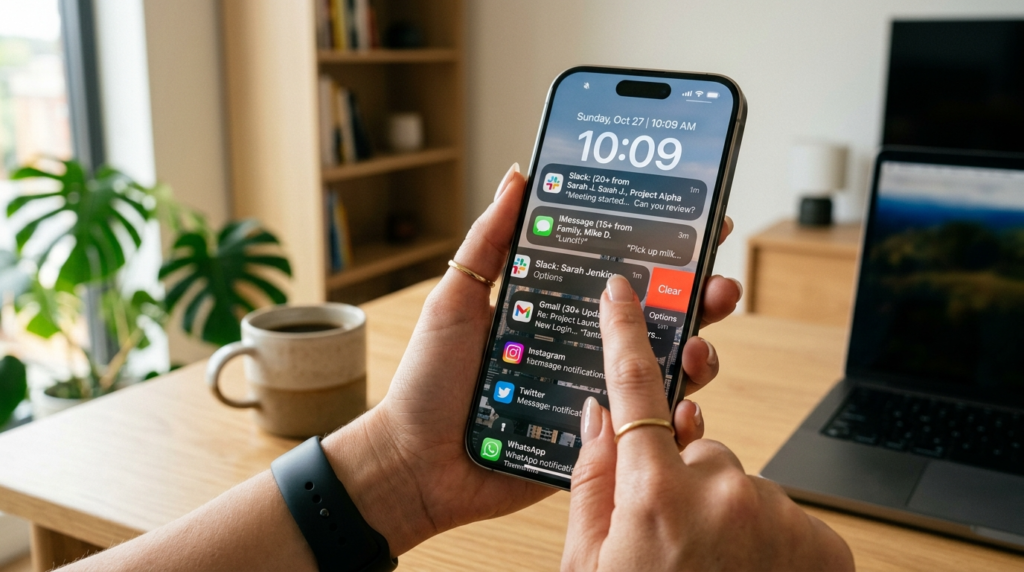
The excessive number of alerts leads to two problems which include disclosing personal data through your lock screen and depleting your device’s power. The system allows you to select which applications are permitted to send you notification alerts.
Not Backing Up Your Data
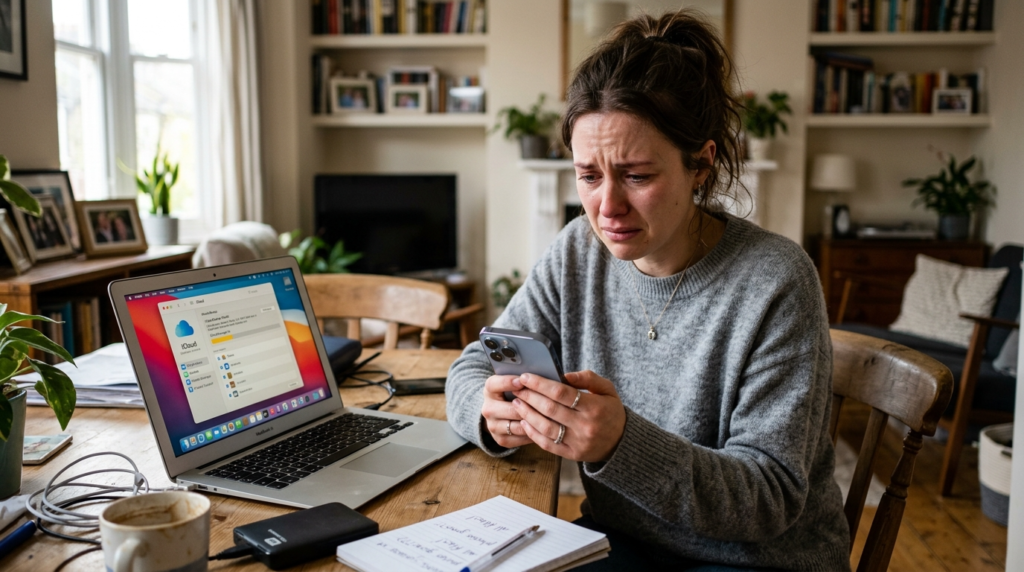
The loss of your phone will result in complete data loss. Your data protection requires regular backups because they secure your data and make it possible to restore your data.
Charging Your Phone Incorrectly
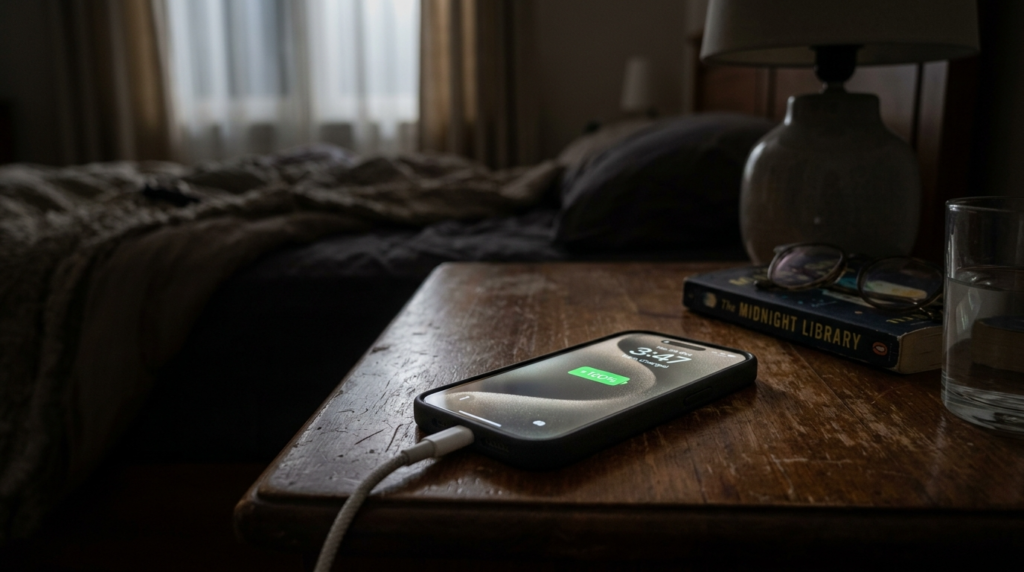
If you repeatedly discharge your device battery until it reaches 0% and maintain your battery charge at 100% for extended periods then your device battery life will suffer. The battery should stay between 20% and 80% whenever that range is achievable.
Ignoring App Permissions
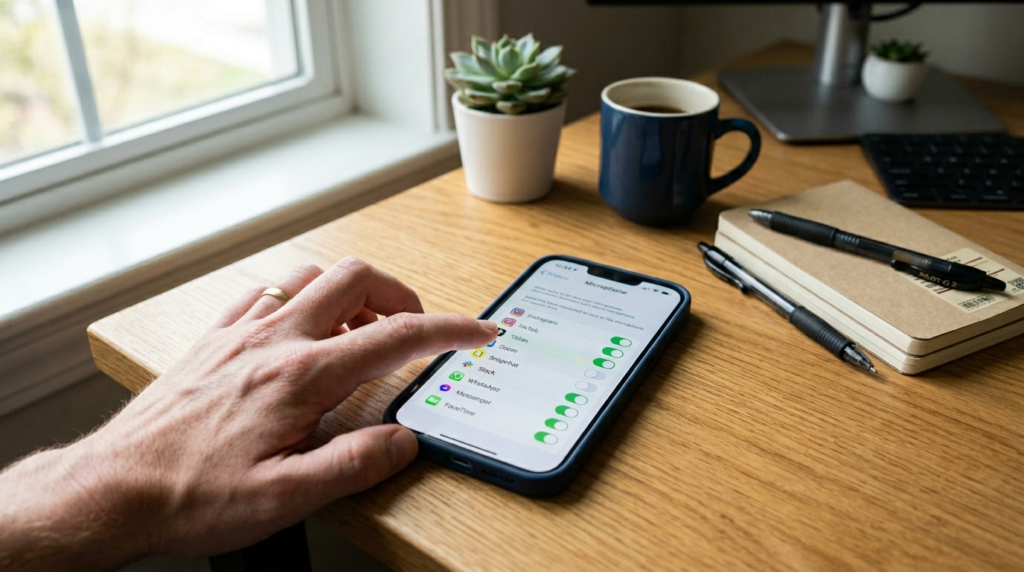
It would not be wrong to say that many applications request the access to camera, microphone and so on unnecessarily. So look at your permissions that are not needed and take them back.
