
The PlayStation 5 delivers excellent gaming performance through its powerful hardware. Users often overlook how their daily activities can cause their system to overheat and their storage capacity to decrease and their device performance to degrade. The good news is that these problems can be easily prevented through small alterations. The PS5 system will operate efficiently when you eliminate these activities from your daily routine.
Blocking Airflow Around the Console
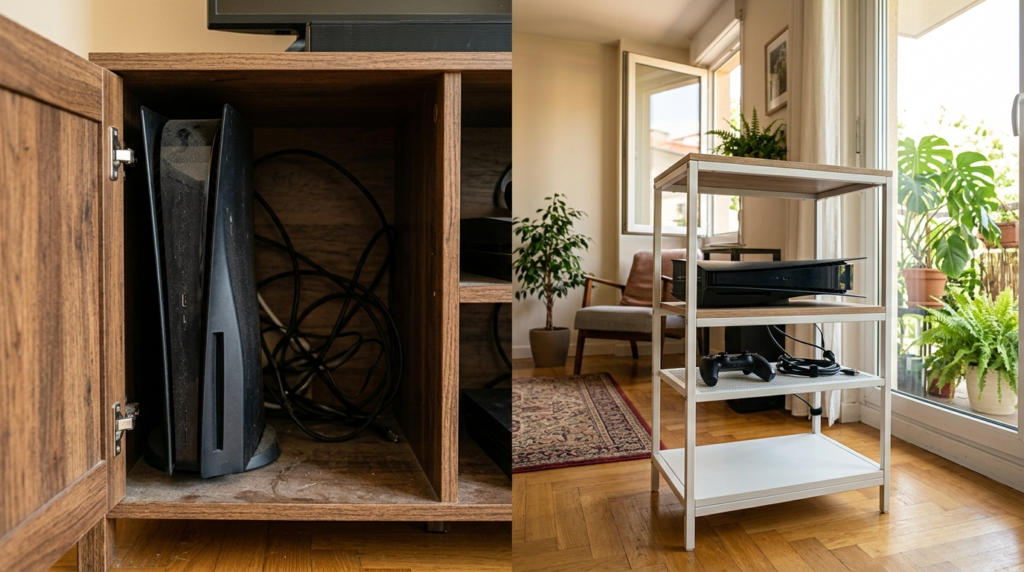
Your PS5 will overheat when you place it in an enclosed space that restricts airflow to the device. The device needs to be stored in an area that provides both open space and proper airflow for optimal cooling performance.
Ignoring Dust Build-Up
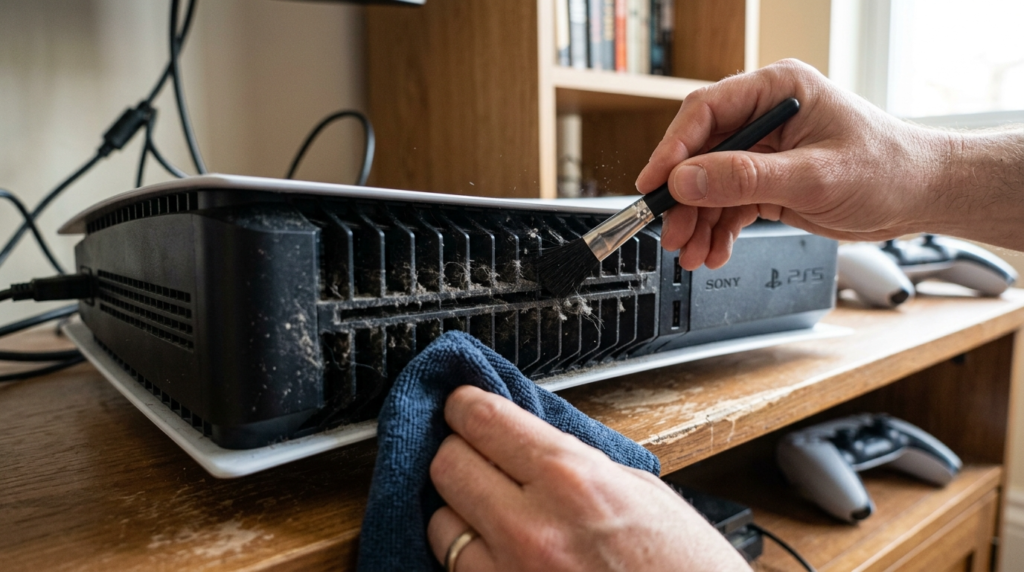
The console becomes vulnerable to overheating and fan noise problems because dust accumulates inside the console. The system will develop heating problems and fan noise issues because of this. The system requires cleaning to achieve optimal airflow and performance levels.
Using Rest Mode Improperly
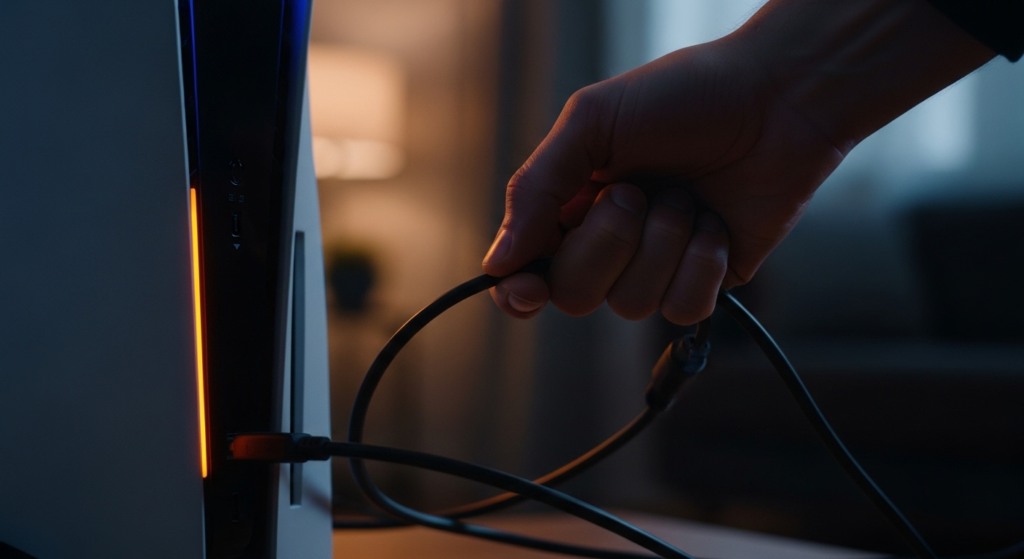
Users should not interrupt rest mode power operations because this will lead to system malfunctions. The feature requires you to maintain a power supply that provides continuous power.
Filling Storage Completely

The system will experience performance problems and update delays when users reach their storage limits. The PS5 system requires a minimum storage capacity to function properly while updating its software.
Skipping System Updates

The system will develop performance problems and security vulnerabilities when users choose to postpone system updates. The updates deliver essential system enhancements and bug fixes.
Low-Quality Accessories

The use of non-certified accessories will lead to equipment damage while the cheap accessories will reduce system performance. The user should select dependable accessories that work with their system because this choice provides improved security and user experience.
Leaving Games Running in the Background

The system resources become depleted when users maintain multiple games and applications in active status. Additionally, performance improves and unnecessary load decreases when users shut down all programs that they do not require.
Placing the Console on Soft Surfaces
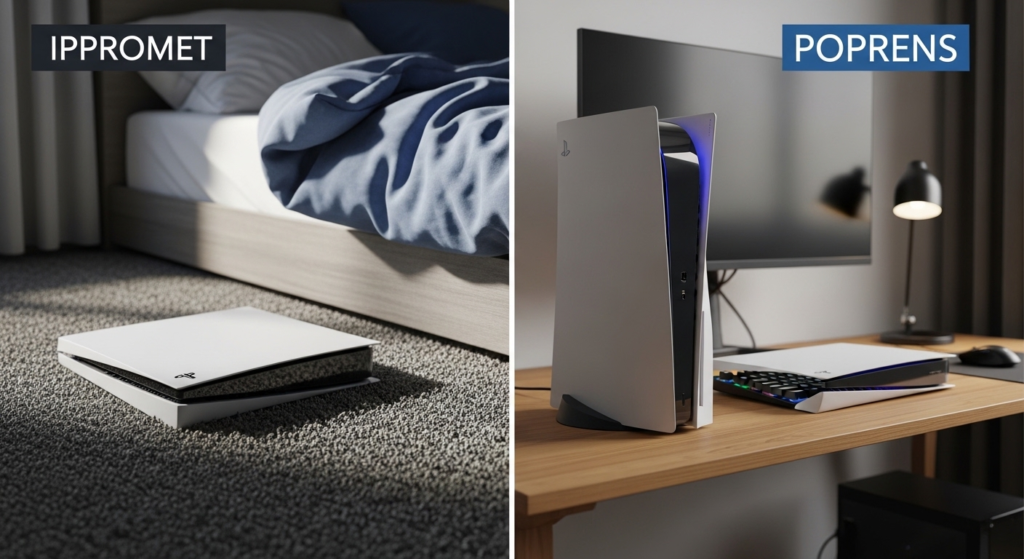
The console should not be placed on any soft materials which include beds and sofas and carpets. The console requires a hard and level base as its designated operating area.
Ignoring Internet Connection Quality

Internet connection speed and stability problems will result in download and update and online gaming performance issues. The use of stable Wi-Fi or wired connections will enhance system performance.
Forcing Shutdowns Frequently
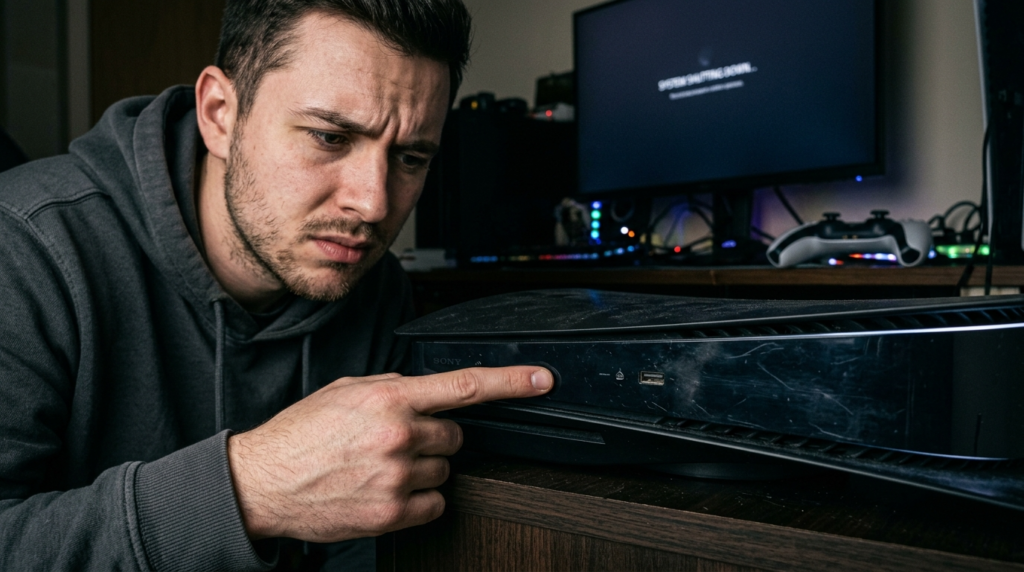
Frequent shutdowns of the system create problems because the console must be turned off through the system menu. The system requires users to perform a complete shutdown through the system menu.
