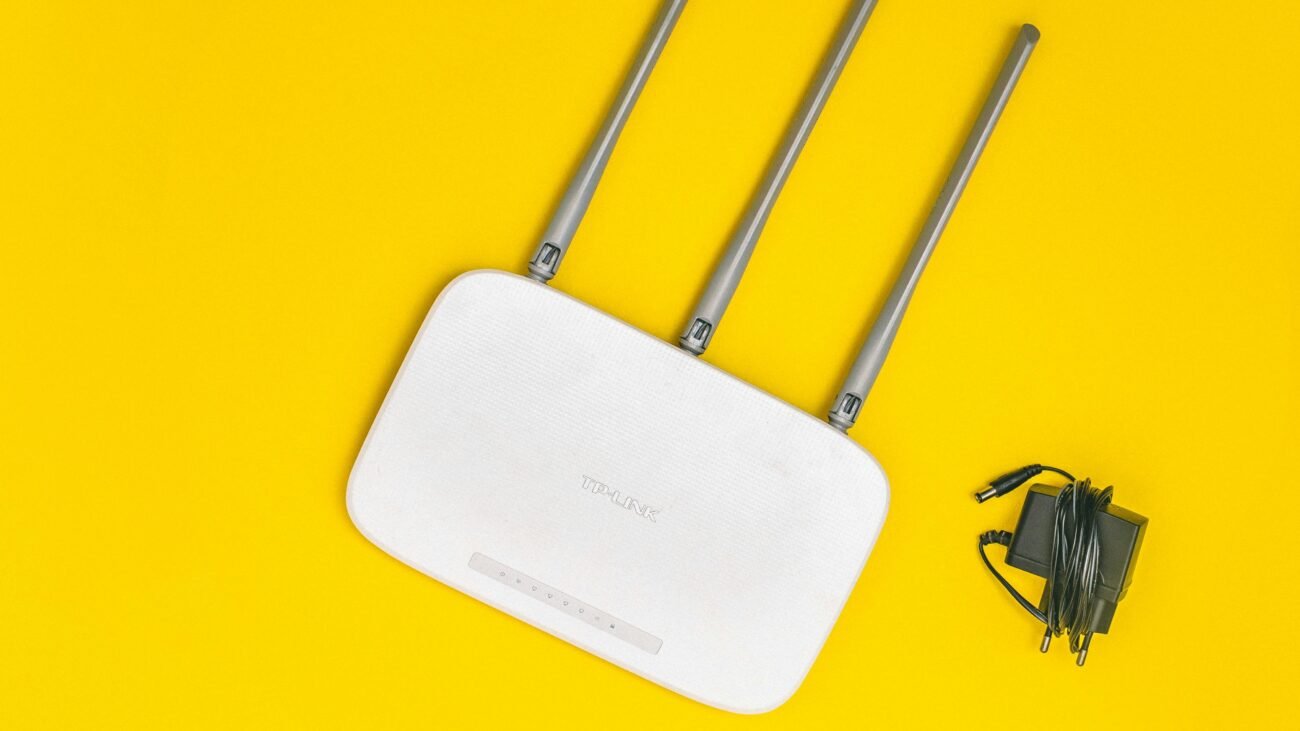
Most people leave their Wi-Fi router running 24/7 without thinking about it. The design of routers allows for continuous operation yet their performance gains and security improvements and problem solutions result from temporary restarts. How frequently should you disconnect your router from power? The answer depends on usage, environment, and network conditions. Here are ten logical, detailed points to help you understand when and why you should restart your router.
Once Every 1–2 Weeks Is a Good Rule
Most households require router restarts every one to two weeks. This process deletes temporary memory content while establishing new connections which helps to avoid all minor technical problems that might develop throughout time.
Helps Clear Memory and Temporary Errors
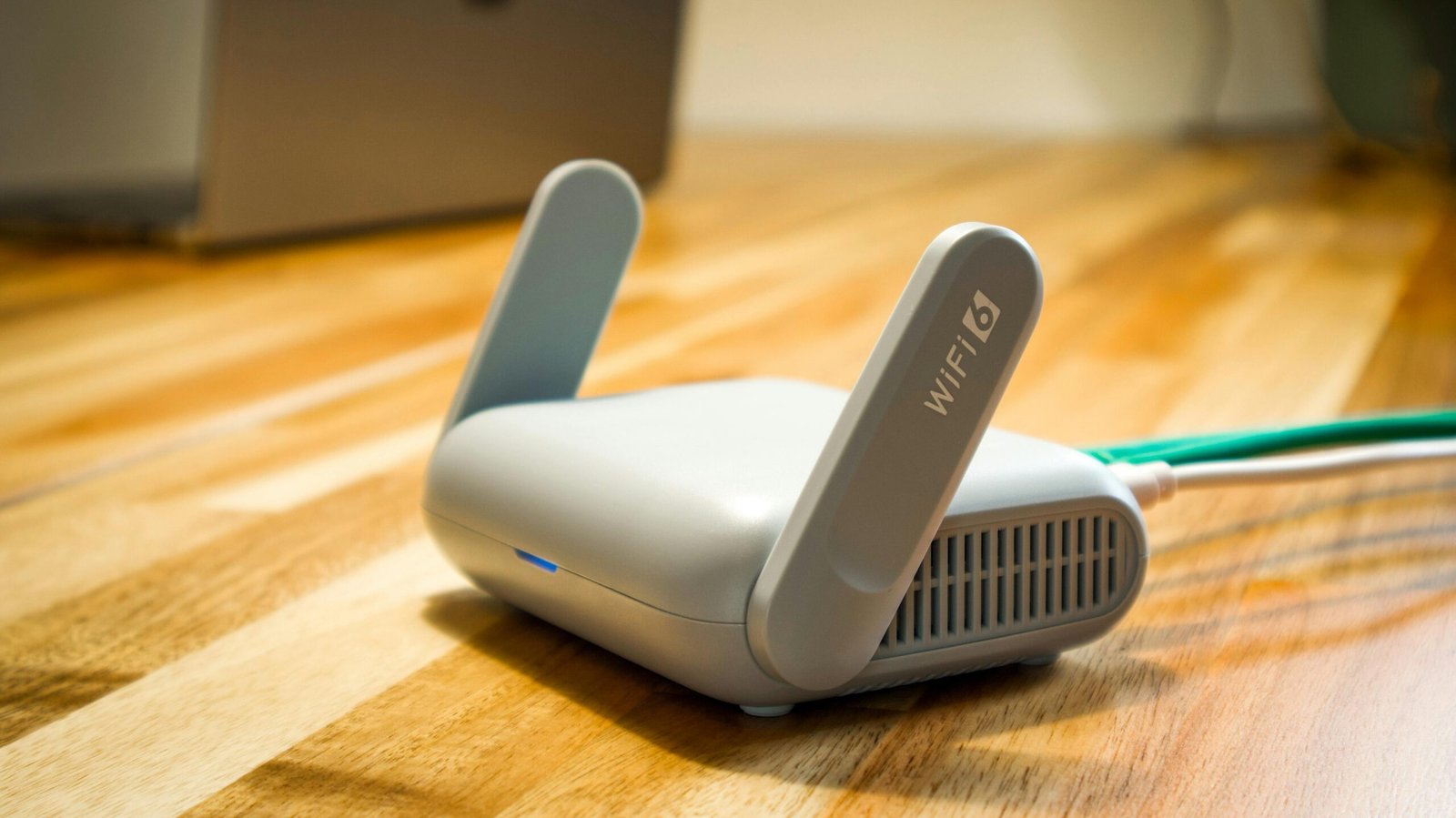
Routers store temporary data to manage connections. Performance issues occur when temporary data accumulates over time. The system restarts itself when memory storage has been deleted.
Fixes Slow Internet Issues
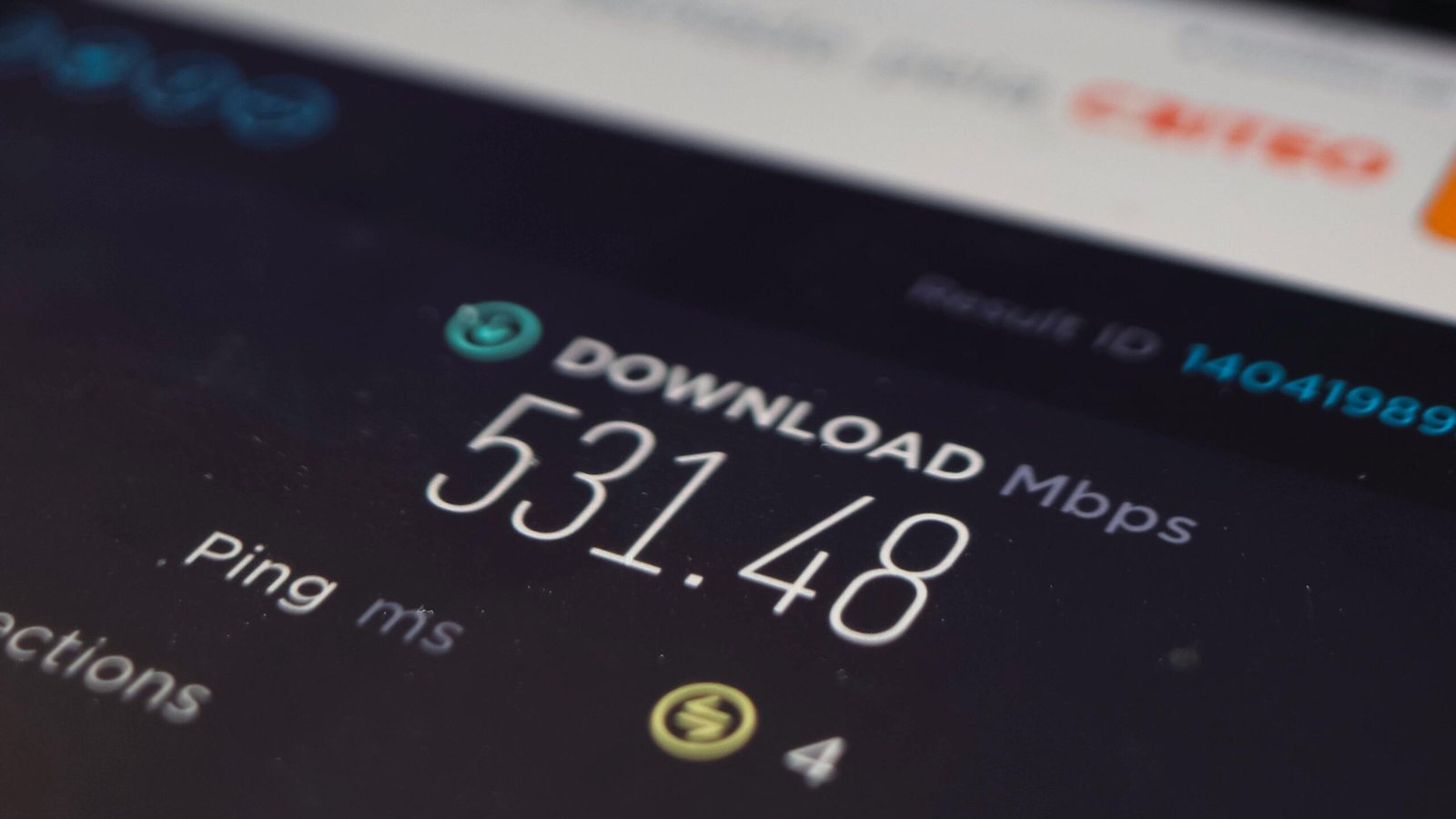
The internet connection becomes slow but a restart usually fixes the problem. The process establishes a new connection between your router and internet service provider while refreshing all network pathways.
Resolves Device Connectivity Problems
Devices sometimes experience difficulties with maintaining internet connections. The router restart process establishes fresh connections which help devices to connect successfully again.
Reduces Network Congestion
Routers in homes with multiple devices experience problems because of their high usage. The network benefits from a restart because it lets users establish new connections while improving overall system performance.
Improves Security
Restarting your router can help disconnect unknown or unauthorized devices. The system halts certain types of malware or suspicious activities which need lasting internet access for their operations.
Useful After Power Outages or Updates
The period after power outages or system updates proves to be beneficial. The process of restarting the system after a power interruption or firmware update establishes both correct router operation and complete implementation of all settings.
Helps With IP Address Refresh

You may know that routers assign IP addresses to devices. Restarting can refresh these assignments, resolving conflicts or connection errors. Additionally, this may also give improved internet connectivity and smooth online experience.
Not Needed Daily

Daily unplugging from power sources becomes unnecessary because it causes more problems than it solves. The design of routers permits them to operate without interruption, requiring users to restart the system only when they encounter operational difficulties.
Signs You Should Restart Immediately

You should unplug and restart your router if you notice unusual drop in speed, frequent disconnection, devices not connecting or unstable network behavior. Restarting it may give you a fresh start and an obsolete solution to these issues.
