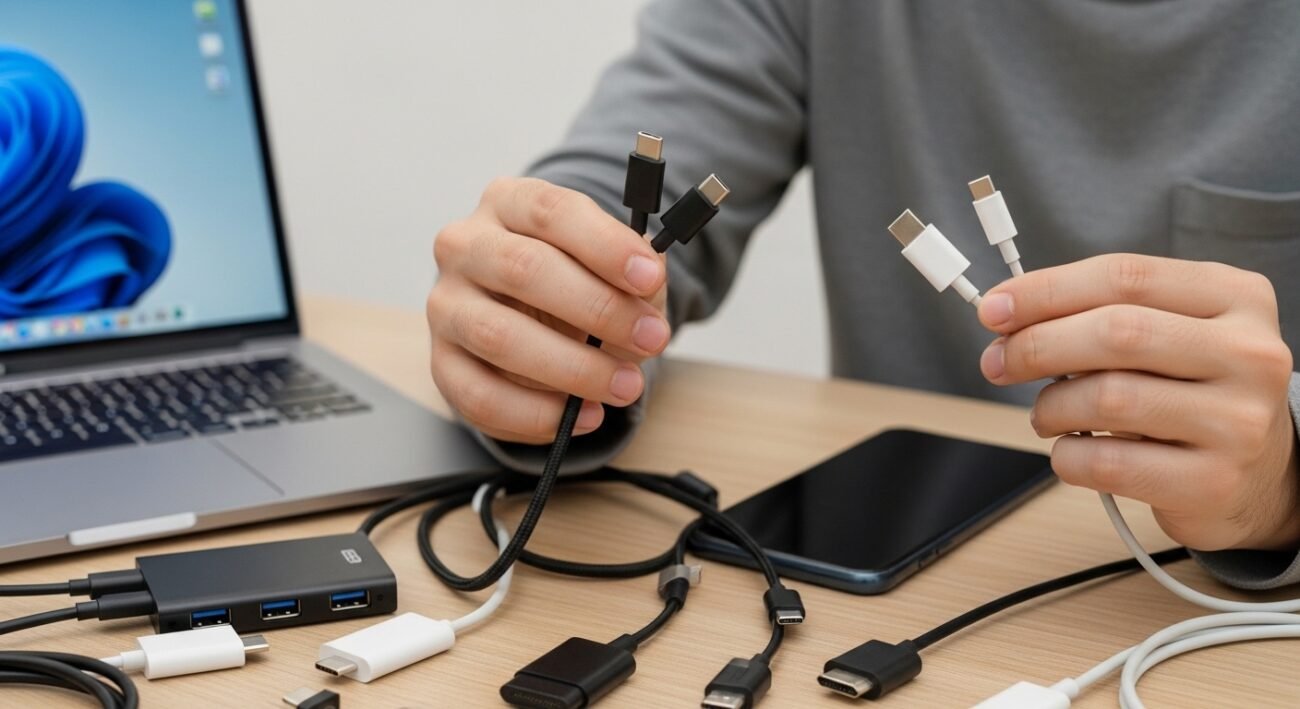
When USB-C arrived, it promised to simplify the way people connect and charge their devices. One small reversible port was supposed to replace a confusing mix of cables, adapters, and connectors. In theory, it looked like a perfect solution for laptops, phones, and accessories. In practice, however, many users still encounter confusion and inconsistency when using USB-C devices. Different cables offer different speeds, some chargers work better than others, and compatibility is not always clear. For everyday users trying to keep their technology running smoothly, USB-C has solved a few problems but created several new ones that make daily device management more complicated.
One Port, Many Standards
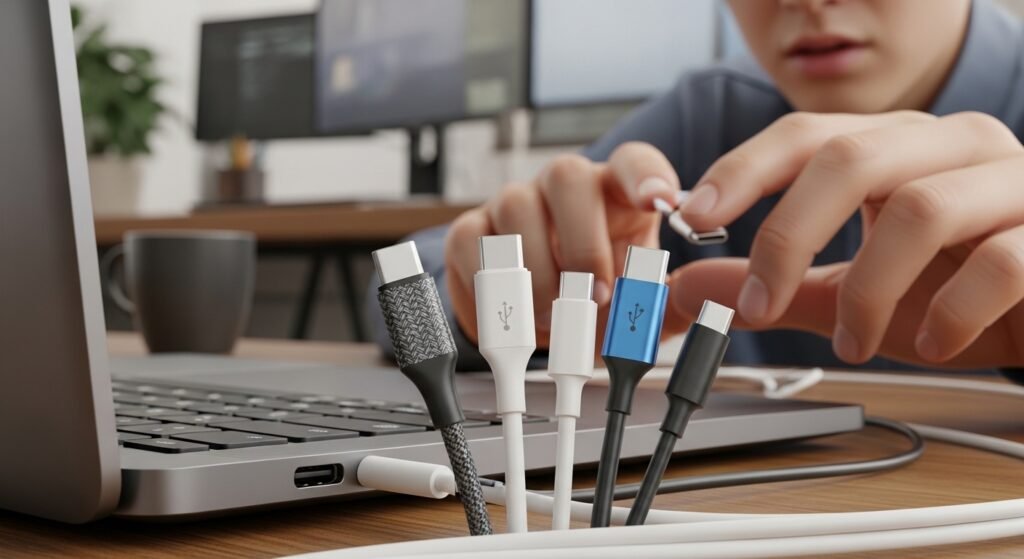
USB-C refers to the connector shape, not the performance standard. Devices using the same port may support completely different technologies, leaving users unsure whether their cable supports fast charging, video output, or high-speed data transfer.
Charging Speeds Still Vary Widely
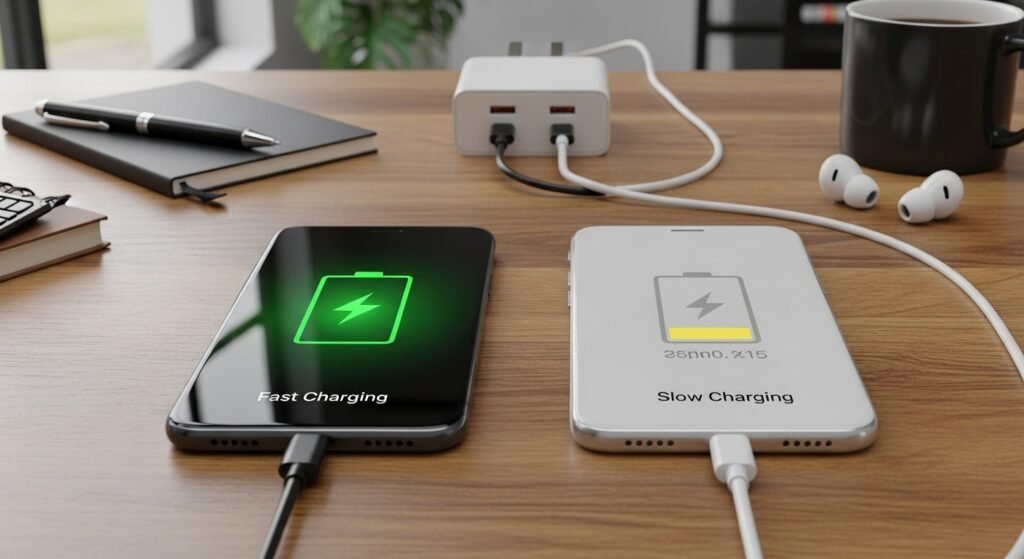
Even with USB-C, charging performance depends on both the cable and the charger. Some combinations deliver rapid power, while others charge slowly, creating confusion for people expecting consistent results from the same connector.
Cable Quality Matters More Than Expected
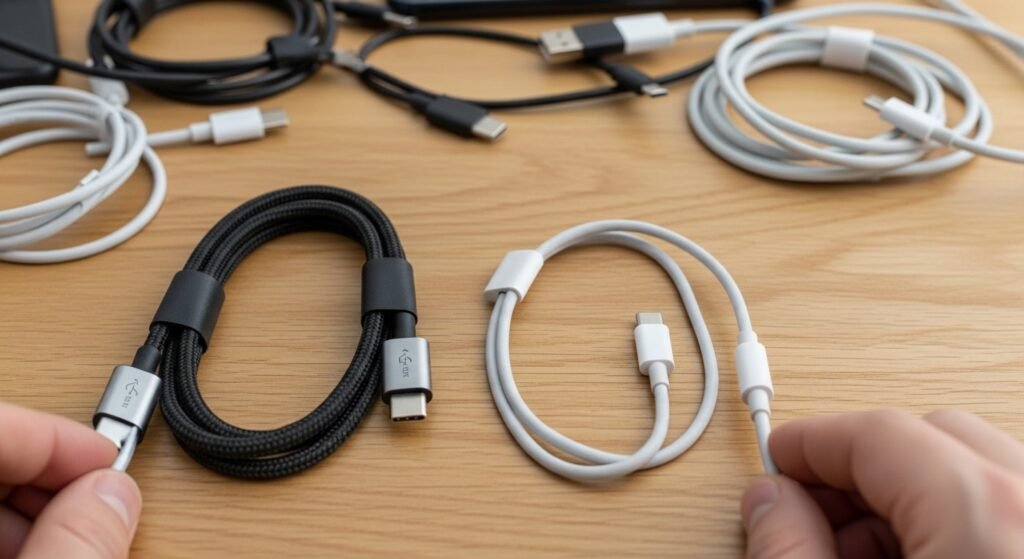
Not every USB-C cable is built the same way. Some support only basic charging, while others allow faster data transfer or higher power delivery. Without clear labeling, choosing the right cable can feel uncertain.
Adapters Remain Necessary
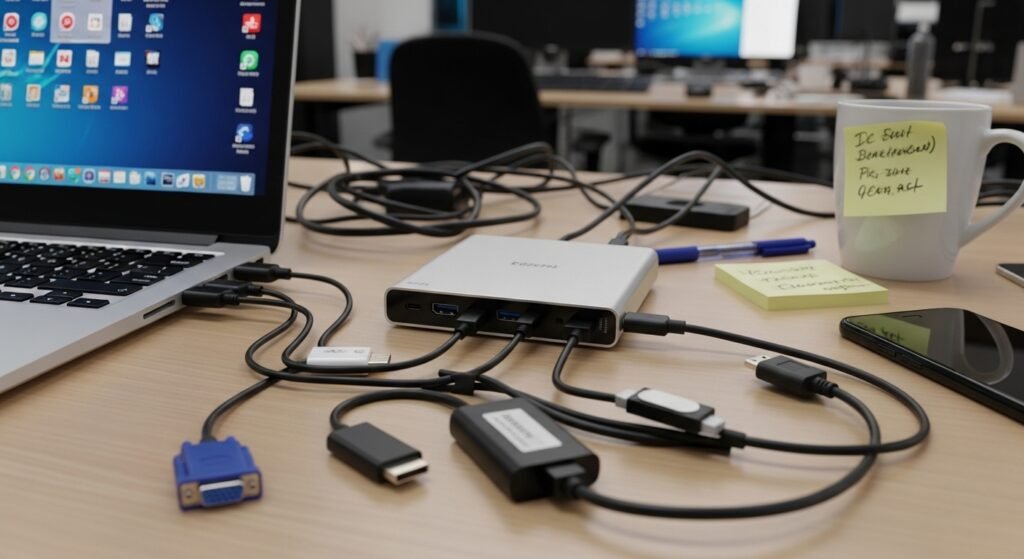
Despite hopes of eliminating adapters, many devices still require them. Connecting older accessories, projectors, or displays often means carrying extra dongles, which defeats the idea of a single universal connector.
Device Compatibility Can Be Unclear
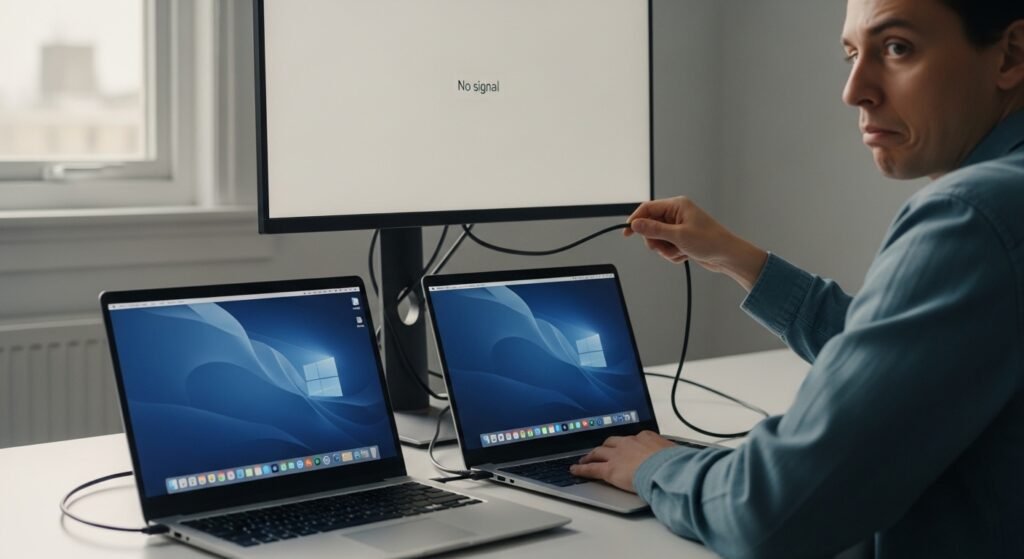
A USB-C port may look identical across devices, but the features behind it often differ. One laptop may support video output through the port, while another may only support charging and data.
Data Transfer Speeds Differ
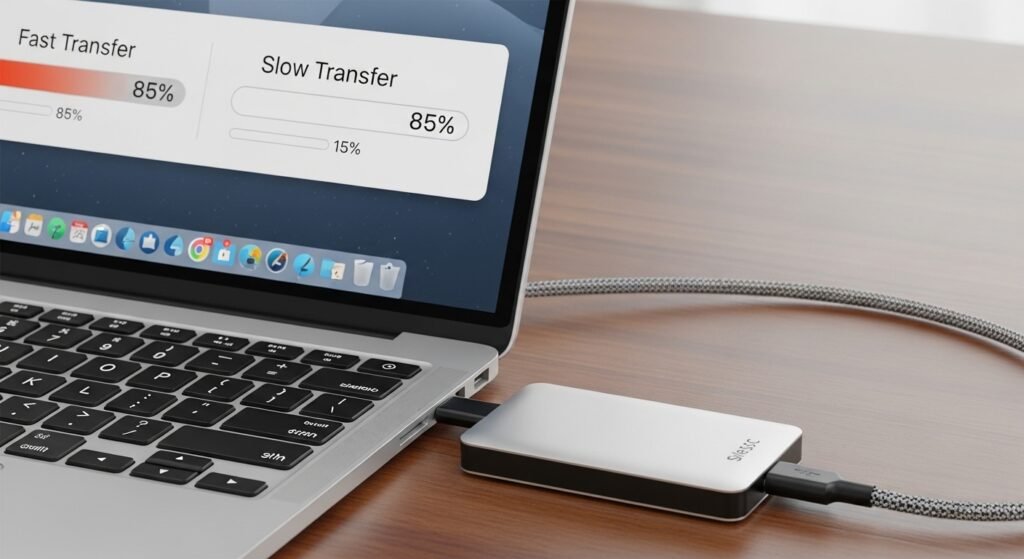
USB-C cables may support several generations of USB technology. As a result, transfer speeds can vary dramatically, even when using connectors that appear identical on the outside.
Laptop Charging Still Isn’t Universal
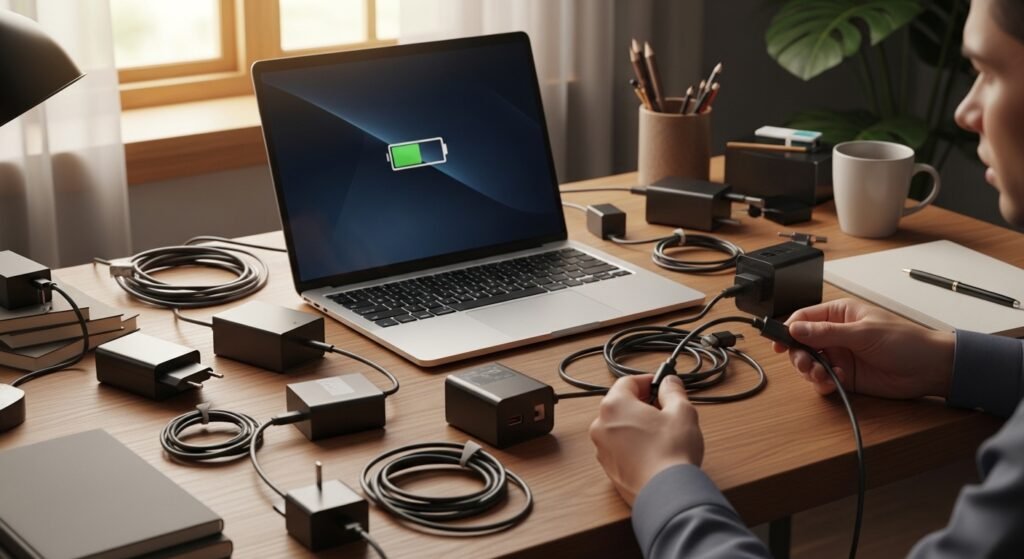
Although many laptops now use USB-C charging, some models still require higher-power adapters or proprietary solutions. This limits the ability to share chargers across multiple devices.
Accessory Confusion Continues
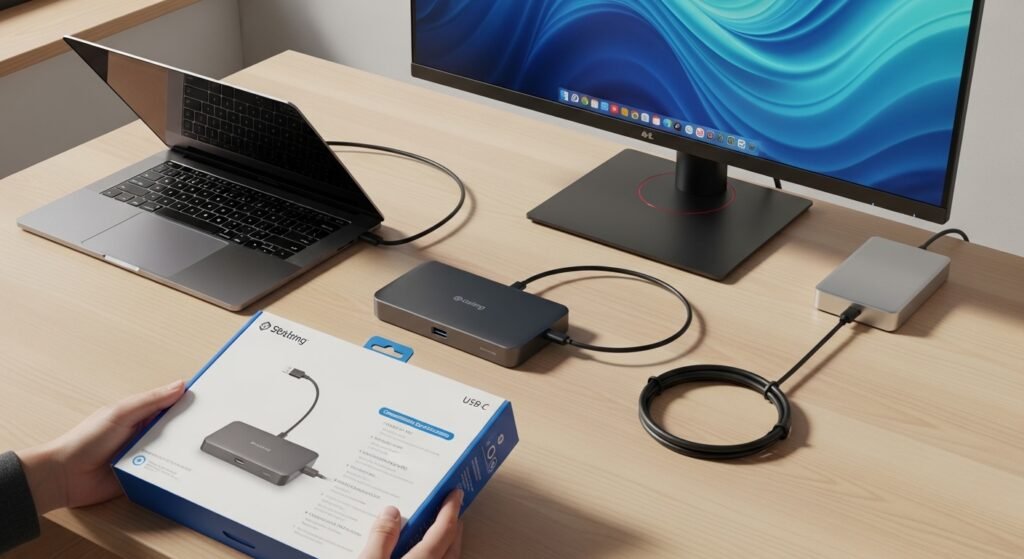
External drives, monitors, and docking stations often advertise USB-C compatibility. However, their actual performance depends on whether the connected device supports features like Thunderbolt or DisplayPort over USB-C.
Public Charging Can Be Inconsistent

Airports, offices, and public workspaces increasingly offer USB-C charging stations. Yet power levels differ widely, meaning some devices charge quickly while others barely gain battery during the same session.
Older Devices Still Need Older Ports

Many households still use accessories designed for earlier USB connections. Printers, cameras, and storage drives often require adapters to connect with newer USB-C-only devices.
Cable Identification Is Difficult
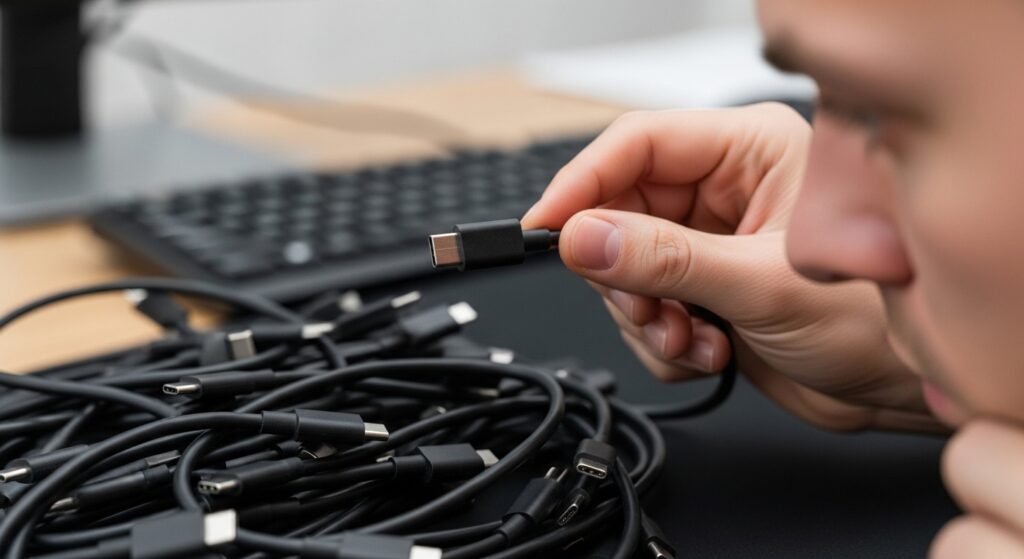
Unlike earlier connectors that had clear limitations, USB-C cables often look identical regardless of their capabilities. Without packaging or labeling, it becomes difficult to tell which cable supports which features.
Docking Stations Add Complexity
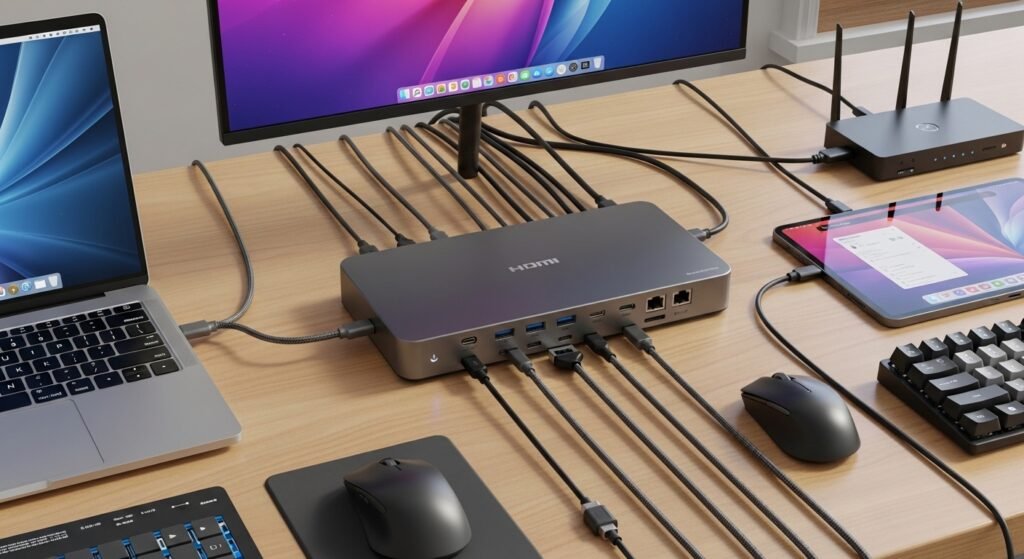
USB-C docking stations promise simplified workspaces. However, their performance depends on the laptop’s supported standards, which means some users discover missing features only after connecting their devices.
Cost of High-Performance Accessories
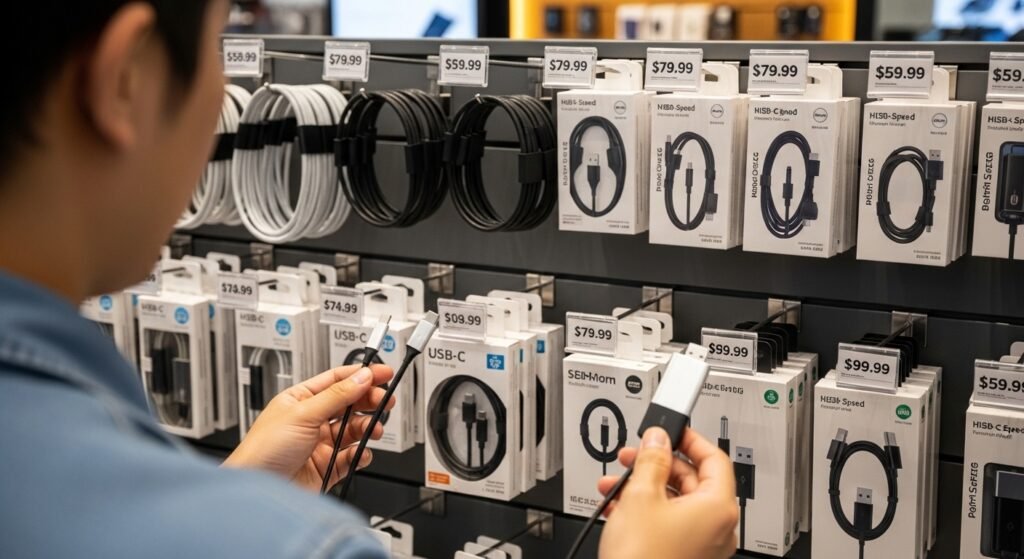
Cables and accessories capable of higher data speeds or advanced features often cost more. For users who expected a simple universal solution, these added expenses can be surprising.
Transition Period Remains Long
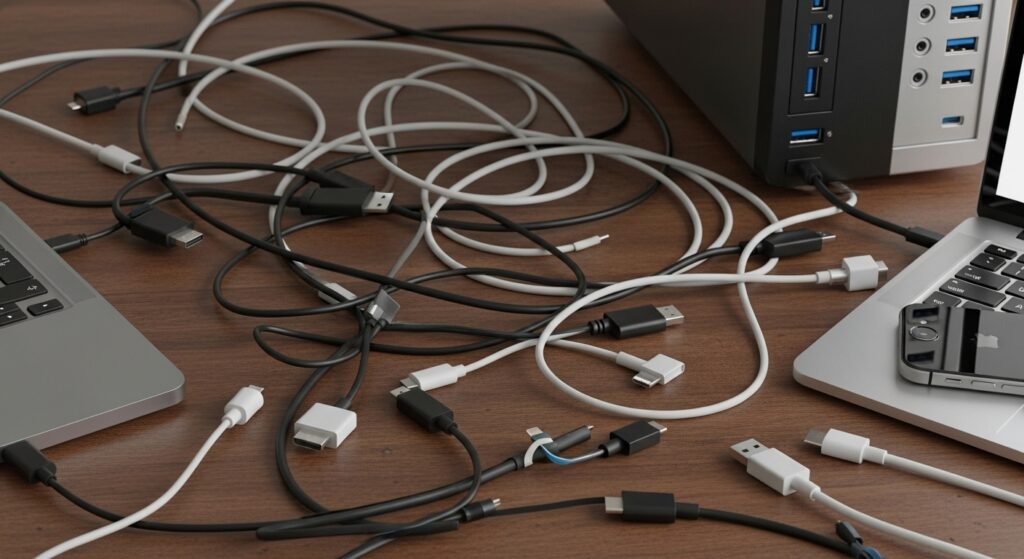
Technology ecosystems take time to change. While USB-C is becoming common, many products still rely on older connectors, keeping multiple cables and adapters necessary in homes and workplaces.
Learning Curve for Everyday Users
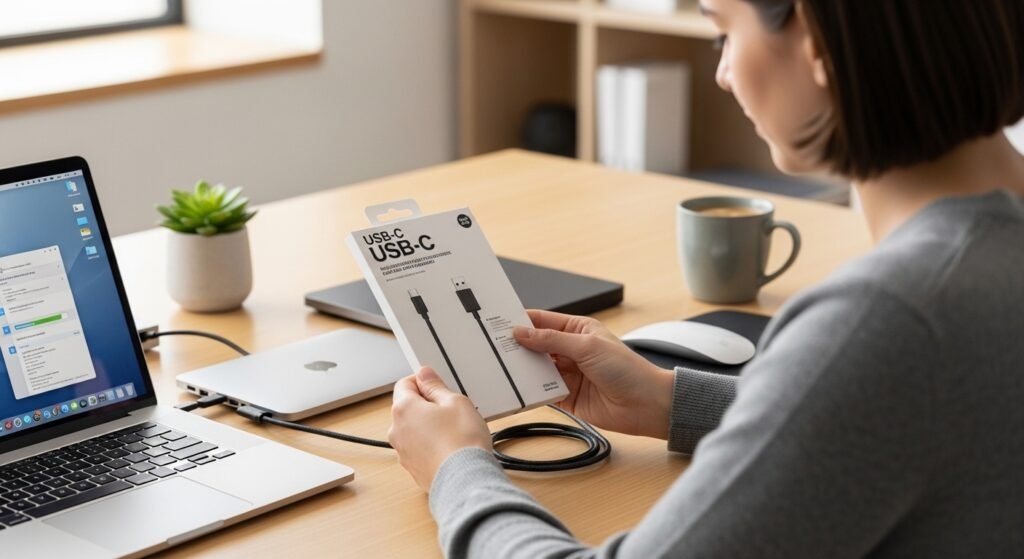
For many people, technology works best when it feels simple and predictable. USB-C introduced powerful capabilities, but understanding what each cable and port can do still requires attention and careful selection.
