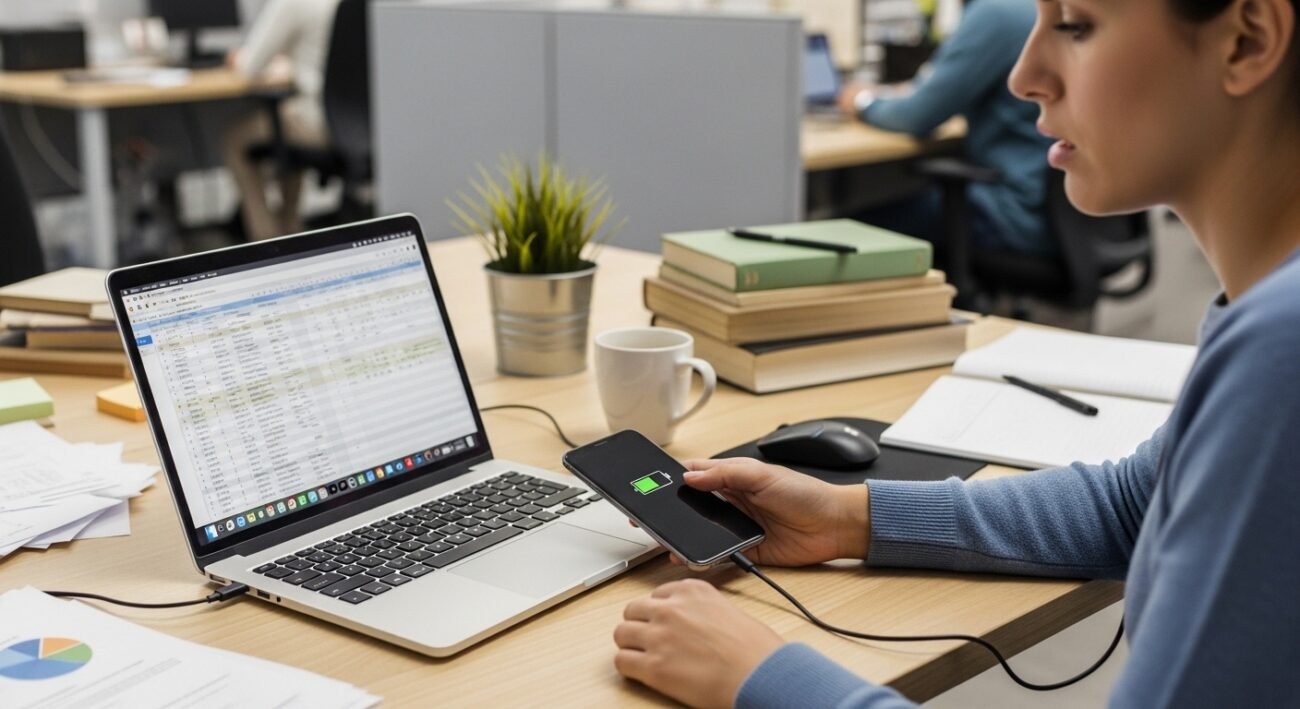
Many people plug their phones into their laptops for quick charging without thinking twice. It seems convenient when a wall charger is not nearby, especially while working or traveling. However, relying on a laptop to charge a phone regularly may create small but noticeable problems over time. It can affect laptop battery health, slow device performance, and sometimes cause unnecessary heat buildup. Technology professionals often suggest using proper wall chargers instead of laptop USB ports for routine charging. Understanding the reasons behind this advice can help people protect both their laptop and phone, ensuring that these everyday devices continue to perform reliably for years.
Laptop Battery Drains Faster
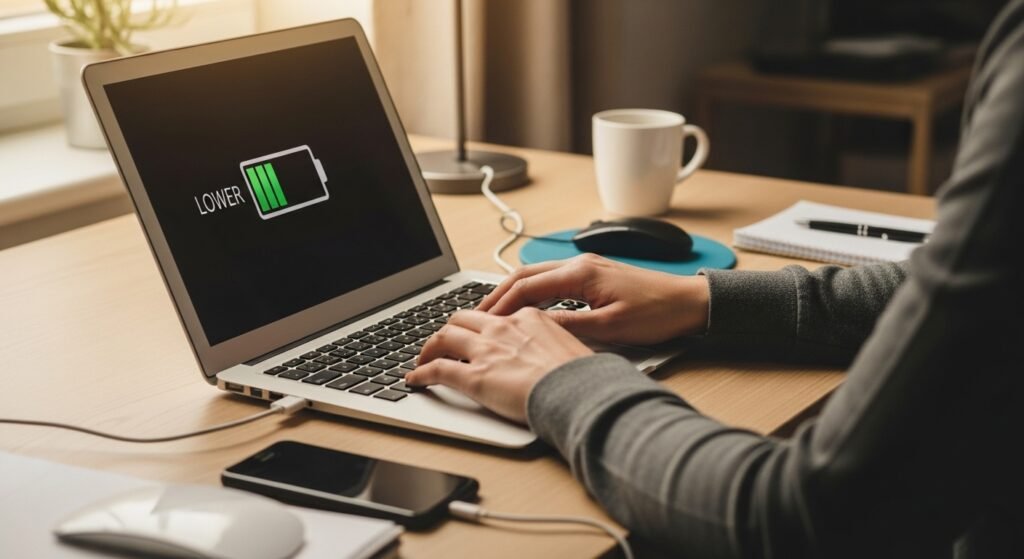
Charging a phone through a laptop uses the laptop’s battery power. This can drain the laptop more quickly, especially when it is not plugged into electricity. Over time, frequent power sharing may reduce the laptop’s overall battery efficiency.
Slower Charging Speeds
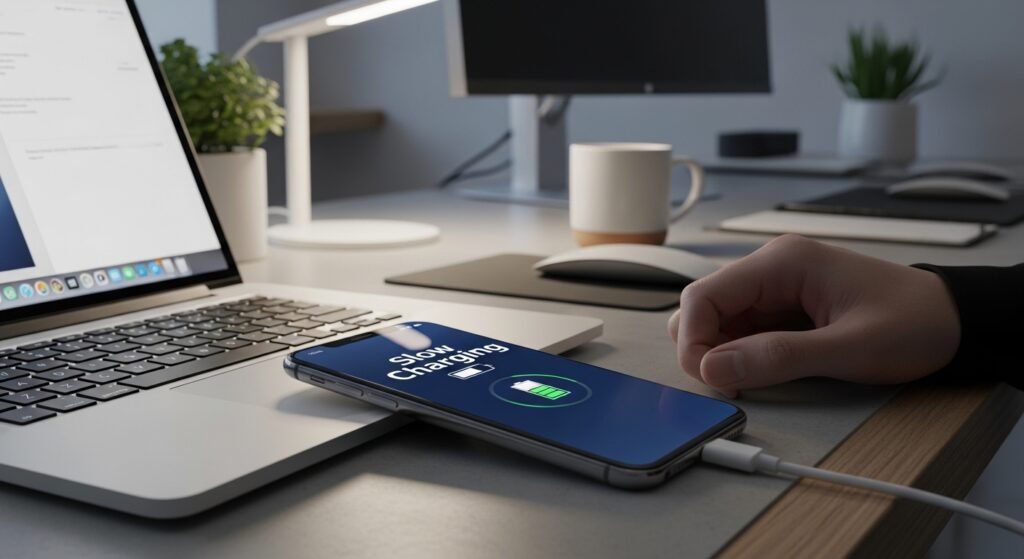
Laptop USB ports typically provide less power than standard wall chargers. Because of this, phones charge more slowly when connected to a laptop. Waiting longer for a full charge can become inconvenient during busy workdays.
Extra Heat Around Devices
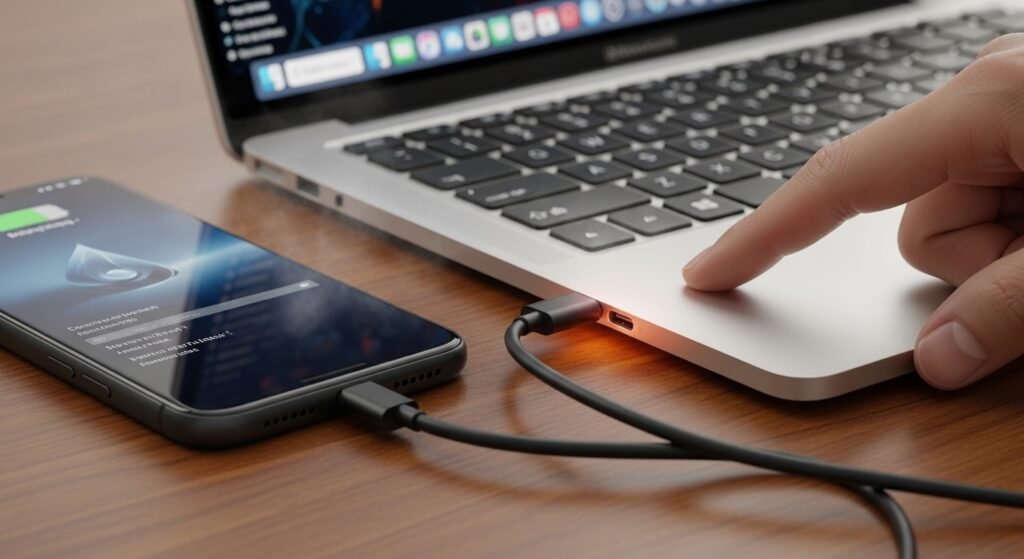
When a phone charges through a laptop, both devices may generate additional heat. Heat buildup around electronic components can reduce performance over time and may affect how smoothly the devices operate during daily use.
USB Ports Wear Out Faster
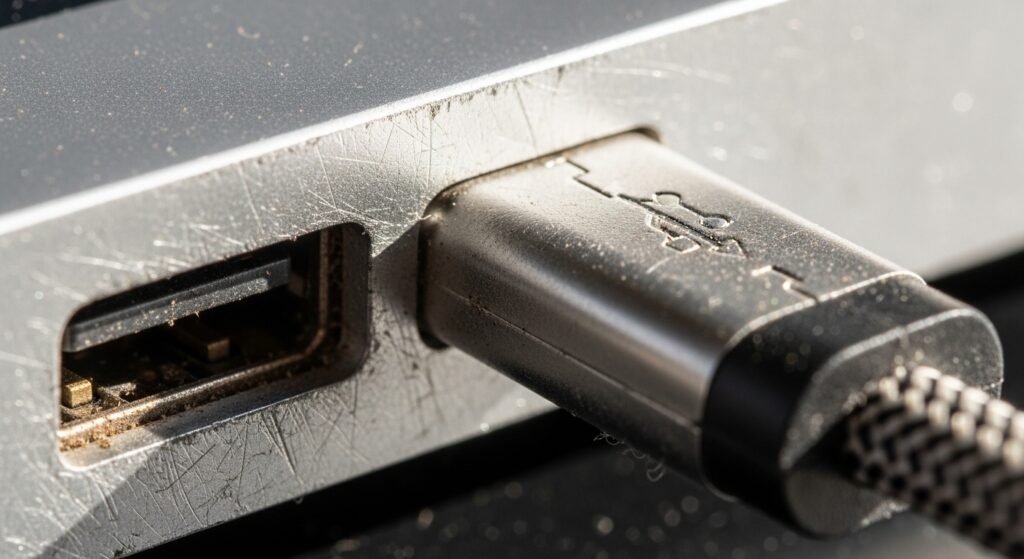
Frequent plugging and unplugging of charging cables can slowly wear down laptop USB ports. If these ports become loose or damaged, connecting other accessories such as keyboards, drives, or headphones may become difficult.
Interrupts Laptop Performance
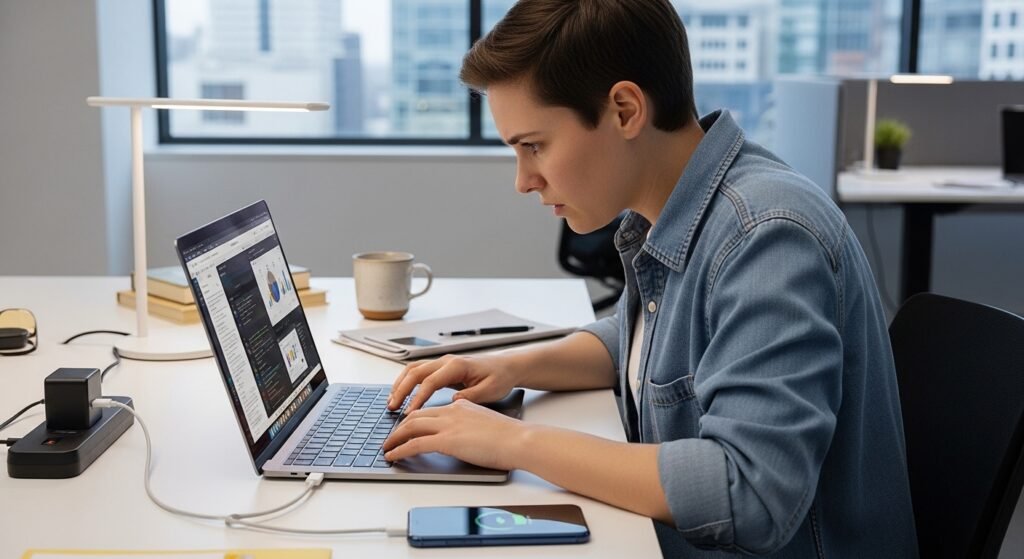
When a laptop supplies power to another device, it uses part of its internal energy management system. This can slightly affect performance, especially when multiple applications are running at the same time.
Not Designed for Regular Charging
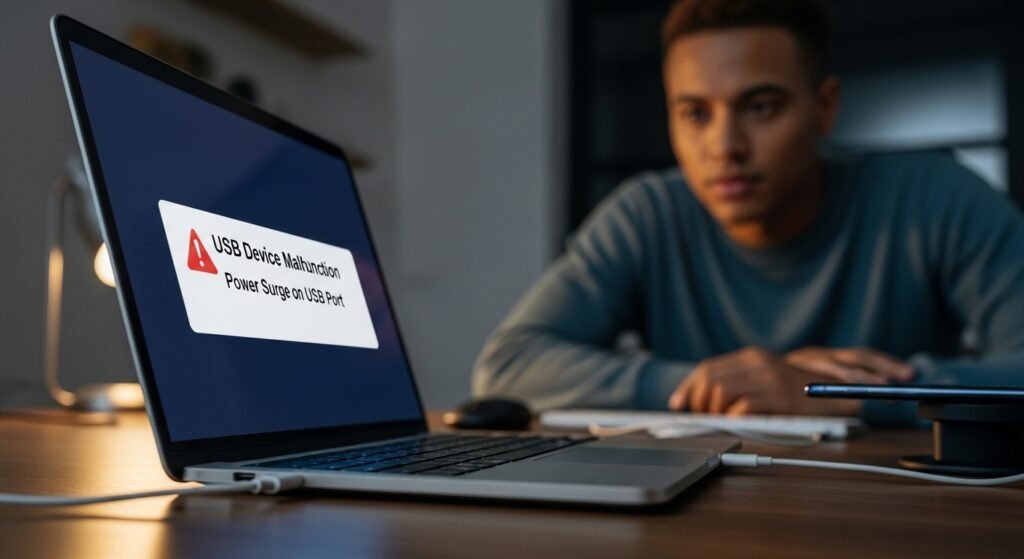
Laptop USB ports are mainly designed for data transfer and occasional charging. Using them regularly as the primary charging method may place unnecessary strain on the laptop’s internal power circuits.
Charging May Stop During Sleep Mode
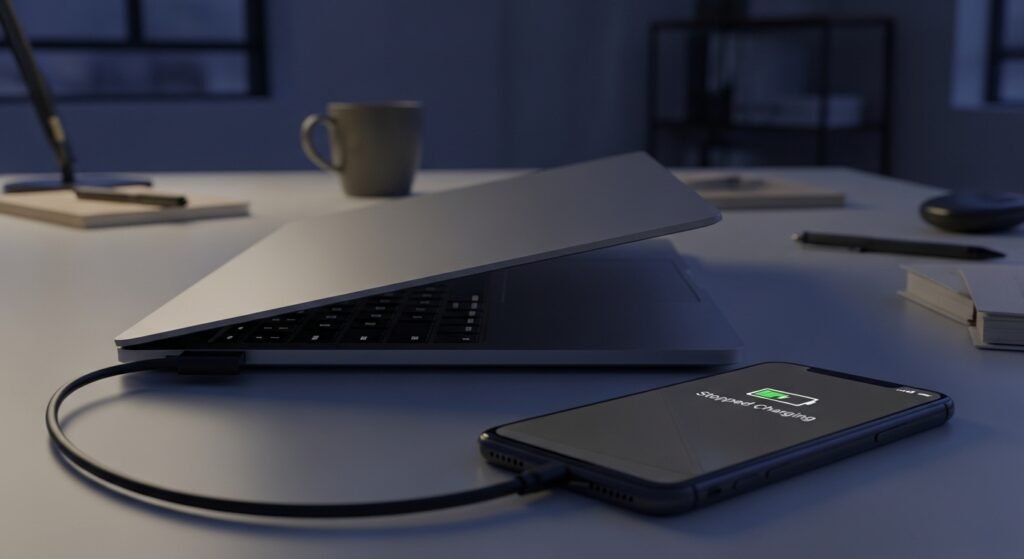
Many laptops stop supplying power through USB ports when they enter sleep or shut down mode. As a result, the phone might stop charging unexpectedly, leaving it only partially charged when needed later.
Increased Cable Clutter
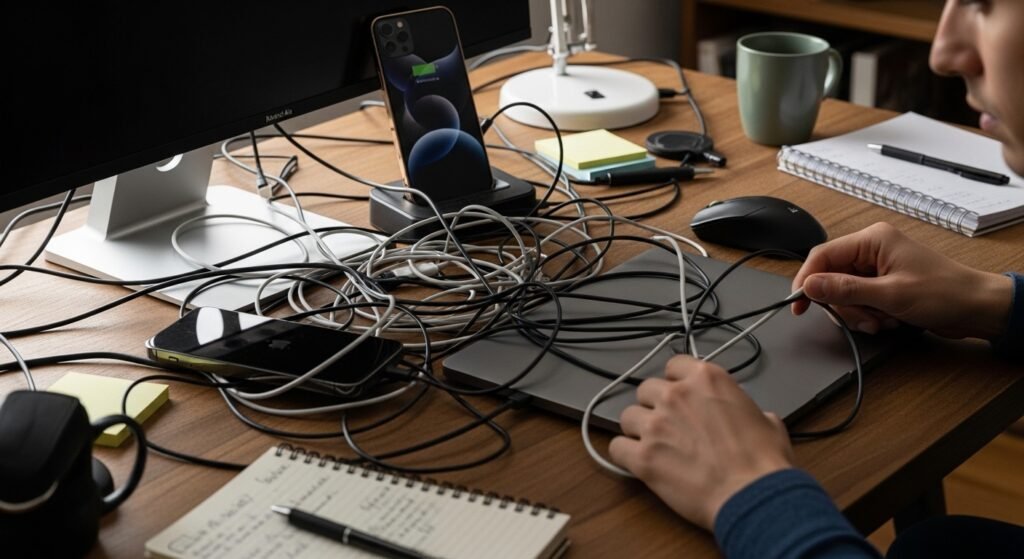
Charging phones through laptops often leads to more cables around the workspace. Extra wires can create clutter on desks and make work areas look untidy or harder to organize efficiently.
Security Concerns with Unknown Devices
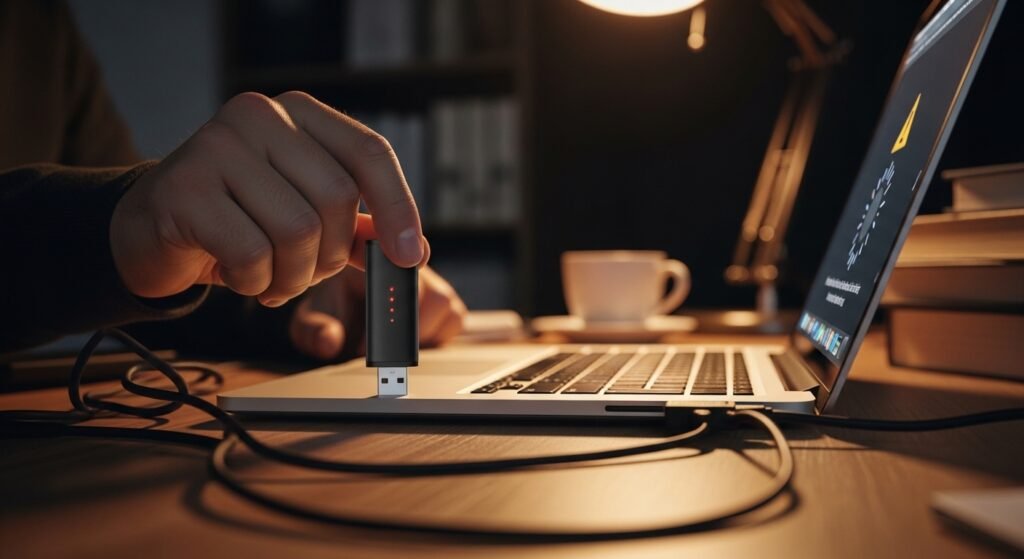
Connecting devices through USB ports can sometimes create small security risks, especially when unknown devices are used. Although uncommon in daily situations, experts recommend minimizing unnecessary connections between personal devices.
Faster Wear on Laptop Components
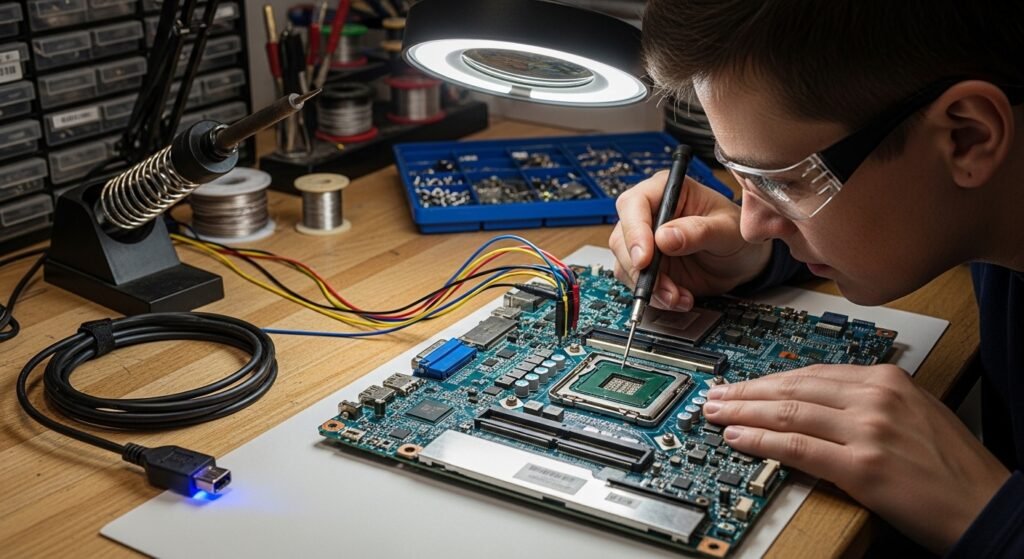
Supplying power through USB ports regularly can place extra stress on the laptop’s power management system. Over time, this may contribute to quicker wear of internal components responsible for energy distribution.
Better Alternatives Are Available
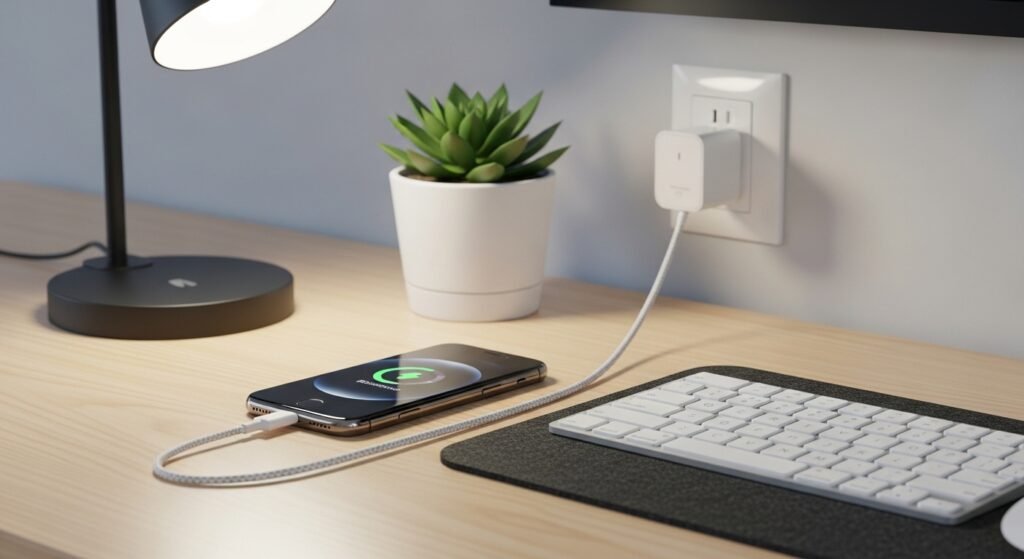
Modern phone chargers are designed to provide stable and efficient charging. Using a wall adapter or dedicated charging device helps ensure that the phone charges faster while keeping the laptop focused on its main tasks.
