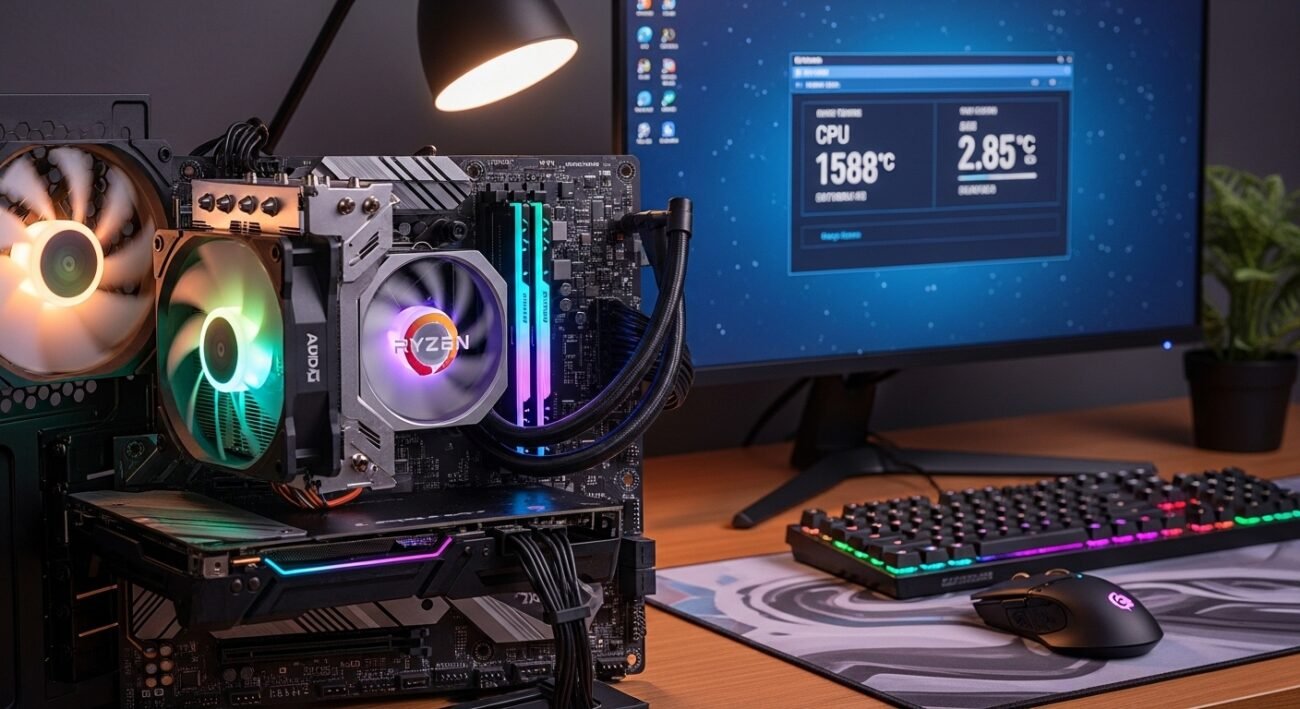
When you install an AMD Ryzen processor, you would probably have the expectation of having good performance without having to tune it every time. Precision Boost Overdrive, usually referred to as PBO, is one of the characteristics that one can overlook. PBO is enabled on AMD as well as Ryzen-based chips; it allows the processor to take an overload exceeding its default power and performance limits provided the cooling and motherboard support permit. It is not customary to overclock. It is, in fact, the smart expansion of the built-in boosting behavior of the chip. To normal users, enabling PBO may be a viable action towards higher everyday performance, considering that it can facilitate smoother multitasking, faster rendering and high gaming responsiveness.
Higher Automatic Boost Speeds
PBO will also enable your Ryzen CPU to increase the boost at more aggressive rates, provided that thermal and power conditions are favorable. The processor is able to dynamically vary the clock speeds which provide you with additional performance when the workload is demanding without the need to constantly manually increase the clock speeds.
Better Multicore Performance

Activities such as video editing, 3D rendering and assembly of large projects are better at more robust multicore performance. When PBO is enabled, the processor will maintain elevated frequencies on multiple cores, and the completion times would be reduced with the heavy productivity workloads.
Improved Gaming Responsiveness

The current games are dependent on spurts of processing power. PBO also assists the CPU to quickly respond to in-game requirements, subsequently resulting in a more consistent frame timing and a more fluid experience, especially when combined with a good graphics card.
Smarter Power Utilization
PBO only increases power draw when needed instead of operating constantly at full blast. The balanced strategy is used to guarantee performance gains during challenging activities and efficiency during the light workloads.
No Manual Overclocking Required
Voltage tuning, stability checks and stress testing can be used in traditional overclocking. PBO operates within the constraints that AMD has created and provides an extra level of performance without requiring users to go through the complex trial and error that many do not want to be involved in.
Optimized for Modern Motherboards
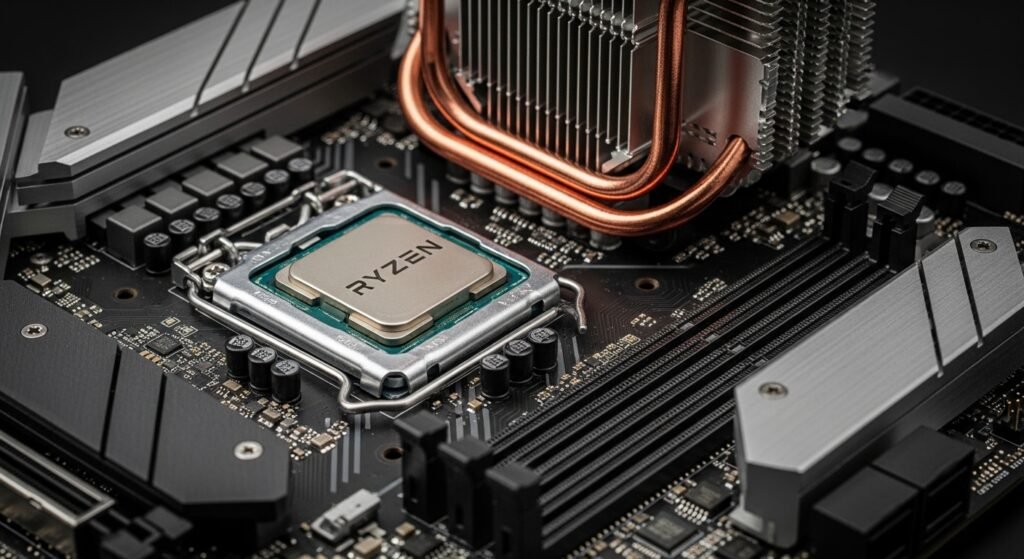
Most of the available motherboards have robust power management. PBO utilizes better VRM design where the processor can scale better in response to an environment that can support it and is safe to do so.
Enhanced Productivity Workflow

PBO can be used to preserve smooth transitions in case you often alternate between the browsers, Office Suite and creative applications. It is responsive and especially when several applications that are high demanding are used at the same time.
Adaptive Thermal Headroom Use
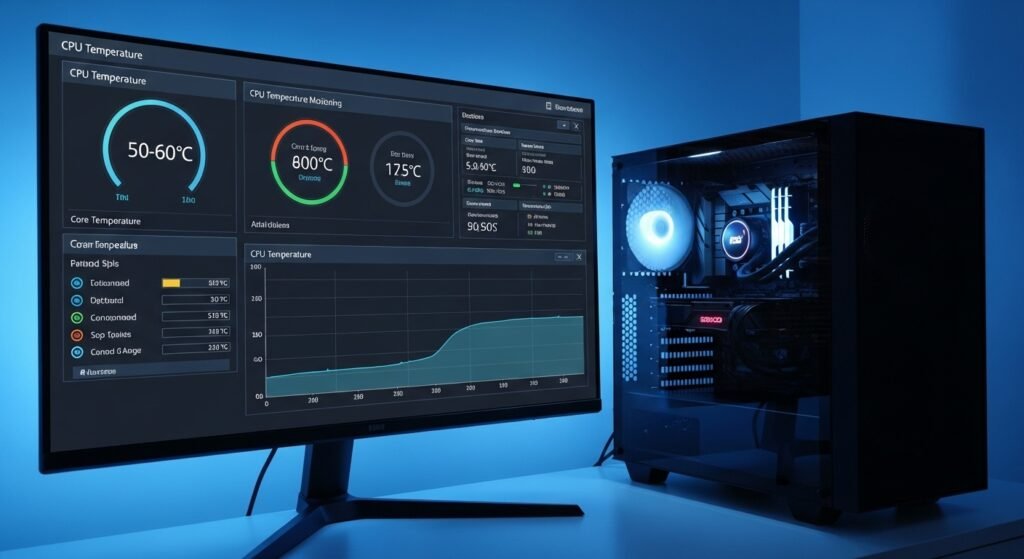
PBO utilises spare thermal headroom successfully with proper cooling. When your cooling solution is able to keep the temperatures within check the processor compensates you by keeping the boost clocks for longer periods.
Future-Proofing Performance
There is an increasing software requirements. Empowering PBO means your system is able to squeeze the best out of the hardware it is currently running on, allowing it to accommodate more updated applications and downloads with greater comfort than before.
Balanced Risk Profile
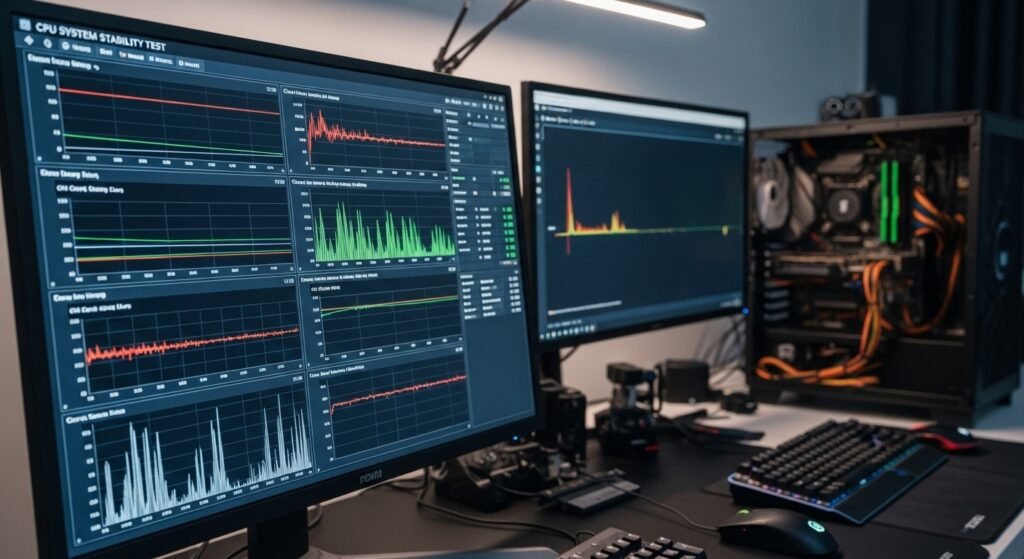
PBO does not overclock to limits that are not set by AMD in extreme overclocking. The power consumption might be a bit higher, but the feature will keep the system stable under the conditions of the appropriate cooling and the use of a compatible motherboard.
Simple BIOS Activation
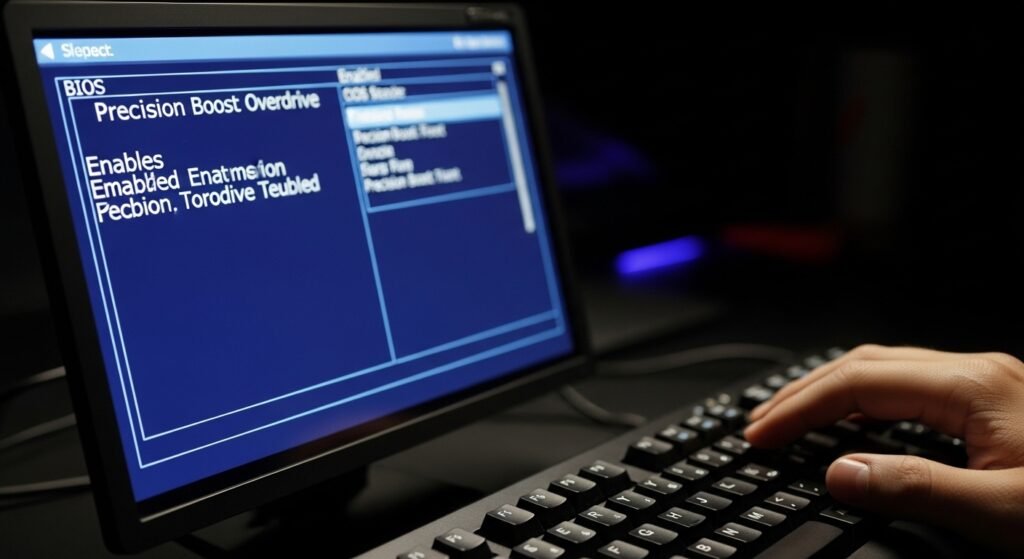
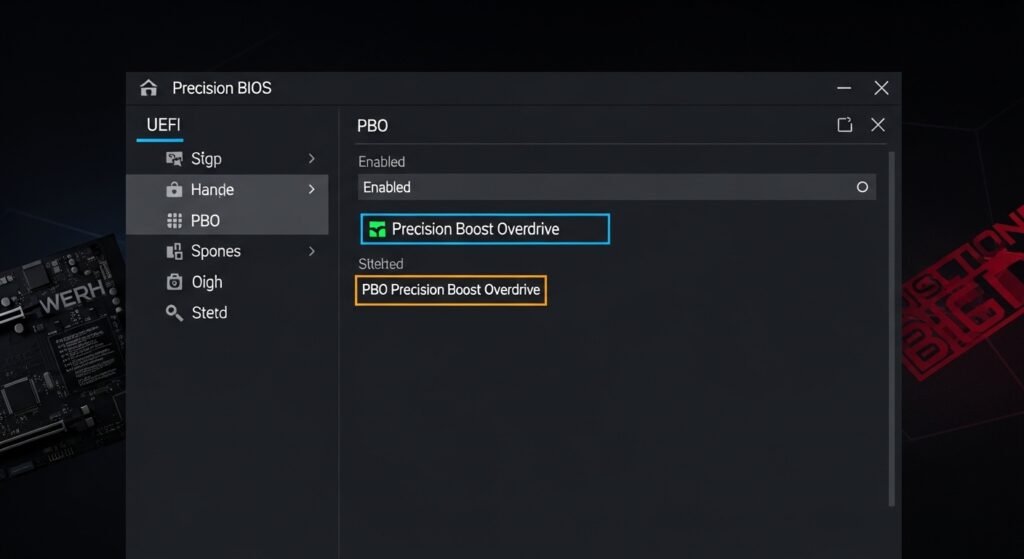
The activation of PBO is possible in most systems by a simple BIOS setting. There is no need for sophisticated equipment. When it is set, the processor scales the performance automatically in background.
