
At one point, it used to be fun to update Windows. New appearance, a more flowing pace perhaps, and some new tricks to learn. With Microsoft Windows 11, however, there is a minor difference. It may not be wholly a catastrophe, and to some individuals, it works very well. Nevertheless, it seems that numerous users feel that the situation is not as simple and smooth as before. Small frustrations add up. Settings feel harder to find. Features are seen to run around with no clear explanation. It is not necessarily a huge problem, but it is a number of little nuisances that alter the daily experience.
The start menu feels different in a strange manner
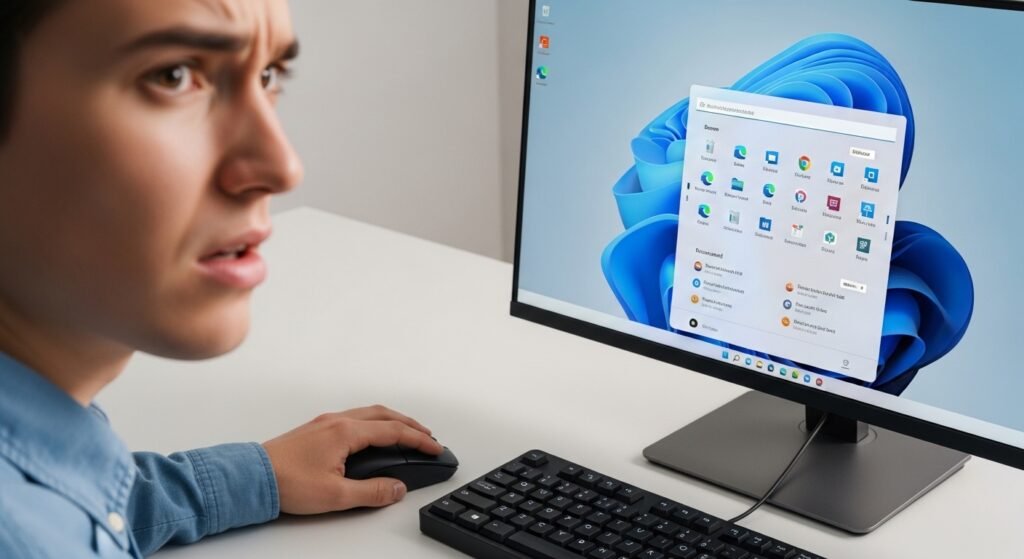
The customized Start menu may be considered a modern look, yet it may not be as usable by long-term users. There were numerous individuals who had been developing muscle memory on the left-hand side over a number of years. Everything now seems displaced, and it might be more time before one can find their way without thought.
System requirements that leave people out
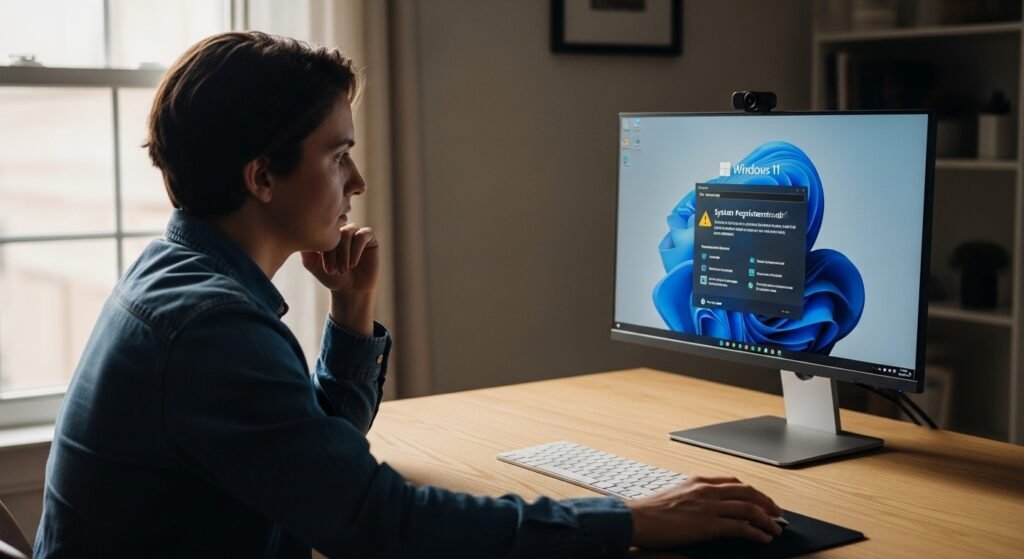
The hardware specifications seem to be harsher than earlier. There are computers that are in perfect operation, and yet they might not be officially qualified. It might create an impression that devices are being sidelined even when they are still doing well enough to be used on a daily basis.
Forced updates may be inconvenient
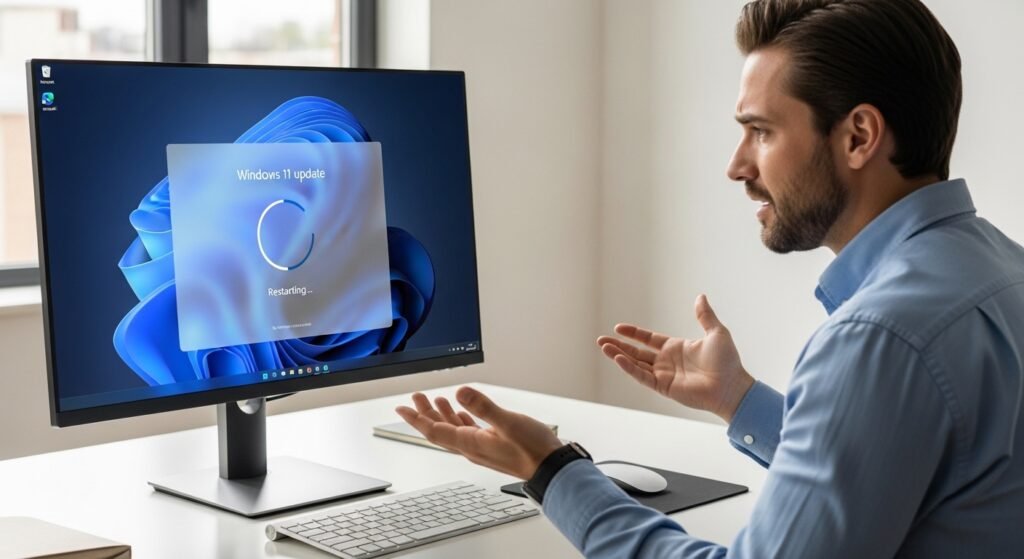
Updates are useful, and automatic restarts can put users in an unfortunate position. It may result in frustrations in the event that work is interrupted without much chance of postponing changes.
The taskbar contains a few customization options
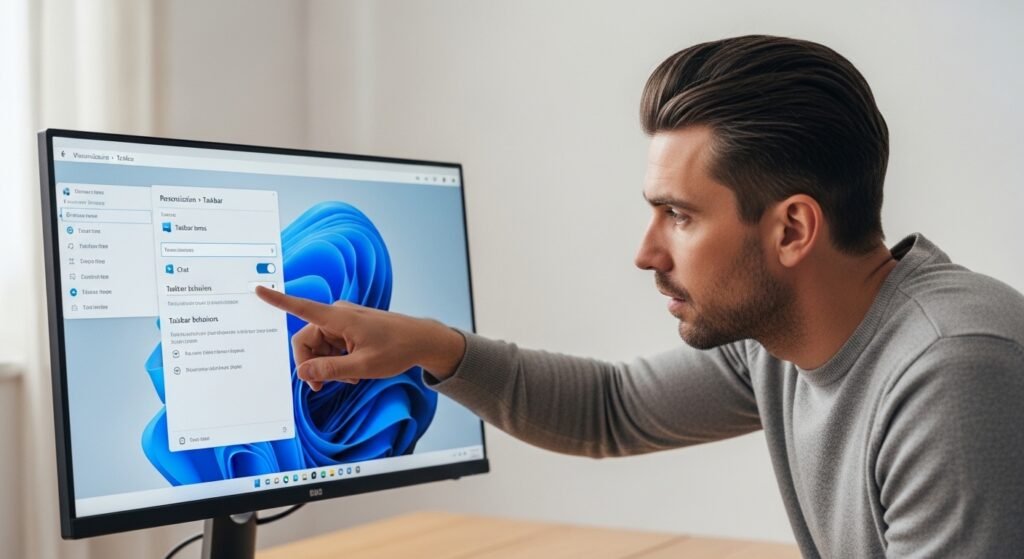
There was more freedom on the taskbar. At this point, a few customization options seem minimal. To the users who like customizing their working environment, this change may bring more of a retrogressive change than a progressive change.
Performance feels inconsistent for some
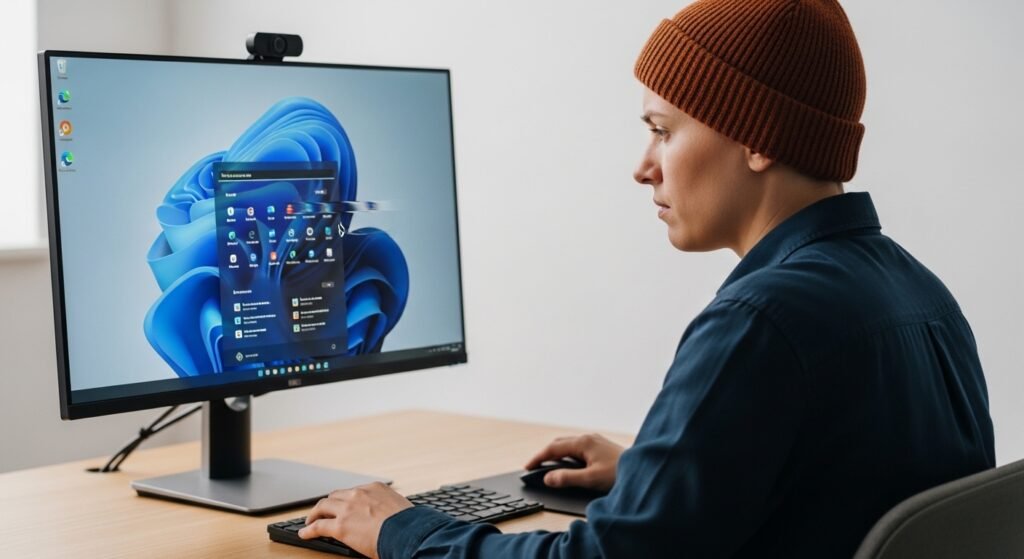
Windows 11 is not reported to run smoothly on newer systems, but there are instances of lag or some random slowdowns. It might be based on the compatibility of the hardware, and the experience does not always seem the same on the devices.
Adjustments to the file explorer changes
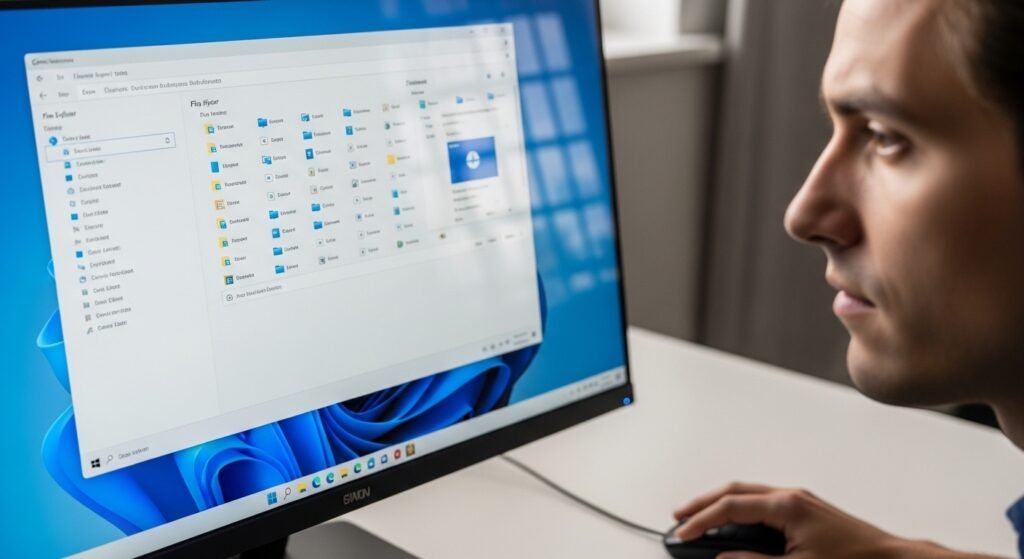
The design of File Explorer is improved, yet some of the menu options seem to have changed. It may be more visually clean, but it might require time to get used to the location of familiar tools for people who are using it daily.
Compatibility issue with older software
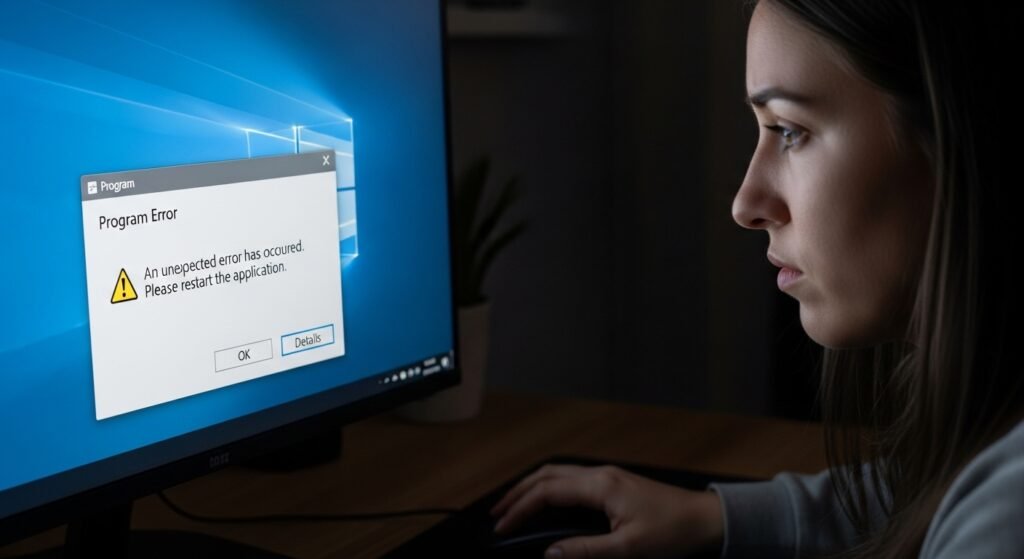
Older programs might not operate as smoothly as they used to. Most of the apps can be adapted rapidly, but some of the tools may have a few glitches that may occur, particularly on systems that can barely meet the requirements.
Advertisements and recommendations in the interface
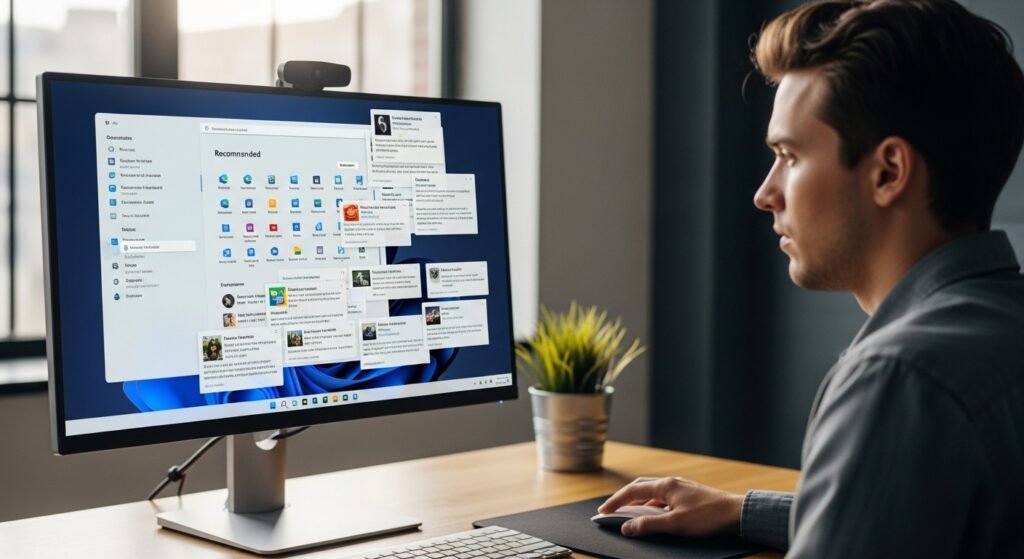
Suggestions in the interface may be obtrusive occasionally. They are not very obvious, yet by their existence, they can create an illusion of the system attempting to market services instead of acting as just an operating system.
Learning curve for everyday users
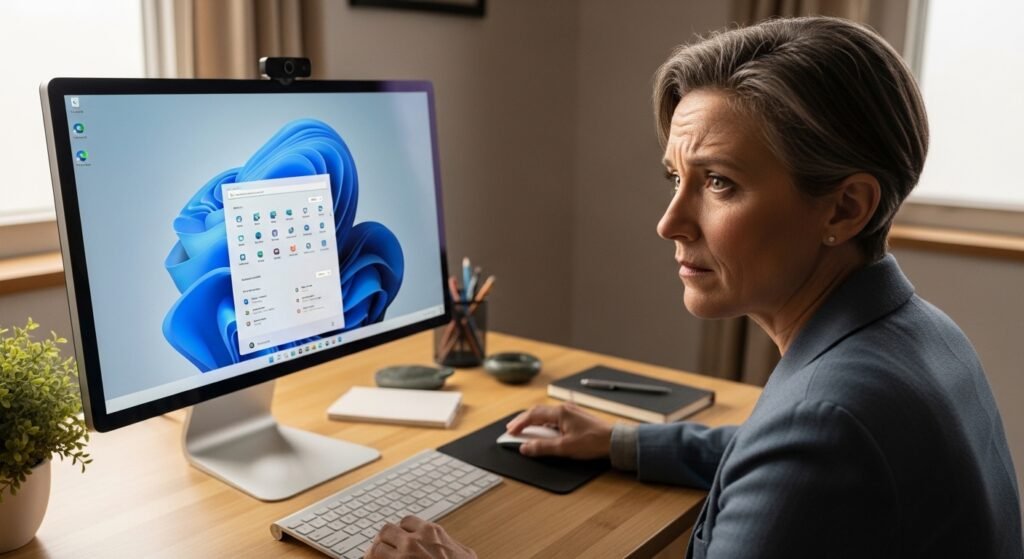
Even minor visual adjustments are confusing. The layout changes may overwhelm individuals who do not necessarily have a technical background, although the system may be the same.
The feeling that it was rushed
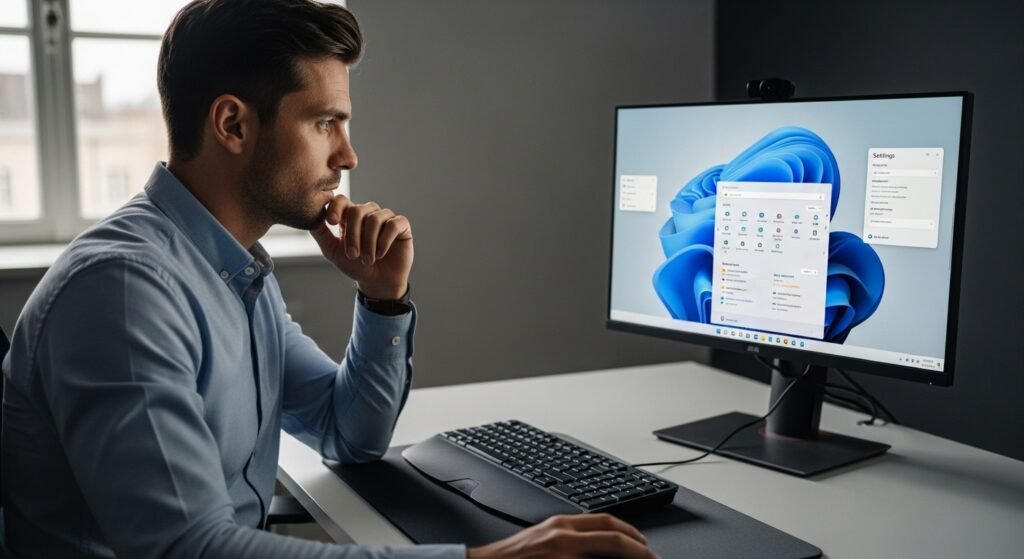
One cannot be sure of it, yet some elements of Windows 11 can potentially be left to suggest that the refinement is still underway. There are features still being patched and changed, and this might indicate that the system is struggling to find a balance.
