
The majority of iPhone users continue to use factory settings because they trust that Apple has maximized device functionality. Your device will start collecting data about Apple users through its default settings while it shows high graphic requirements which will harm your battery life and protect your personal data and limit your device performance.
Silence Unknown Callers
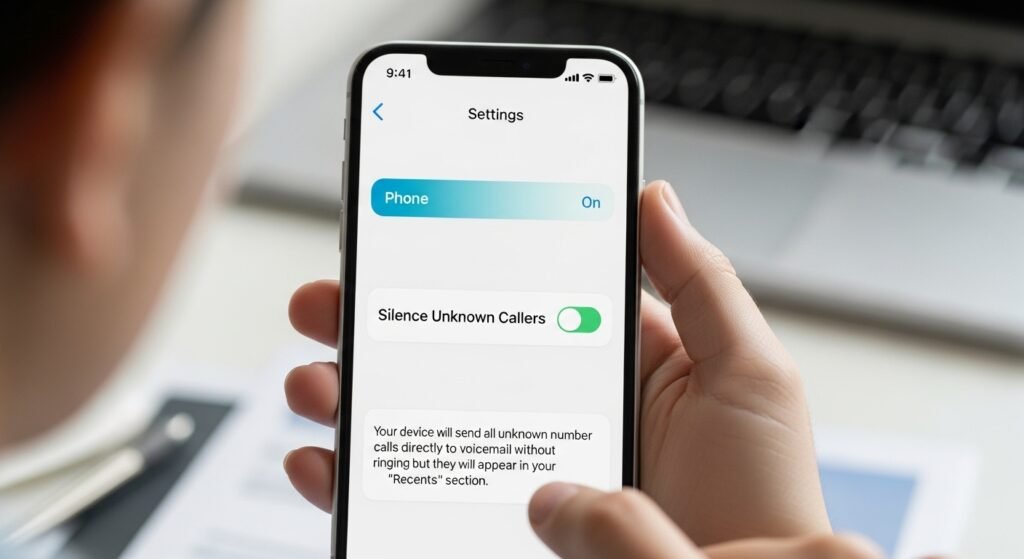
The system allows you to block spam calls which disrupt your work. You should go to Settings and then choose Phone to activate the Silence Unknown Callers feature. Your device will send all unknown number calls directly to voicemail without ringing but they will appear in your “Recents” section.
Turn Off “Background App Refresh”
The system keeps applications active by enabling background data access which continues when users stop using their apps. The operation uses up battery life while it requires data connectivity. Background App Refresh should be disabled from Settings > General or its access should be limited to essential applications including Maps and Mail.
Disable “Significant Locations”
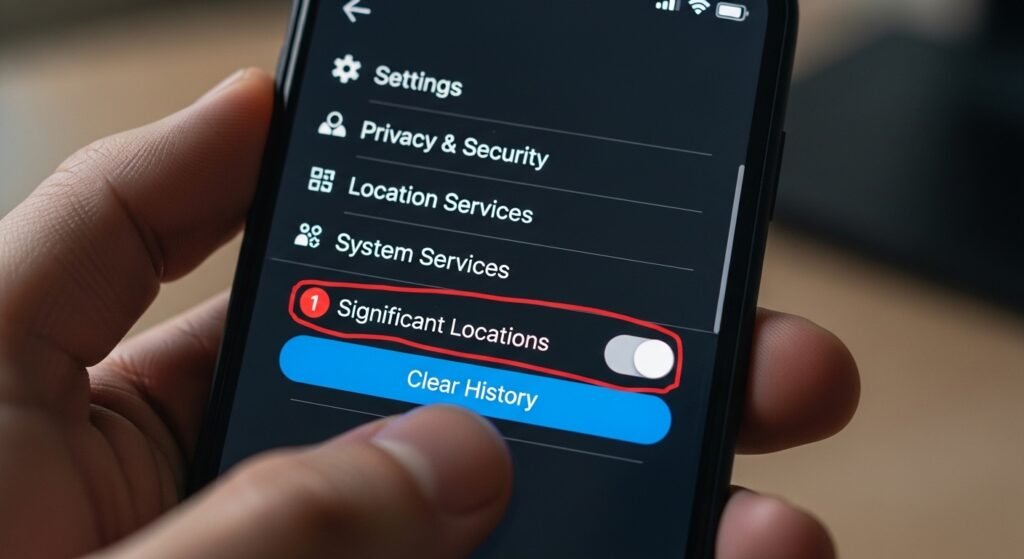
The device tracks your total movement history to support Map creation. The system creates a major privacy threat. Users need to access Settings to find Privacy & Security which contains Location Services and then reach System Services in order to delete all stored data and deactivate Significant Locations functionality.
Stop Apps from Asking for Ratings
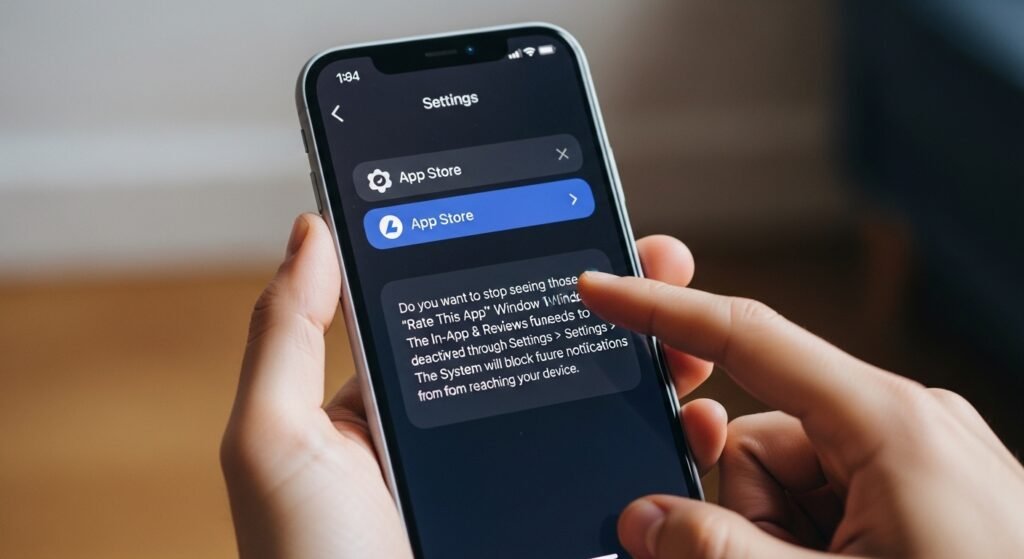
Do you want to stop seeing those “Rate this App” window notifications? The In-App Ratings & Reviews function needs to be deactivated through Settings > App Store. The system will block all future notifications from reaching your device.
Limit “Ad Tracking”
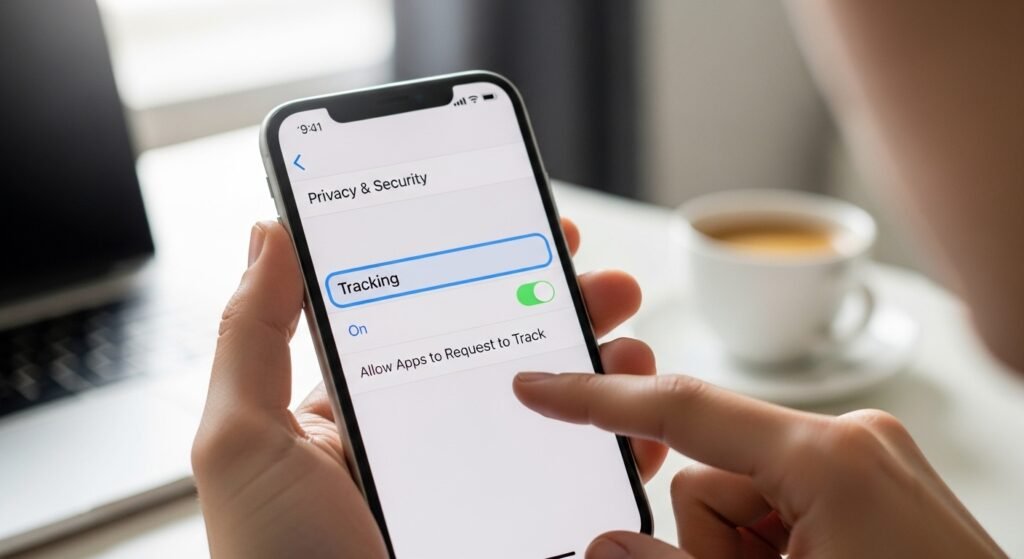
Advertising companies use user information from Apple and other applications to deliver personalized advertisements. The user must access Apple Advertising through Settings and Privacy & Security to disable Personalized Ads. The main Privacy menu requires you to switch off “Allow Apps to Request to Track” permission.
Turn Off “Preload Top Hit” in Safari
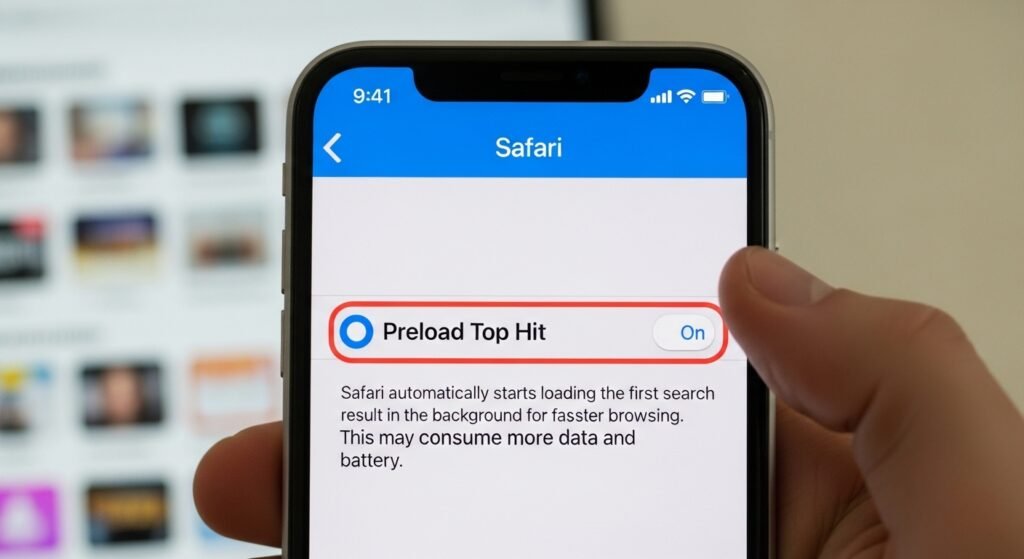
The search engine automatically starts loading the first search result before you make your selection. The method achieves fast results but it consumes both battery power and data for pages that you might not open. The feature requires users to disable it through Settings > Safari.
Disable “Raise to Wake”
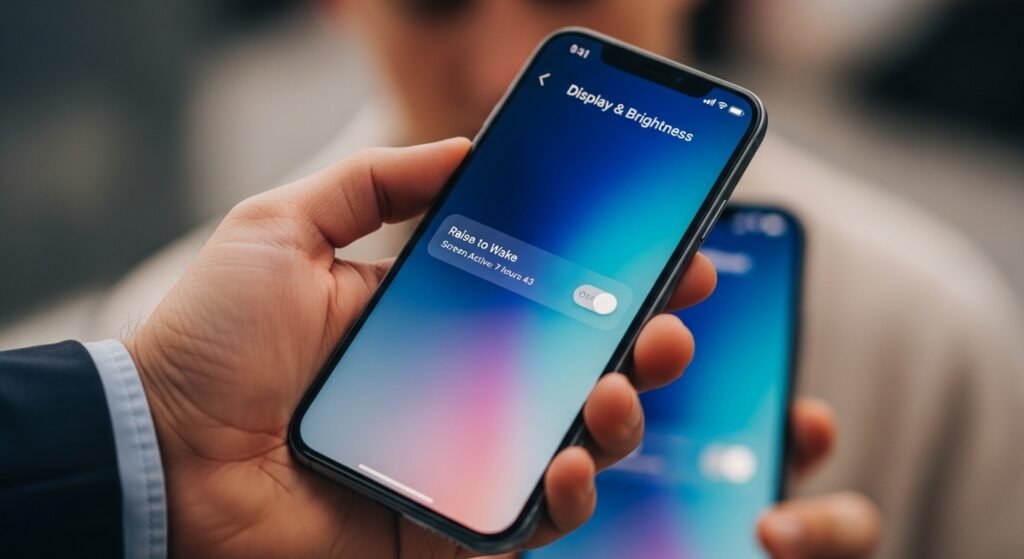
Your phone screen activates when you pick up your device or when it moves inside your pocket. The result leads to an accumulation of several hours in which your screen stays active. The feature should be disabled from Settings > Display & Brightness.
Turn Off “Analytics & Improvements”
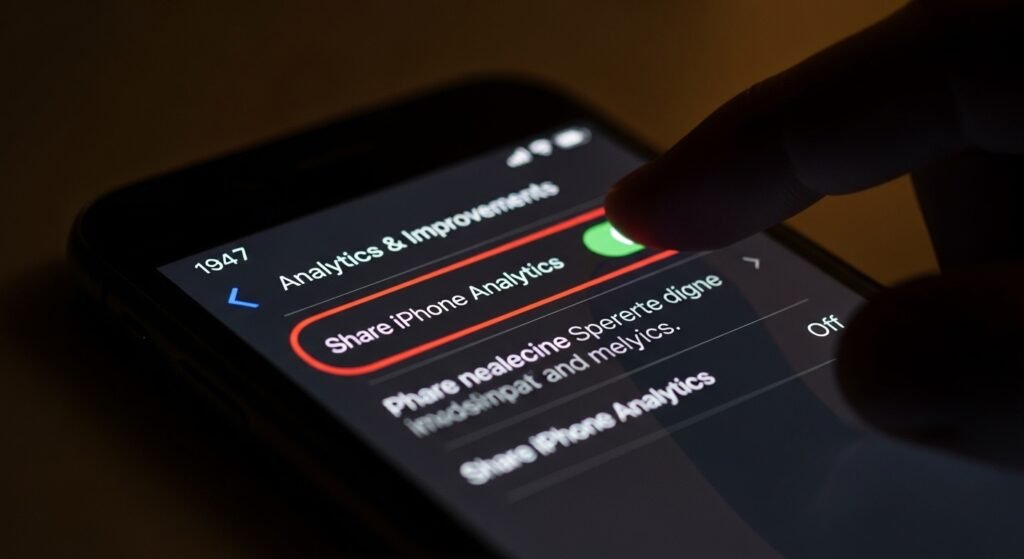
Your phone constantly sends “diagnostic data” back to Apple. The operation requires device energy to function while it consumes battery power. Users must access Analytics & Improvements through Settings > Privacy & Security to deactivate Share iPhone Analytics.
Set Up “Legacy Contact”
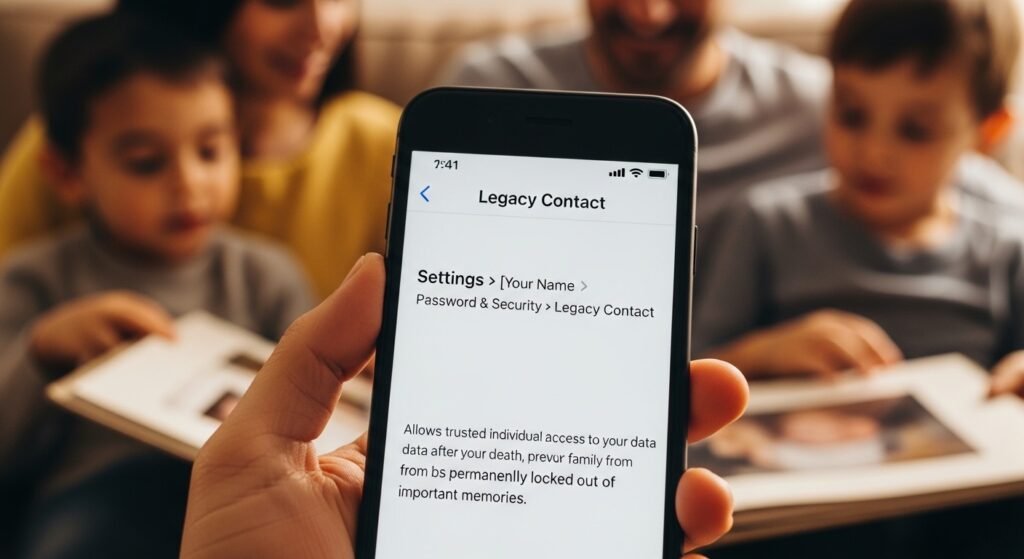
The security feature requires no further action after initial setup. You should navigate to Settings and then select [Your Name] to reach Password & Security where you will find Legacy Contact. The method allows trusted individuals access to your data after your death which prevents your family from being permanently locked out of important memories.
