
The IP address functions as a virtual home address which enables Internet users to identify their location while establishing their online connection. Users need to change their IP address to achieve three purposes which include privacy protection and connection issue resolution and access to restricted content. The task can be done without needing any specialized technical skills.
Virtual Private Network (VPN)
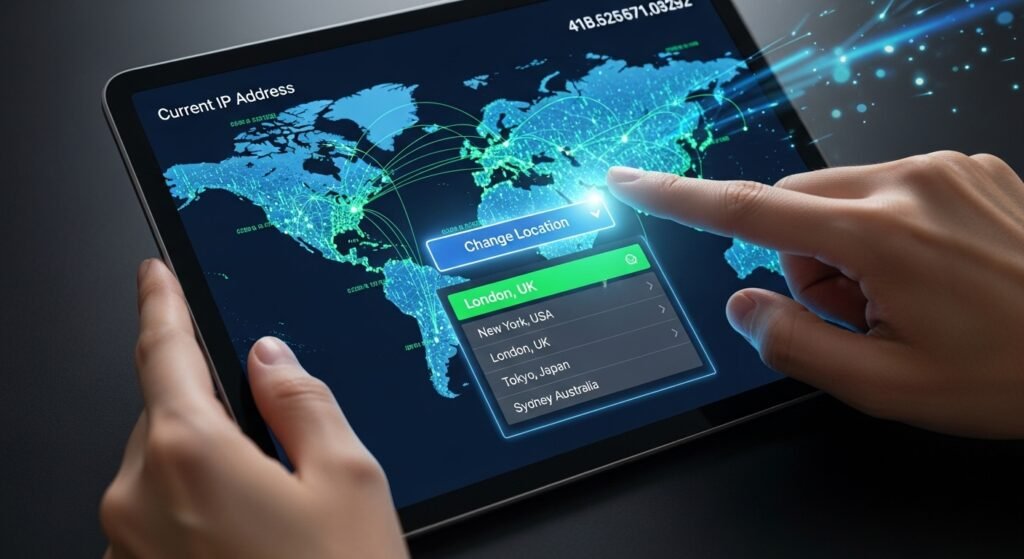
The easiest method to change your IP address requires you to use a Virtual Private Network (VPN). The VPN connection process hides your actual IP address while you receive a temporary IP address from the VPN server. The application allows users to switch their IP address by selecting a city or country with a single button click.
The “Unplug Your Router” Trick
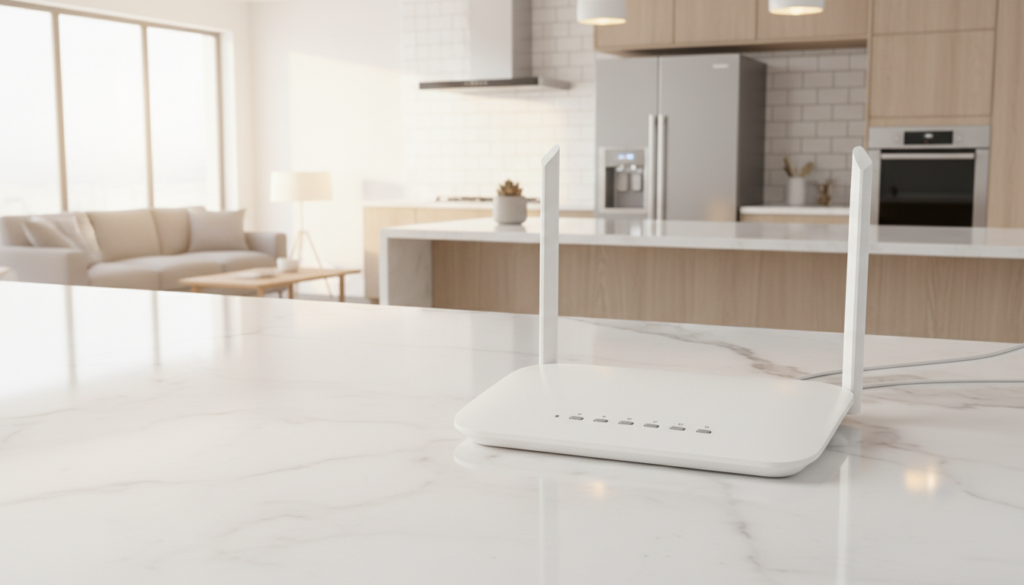
The power cycle method serves as an alternative for users who do not wish to use software for their needs. You should turn off your internet router and then keep it unplugged for a duration of five minutes. Your Internet Service Provider (ISP) will assign you a new IP address when you replug your device because they will provide you with a fresh address from their complete range of IP addresses.
Switch to a Mobile Hotspot
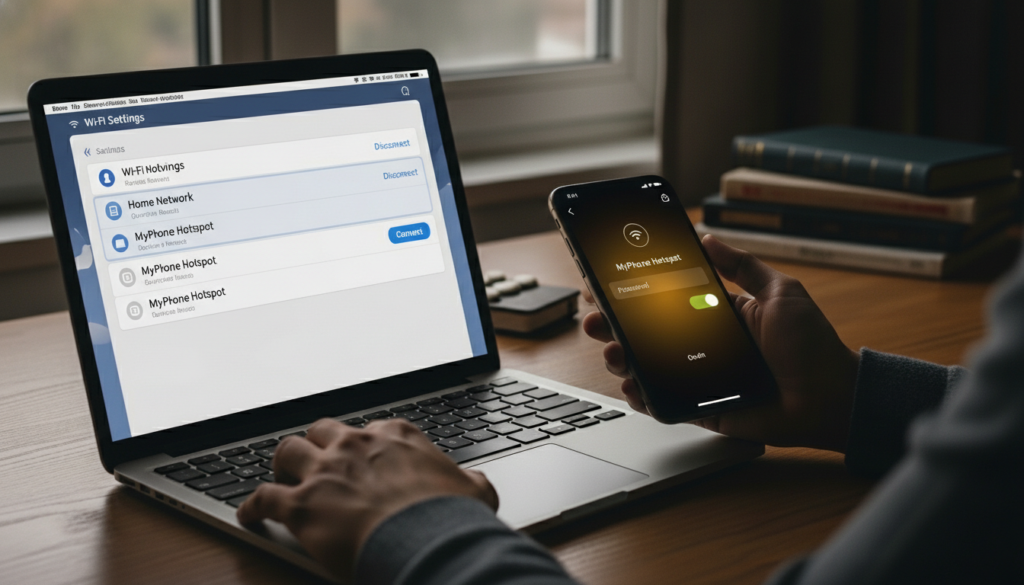
To achieve Wi-Fi Internet access through your laptop you must first drop your home network connection and start using your mobile phone’s hotspot. Your phone has a distinct IP address because it connects to a cellular network which operates differently from your home Wi-Fi.
Use a Proxy Server
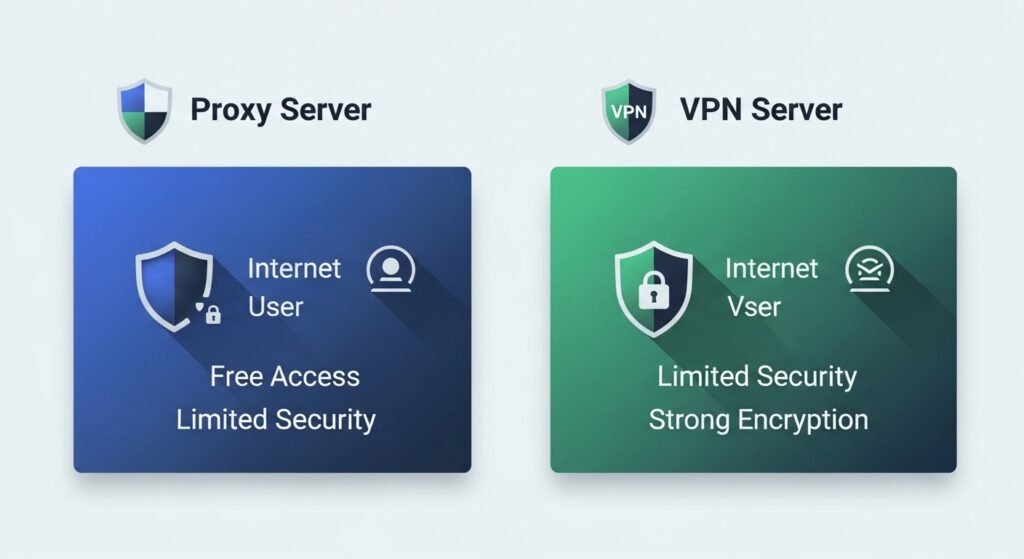
Proxies function as intermediary servers which manage the flow of web traffic between users and websites. Proxies operate like VPNs by passing your information through an alternate server. Proxies provide users with free access to their services which enables basic web surfing but their security features fall short of VPNs who provide encryption capabilities.
Update Your Settings (DHCP Release)
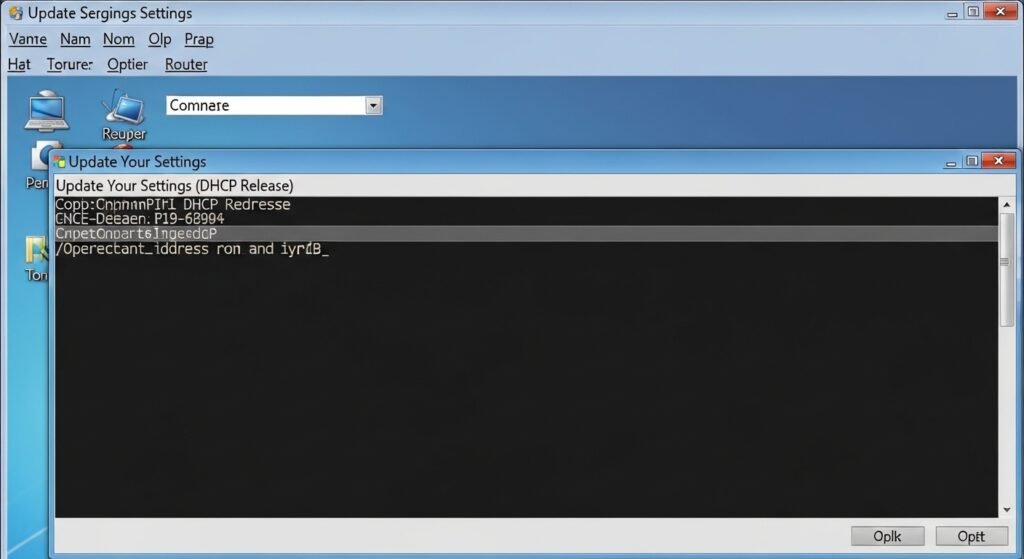
A computer user can request a new IP address through his router directly. Windows users can use the Command Prompt window to enter a particular command which allows them to release their current IP and obtain a new one. The command instructs the router to delete your existing IP address and obtain a new one.
Connect to Public Wi-Fi
Every network has its own specific IP address. Your IP address changes automatically to the local network when you visit a nearby coffee shop or library and connect to their Wi-Fi network. The process provides a physical method for resetting your entire online presence.
Use the Tor Browser
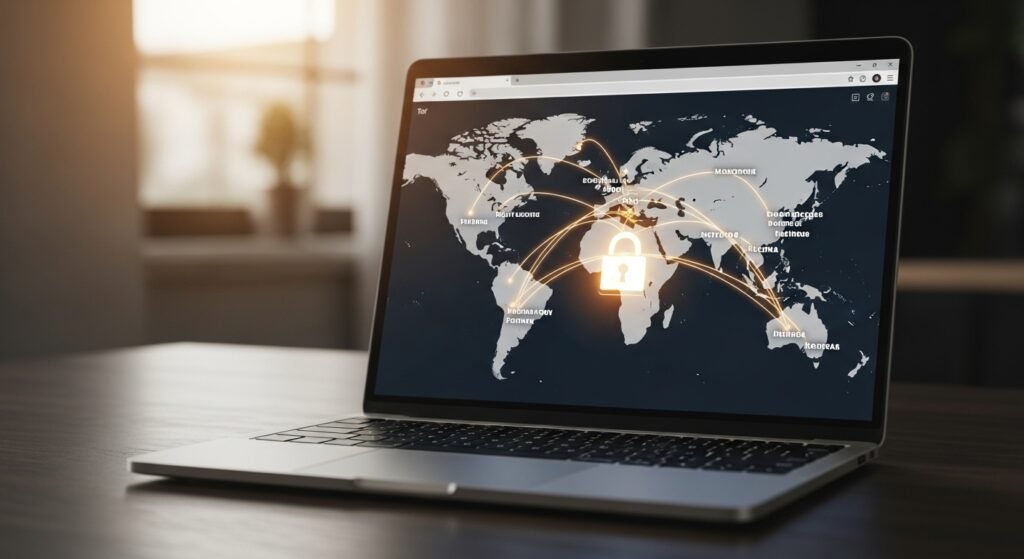
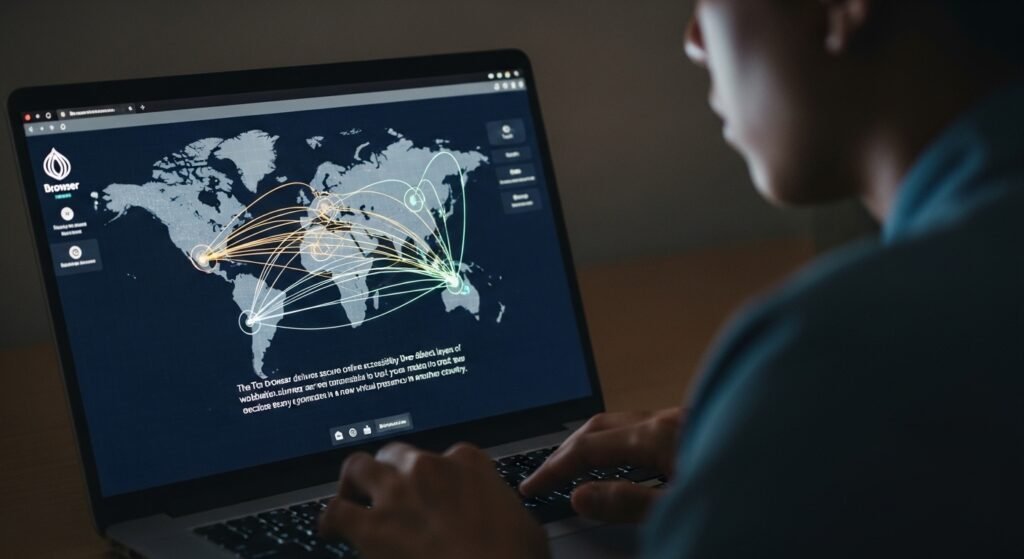
The Tor browser delivers secure online accessibility through three distinct layers of worldwide volunteer server connections. The system makes it impossible to track your location because every use generates a new virtual presence in another country.
Contact Your ISP
A Static IP will prevent your method of changing IP address from working because Static IP addresses do not change. You should contact your Internet provider to request an IP address change. The process allows remote execution by technicians who complete it within some minutes.
Use Airplane Mode on Mobile
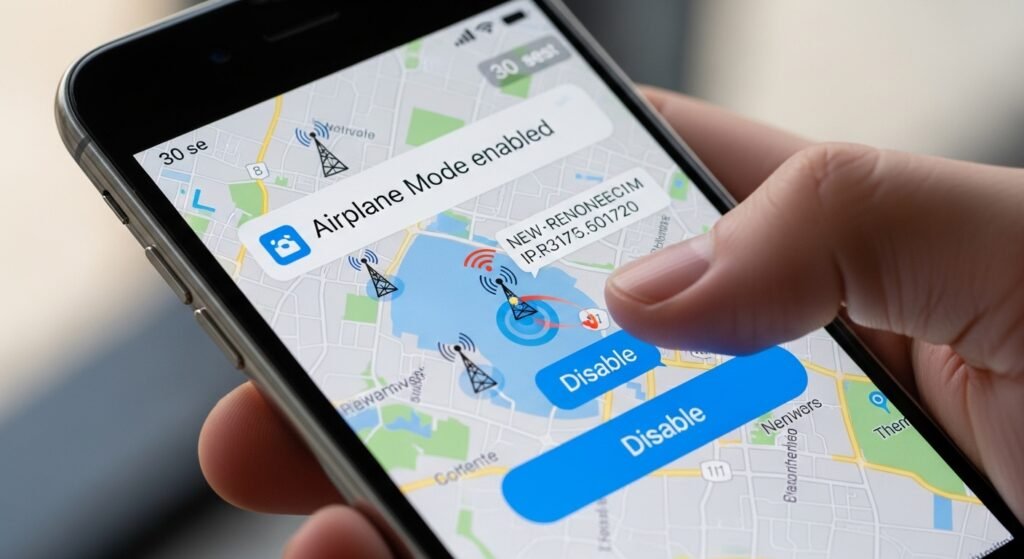
The Airplane Mode feature on smartphones functions as an IP switch which changes your IP address when you activate it for 30 seconds before deactivating. Your phone will connect with the closest cell tower which ensures your device obtains a new IP address.
Change Your Device
All devices connected to your home network receive Internal IP addresses while they share one Public IP address for external connections. The IP-based filter blocks you from reaching content until you switch to another network while your current device remains on the same Wi-Fi.
Check Your IP First
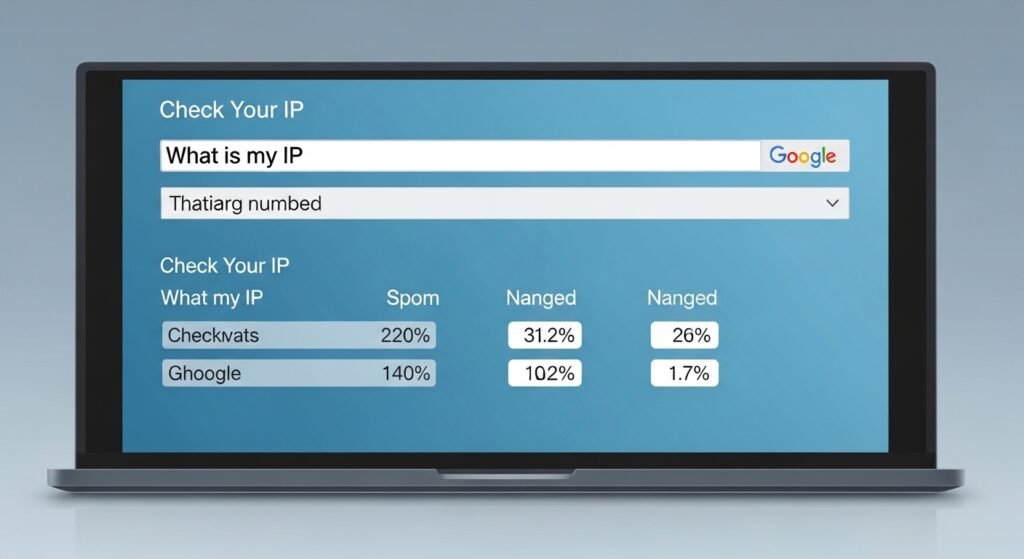
Users should enter “What is my IP” into Google before performing any of the upcoming procedures. The method enables you to confirm whether the numbers have changed because you receive updated information about the changes.
Understand “Static” vs “Dynamic”
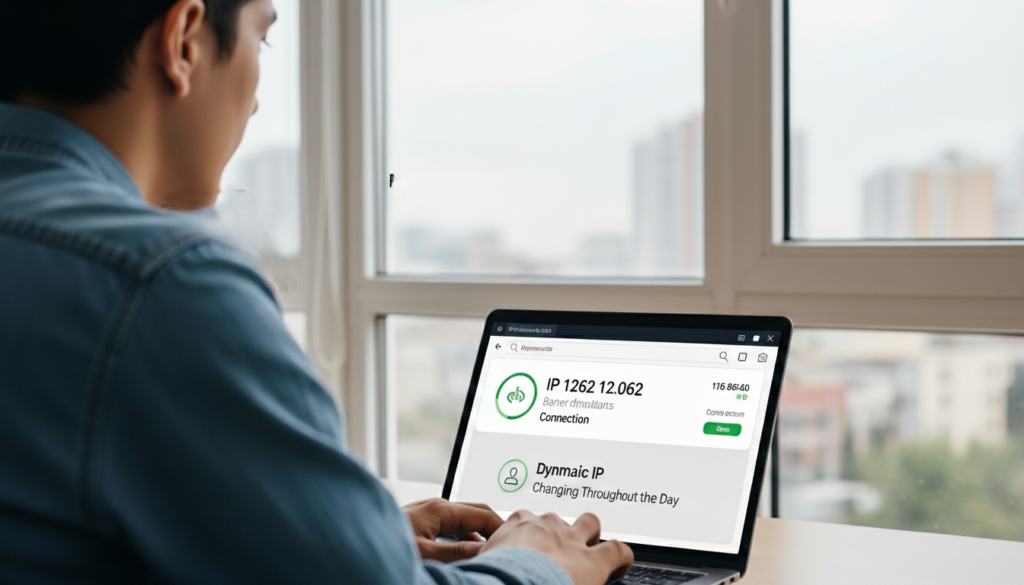
Home users typically receive IP addresses from their Internet service providers which change automatically throughout the entire day. The identification of your IP type assists you in determining whether a router restart will fix your issue or if you must use a VPN for resolution.
