
Google uses its data for AI training purposes which cybersecurity experts have condemned as excessive. Users who benefit from Google AI functions Gemini for email summary and reply creation remain unaware that their personal dialogue is used to enhance system performance. Digital privacy restoration starts with understanding these settings.
The “Smart” Features Default

During the Gmail setup process, Google automatically activates the “Smart Features and Personalization” option through its default settings. Google AI uses this setting to access your email content for its features which include “Smart Reply,” “Smart Compose,” and “Summary” tool functionalities. The convenience of this feature results in your private information being subject to active scanning procedures.
Training the “Gemini” Brain

Your Gmail interactions with Google Gemini AI will be used by Google to improve its model. Your writing style and conversation topics help the AI develop its human-like communication capabilities. Experts have identified this issue as a potential risk which allows the AI to unintentionally learn secret material.
Human Reviewers May See Data

Google requires human reviewers to analyze “anonymized” AI interaction snippets because this helps them check whether the AI system operates as intended. The email content which contains possible addresses and medical details and business secrets will still be accessible to an outsider despite name removal.
The “Data Leak” Risk

The cybersecurity community expresses concern that an AI trained on private data will create a risk of “leaking” user data to unauthorized parties. When a company shares its private project information with an AI system, the AI system might unintentionally disclose that information to competitors who ask similar questions.
It’s Not Just About Gmail
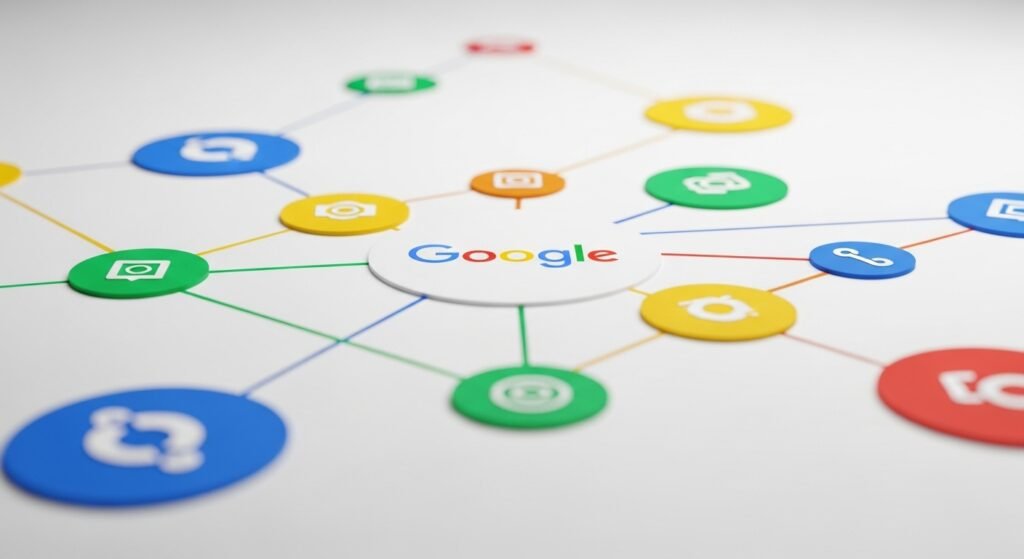
This AI setting extends throughout the whole “Google Workspace” ecosystem. The AI system tracks your emails and analyzes your Google Docs and Sheets and Slides data to create a comprehensive profile of your personal and work activities.
The “Opt-Out” Is Hidden
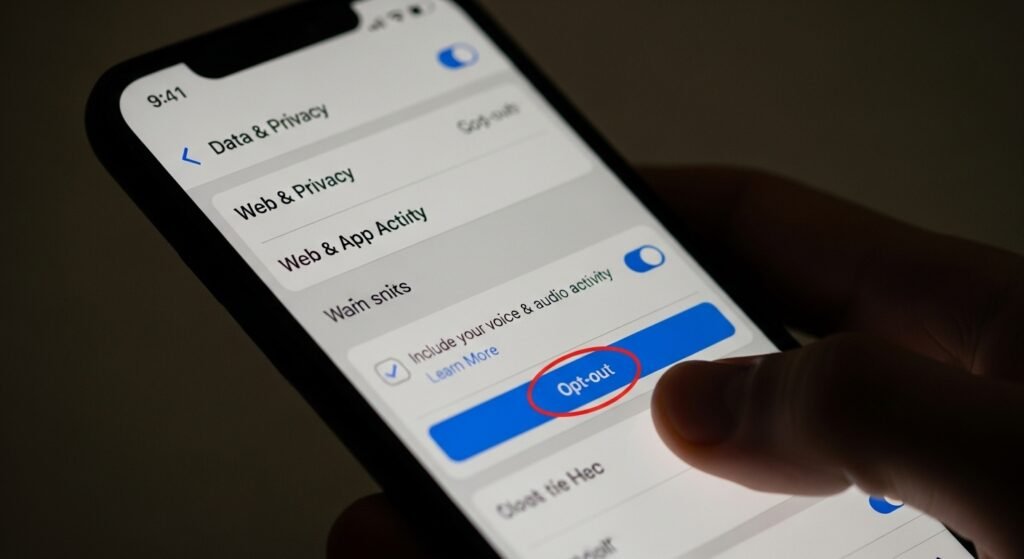
Google avoids sending users a prominent alert that requests their permission to participate in AI training programs. The “Opt-out” option exists within the “Data & Privacy” or “General Settings” tab at a location which prevents most users from discovering and disabling it.
Phishing Becomes More Sophisticated
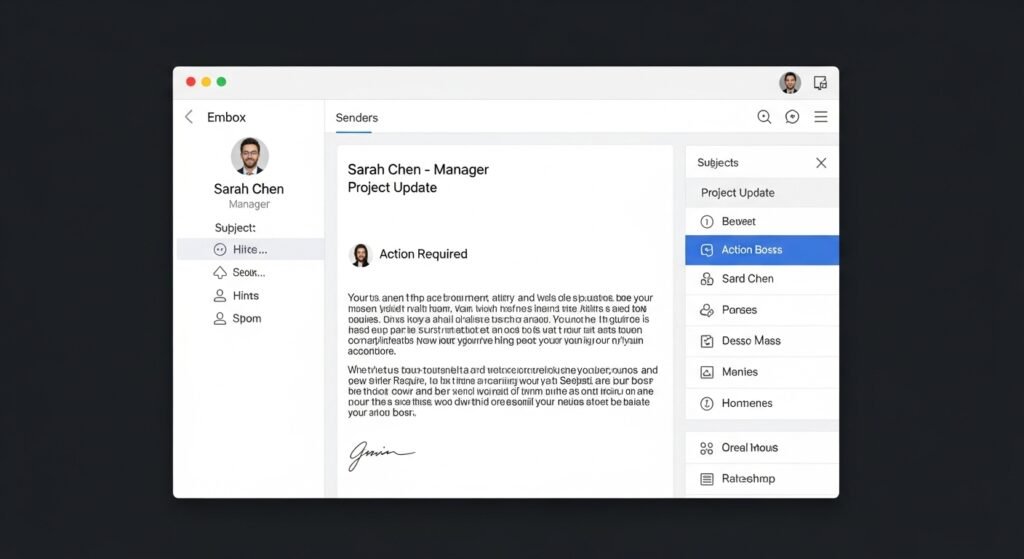
When AI gains access to your email “tone,” hackers can use AI technology to construct phishing emails that sound exactly like your writing style. The hacker can create a believable scam email to you because he knows how you interact with your boss.
Third-Party App Integration
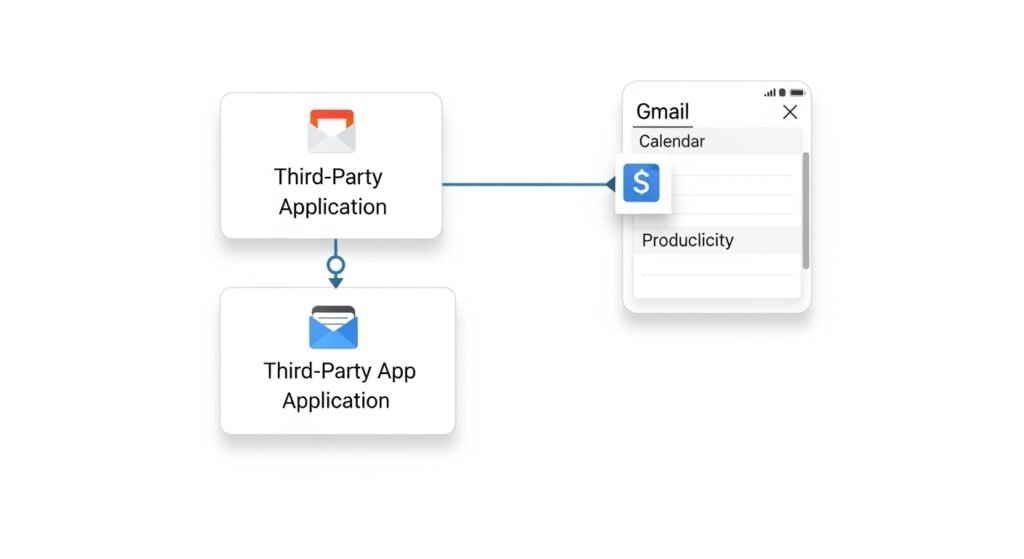
When users grant third-party applications access to their Gmail account, those apps will share data with unknown companies if their AI functionalities are active. This creates a “chain” of data sharing that is hard to track.
Impact on Sensitive Professions

Lawyers and doctors and government workers face unlawful breaches of confidentiality when they use these AI settings. Organizations now ban Gmail AI features because they lack assurance that “privileged” material will remain protected from AI training access.
