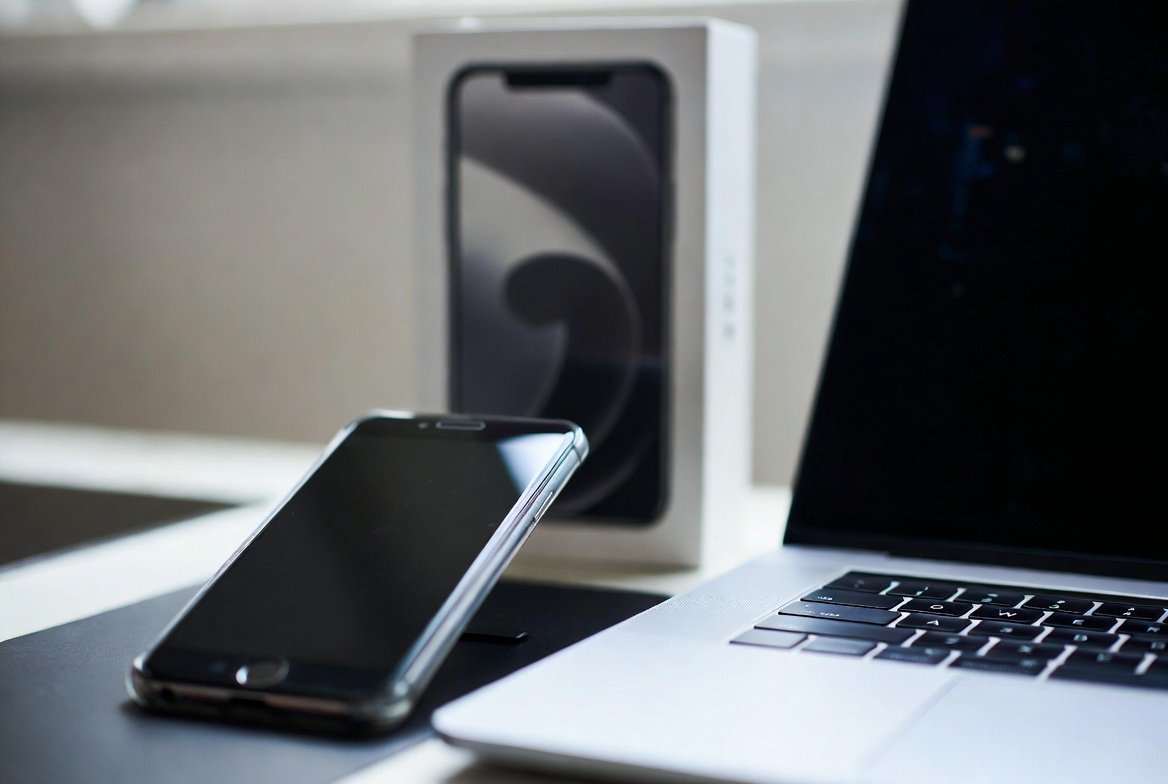
Changing one smartphone, laptop, or tablet for another may feel exhilarating, but the process of undertaking a new gadget leap could leave one’s precious photos missing, or a hole in security could very lead to a tumble in cash. Few essential steps need to be done before putting the old tech in the rubbish or withdrawing to the drawer once you must secure data access and ensure a smooth transition.
Here are ten things you should do before getting a replacement device:
Last Full Backup

Data saving is crucial as the first consideration; put it away from the instrument which you are leaving. Back up by whatever method you please, whether cloud services like iCloud, Google Drive, or OneDrive or some physical external hard drive. Also, check your backup to ensure it is “current.” That is, the latest photos, contacts, and documents should have been uploaded in less than 24 hours. This ensures nothing has gone amiss.
De-authorize Your Accounts

A lot of the media store purchases or software subscriptions can allow a limited number of concurrent device logins (e.g. iTunes or Adobe Creative Cloud). For example, if you do not “de-authorize” your old device before disposing of it, you might potentially get locked out of your own software on the new one.
Log Out from Each App

Uninstalling an app does not guarantee automatic log-off. Manually sign out of sensitive apps on your device, especially banking apps, or social media accounts related to work for enhanced security, especially in case sudden hacking through your lock screen happens by someone.
Unpair All Bluetooth Accessories
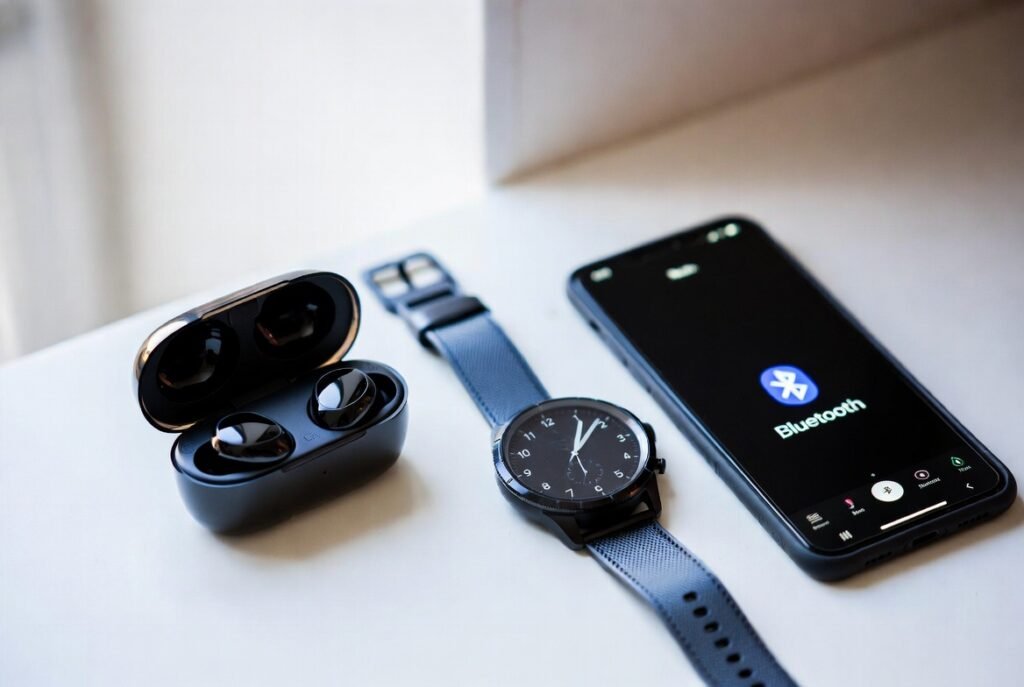
Before you establish any new device, unpair your headphones, smartwatches, or car audio from the old one. This helps avoid “connection confusion” so that every time you want to use the headphones with your new device, it would not keep trying to connect to the old one, sitting on the other side of the room.
Clear Browser History and Cookies

A browser actually does keep lots of personal data on any algorithms, including saved passwords, home addresses, and even those of credit cards. Go to settings on your Browser and reset them by clearing Cache, Cookies, and saved passwords.
Make Sure to Remove SIM and Memory Cards

It is easy to forget to take away from a phone the physical SIM card inside. If your phone has an existing physical SIM, make sure to get that one for the new phone or destroy it. Also, check for microSD cards; it might contain years of personal photos and files.
Clean the Physical Device
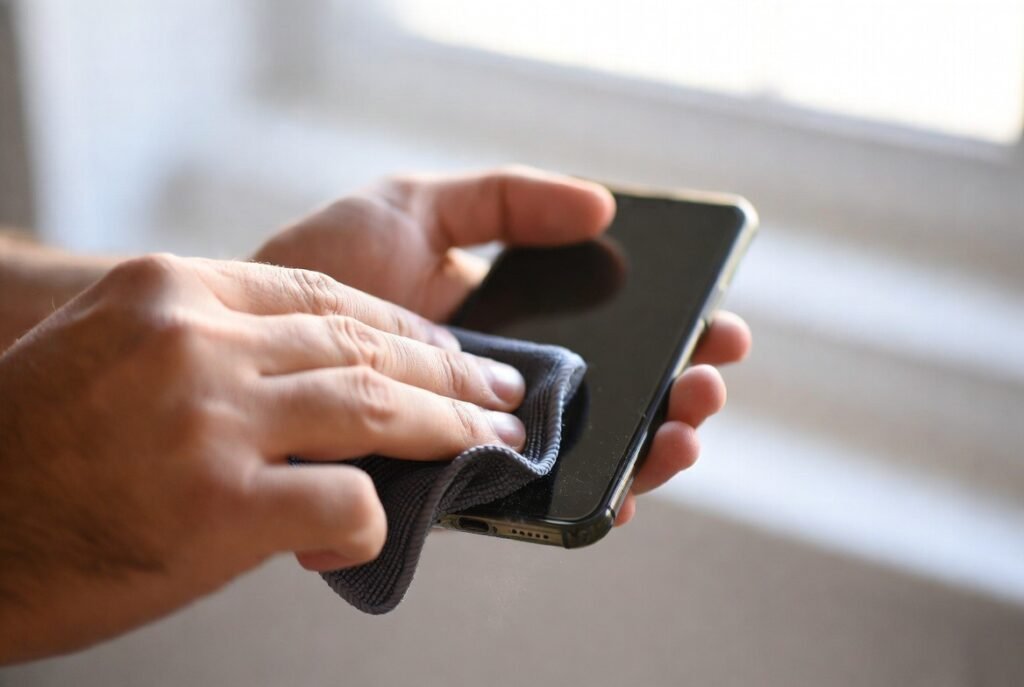
The better condition the electronic device is, the more valuable it is for trade-ins or sale. Use a microfiber cloth for fingerprint cleaning and a small brush to get rid of dust from the charging ports. A clean device, aside from looking like one that has been cared for, should return a bonus for poor resale.
Document Damages
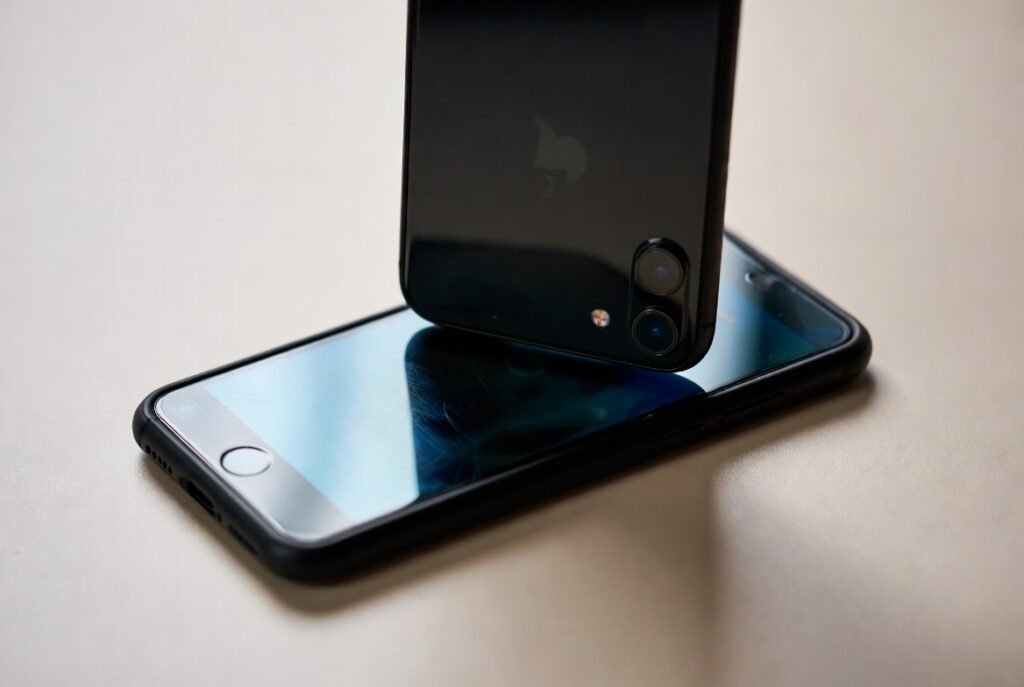
Take photographs of the screen and the body while the device is still on for the trade-in program. These pictures are necessary should the device be damaged while in transit thereby ought to merit the credit you would have otherwise been promised.
Factory Resetting
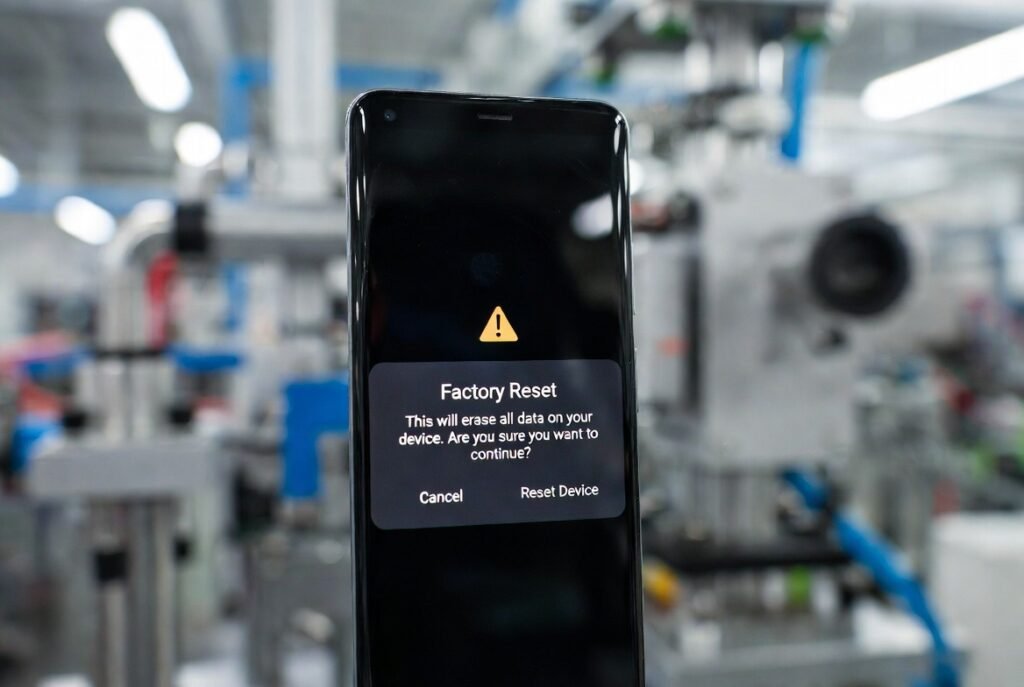
For you to bind a Factory Reset, you must be 100% sure your data has been safely backed up. This would erase all settings made by you on the unit and return it to the state it had been before leaving the factory, more or less this will trigger an “encryption” on most devices making the recovery of deleted data near impossible by others.
Read about Responsible Recycling
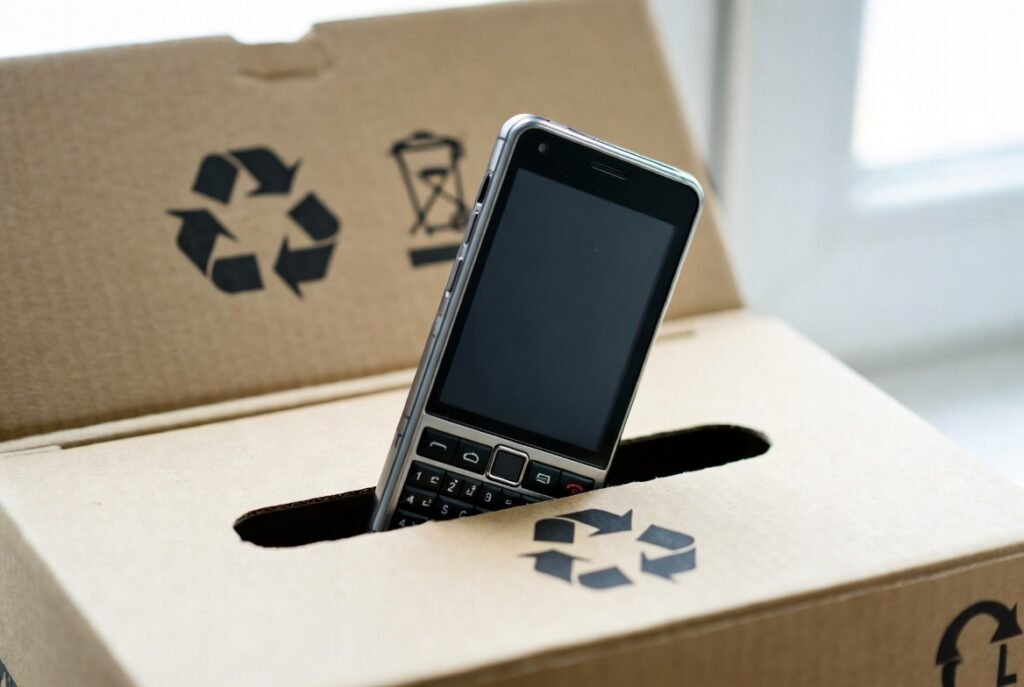
Once your device seems too old to be sold, do not just dump it in a bin. The pollutants, mercury, and lead that electronics contain can greatly harm the environment. So, it is best to locate nearby. E-waste recycling center or retailers who have a free recycling program.
